I’ve already bought it on Amazon. Will go to play store and see what happens.
Hey Colin Amigo It’s Pete
Bonjour Amigo <<< French and Mexican Haha.
Just A Quick Fly-By My Mexican Friend Just Asking If You Recieve The Pictures I Sent Ya Yesterday Hope You Did Miki.
Regards Pete (IR0NEAGLE1) IF YOU DIDNT THEY’LL BE ON THE POST TP- DRACOO TDUK - APP KILLER UPDATE
I did get them tx. Looking good Amigo.
WOW! As far as the app killer and the cache cleaner, I have problems with the cache cleaner. I’d rather be able to pick which apps clean which ones I want left alone. That would be nice if he would add that function on the app. The cache cleaner app.
So is there any reason to run task killer if Im using app killer ? I guess just to see available Ram.?

Thanks @powerfader, I was just going to ask if we heard any updates on the whitelist. 
It just has to go through red tape (approval) in the Play Store and App Store.
I purchased paid app, without trying free one.
I am running Android tv ver 10
Can’t seem to get this debugging settings correct, consequently I can’t get the app to work correctly
Any help would be much appreciated
What device are you trying on? I have my Network debugging enabled on my Shield pro…
What exactly is the issue regarding the app?
Here’s one of the TDUK App Killer vids you can review. Make sure you have your ADB Debugging enabled.
(5)  FORCE STOP BACKGROUND APPS WITH 1 CLICK (FIRESTICK / ANDROID TV) - YouTube
Mecool k6 deluxe
I can’t get app to communicate with the box
Both of my KM6s have these apps and work great with both. Did you try to uninstall/reinstall? ADB is the key for both.
Do you have the ADB app?
Pardon my ignorance, Adb?
Ensure you have enabled USB / TCP Debugging before opening the app. Also, what do you mean it is not communicating with your box? Do you mean when you click “Connect” on the app it does nothing? If so, just exit the app and re-enter and try to connect again. TDUK has mentioned this sporadic issue in one of his vids.
Here’s another TDUK vid. This one is about his Cache Cleaner app, but he goes into details about enabling the ADB debugger.
The app uses an ADB connection to clean out the cache of all your installed applications. You need to ensure that ADB debugging (usb debugging on Android TV) is enabled before you use the app.
TDUK Cache Cleaner 2023 (Free Edition) | TechDoctorUK
Forgot to ask if you have enabled “Developer Option” If not you need to do this! Then you can go in and enable the debugging toggle.
That may be the heart of the issue…turning on Developer Option so can get to debug. On my Mecool you do Settings>>Device Prefferences>>About ------- then scroll down to “Build” and press enter 7 times. Then you jump up and down three times and touch your left finger to your nose ha ha kidding…ignore this sentence. This will make you a “developer”. Press back button, go to Developer Options and enable USB or ADB toggle.
The pathway will be similar, but slightly different, depending on the device. Do a search if you can’t get it to work.
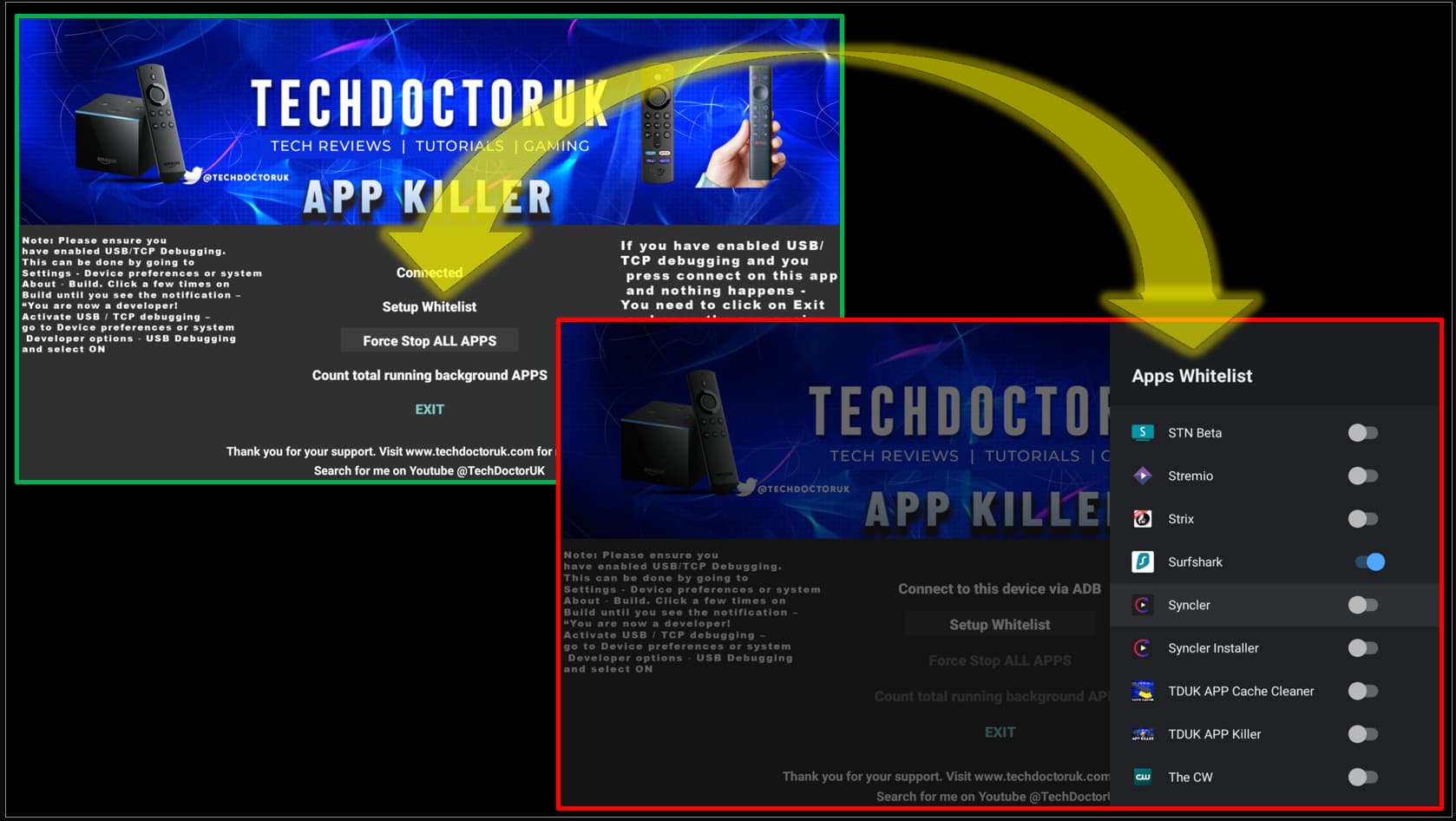
Got all excited only to find out Amazon appstore hasn’t updated it yet.
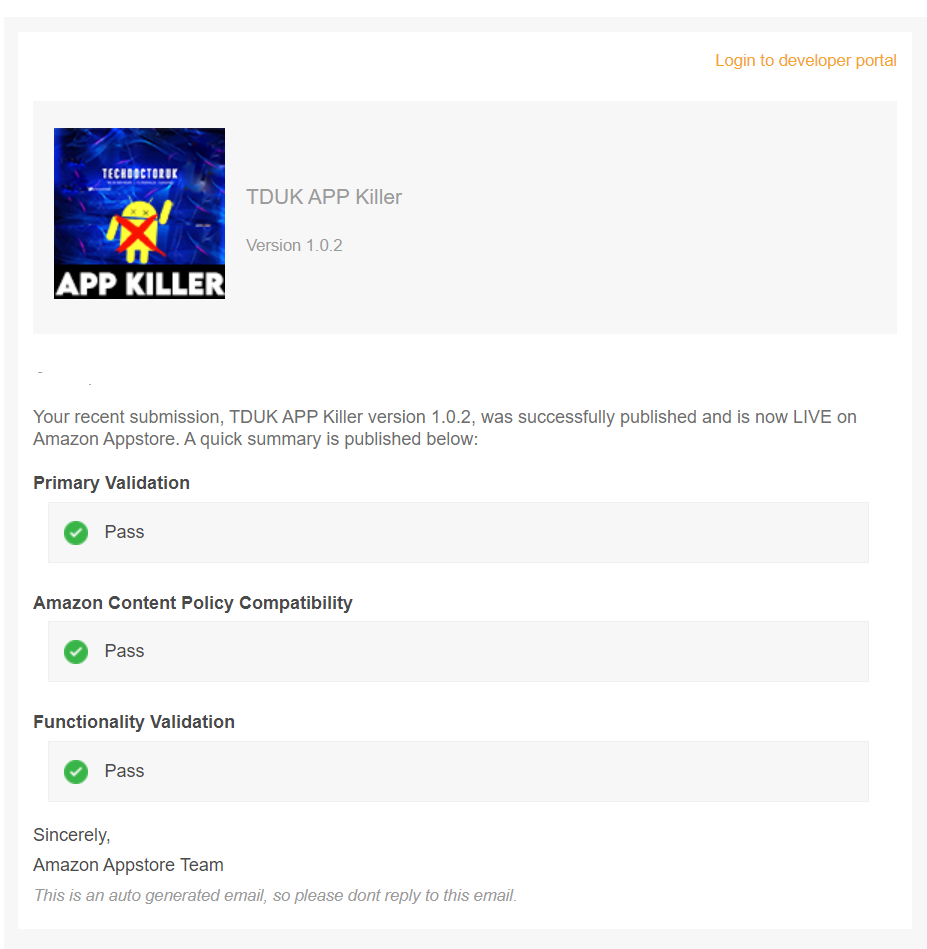
This is a really great app @TechDoctorUK. Thanks for all of your hard work, I’m a big fan!