Hey @JanS48 these may help, and with your knowlege shouldn’t be a problem , but do let us know….
For screen recording, you can use screen recording software such as OBS Studio, which is recommended for capturing the Stremio interface and playback on your computer. This method is useful if you want to save a video of what is being streamed, though it does not create a downloadable file of the original content.
Another approach is to use the “Play in external player” feature in Stremio. By enabling this setting and selecting a player like VLC, you can sometimes access the video stream and save it using the external player’s capabilities. This method may require additional configuration and depends on the specific content and source.
This is the one I used. Once set up when you start a vid in Stremio you use the external player option and choose ADM and there you have it. Lots of libraries have the APK.
Happy new year in 11.25 hrs! I have been using XBMC / KODI since Apple TV 1st gen., when that was killed, I switched to open sourced “OUYA” cube, it was amazing until the support went the way of the dodo bird, then it was different amazon devices thru till early 2025, when I got my X5 and my formuler mini. so with this background I can set-up KODI easily and be up and rocking in 10-15 minutes of plugging in a box, or pasting a copied file. I am retired and have nothing but time on my hands. The fun part with KODI ids you can still customize almost everything and being retired education is learning and learning is fun and keeps the mind active(hopefully wards off dementia), after chatting with MIKI I installed Stremio this month, yes it works great for the most part, but I am kinda set with my knowledge of KODI. Stremio may be easier for some but I have found Kodi as old Reliable (with The Crew, Umbrella,POV, RD & TORBOX), installing the “next best” add-on is not an issue. again time on my hands. Summary:
Thumbs up for
BuzzTV X5 or newer
Formuler 11 / mini or newer
Thumbs Down:
any Ama$on device
any @pple device
for us long term cord cutters:
OTA c/w HD Homerun
Kodi with above stated goodies
For New Cord cutters (especially who’s time is valuable) Stremio….
because enough thanks is never enough..THANKS to Troy and MIKI moving into my 17th year of cord cutting with all of their support .
Thank you for your kind words. I agree that it’s only after hours and hours of learning, typing in entries for repos, click here and click there that Kodi becomes easier. I’m ADHD and so that does not satisfy my needs. I get so frustrated after spending many hours setting up and learning only to find the repo fails, is gone, discontinued etc. and I have to find a replacement to fulfill my needs. I only ever watch vids and series, and don’t care what colourful landing page is showing so kodi is overkill for me and after finding and learning Stremio which within 30 seconds of firing up my system I’m watching my movie. Then the piece de resistance is when I can do a complete configuration and then pop over to my buddies place, log him out of his Stremio, log myself in and show him my library and we can watch anything. No setup or config required. Now that satisfies my ADHD to a tee.
Have a very happy new year all you amazing INSIDERS. To quote a famous actor:
LIVE LONG AND PROSPER.
I was hoping to find more of a DVR solution for Stremio - In Kodi I can schedule recordings (even simultaneous ones) and come back to playable shows that will let you ff thru Ads. I was hoping to hear of something like that for Stremio. As others have noted the Kodi UI is not the best…
Jan
If you have Stremio with a Debrid service, there is no reason to record. When properly configured with a Debrid service all content will be available as soon as it’s available on the Internet and Adfree. For a new episode you may need to record on your IPTV service if you want to watch same day as new episodes aren’t always available same day they come out. In Stremio, don’t expect to be able to easily find replays of Sporting events. You will have to record those in IPTV service. Just my 2 cents.
So what does that mean, it’s still not working - Stremio/Torrentio on Windows, Firestick, Onn box, Shield, T95Z. No VPN, real debrid good through September this year? Unless something weird has changed (no mention anywhere I can see). What’s the deal?
Stremio and Torrentio are both working just fine. Other than the rare hour or two Torrentio has been down it hasn’t stopped working ever. That’s the deal for me.
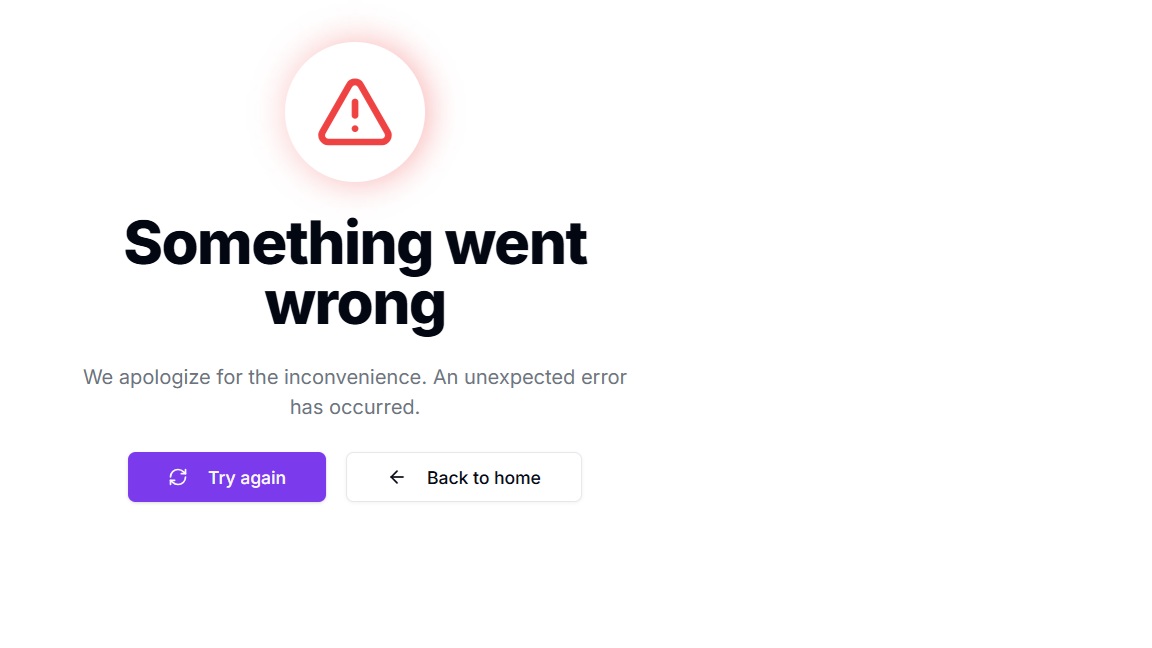
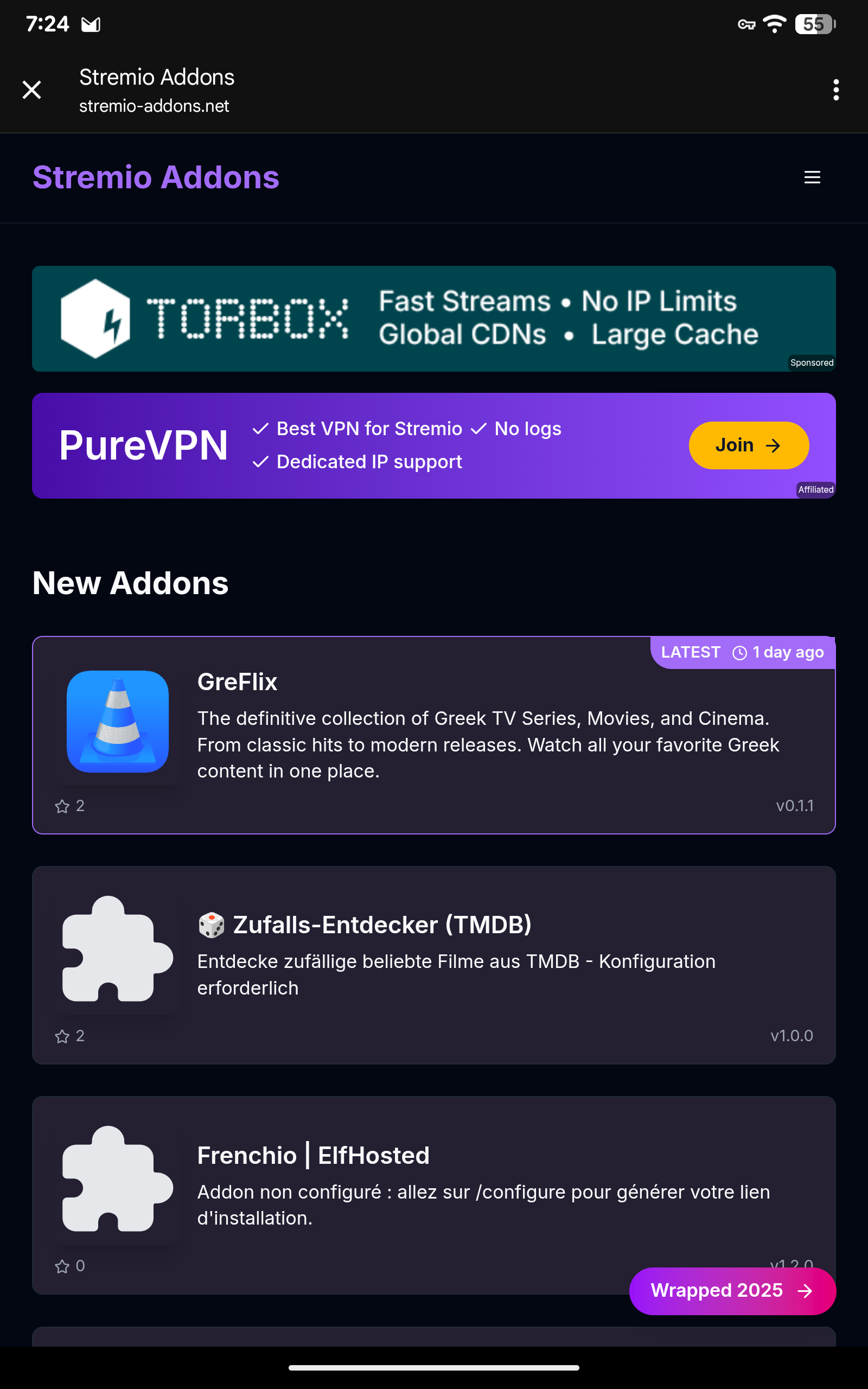
The link I gave you is the new library for community addons as I said. TorrentioPM, TorrentioRD, and TorrentioTB are the three I have and the only ones I can verify work just fine for me. When I click the link I posted above the following picture is what I get. This is on my BuzzTV P6L 256 Unlimited
Interesting - I can pull up that page on my phone and see the same thing you do but on my windows computer - NADA, just get that error page (on every addon). I’m using Torrentio RD on Stremio on all my devices and can get nothing on any of them. Real Debrid links are working fine on Cinema, BeTV, FilmPlus, NovaTV.
I don’t know what to tell ya. I don’t have a laptop or computer just Tablets. I have absolutely no issues with Stremio for Android and all my addons work like a dream. I watch Stremio about 4-6 hrs a day. I don’t use windows so I have no idea how the add-ons work on a win doze device.
Yes, Kodi works…… sometimes! The addons just keep coming and going. Right now, for example, there are hardly any addons that pull up free streams, only debrid streams.