I have to tell ya, you must be one heck of a clicking fool now.  I don’t know anyone that can factory reset a device, and then reload it completely, as fast as you can.

3 Likes
I know that this a thread devoted to the Onn Pro. But in light of the latest conversation about removing/changing the home screen on the Onn, I’m wondering if Mark’s method of changing to an “app mode” would work on the Shield Pro? I do know that Mark is anti-Shield but it seems that most of the top-shelf streaming gurus are involved in this thread.
The OP mentioned in his first post that he wanted to do this to the Onn Pro like he did to his Nvidia Shield. Not sure what generation of Shield exactly, but makes me think that it may be possible on the newer ones?
I’ve never seen an apps only mode on my pro. But then I have mine to auto boot directly into Tivimate, so I never see the home screen.
Yea, the OP’s initial comments threw me off a little. I mentioned I thought the apps-only setting is a GoogleTV setting and not AndroidTV setting, but the Shield runs AndroidTV and I believe always has.
1 Like
I was just hoping to find out if there was something similar.
Jerry why would the Device Matter? I would think Apps Only mode would be the same regardless of device? Have you tried it on a Shield?
No Apps only setting in the Shield Pro. At least not that I’m aware. I just checked in the account settings.
1 Like
Because they are two different operating systems with different features.
https://www.androidpolice.com/whats-the-difference-between-google-tv-and-android-tv/
1 Like
Maybe the OP means this on the Shield?
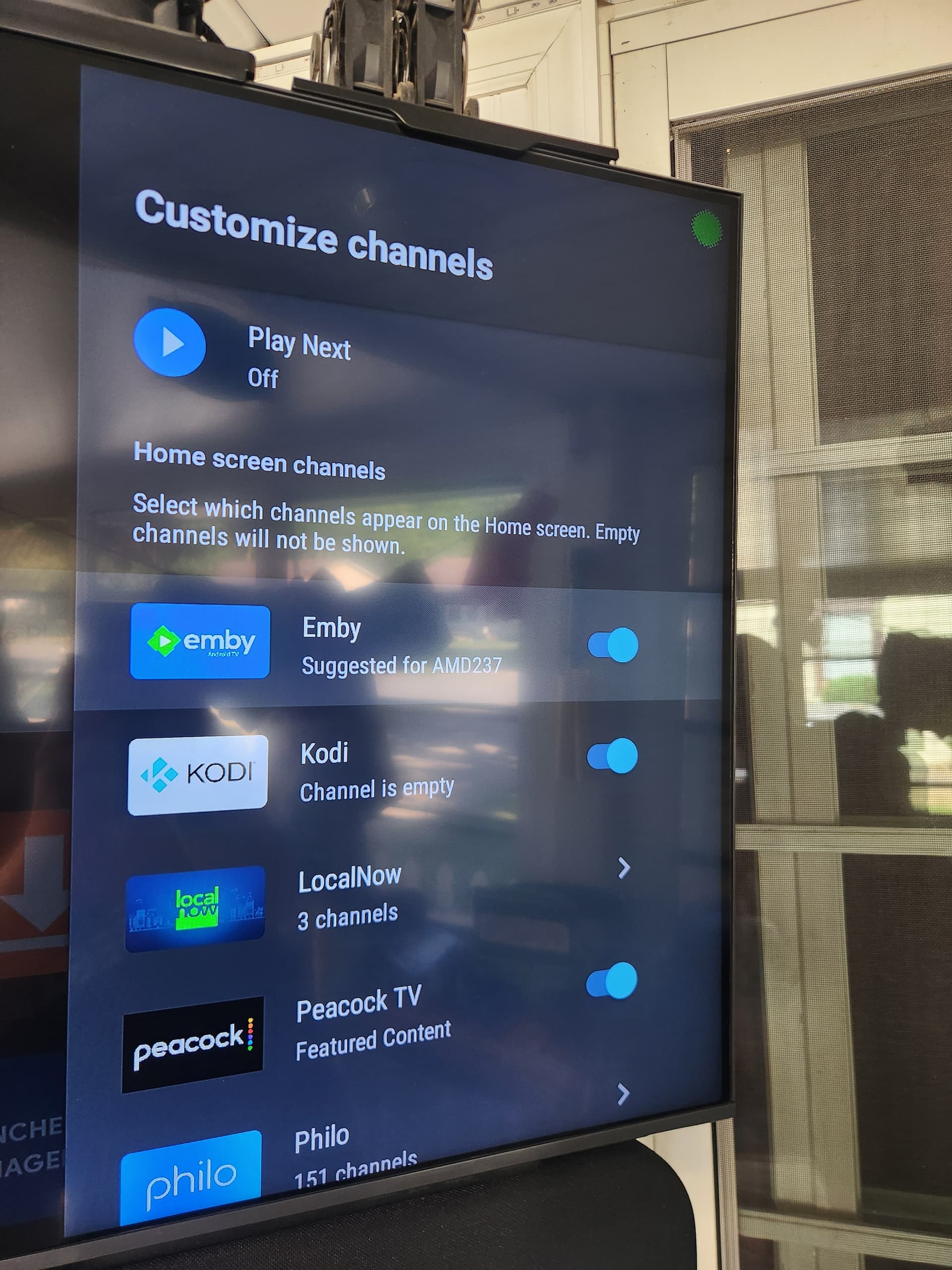
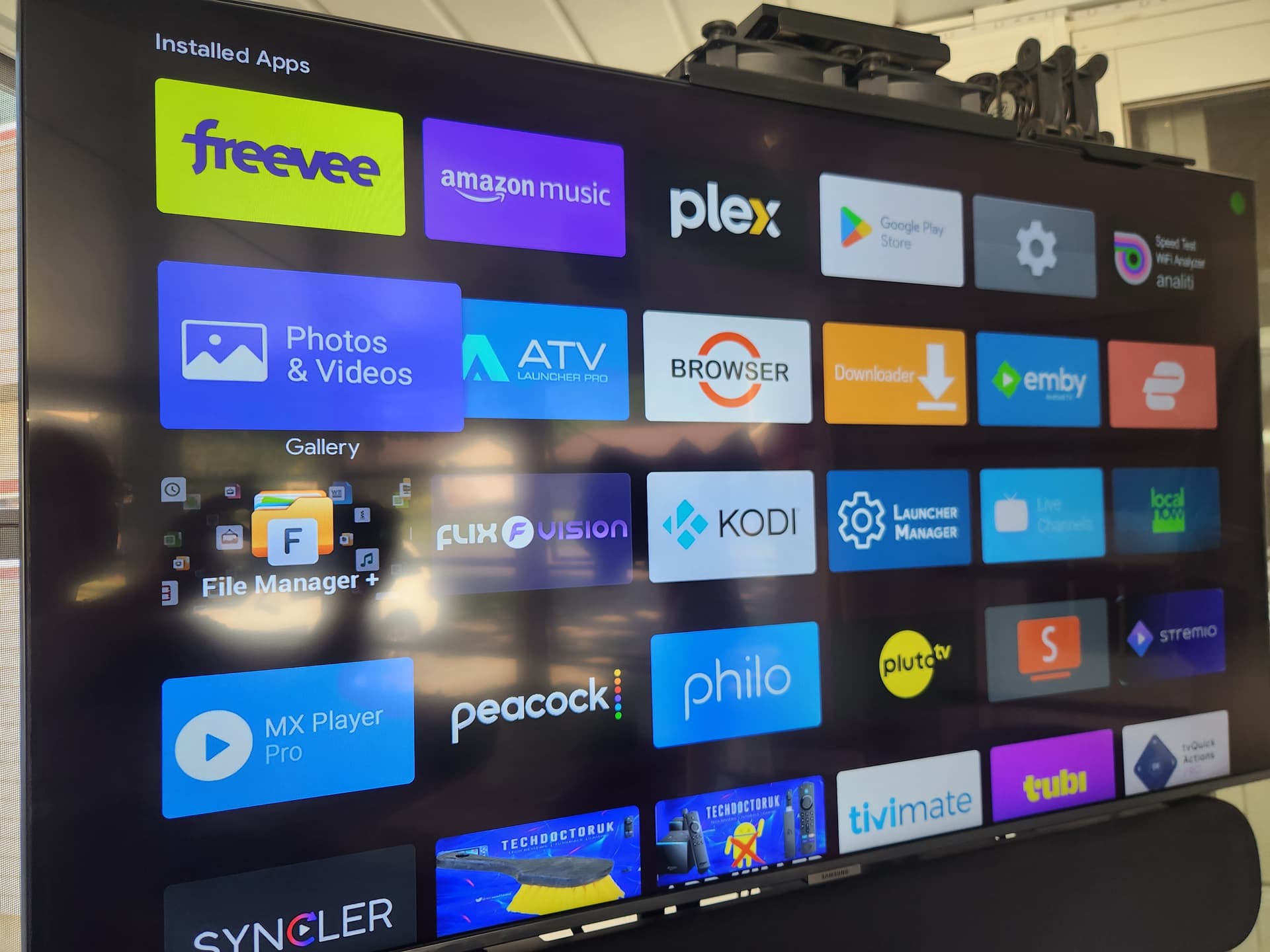
Settings->Device Preferences->Home Screen->Customize Channels
Mine doesn’t show any of that. I get a selection for Stremio and 3 channels. If I want to see my installled apps I just long press the hamburger button on the remote.
Not sure if I’m correct in my answer that your looking for but I went into my account and at bottom clicked show apps only and it got rid of the background garbage
On the Shield Pro? @Streaming429
Unfortunately that’s not an option on my version of AndroidTV. But that aside, I wouldn’t use it anyway. My Shield loads straight to Tivimate which is pretty much all I use. Haven’t seen any new APPs that have inspired me to investigate them and their settings. So it’s been quiet for a bit.
1 Like
I’ll have to look. I took it off so I could set up one of the new ONN boxes. I do know I had apps only on it
I may have caused some confusion and I apologize. I kinda took this thread in another somewhat related direction and may have caused a drift from the original topic as indicated in the title.
I assumed that if the Onn Pro offered the capability of changing the google launcher that maybe something like this would also be an option on the Nvidia Shield Pro. Silly me!
1 Like
I think this whole thread has been a good learning experience. The newer apps-only feature of Google TV is a decent option for those that don’t want to dive into a custom launcher. Also, with the Android TV devices that don’t have that exact feature, I posted a way to turn off some of the ads, etc to improve your Android TV experience. I think we accomplished a lot, and didn’t deviate TOO BAD from the OP’s question.
3 Likes
Hey if it wasn’t for this thread I would have never Bricked my ONN Box a 2nd time! 

2 Likes
On the shield Pro there’s no apps only setting however on the very top or it says search, home, live, shop, discover, and then apps if you underline apps that’s all it shows is apps if you can use that as a home scream.
1 Like