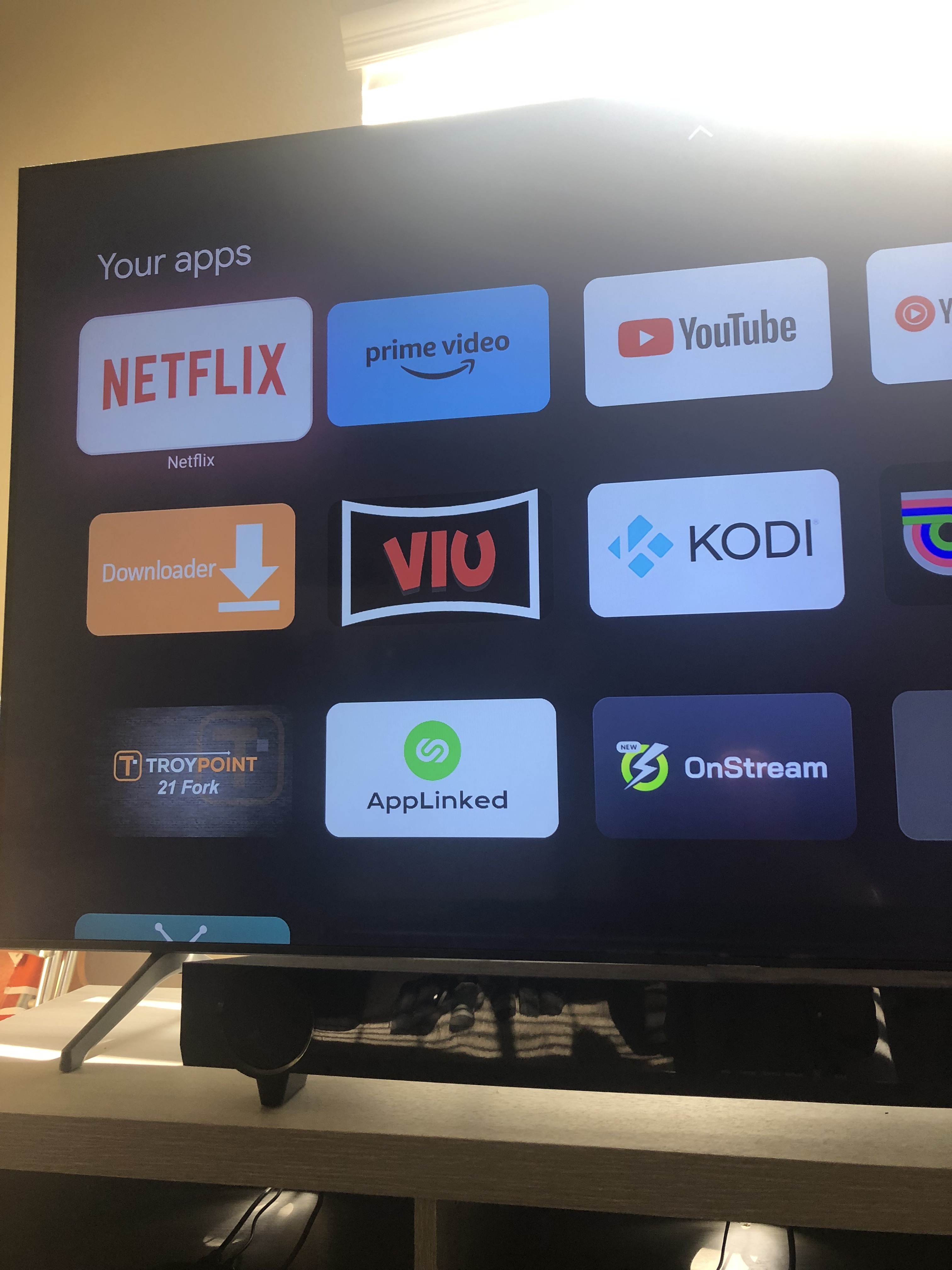
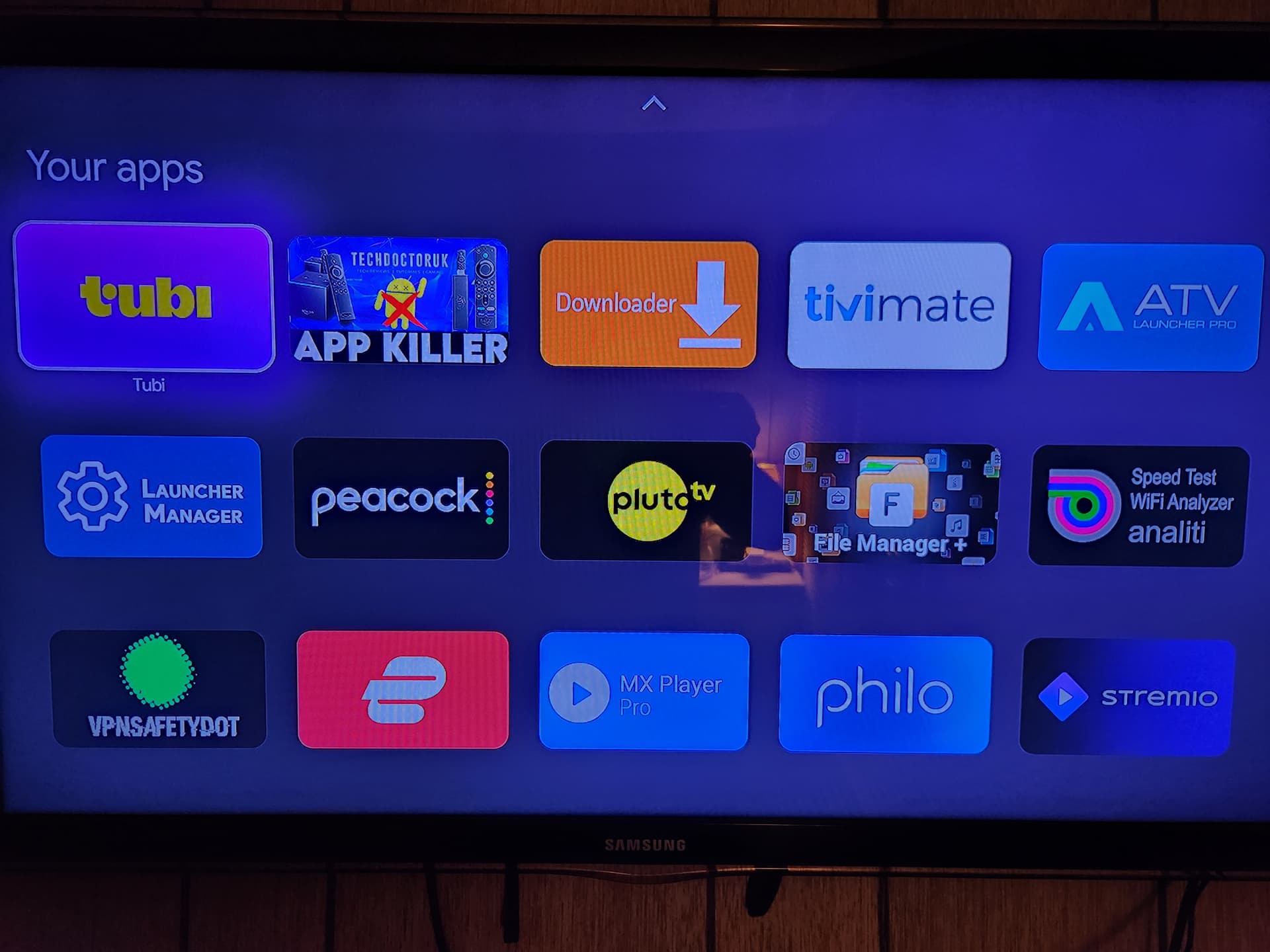
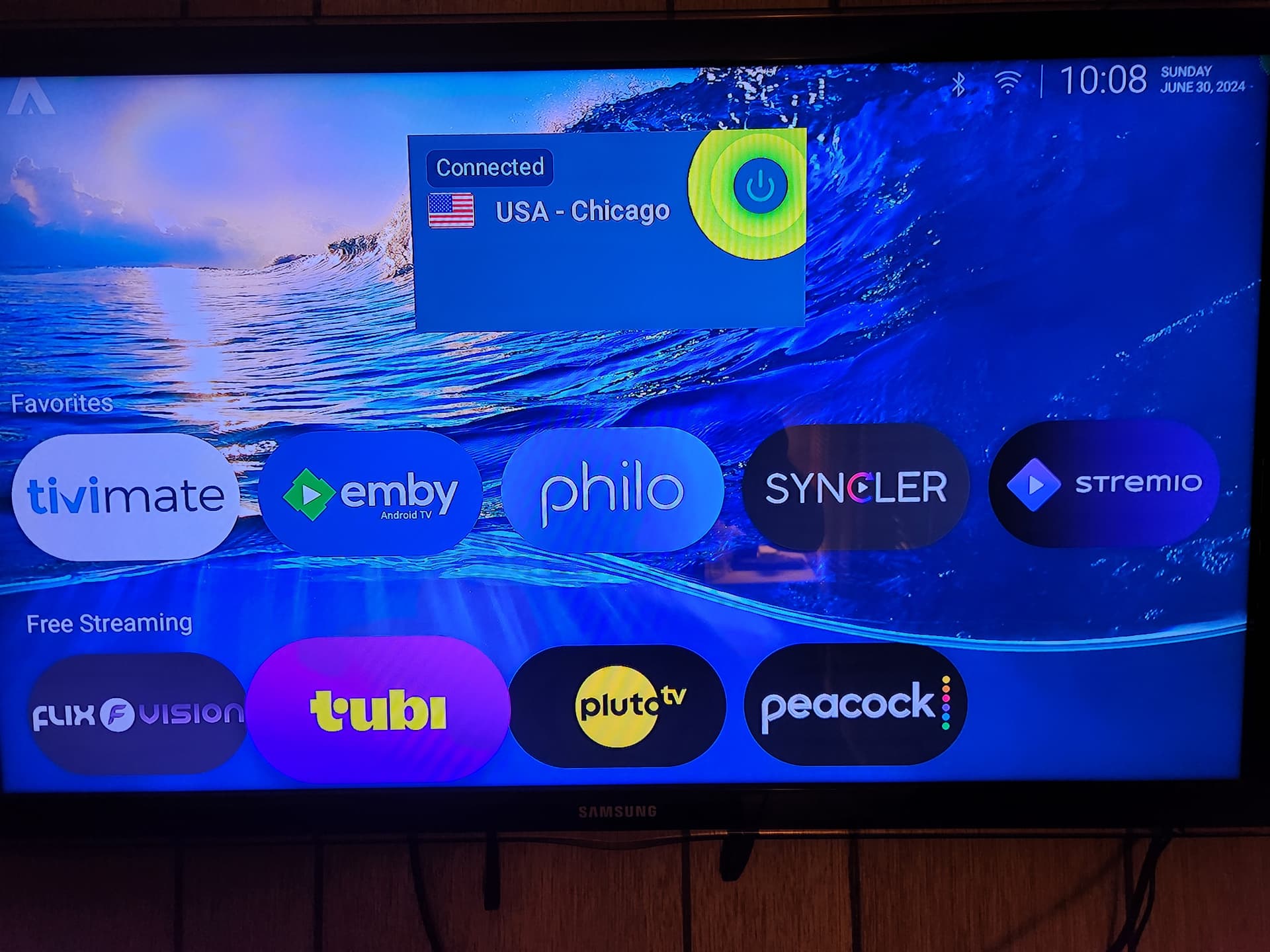
LOL I just went into my settings and for the Life of me cannot find the “Apps Only” Mode. But when I did turn it on in the past it is exactly like what you have on your setup using ATV Pro Without the Ability to customize with Wallpaper, app categories, widgets, etc…Apps Mode give you the Apps as Icons Only. I don’t think it is “better” but it is similar
EDIT: @AMD237 I found the setting. This is Apps Only mode.
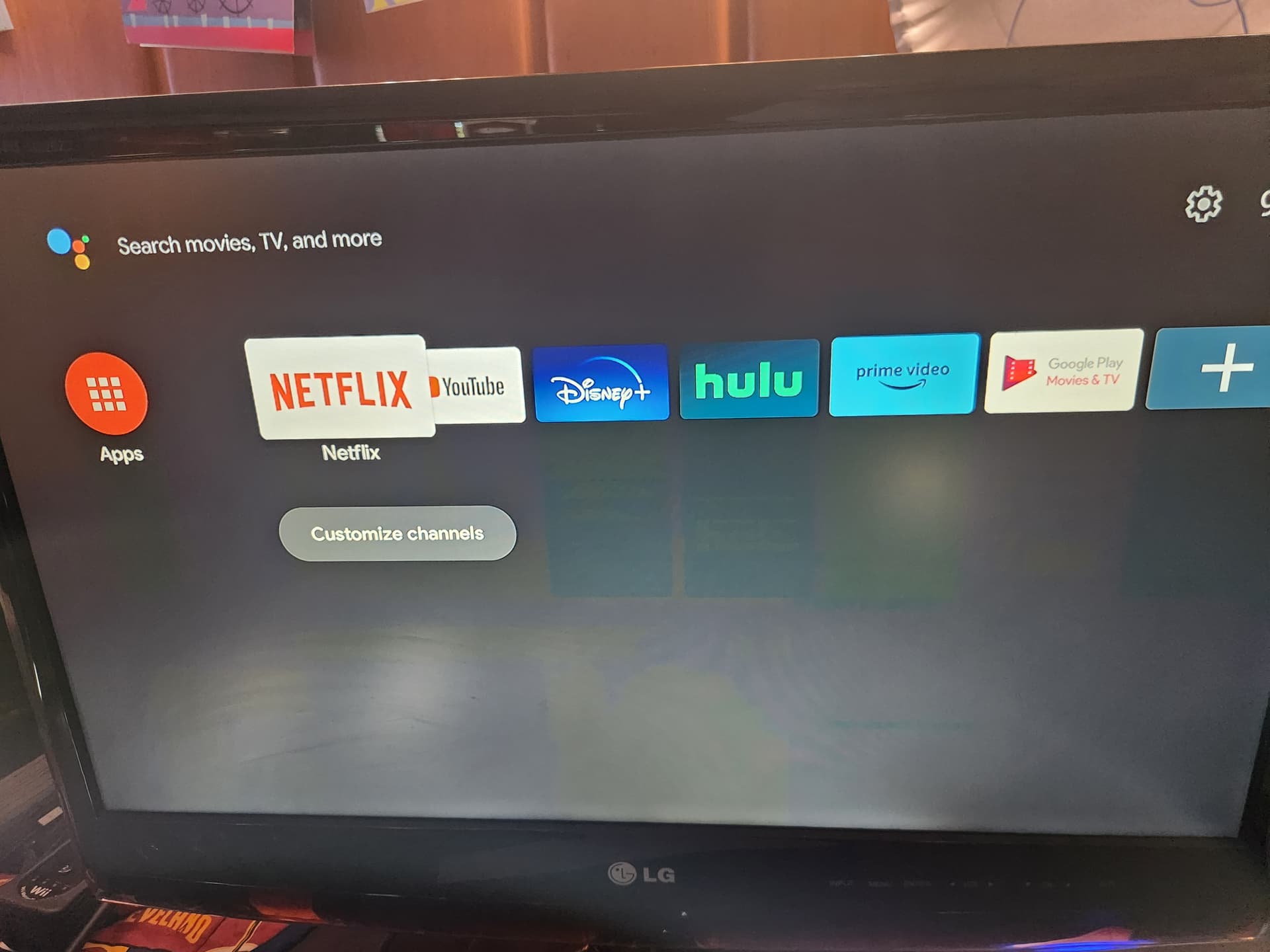
Old Onn…Settings, device preferences, home screen, customize channels…turn off everything. Agree it is better than Amazon trash on my desktop, not much else.
The older Onns are Android TV, not Google TV. I’ll bet it is a Google TV only setting. I can’t find it on here. Regardless, think we answered the OP’s question as long as the Onn Pro has the same button. You all do you…I prefer my customization, but at least this mode is still way better than the horrid normal Amazon screen.
I did finally find it on the Onn Pro. I had to go into Launcher Manager and turn off custom launcher to go back and find name/account. In case that helps someone looking to do this. You can’t access off of ATV Launcher, not sure about ProjectIvy.
@AMD237 you are going to love this. I think I’m just cursed with trying to use Launchers. So after installing Launcher Manager and ATV Pro on my $20 ONN Box KODI is bricked. All 3 Addons have lost RD and Trakt functionality and the only Chang I made was installing the Launcher. The same 3 Addons on my ONN 4K Pro without the Launcher work flawlessly. LOL F these Launchers!!! Somehow after installing the Launcher it messed with both RD and Trakt. When I try to Reauthorize in KODI nothing happens - never seen that. The Launcher definitely busted them both. Both Real Debrid and Trakt cannot be reauthorized. I cannot play anything. When I try to Reathorize RD or Trakt it doesn’t work. I’m sure when I uninstall this Launcher crap I’ll be all good to go. I’ll deal with it tomorrow. Meanwhile my ONN 4K Pro is working great. I appreciate your help but Fuc$ these Launchers. I’m done with them
The fancy launcher is is nice but it’s just the entry way to where the action actually is. I’m just happy that Mark got me going with getting rid of the awful home screen on the O-Pro Box. That stock home screen looks like it’s SD.
No question it is better than the stock Google launcher. It may just be the “entry way”, but to me it is the cornerstone of cord-cutting customization, and one of the main reasons why I enjoy this hobby so much. This thread is the first time I am learning about GoogleTV having this feature, which is exactly what the OP asked. It is a fine option to get the ads and Google garbage off the screen and focus on just your apps.
Some people drive Corvettes, some like Cavaliers to get from point A to point B…to each his/her own.
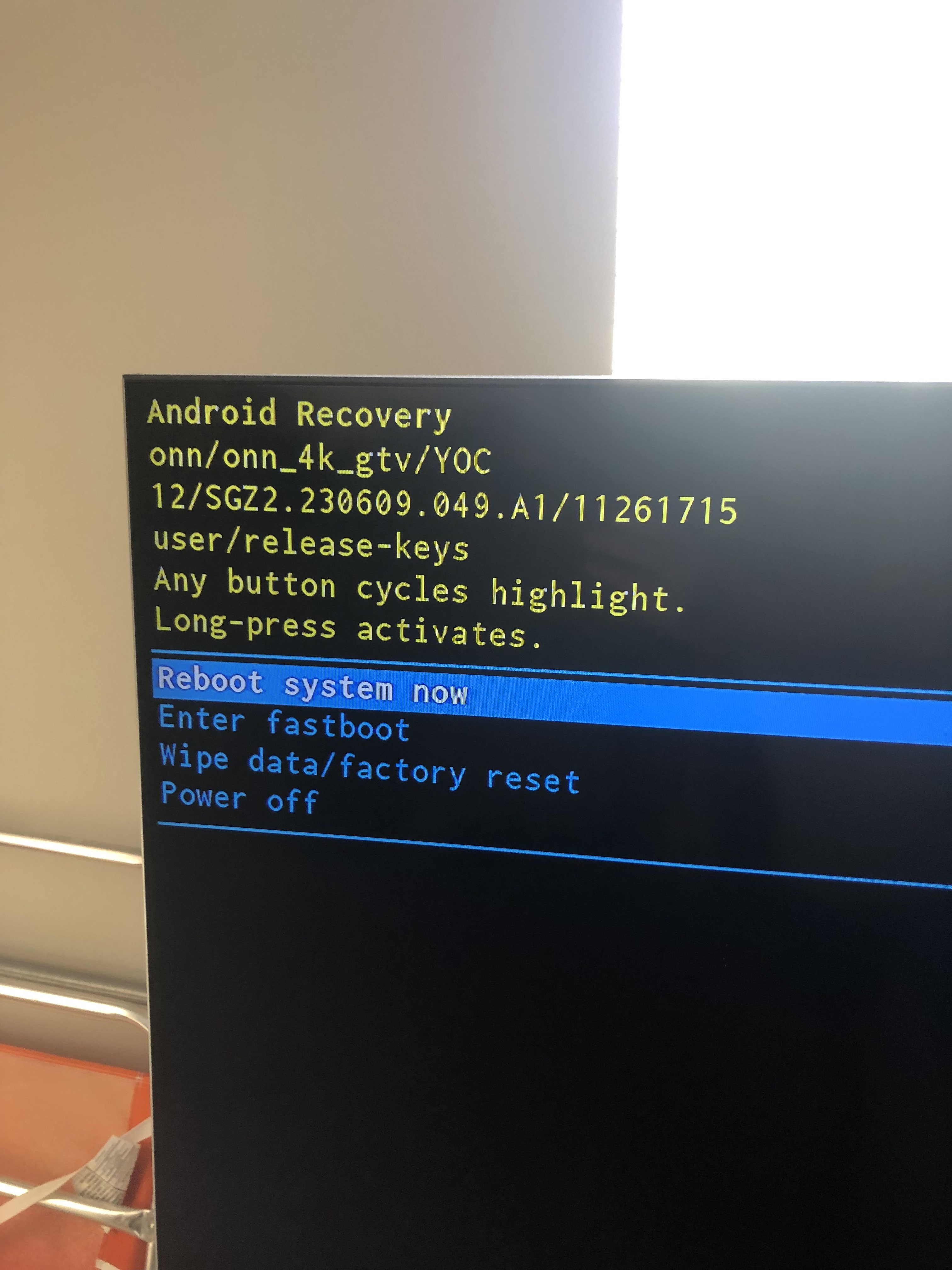
@AMD237 so today I uninstalled Launcher Manager and ATV Launcher Pro. My ONN box totally Bricked. Black Screen of Death. Was able to do a Factory reset holding in the button then navigate through the menus.
Everyone has a nemesis. For me it’s any and all Launchers. No Biggie this was my ONN regular not Pro. Just need to reinstall Downloader, TP Toolbox, my Grindhouse Build, Add Umbrella, and my IPTV App, Reauthorize RD and Trakt and will be good to go
When I get some time, I am going to try to brick mine again. I have never seen that screen before on the dozens and dozens and dozens of boxes I have installed LM and launchers on. I have no idea what causes this, and it is driving me more nuts now than ever.
That’s the recovery screen you get by manually holding in the button on the back while unplugging/plugging your power. So the first time when I tried Wolf it bricked it right away. This time with LM and ATV Pro it seemed to be okay but as I mentioned last Night all 3 of my KODI Addons lost Authorization with RD and Trakt. While the same Addons were fine on my other box without the Launcher. There is probably a process to follow but I just unistalled ATV Pro then uninstalled LM and immediate Black Screen of Death. Luckily we know how to bring em back using the Reset Button unplug/plug
As you know I’m not an ONN fan, but I do remember that on the FireOS devices you had to go into launcher manager, reenable the stock launcher and then delete say Wolf launcher and the launcher mgr. With Wolf chosen, and just deleting the launcher mgr, without enabling stock launcher first, you would get the black screen the next time you restarted the device. I imagine it would be the same with the ONNs.
LOL Yup I just deleted ATV and then Launcher Manager. No worries doesn’t take me long to get everything back and loaded. I am officially done with Launchers

 insiders. Our