Is that with a custom launcher? I already can do that was trying to not use one like with my shield
Totally confused what the OP is trying to do but this looks really Good. What Launcher is this? I have PTSD From Wolf bricking my $20 ONN but I might be open to installing a different Launcher
1 Like
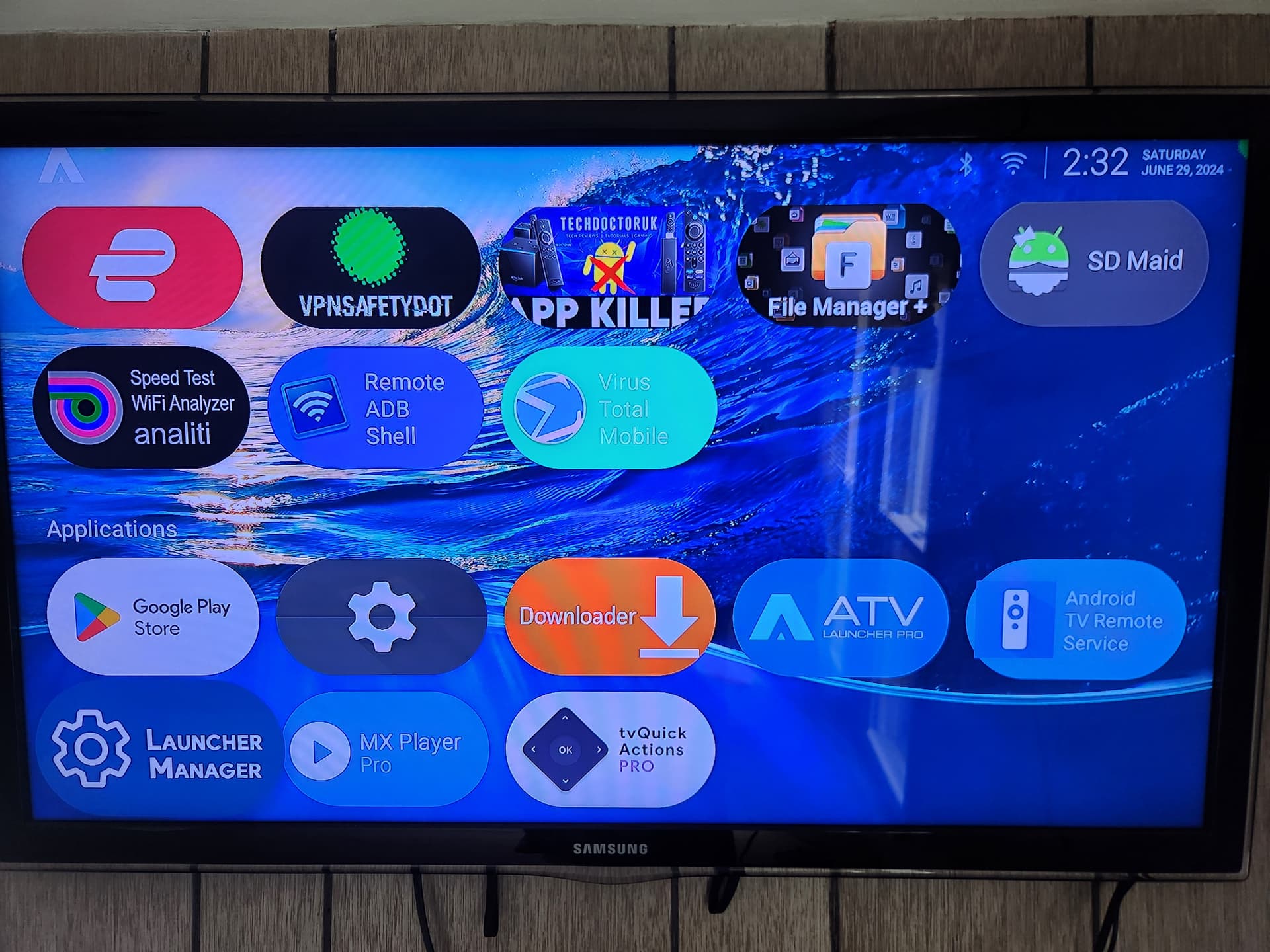
I am using Launcher Manager and ATV Launcher Pro (What Wolf is a fork of; or vice versa can’t remember lol). I am sure Wolf could work too.
So how did you do it on the Shield without a launcher? Asking genuinely because I am lost with what you want. Can you take pictures for us and post them?
Hmmm…I searched here and everything points to getting Launcher Manager in the Troypoint Toolbox but it is no longer there? Also The latest Instructions I can find on ATV Launcher is here from Jan 2023 and it is not ATV Launcher Pro just ATV Launcher?
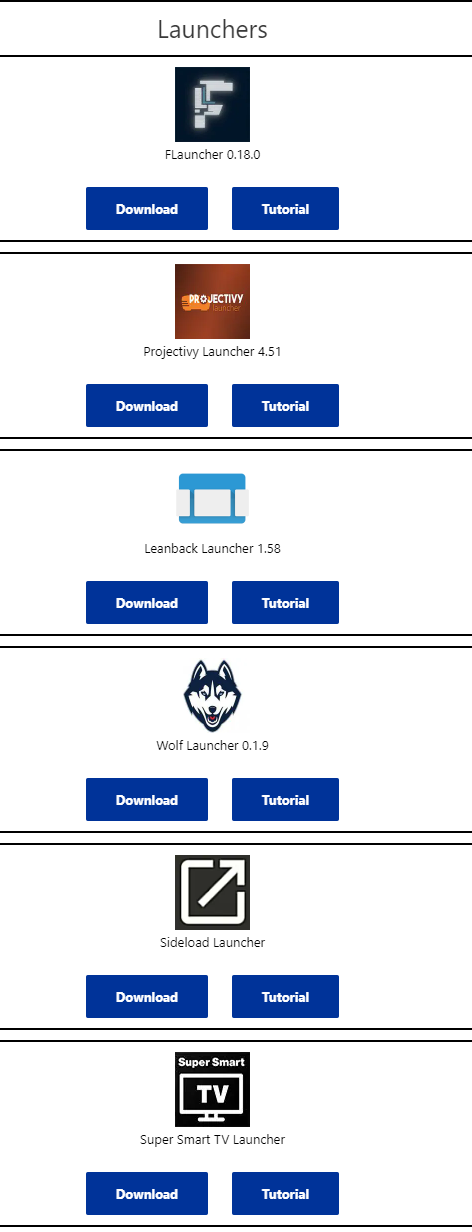
Launcher Manager is in Troy’s Toolbox.
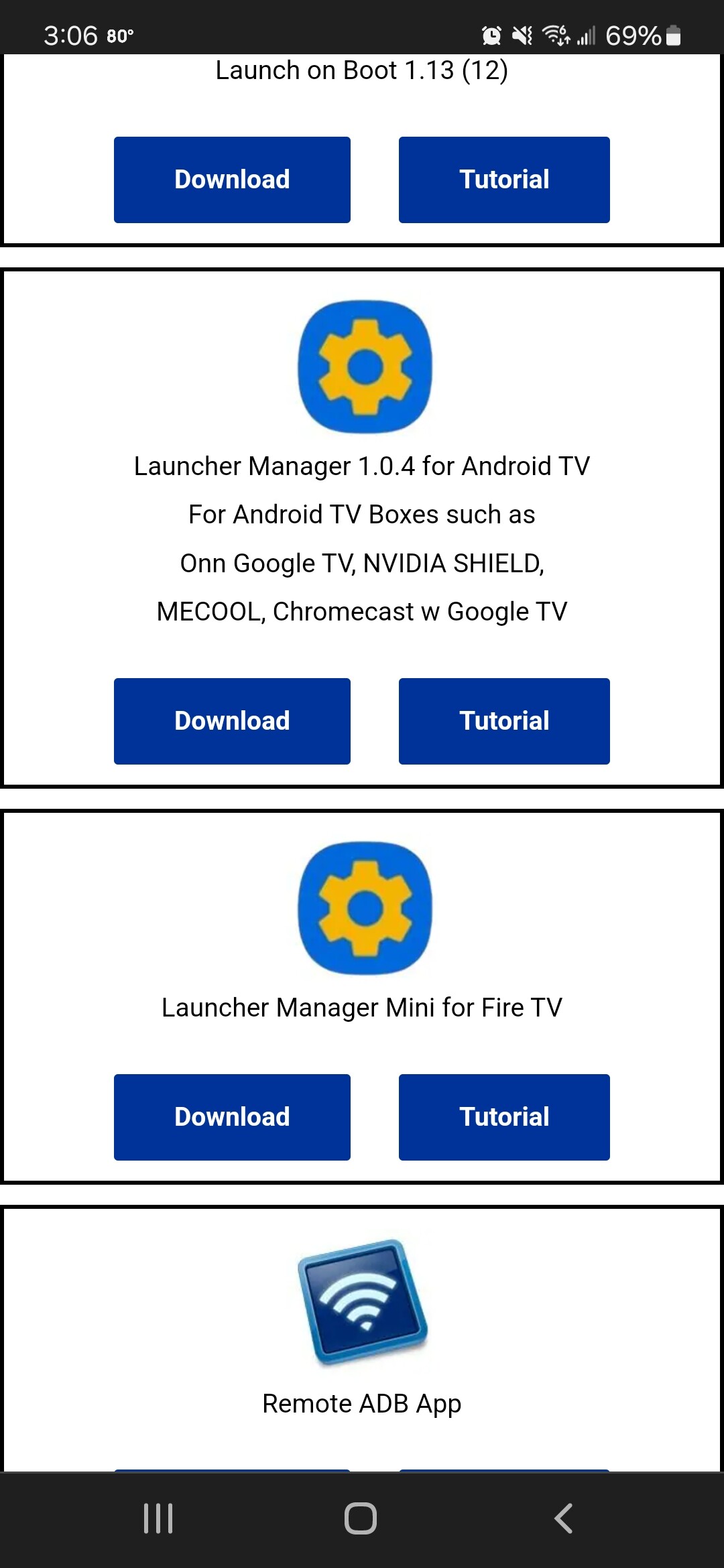
Happy to help setting up ATV (or Wolf) if you get to that point and need guidance.
My Bad didn’t scroll fown far enough. If the instructions for ATV are what I linked in my previous post I can probably just follow along. If different than yeah let me know where else to look or how to do it. Also after installing ATV I assume I need to enable custome Launcher in Launcher Manager? Doing it on my Older ONN in case it Bricks again 
Installed Launcher Manager
EDIT: Okay @AMD237 I installed ATV Launcher Pro from the Play Store. Open it up and see that all my Apps are now Icons but I have no settings button for the actual APP itself as explained in Troy’s setup article. I know it’s probably different on an ONN but not sure where to go? Also I’m not sure if it matters or not but in Launcher Manager when I click on Enable Custom Launcher it says “Connection Failed Try re-enabling ADB Debugging in Settings” I’ve been through Developer Options Twice now and do not see annything for ADB Debugging??? Anyway bad timing on my part is I have to run out now so will have to finish this later
Thanks
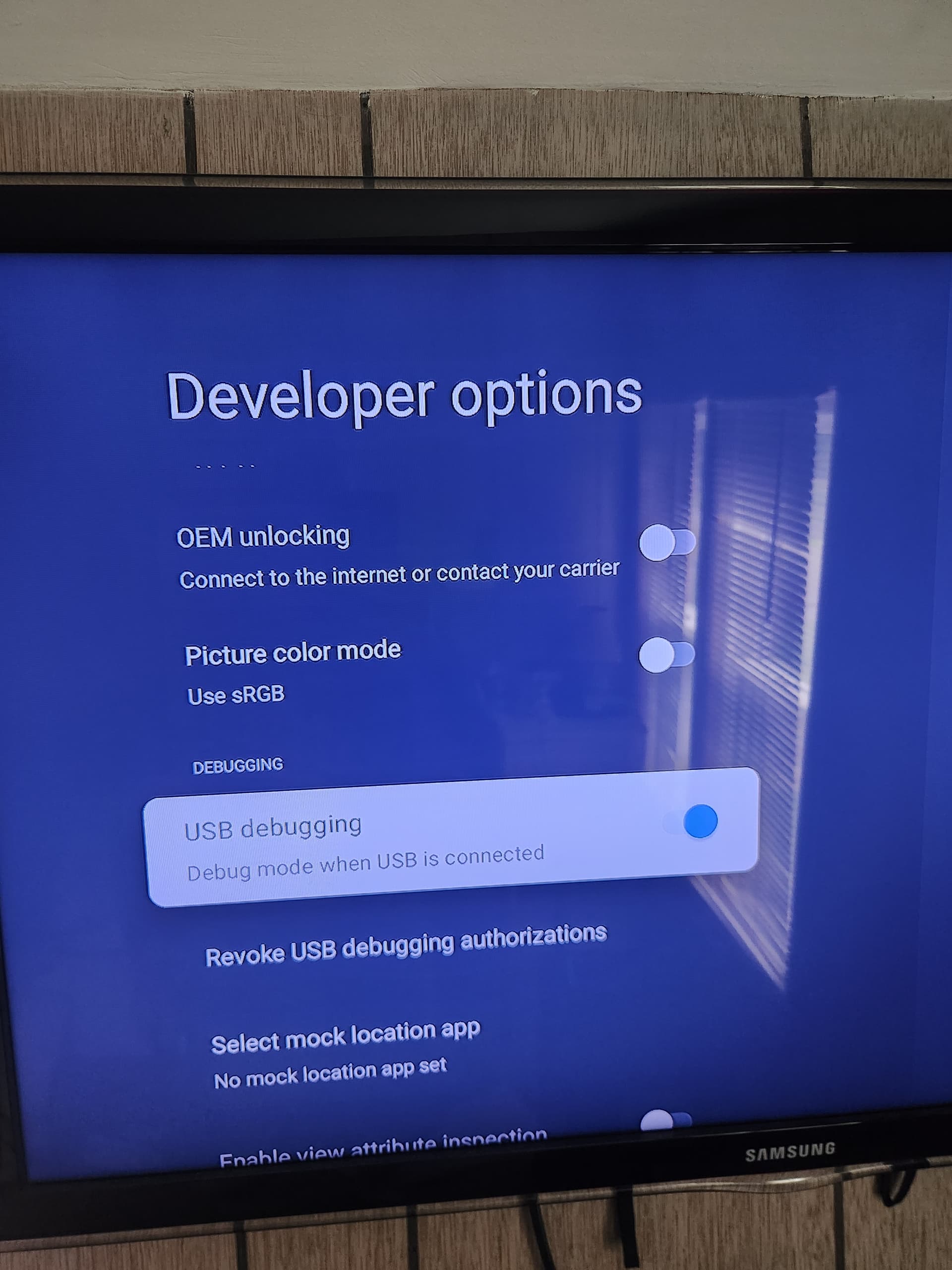
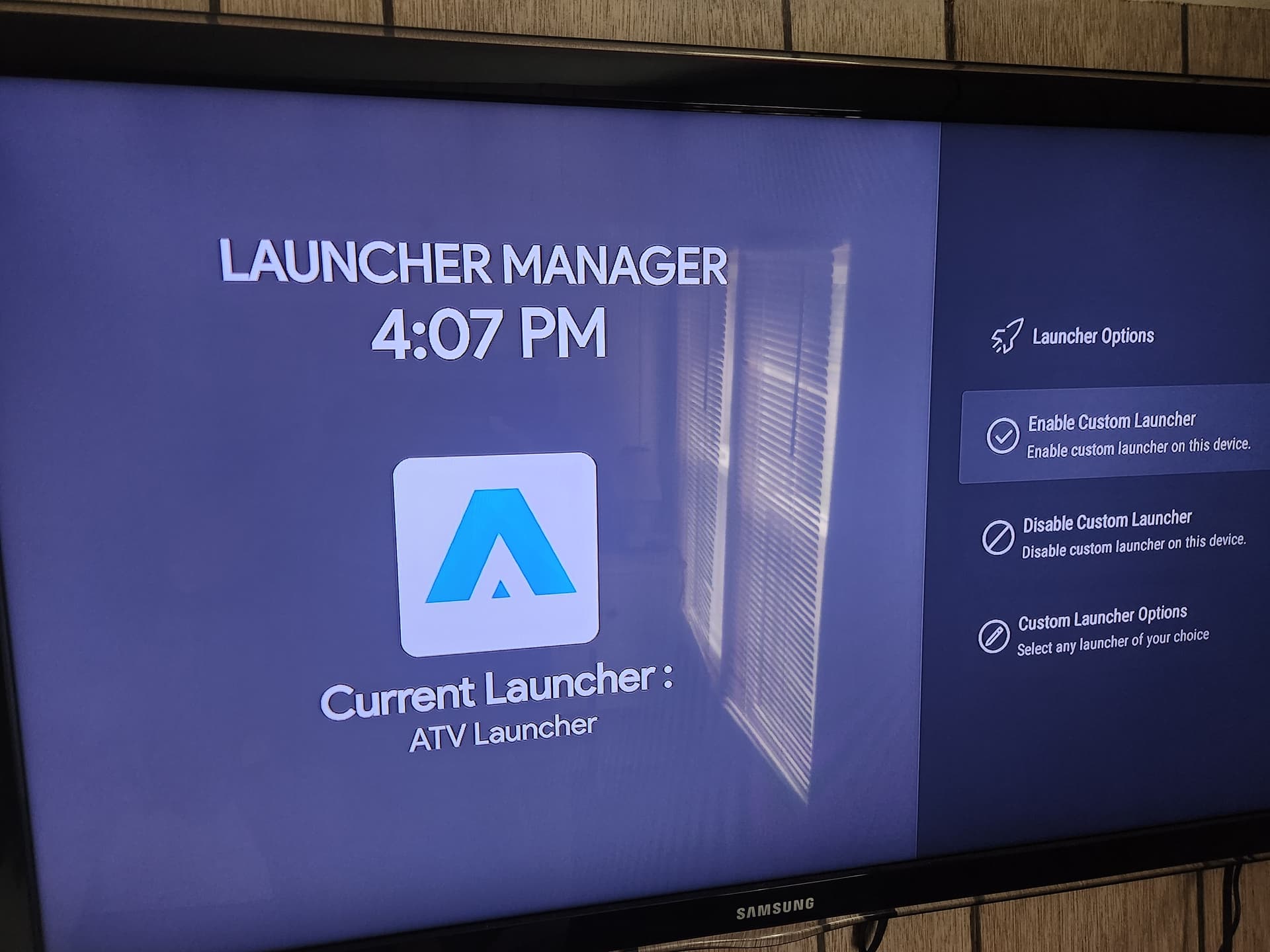
Okay I’ve turned on USB Debugging. But in ATV Pro I am not seeing any setting button to make customizations such as Wallpaper or App groupings like you have. There is no settings button anywhere which is very strange. am I missing a step or process? Also I do not see how Launcher manager is even tied to ATV Pro? They seem to be totally different from each other. Turning on USB Debugging did not change anything from what I can see
I’m not home but trying to go from memory. Hold the middle button down until you find “Launcher Settings”.
Ahhh. That’s it. Got it. Thanks for your help. One other question. This is installed on my ONN 4K. Do I need to pay to install it on my ONN 4K Pro too?
Once you purchase it, you can install it on all your devices through the Play Store.
1 Like
I’m trying to remember how to get to apps only. Did it once but forget how now
Its in your account settings… press your icon/pic in upper left corner of home screen and you should find “manage account”. Its in there.
Ok, man I’ve looked everywhere. Didn’t remember it there. Thanx. Have a great nite
1 Like
How to Enable Apps Only Mode on Google TV [Step By Step] (ytechb.com)
I’m going to test it at some point. Curious what this looks like and why it is preferred over the launcher interface.
Just didn’t feel like fighting the challenges in getting Launch Manager to work properly. Quite simple to manually launch. I only use .ONN a couple days a week.
2 Likes
After going through the process of installing Launcher Manager and then ATV Pro, unless you want to mess around with customizations such as adding Wallpaper, Widgets etc…The Apps Only Mode is essentially the same as adding a Launcher you just don’t get the added customizations. Honestly I don’t see the Hype about these Launchers over the Apps only mode
1 Like
I use projectivity launcher.Simple to use,has categories from reddit such as earth,sea,cars,animals.No muss no fuss.Give it a try.
Can someone please post an “Apps Only” screen shot please? No way can this be better than a custom launcher, but I have to see what all the hype is about.