Since last night, the app isn’t working for me. I got 2 new ONN boxes. The new Pro v2 and an older regular box. both had same results. I can install Norofire and grant permissions.. Then when I try to install Sportsfire or Streamfire.. It gives me Downloading failed error. Please try again. Anyone else having this issue?
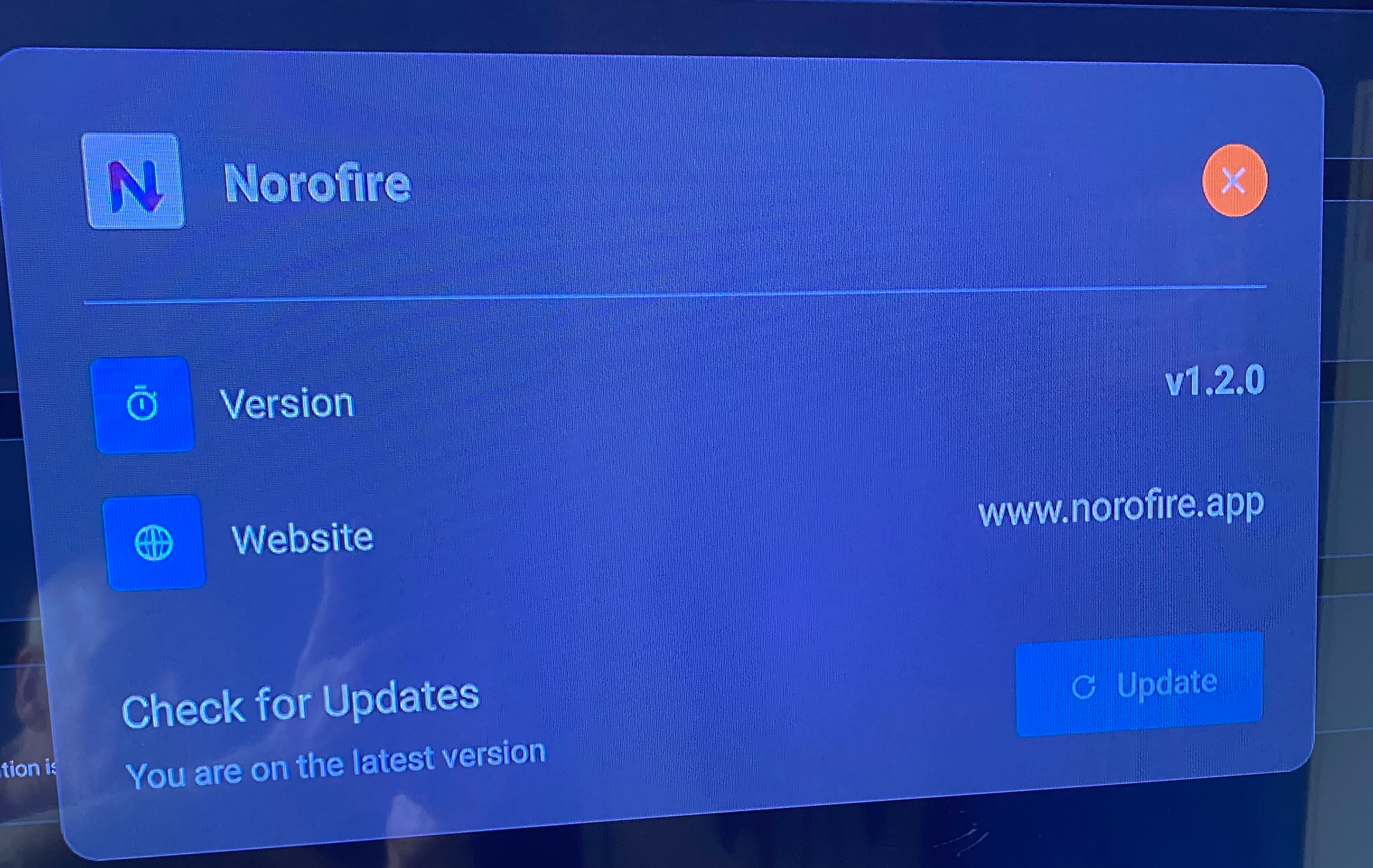
That is the code I used. Still not working. I have that version. Nevermind. Just started working again
Normally have to try a few times before it loads
My problem is the other way around. It installed Streamfire but has the error on Sportsfire. tried uninstalling everything and restarting - no luck
I installed Streamfire and Sportsfire from Norofire. No problem with Streamfire. Sportsfire loads and displays all of the channels and all of the channels in the schedule but when you select any of the games that are in the schedule it just tries to connect and then the screen goes black. I’ve tried uninstalling then installing all three of the apps and clearing the cache on the downloader app. All to know avail.
5709452, 8204342, 6185176, 7446077, 119368, 3255605 tried them all and none of them worked.
Anybody have any ideas ???
TheTvApp.to
@Angelf82 , I’ll be honest I don’t know what post you were replying too which is an issue for this message board software.
While I liked the TVApp, I find TVPass.org better, they also have a M3U that works perfectly with StreamVault, Troypoint did a tutorial on it not too long ago, I used TVPass’s M3U to test it, still working and it’s been awhile.
TVPass is a newer site, web based and same look and feel of The TVApp, you might call it a clone but I notice a few channels on TVPass that aren’t on The TVApp (BTW the site is thetvapp.to), I used to live in Denver and TVPass carries Altitude Sports channel which FireSports also had.
No years in this message so I won’t take any more sh*t  (yes, I know I could edit the typo but didn’t want to spoil the fun.)
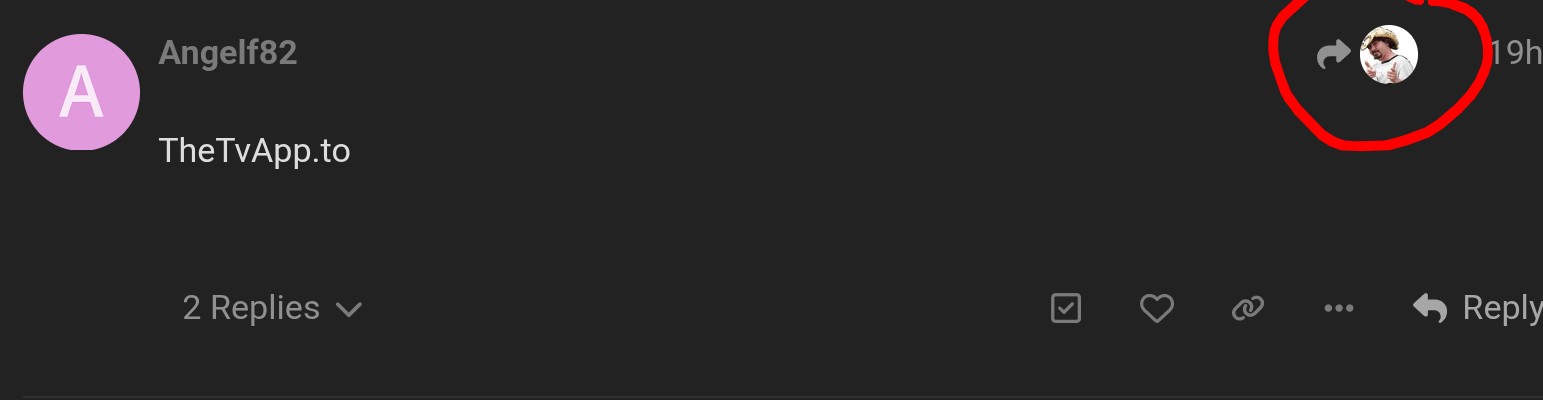
If you knew how to use the board, you might see the avatar of the person that @Angelf82 was replying to and that clicking that avatar would take you directly to the exact post they were referring to. All about the learning. Have fun and stream on.

Miki I know you’re an avid defender of the site, I did select the icon but didn’t think the answer applied to that question and that was the source of my comment.
I like this site, but not to the length of dismissal of any criticism of the way the software works.
I tried to add information useful to a new user and everyone else, I have a pretty good idea of how the software works but thanks even if it was a bit rude, UnCanadian of you. 
The one thig I see causing confusion over and over again is the use of the correct reply button. You think it would be intuitive but you can also see how one could be confused. Many times when someone means to directly reply to someone they use the generic Blue colored reply vs the reply in the comment they want to reply to. When that happens the orginal poster does not get notified that someone replied to their post
 = General reply to the Thread not directly to a specific person
 = Direct reply to a specific person
When you went to the Norovirus link did you choose download now on the left or did you choose download the APK on the right? When I chose download the APK on the right side I found everything to install and work for me
But it does work. In a reply click the icon of the member replied to in the top right, the one with the arrow and it takes you to the original comment that was replied to. it’s up to the person replying as to what comment they are replying to. I wasn’t trying to be rude, I was simply pointing out how to use the site and that all you have to do is learn by clicking around. Just a suggestion not a criticism. Sorry if you found it rude, that certainly wasn’t my intent. Txt is difficult to express feeling and I do tend to be blunt at times. Maybe a character flaw.
I have to wait a day to reply but… ( That’s another critique )
Whoa @Miki, simmer down. I said I like the site, that ought to be obvious as I visit nearly everyday.
The rude comment, well that’s a long time issue with text messages going back to Usenix Newsgroups. I put the smiley face to indicate it was noted but I’m not offended or trying to offend you, read your reply again, you can’t see it a little rude? Any way, thick skinned.
@SoloWarrior yup, your comment is true and has been hashed over before but that’s a good comment for anyone new to Troypoint.
Just trying to help you enjoy the site more by teaching you how to use it, then you’d have less to complain about. It’s all good, I’m certainly not mad or anything near that. Just trying to educate as I usually do. Have an enjoyable weekend. Long holiday weekend here but wet snow so dreary. Stream On!!!
Hey guys quick question has anyone had trouble getting the norofire app to work on your Samsung phone or tablet? Ive installed the app in both my phone s25 ultra and tablet s6 lite and the app installs but when I install sportsfire or streamfie they dont work it keeps saying incompatible device. My tablet i get it but my phone i barely got it last summer I haven’t even resched 1yr with it. Any help or advice I’d really appreciate it.
Sportsfire and Streamfire not loading channels for anyone else within the last half hour?
Get the Trying to reconnect spinner on every channel. Changed VPN locations, restarted unit etc, but nada.
EDIT- seems like it is just the UK channels that aren’t loading for me…
I just tried both apps, they work as expected, Sportsfire 3.1.0, Streamfire 2.1.0, Norofire 1.2.0, latest update.
Onn a 4k Pro. No VPN. Using encrypted DNS.
Try force stopping all unnecessary background apps, clear cache including system cache. Make sure it is up to date. Good luck.