I don’t see any Slimbox shown for the AM9. Seems odd, and I did some searching and really have not come up with anything. Hopefully someone with more knowledge than I have will be able to point you in a direction.
Do you have Projectivy launcher on it? I know in my x88 when I went to Magisk it was shown there and I was able to turn it on at that point. Once I did the update again. I think that may be part of the process, you can’t just turn it on, there needs to be a reason for it to be turned on.
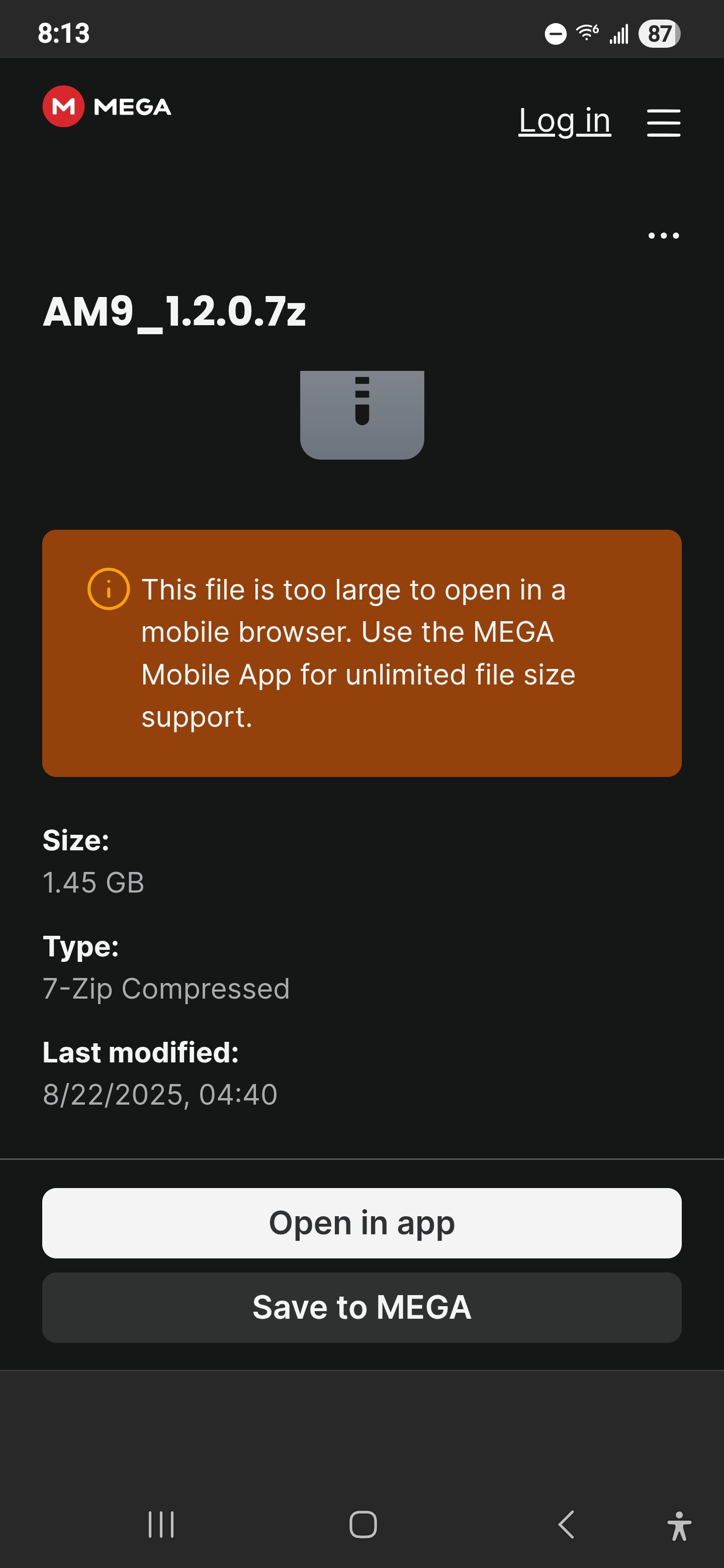
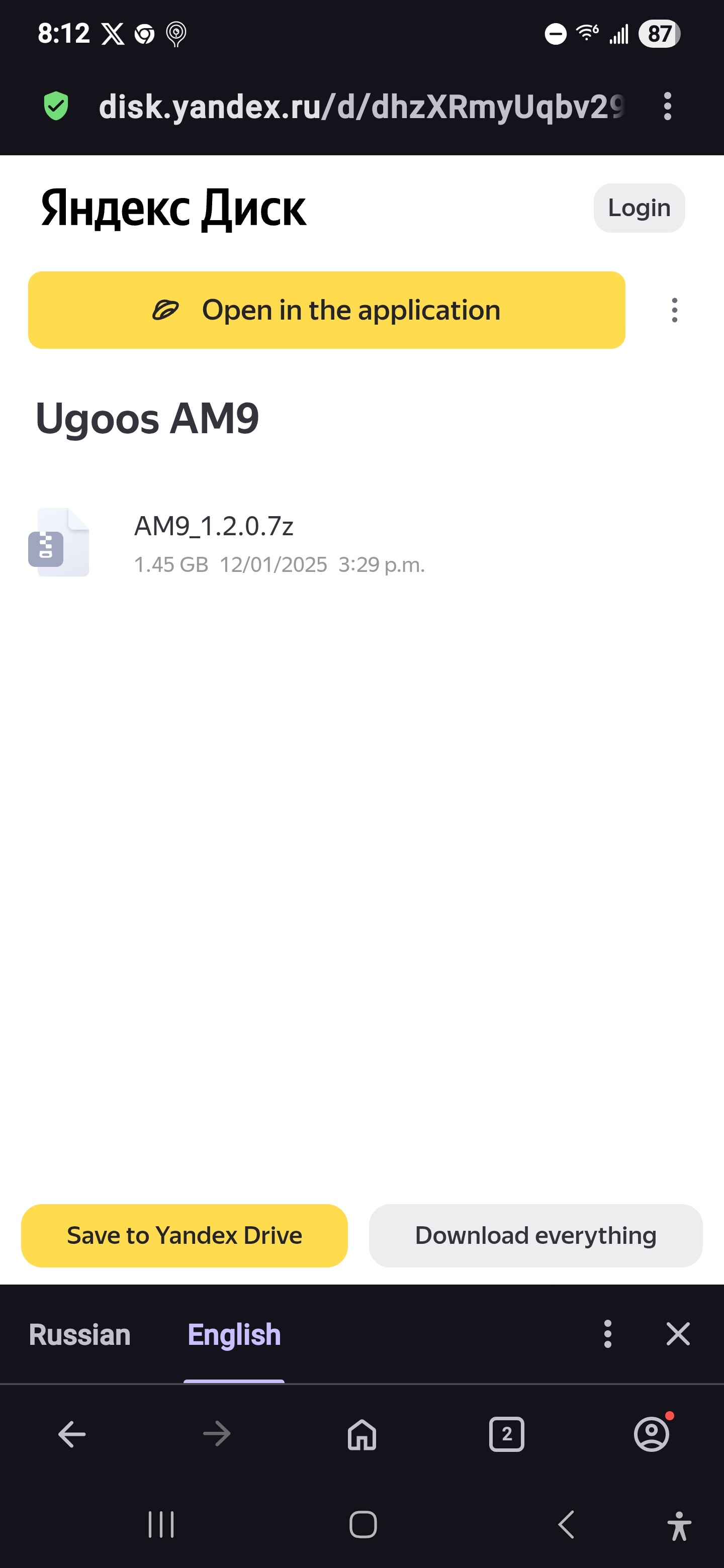
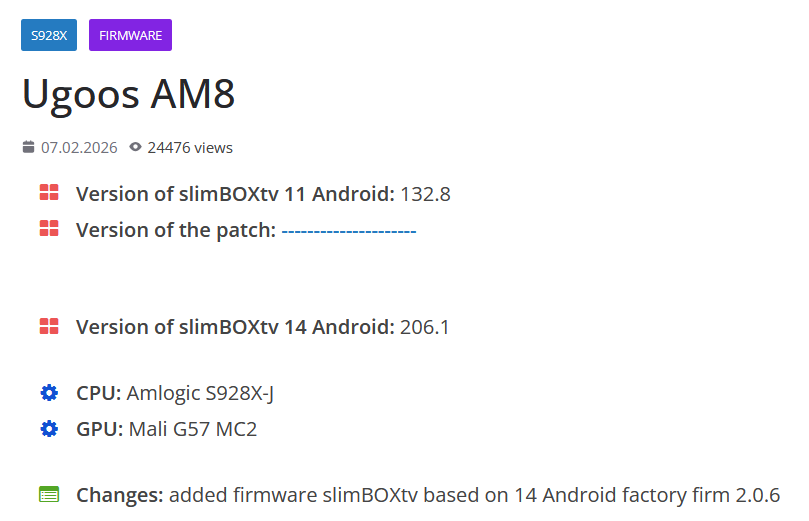
@DaveZerf The Magisk auto installed when I turned on the switch to root the box, and shows up fine in projectivy. I went through it & tried everything but it isn’t giving me root access. Indeed the AM9 is listed on the Slimbox site, but pulling up the firmware I only see the one file listed on it & is identical to the file on Ugoos.com website. I have a snapshot of the file from both sites here, the first one is where Ugoos site takes you to in order to download it. The question on this is if I were to flash this using the proper 3.2.0 flash installer on windows (I have installed that) what would I end up with? Is this just Ugoos original firmware or is this the Slimbox AOSP that will root the box upon install? I got no clue at this point. @TROYPOINT Troy has the page showing where the 2 firmware files are on his video of slimbox site (1-google version & 1-AOSP) but I can’t find it. Slimbox only lists this 1 firmware file & is all I can find. The confusion is there is no information on what the exact filename is for what you wish to do, nor is there any information about this file. If this is indeed the AOSP file of firmware for the AM9 I want to flash it in, but I can’t be certain of this by what I can see. If I can get the box rooted and delete Google apps out of it I wouldn’t need to really, but that Magisk won’t root it so far for me. As always software sucks!
I saw that when I went looking, Slimbox only shows the original firmware not theirs.
I have an AM8 and it shows this. I have not done it, I wanted to try the cheap box first in case all the smoke came out.
If you turned root accesss on you should be good, I did that with the AM8 but I think it is OS11 and not 14.
It is just an AOSP box, there may be google stuff on it but it should be limited. Like maybe chrome and play store.
If you go in to setting and look under about it should show Android or Android TV.
I also assume you turned on Developer Options.
I had trouble getting my AM9 Pro to root as well. I flipped the toggle in settings and rebooted, and messed with permissions. I then used Root Checker Basic and it said notrooted.
I kept fiddling with it for a couple of days, and then it started working! Unfortunately, I do not know what I did to make it work.
@DaveZerf@MNBob Thanks guys for the info here. I done some hard digging & after downloading the Root Checker Basic that @MNBob mentioned it showed me I have root access where that other one I downloaded lied to me saying I didn’t have root access. Now if I can find an app that can truly get rid of google I will be happy. So far I downloaded EXA System App Remover & although it appeared to get rid of google apps, all it done was enable them & put them back in system apps. Man that really gets me bent! I had to disable all of them again. Now the search begins for an app that will really get rid of them once and for all! If I do find an app that will totally eliminate them I will let you all know. I had hoped that I could enable accessibility for Projectivy after root, but this isn’t possible due to that app being stuck up google’s rear end. It is still blocked from being turned on. Other apps I could get it to work on those so there was progress.
@Miki ADB is enabled & has to be in order to get box rooted. That prior app I had to check for root was lying to me on the root access like I was saying that threw me a curve that in fact that Magisk did work to give me root access. Now the chore to find an app that will get rid of google apps completely is on but as of yet the ones I have tried won’t remove them. Some are even tied to stupid google. If anyone out there knows of an app that will remove google completely I am all ears.
@Miki Oh ok man, thanks. I still had my head rapped around the developer options trying to get the box rooted when it already was. I downloaded ADB TV app, but greyed out what I can see of google & can’t delete. This will be a tough one to deal with as they are so controlling over android. I will have to do more research on this to find out what will work.
Sorry to come in on this post late, just became a member. I have this same Box. SlimBoxtv had nothing for me also. May I ask the question as to what solution you ended up with.
T95 Android Tv Box , model mbox version 11.1 build 10.1A29-0712 cortex -A53 quad core cpu
Hi All I was reading that google certified boxes will be affected by sideloading issues next year in UK and Ireland. Most of my friends have mecool KM2 devices so this will cause a big problem. Is it possible to flash Slimbox AOSP firmware to these boxes to get around this change.
Hello, please follow the video tutorial to see what devices are supported. Also, I wouldn’t start worrying about “what-ifs” as in my opinion this is all overblown and Google is still going to allow side-loading. Might just need to go through a few more, “Are you sure”, prompts when allowing for unknown sources.
Do you think the x88 pro x5m has malware on it? I don’t know how to tell. I wasn’t going to flash it, and just run projectivy. Let me know your thoughts on how to detect malware