I just did this hack last week so I combined TP tutorial # 1 and #2 together and sort of “wung it” through the steps. I COULD reverse the hack and start anew but that feels like alot for this old brain. I’ll watch some football today and contemplate this. Thank you.
I watched TP’s initial video again and did the reverse, updated to get the “DELETE ALL CACHE” Amazon update and then re-enabled the 3 toggles and activated Projectivy. All fixed. I thought it would be harder. Thanks @ScoobyDoosSpots for the nudge,
Good deal.
I know it is in fashion to jump off the Amazon train, but a Fire Cube 3 or modern Fire Stick set up with this exploit will give good performance for years.
Now that we have custom launchers and the blocking described here, they have a new life. The later sticks and the cubes have more ROM and the cubes are up there in the performance rankings. The only downside is I have only been able to write to a Fat32 drive, so no long recordings.
TP got us in just in time!
If I bought a new Firestick today and plugged it in, would it update automatically? Or could I install this exploit before it did?
The Fire Cube 3 exploit hasn’t been patched yet but may happen at any moment. A Fire Stick will try to update during setup, but you could try to stop it by following these instructions.
The easiest way is using an ethernet adapter or use your phone as a hotspot since it is harder to kill WiFi quickly. The Fire Cube also makes this easier since it has a built in ethernet port.
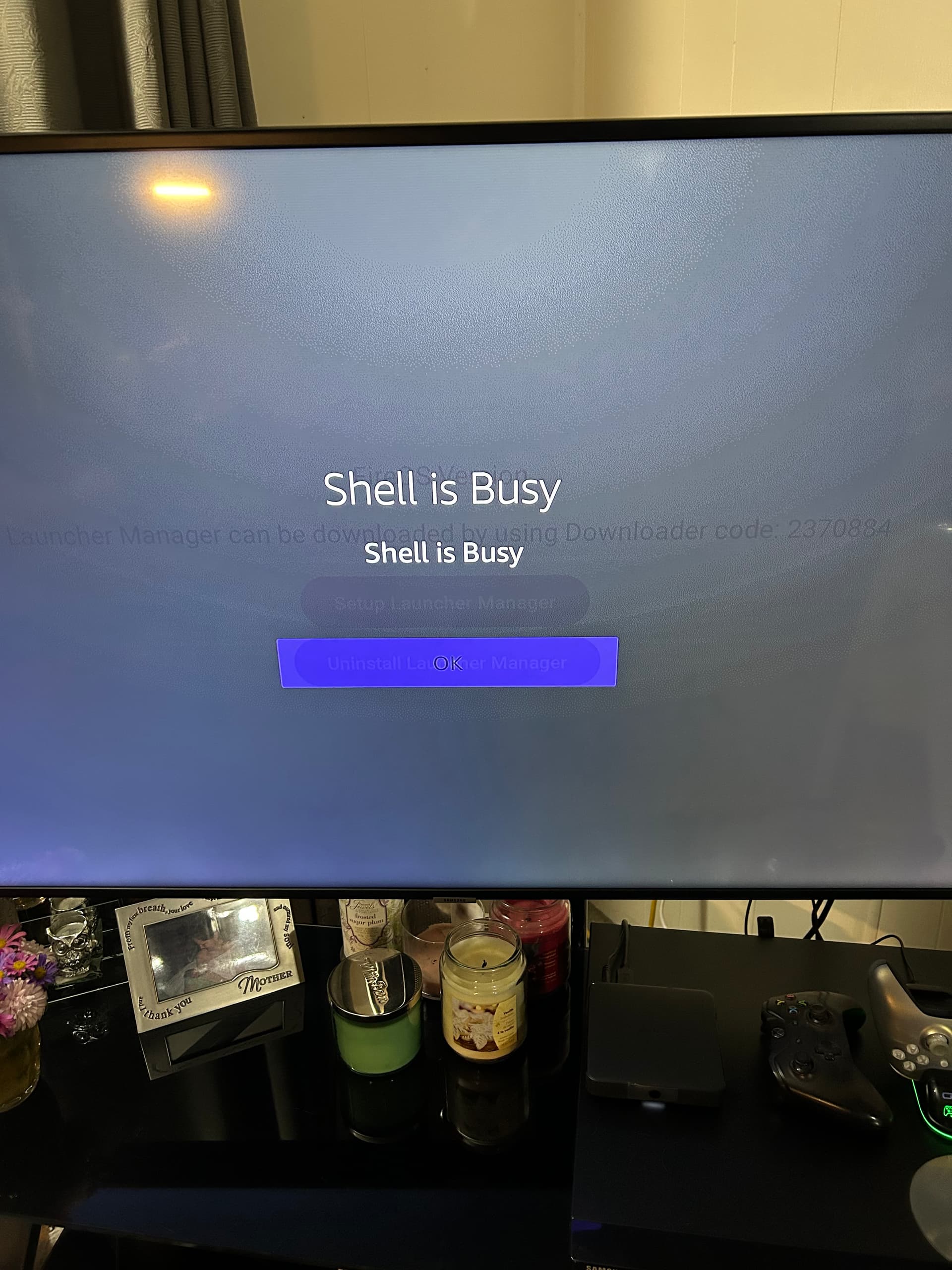
Your recent YouTube video update on the Launch Manager for the hack to prevent Amazon/FireTV from blocking sideloading–you mention that TROYPOINT Toolbox has a link to v1.1.8. On October 10, 2025 I accessed the toolbox and the only link showing was still the original 1.1.1. Can you provide any help or clarity?
is there any info on making any necy adjustment for those who don’t have a personal router but have on from ip for ie. an ATT router or T Mobil ? just curious asbI suspect there are a few followers whom may fall into this category
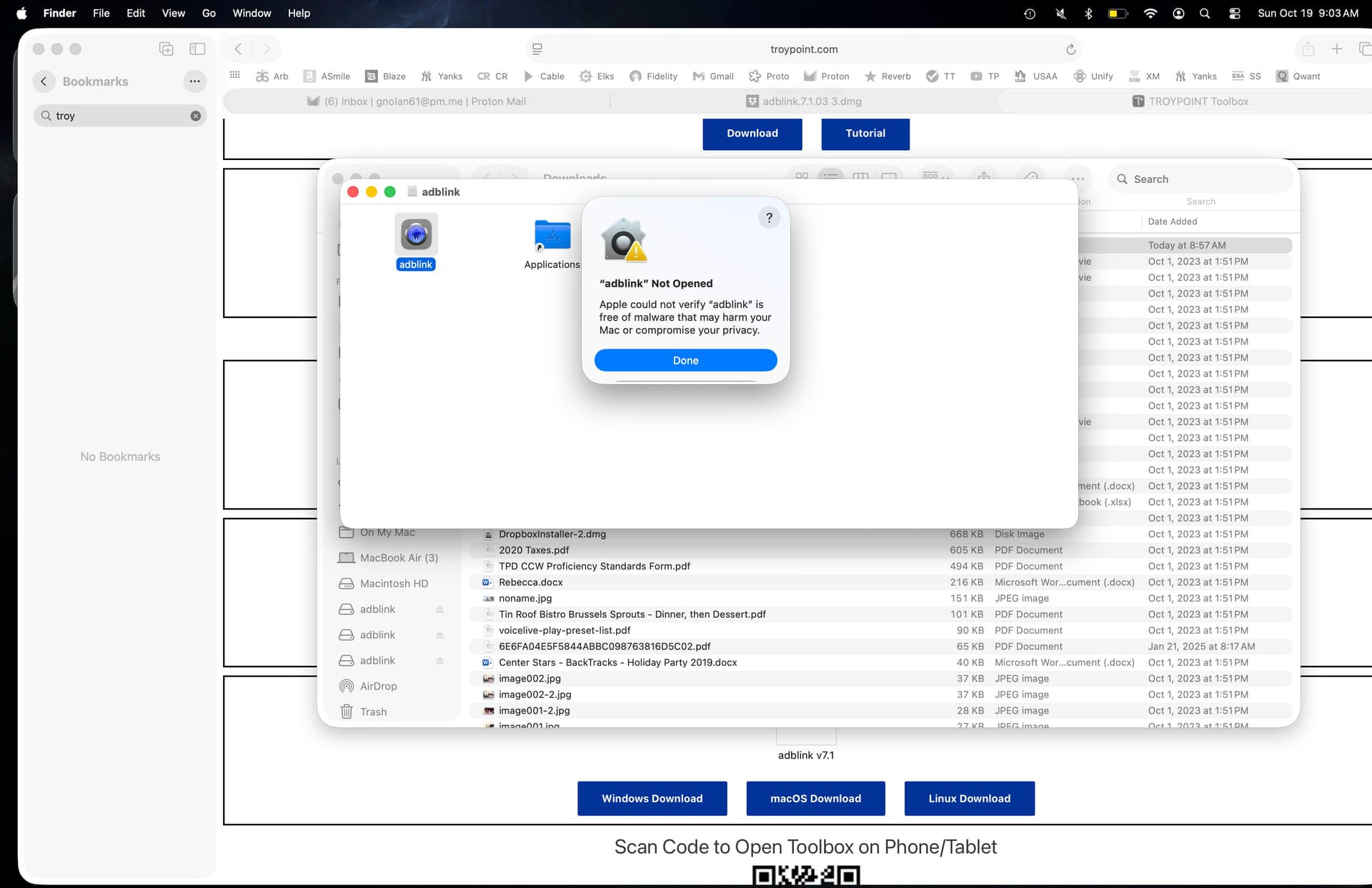
Hey all… it looks like LM has been updated to v1.1.3 on the xda page, but I don’t see it in the toolbox. I went to the xda page from the link in the toolbox, but can’t get the file to download, either by clicking on the link, or by using the Downloader code. Anyone else having problems? Thanks for any info/help/suggestions.
Hello, the Toolbox is now pointing to the updated Launcher Manger. If the first download button doesn’t work for you in Downloader use the Mirror Download button.
Awesome! Update installed. Thanks Troy! Now to figure out how to remap a few buttons (tutorial video?  ). Thanks again!
Will be releasing one soon!
Launcher Manager is no longer working on my CCwGTV (Android TV) devices.
After using Wolf Launcher for years, I recently installed the latest ATV Launcher Pro, trying to switch from Wolf, and I cannot seem to get the (already installed) Launcher Manager 1.0.4 to work anymore. I get this:
Connection Failed
Try re-enabling ADB Debugging in Settings.
Restart if problem Persists.
I DO have Developer Options enabled, and I have “USB debugging” enabled, and I even have “Wireless debugging” enabled. And I have restarted.
This happens with all FOUR of my CCwGTV devices.
I have downloaded and re-installed the app (version 1.0.4) from the TroyPoint Toolbox. I do see that there is a newer version of Launcher Manager available for Firestick. Is there a newer version from Android TV? Or is my only alternative to use ADB commands to disable the default launcher and have the system ask me which launcher to use???
Ideas?
Thanks, Mark
I am unable to successfully reach the TROYPOINT Toolbox with Downloader (259031). I eventually get 403 Access Forbidden. Downloader works fine with other sites and download codes…just not Troypoint. I don’t have a VPN running. It has worked previously. Please help…I’m trying to download the FireTV hack apps.
Try without the code. Sometimes the code resolvers are not working.