From what I see, and it’s new to me as I gave up on sticks a couple of years ago you should be using the second option in the first pic. I can’t verify as I don’t have sticks.
Hey @Miki QQ: do you know anything about Launcher Manager 1.1.9 and any differences from the new 1.0.8?
I’m 99.999% certain I grabbed it from their XDA thread or maybe GitHub.
https://xdaforums.com/t/system-user-fireos7-os8-all-fire-cubes-sticks-televisions-tablets.4759215/
As Troy points out, watch the vids from start to finish once. Then get your device ready to work on. Loading it and logging in etc. now what I always do is have the video started on my tablet with my device on and open on my TV. Then I start playing the video and pause it immediately after every step and even back it up the odd time to make sure I fully understood that step, and then if there are terms I am not familiar with, I do a google search and have a notepad beside me to write down what that term means, I know it sounds like a lot of work but sometimes getting it right the first time does mean you have to learn, but then after a few times suddenly you’re helping others. The biggest challenge is the huge range of devices.
Hey buddy, I think with my question split between two comments, there’s some confusion. I don’t need any assist on installing or configuring anything and I’ve searched the forums, etc.
When I watched @TROYPOINT’s YT video on the new LM 1.0.8, I went through my various installations to see what I’m using and my TEST fire stick was up to version 1.1.9. Now, this is a true test system so it’s normal for me to find crazy GitHub beta versions of stuff I forgot about on it
Do you know how LM’s 1.0.8 compares to this possibly unreleased 1.1.9?
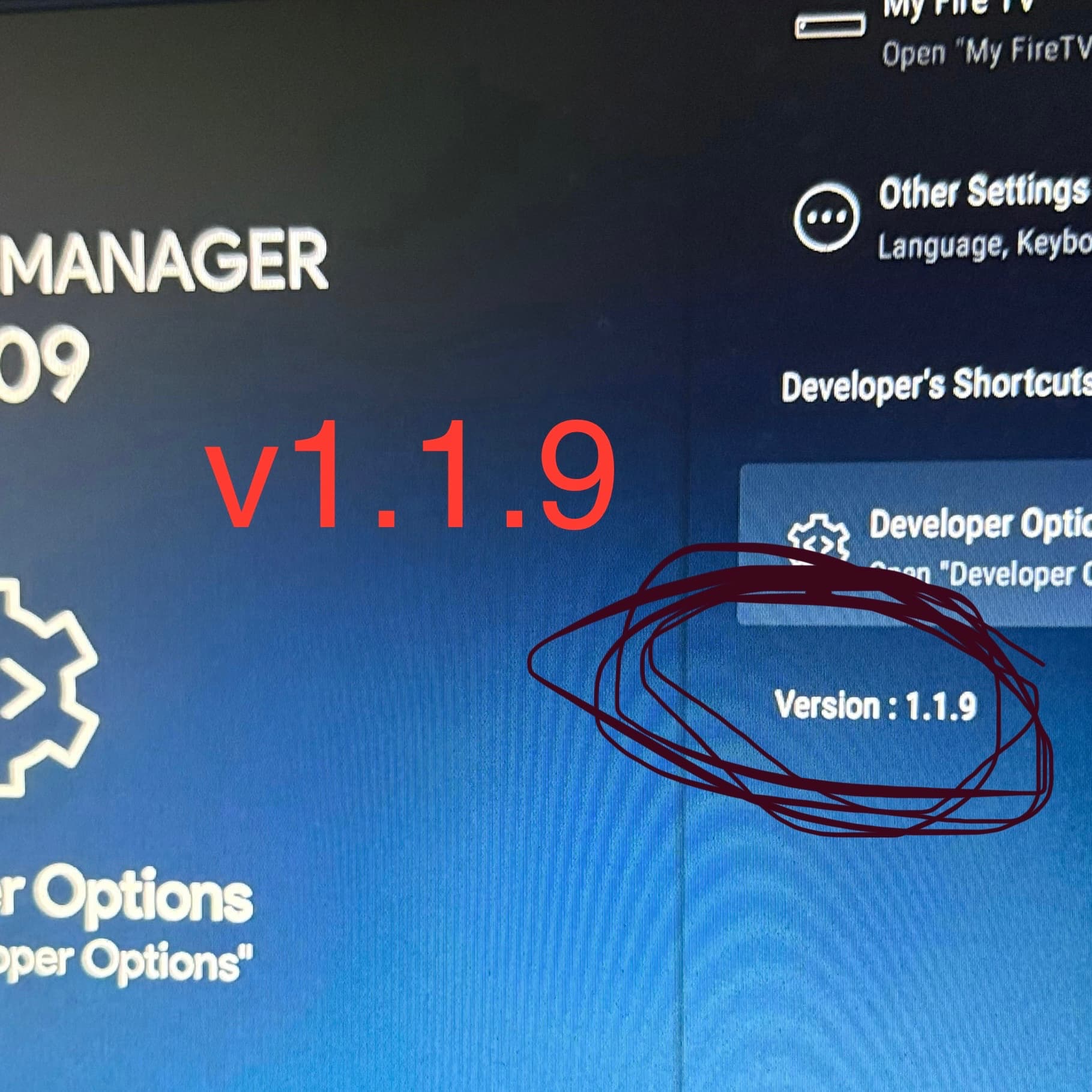
Sorry I don’t. As mentioned I don’t use any FireOS devices anymore so not sure why the numbers seem all jumbled up.
After doing this hack using ProjectIvy as the launcher on Fire TV OS 7 the top 5 android settings icons are off the screen, you can barely see the bottoms of the icons to click on them. Went through the video several times, don’t see any steps I missed. Any ideas?
I smashed my only firestick!!
Has anyone else encountered this? My pop up says Apple can’t confirm adb link is free of malware.
I use the Wolf launcher. Twice, when I went through this, I ended up with a funny screen with only 3 icons and the remote buttons did not work well. On both boxes, i just kept fiddling with it and all of a sudden, the launch screen came back. I can’t tell you what I did.
I also used the Wolf Launcher with no issues at all.
Thank you for the comeback, To reiterate I have 4 sticks. Three are Ethernet connected and one on WiFi. The one on wifi shows all my networks. All the other three sticks are Ethernet connected. When I go to settings>network on one of the Ethernet connected devices, I get the screenshots that I attached before. I can turn the WiFi on but that doesn’t disconnect the Ethernet and doesn’t allow me to change to WiFi. The only way I can think is to disconnect the Ethernet cable. As I said any advice would be appreciated because I am dumbfounded.
I believe, if I remember correctly, Fire OS does not allow switching between Ethernet and WiFi. The ethernet being plugged in will override all WiFi connections and it will only revert once you unplug the ethernet.
Yes, Amazon changed something, I am Ethernet connected on 3 out of 4 sticks. I was always able to revert back to WiFi within settings>network>turn off Ethernet>choose my network>sign in and good to go. Now when I click on my Ethernet I get the box asking for IP Address and when I enter the devices address the next screen comes up to enter the network prefix length. I don’t understand what they are asking for. The only way currentlyto disconnect Ethernet and revert to WiFi is to remove the Ethernet Cable and then a few seconds later my networks show up. What I don’t understand is what I’m supposed to do with these boxes that pop up. Miki, if you or anybody knows how to use of eliminate these pop ups when I click my Ethernet connection, please advise!!!
the Network Prefix length asked for by the Firestick is 24.
Done the exploit hacks thru latest version, now after 2 days my fire cube, after loading hours to blank screen. I can’t get to settings or even factory reset it with the remote. Don’t know what to do now??
So I did the recent firestick hack and it’s working great .I used my computer for the adb command to link my firesticks. So I assume I don’t need the updated toolbox app since I don’t have an android device to use it on.Also do I need to download the LM Settings app.I wasn’t sure It was needed.
I did the “hack” on a Fire TV Cube v2 last night at a different house and this singular hack combined TP’s 2 hack videos. All works FINE except that “accessibility features” will NOT TOGGLE ON. No clue why.
Everything seems to be working perfectly though. Projectivy opens as the primary launcher, I programmed the LIVE TV button and set up my Favorites.
What does in matter if the accessibility button is toggled on or not? Can anyone advise me how to get mine toggled on? Thanks.
Can’t turn on Accessibility on Fire TV as they don’t allow for us to get to that setting. Not a big deal and it will still work fine. We have same problem on Android 14 for streaming devices as well.
In Projectivy, the Accessibility setting, found within the
Projectivy Launcher’s settings, enables the launcher to access device accessibility features, which allows for advanced functions like remapping your remote control buttons. This permission gives Projectivy broader control over your device to provide enhanced functionality beyond a standard launcher, ultimately aiming to improve the user experience by providing customization options not normally available
I had the same problem. Go to troypoint site on downloader and there is a new version of Launcher Manager. I think it’s 1.08 Dowloading it fixed the problem for me.
No you don’t need to do either. They would help, should you wish to revert to the original FireOS, but as you have been successful in accomplishing the hack there really isn’t a need.