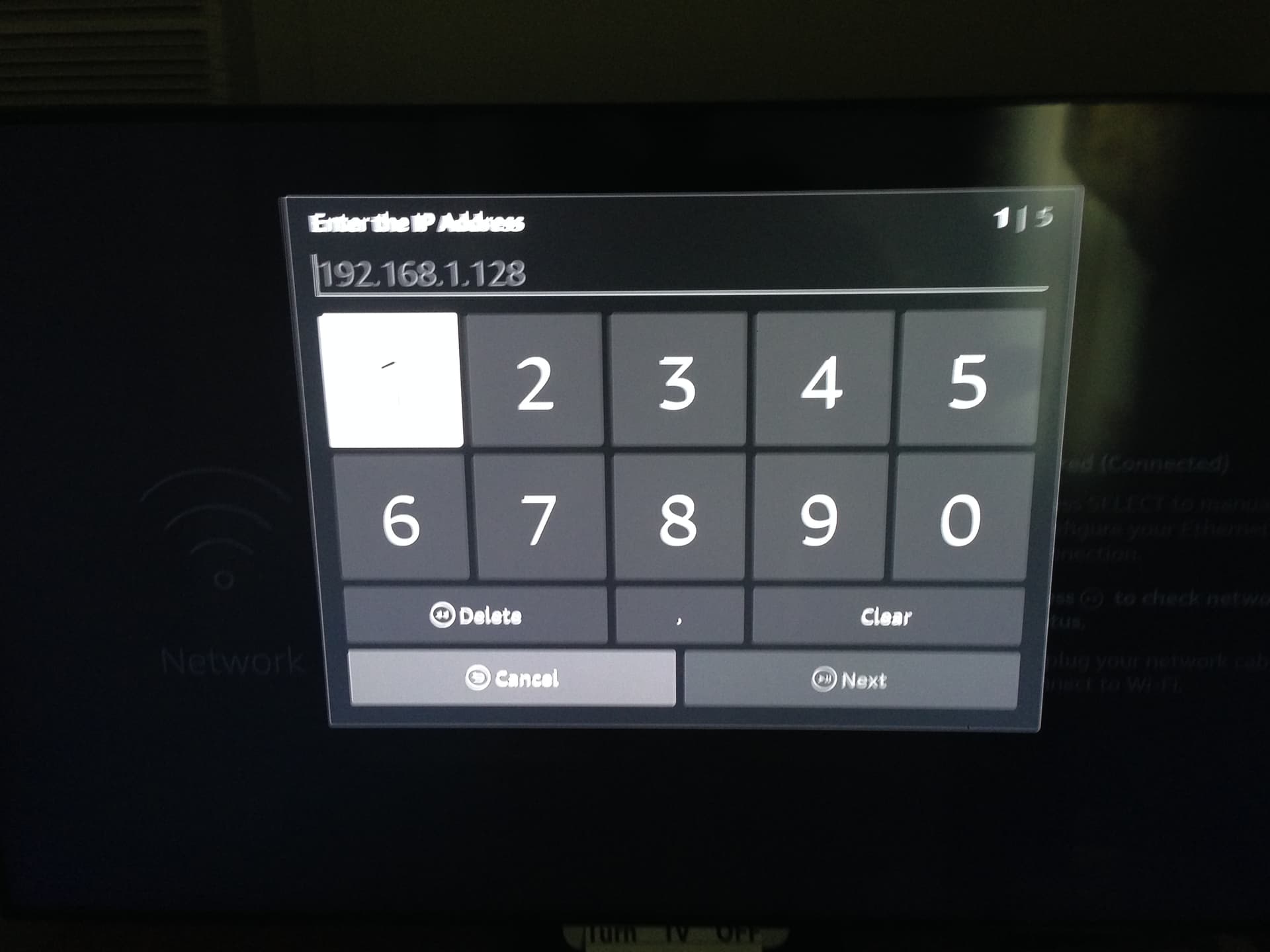
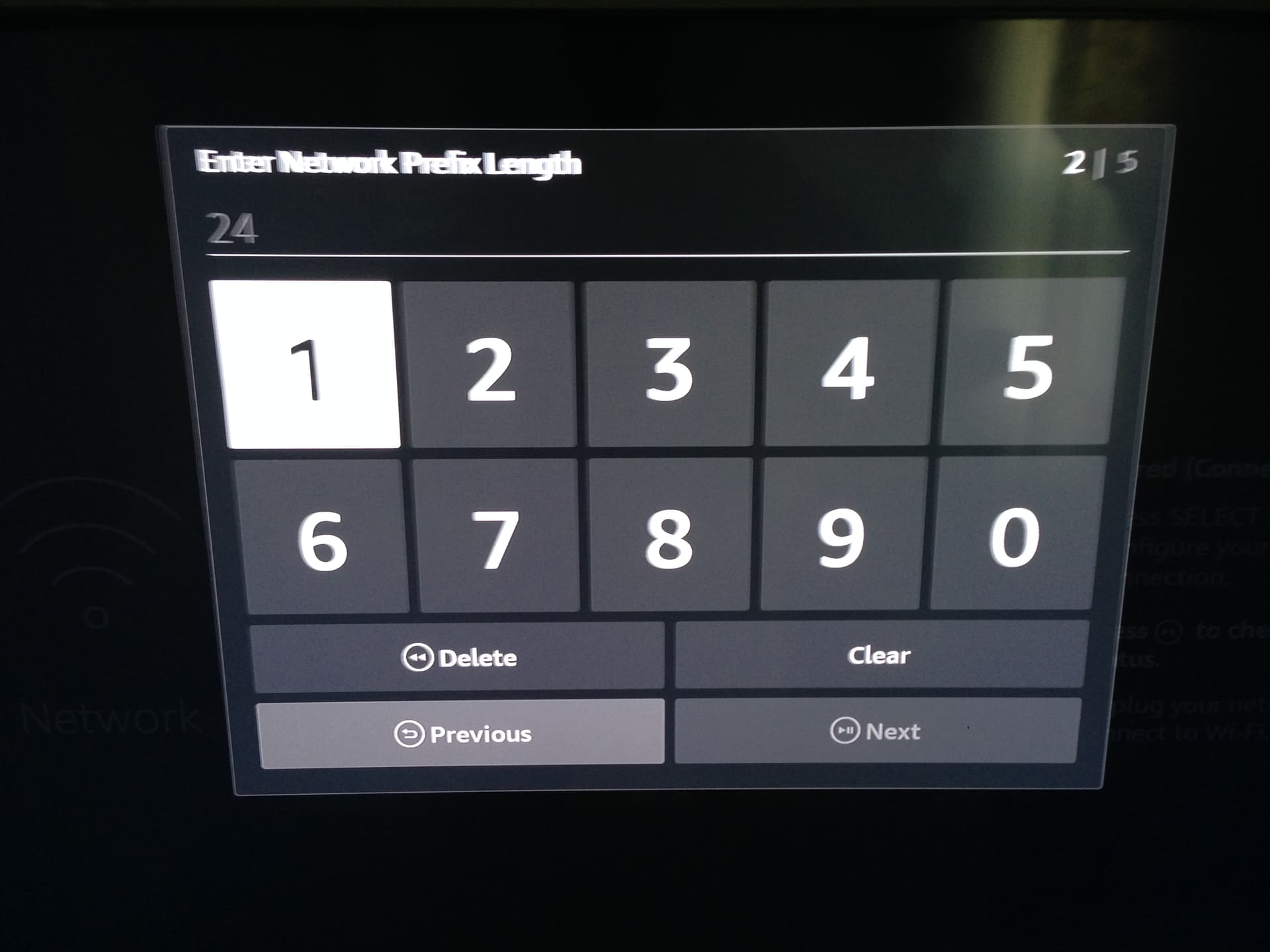
Had existing WOLF on mine. Added the launcher manager, and boom everything went bad.
Had to get into apps via shutdown menu and uninstall launcher manager to get functions back again.
Then used projectivy and had less problems. So switch to just using PROJECTivy on the FTV MAX. But had to uninstall launcher manager after projectivy was set up as exclusive launcher. Speculate that some memory location was broken when I had wolf on there.
One thing I guess I forgot to mention was I fully formatted both Max sticks before doing all of this. So they both were fresh…which honestly, I would recommend resetting the stick and starting fresh first if it is feasible.
Just be careful of the instructions. If you know how to install apps via downloader, and you know how to use a computer or smart phone and ADB to write commands, then you are good.
1). Activate developer and ADB correctly.
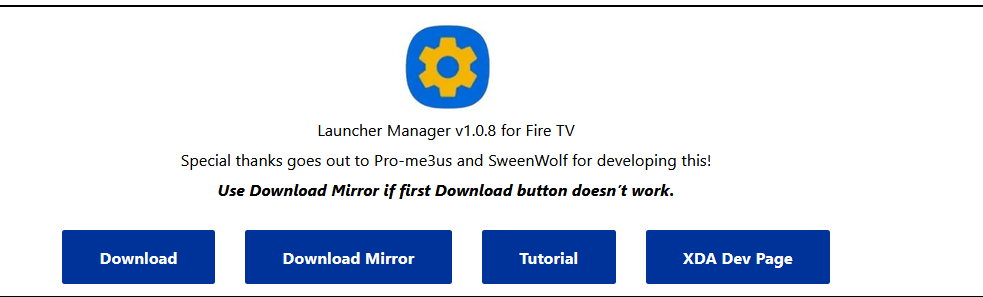
2). Install launcher manager and projectivy from troypoint site. Start them up. Then exit out of them.
3). Use an ADB tool to get into your firetv remotely. Change the permissions on the launcher manager app via the command line ADB tool.
go back into launcher manager on the FTV and pick the PROJECTivy.
If this is all too vague, that makes sense. The instructions by the video are so detailed and nuanced it’s easy to make a simple mistake. Good colleague recommended a factory fresh FTV to do any of this and have to agree.
Thanks, my main tv is fine. But it will not let me add a 2nd ip address in the launcher . . Will this work if the firestick has already taken the block download ?
Thanks, my main tv is fine. But it will not let me add a 2nd ip address in the launcher . . Will this work if the firestick has already taken the block download ? My main tv had not been delted yet and this worked fine. My 2nd tv has taken the block and it is giving me trouble
Do you mean you can’t add another IP address in ADB Link software?
You can add multiple profiles in that app, just click new and name it something different than your first device and then type in the IP address of the new Fire TV you are working on.
Many people who move over to a new system and try to do this again are forgetting steps or missing important details. You may want to use the video again on the second device.
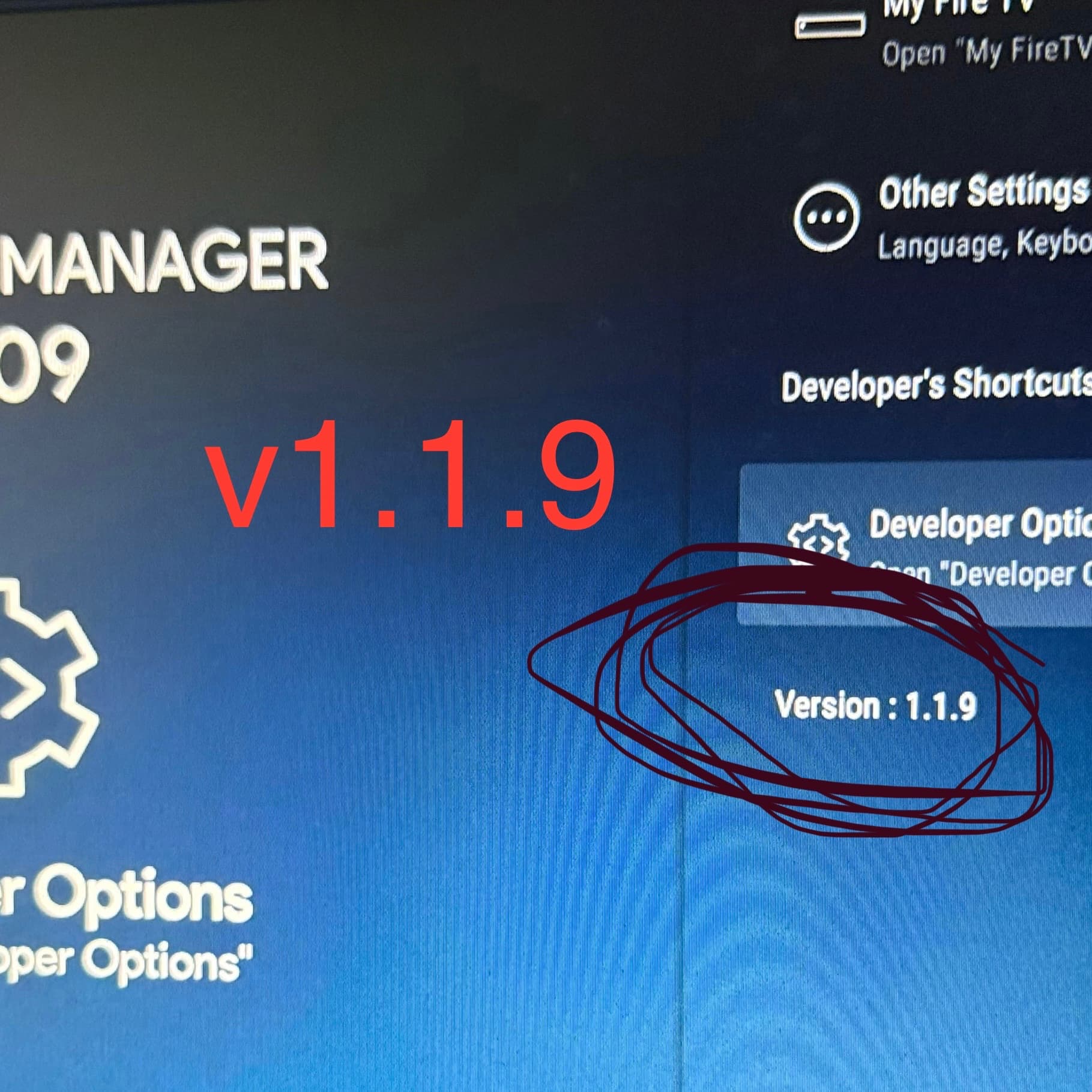
I followed the video instructions and everything went well, seems like everything is working app wise. The only issue I have is under tools android settings I can’t open “My Fire TV” or “Developer Options” all other settings open fine but those 2 just won’t open. Fire TV Cube version 7, Any ideas?
Hi Steve, did you also follow my update video that I put out today? That may take care of some of your problems but if you’ve already done that I would suggest making sure you hit the Setup LM Settings button in launcher manager like I show in this new video.
No I haven’t done the latest update, I will give it a try. i am 90% sure I did as instructed and hit the LM settings button, is there a way to check or go back?
I have tried to download the apps indicated in the video. While I was able to download ProjectIvy, I have no link to Launch Manger or LM Settings. Can someone help me with this please?
Hi, as @AMD237 references everything is outlined in the video and I strongly suggest that you watch that again. Those apps are in our Toolbox. If you have questions like this you really need to watch the video again. Click the pause button between each step so you don’t miss anything.
Sorry, this was my mistake. I expected them under the “Launchers” category, and when I didn’t see them there I didn’t look further. They are near the bottom of the applications. Problem Solved.
Miki, I hope you or someone else knows the answer.
I have 4 firesticks. I followed troy’s video, slowly, and yes was able to succeed with installing Launcher Manager and having it work in the first that I tried.
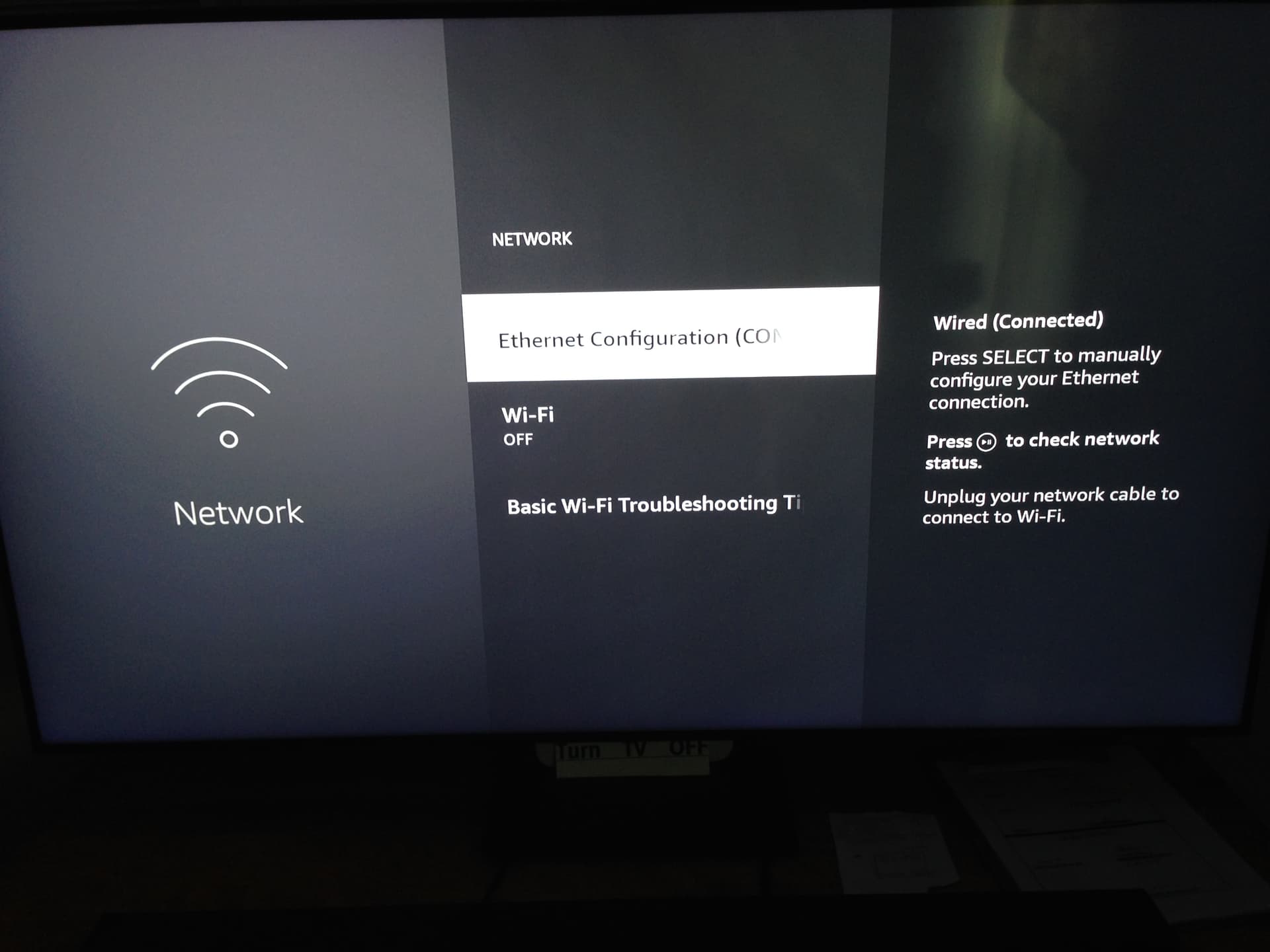
When I went to the 2nd one, first thing to check was that I’m on the same network as my laptop that I’m using. When I went to settings>network I see the same screen “Ethernet Connected”
If I were you, I would turn on the WIFI on that stick and also on the laptop. It creates much less confusion. If you wanted to go back to ethernet after the installation, that is your choice.