Settings general assign addon icon and choose an icon…
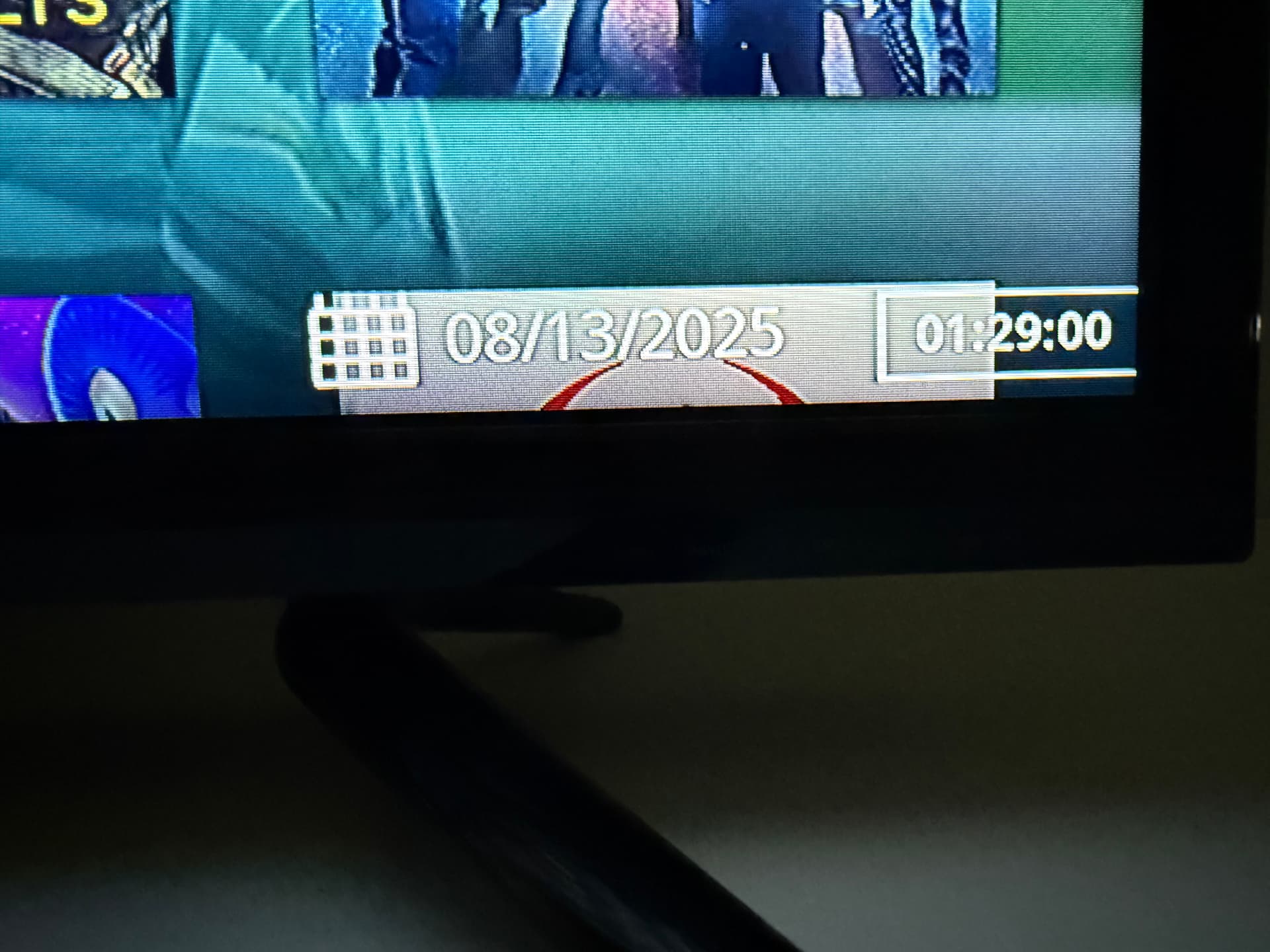
Yes, @GraceWilson I’ve seen the date listed on the “Poster view” setting. But I prefer the “List”or “Wide List” view. It is just much easier to go through the list rather than scrolling through pages of posters.
While I’m being a whiny guy, if you search for an actor, the process is even worse. Type in a common name like Smith, Jones or Thompson you get pages of blank squares with an occasional photo.You have to move the curser over each square for the full name to pop up.
The jokes on me! I’ve never messed with the layout settings on my add ons to even know you could change them. Once I get an add on working well, I don’t mess with it. I love FEN because of this “poster” look. It’s easier for me to look at the poster vs. scroll through a list. The poster helps me decide if the movie is worth watching. I wonder if POV, UMBRELLA, SEREN and others have the ability to show the poster look? I’ll dig deeper. Thanks.
If you arrow to the left, a panel will open. At the top right you should see a listing of the various view types. Place your curser on the listed type and press ok and it will cycle through that options.
It’s the skin that gives you the ability to change to the poster view and others, not the addon. Try the Aeon Nox skin, it has like 20 different view choices, and several poster-like ones.
@JerryJ was spot on in changing the various “views” but they don’t stick and change right back. I’ll change the “skin” as you suggest and see what happens. Thanks.
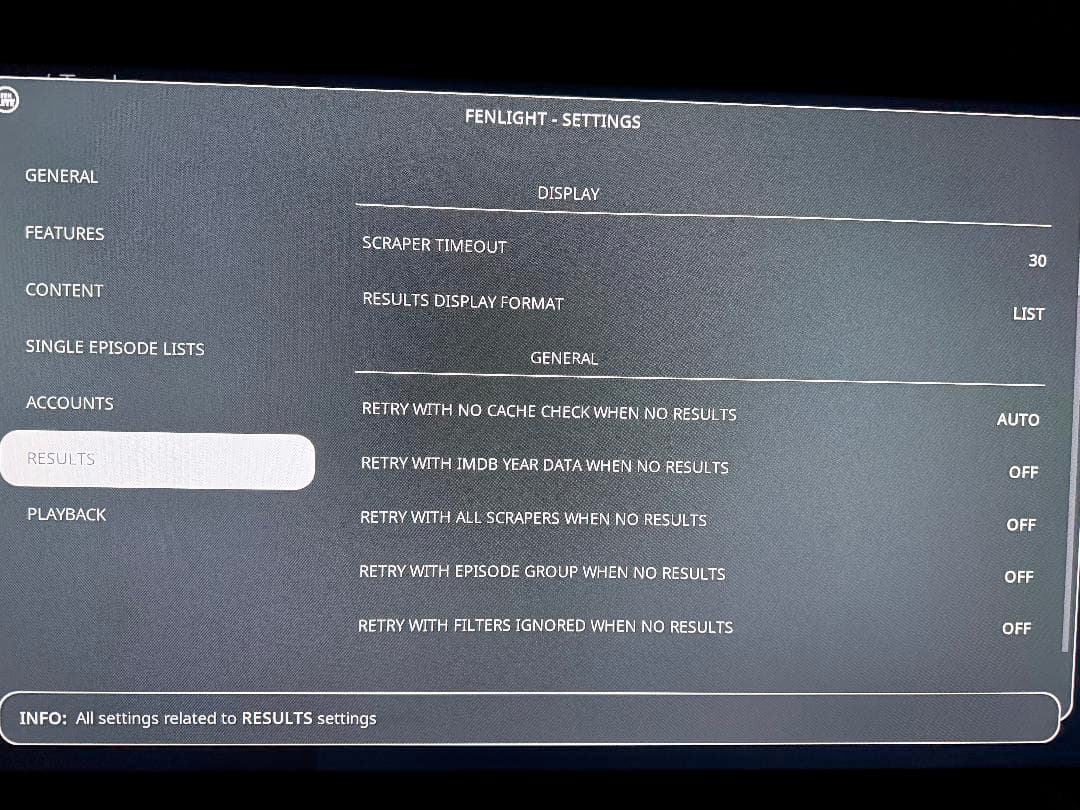
Sorry for the late response. Thank you, I’ll work on that modification.
I know Fen Lite put out in 2025, they were no longer updating. Up until today Fen Lite has worked flawlessly. Today on 2 sticks and 2 Onn devices fen opens but wont pull up categories or streams.Is it time to uninstall? Fen is my most desired app when I choose to stream.
@leachimj that’s really odd that you haven’t been getting updates on Fen Lite AM. I’ve been getting small update almost daily. They are typically small updates. Mostly fixing things that don’t really affect my use of the addon. But all of my devices are working perfectly with Fen Lite.
Are you using a debrid service…i.e. Real Debrid, Premiumize or Torbox?
Technically the FenLite addon i use is called “FenLightAM”. Its on version 20.2.03. See if thats the version you have. It still shows as FenLite in the icon. Do you have auto update selected?
Like @JerryJ and @GraceWilson mine is working well.
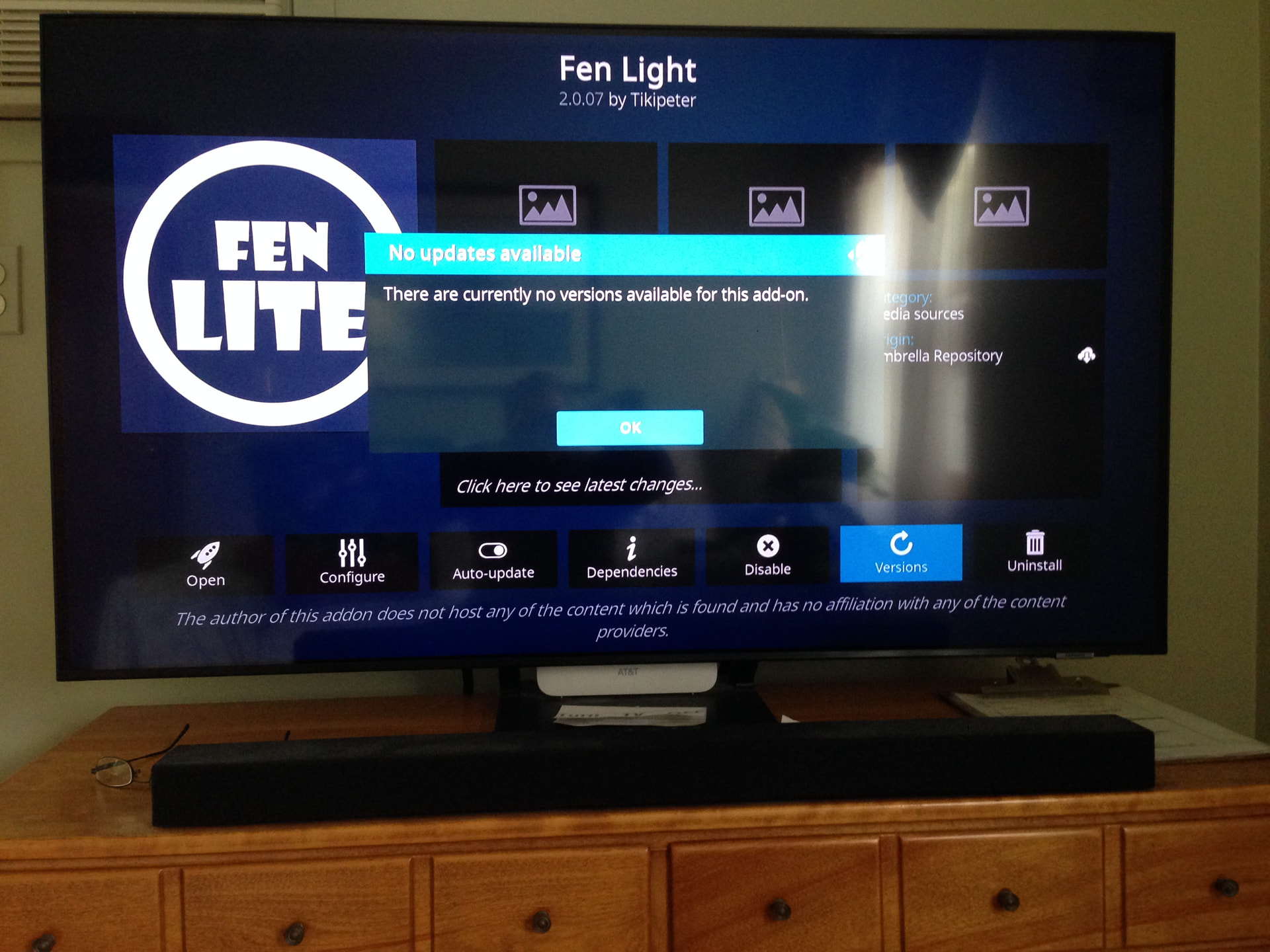
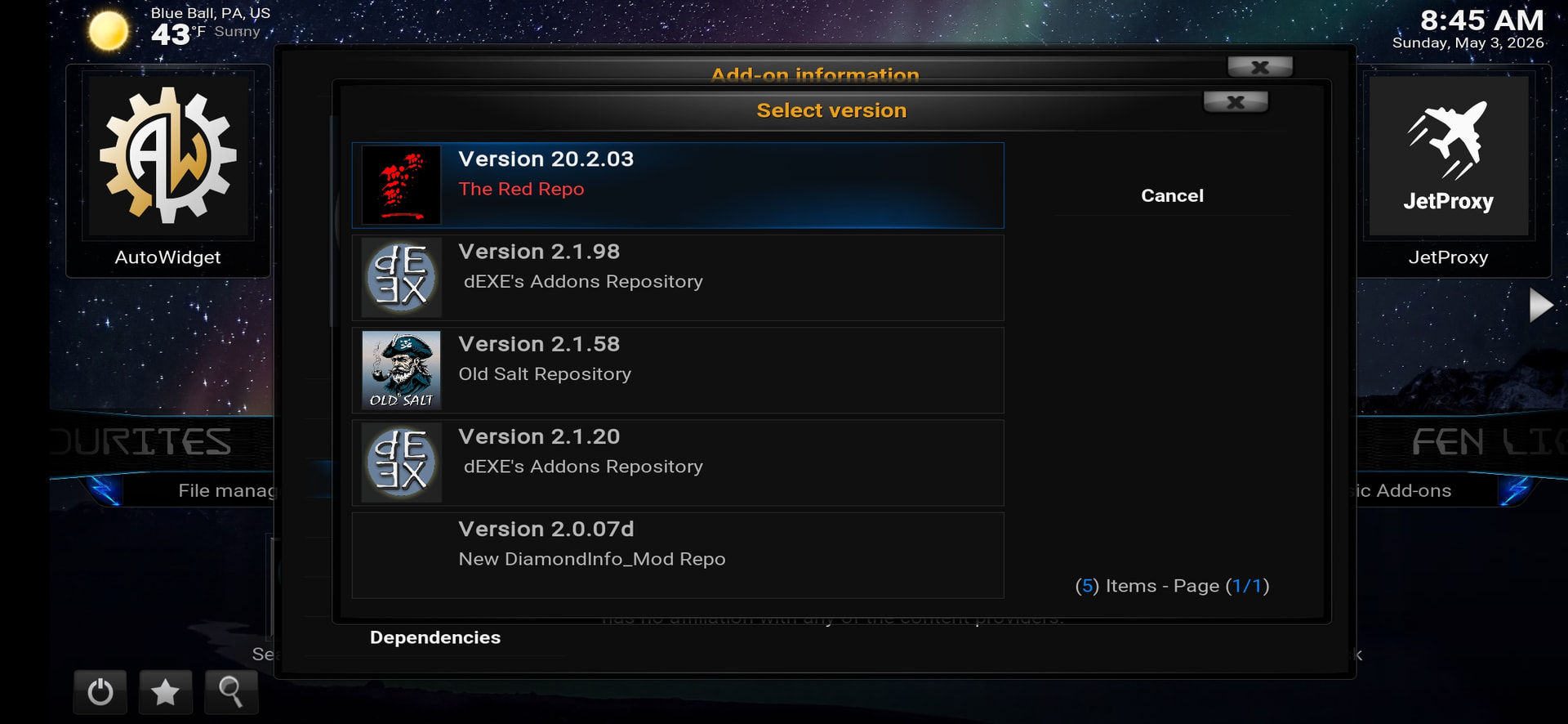
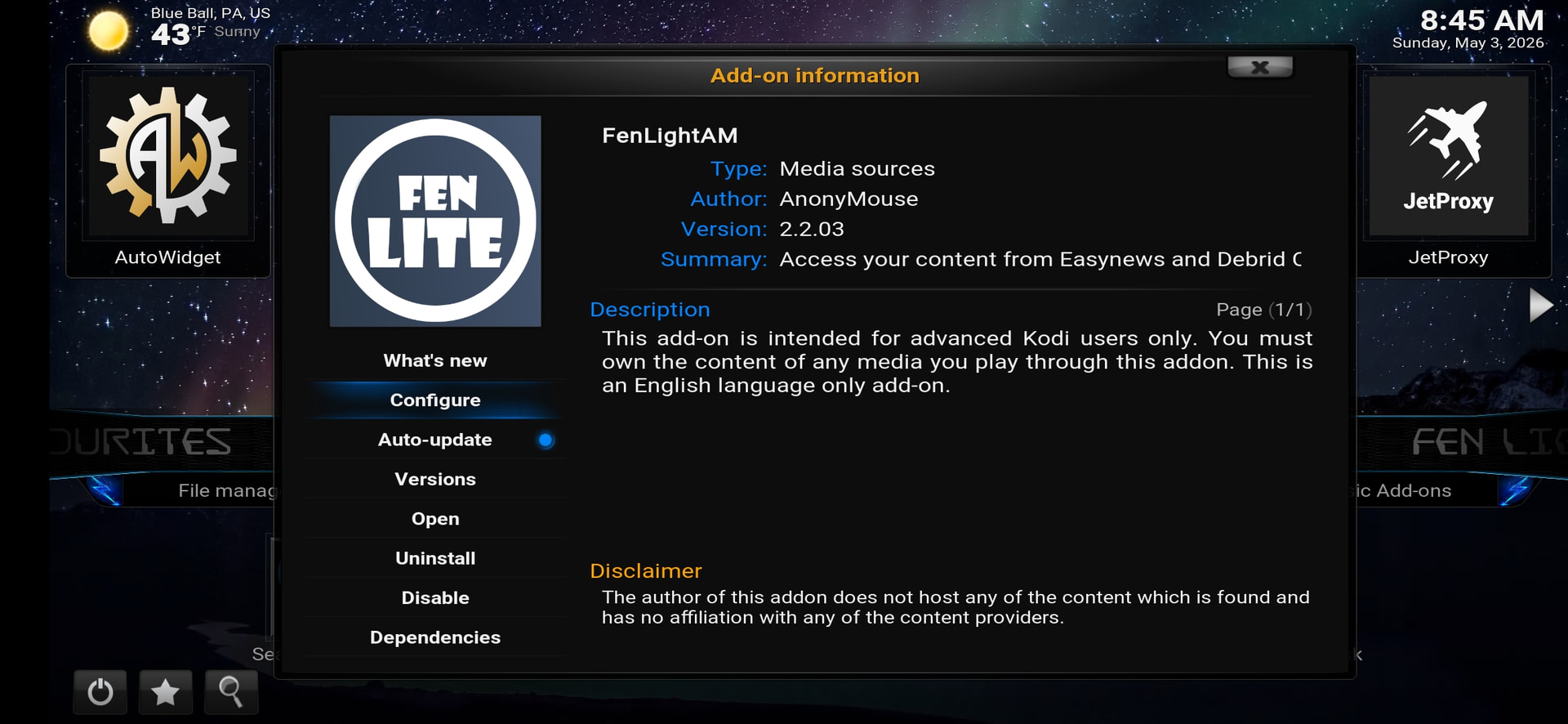
At the top of this thread @TROYPOINT explains the different Fen addons.
From your pic it looks like you are using the Umbrella Repository which is no longer being updated.
Ready Troys article for more information and how to get a working version.
Delete the old REPO and ADD ON and start anew with Troy as your guide.
FEN is officially dead  . Mine stopped working last night and it looks like the repo has been taken offline.
Same thing with me, @Crossx77
I even checked my downloaded zip files and saw the repo address zip folder was still listed, but nothing opened. DAMN!
I loved FenLight AM !!!