Did you get it sorted? The file I used is: https://FenlightAnonyMouse.github.io/packages
Then I installed:
https://cocojoe2411.github.io/
You need a debrid account too. Give me a shout if you have any other issues 
Make sure VPN is turned off, if you have one
Hi @Pincer2014 may I ask how you found the kcleaner maintenance application? I used to use the crew wizard but I don’t use the crew addon anymore. I have kodi installed on my onn 4k pro android tv box. Thanks for any info you can possibly send!
I use EZ maintenance+ add-on but I can imagine Kcleaner does a similar job.
This is the repository.
@Avid08 Thank you so much Not sure about settings but I ran it manually just now and it cleaned up packages, etc… 
I only use it manually now and again to clear packages and thumbnails. You can use the clean cache option or clean cache within the add-ons you use.
This is my latest go to for cleaning.
@PapaS Grazie mille! 
Not yet but Im going to start over from scratch .
PapaS, how is OptiKlean different than SD Maid?
I am doing the same thing. Just starting over from the beginning.
Optiklean is specifically for cleaning up Kodi and SD maid is to clean your device. That’s about my best answer. 

Its in the Jewbmx repo mate, in the programs if I remember rightly, give me a shout if you get any problems;
I stopped using the crew years ago, when I discovered RD. I have used Fen since, its a simple layout, and easy to use. I found Umbrella to be cluttered, what with the movie genres, and the crew searching just landed me with movies in 2027! Fen for me all they way, and I love the Extra option…
A gave this a try and it does have some extra features that some of the other cleaners don’t have.
Dev seemed responsive when questioned on Reddit.
https://www.reddit.com/r/kodi/comments/1kug67h/i_have_created_an_addon_for_cleaning_and/
Did you use the repo noted in Papa’s link? I’m gonna try this too. Thanks @PapaS !
I got the zip file from the Repo address on Gitlab and then sent the zip file to my device from my phone.
So I finally loaded up Fen Lite AM and have it mostly set up like I like it. And it is working just great. But I have one small issue that is driving me crazy (which is not difficult to do  ). When performing a movie or TV program search, the results don’t indicate the date for when the listing was produced. An example for a a movie like Night of the Living Dead will display 2-3 pages of streams available. But date of each listing is missing. There was a setting in the original Fen where one could turn that function on to list the date in the results. I’ve poured over the settings in Fen Lite AM and, for the life of me, am unable to find that setting. I am using the “wide list” setting.
When I watch a series, it shows the release date of each episode. On movies, I’m not sure. I’ll look at mine on a move later and report back.
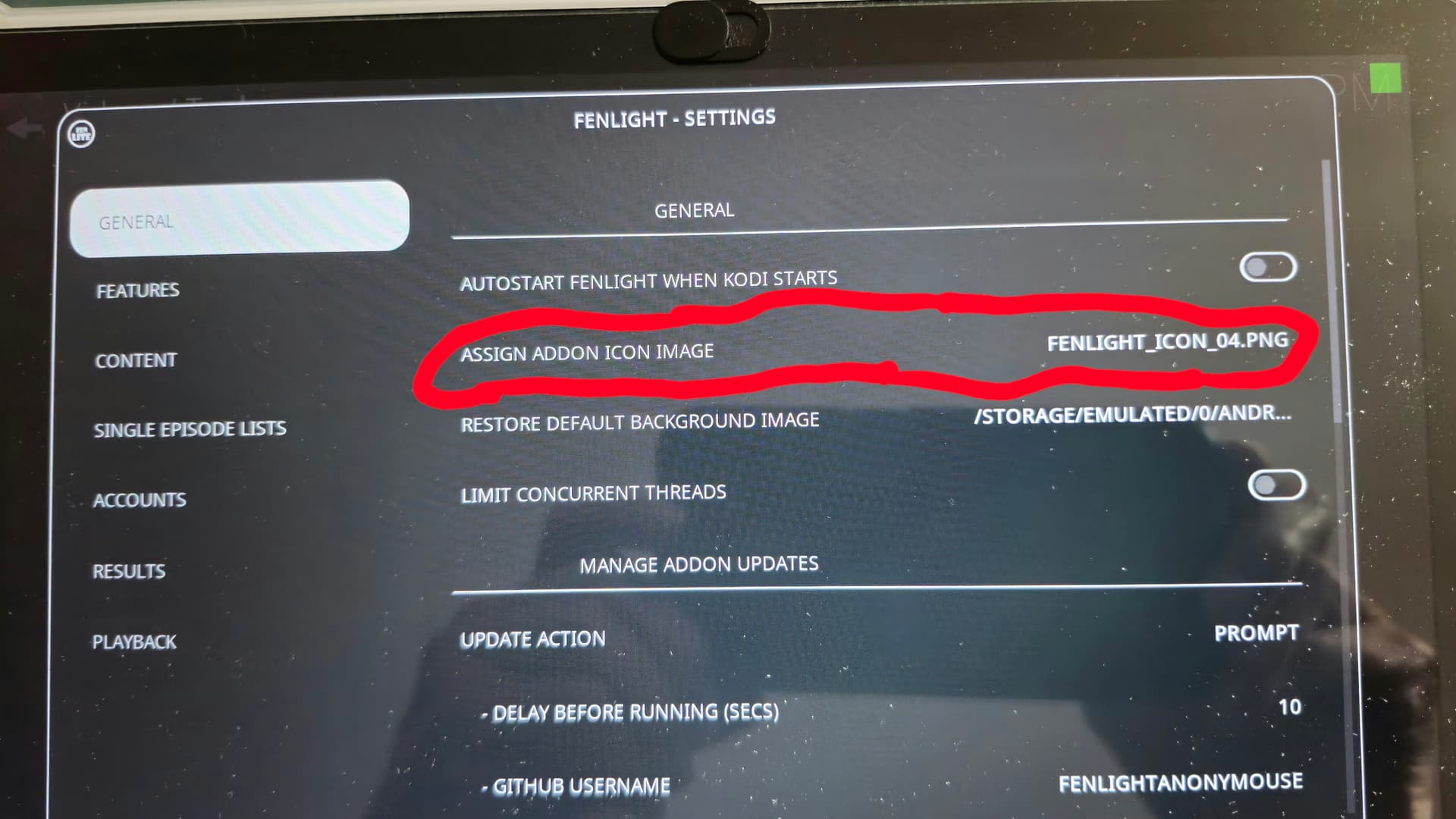
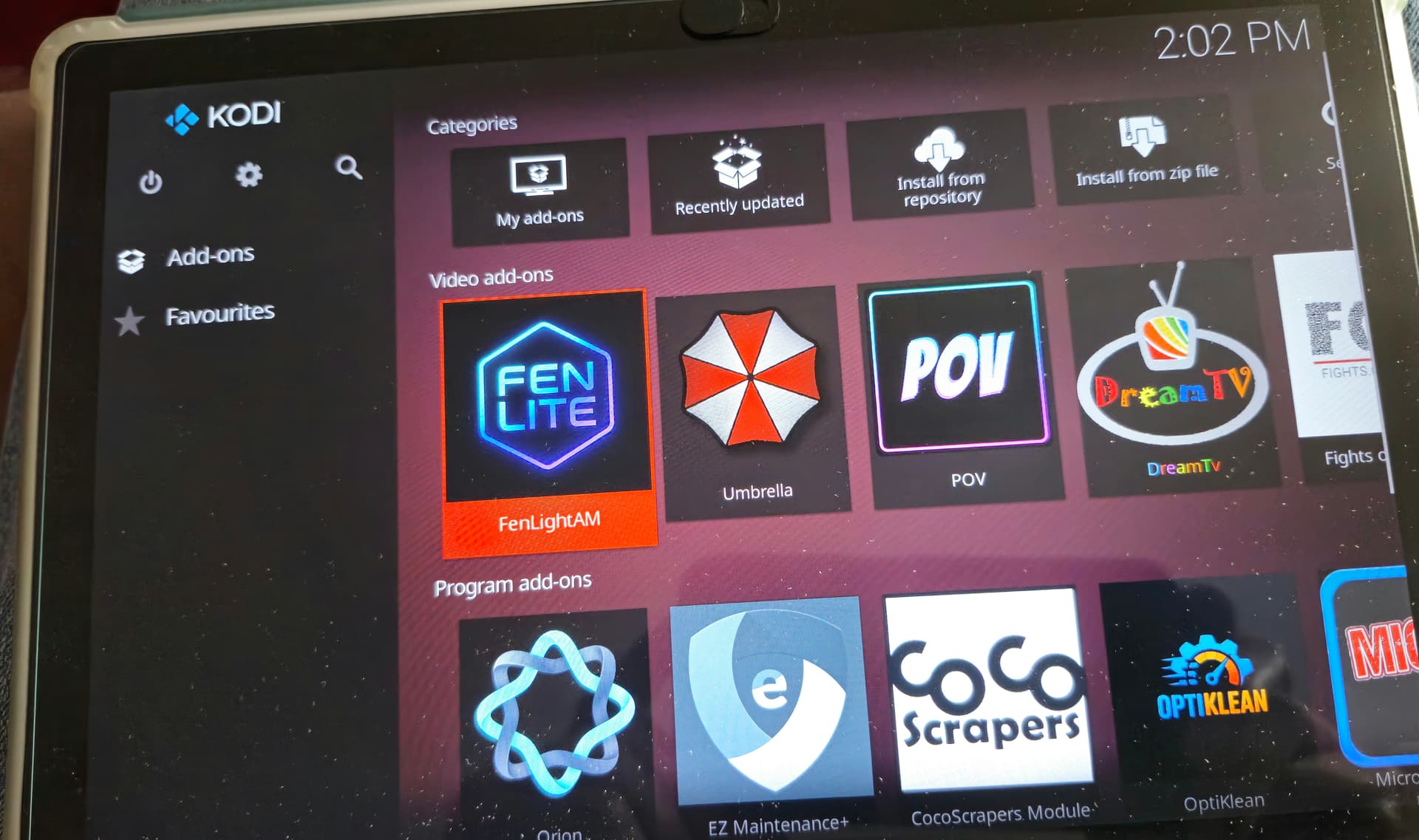
My latest quirk with it is that the Fen ICON, instead of saying FenLite AM is just a blank folder. During an update, it briefly changes to the correct ICON and then reverts to the blank folder. Weird.
It’s still my favorite mostly because it’s got the HUGE THUMBNAIL of each movie and series. Otherwise, if you not heard of the movies or show, you gotta click on it to see what it is about.