https://blog.pcrisk.com/windows/13347-how-to-fix-vlc-is-unable-to-open-the-mrl-file-error
It sounds like the m3u file is not saved onto your computer. Or is located on an external drive or elsewhere.
https://blog.pcrisk.com/windows/13347-how-to-fix-vlc-is-unable-to-open-the-mrl-file-error
It sounds like the m3u file is not saved onto your computer. Or is located on an external drive or elsewhere.
Finally got ABC - NY to come up, but it froze immediately.
Shame. It works good here.
Where did you download the file to?
Downloads folder on my PC. VLC on my PC.
Is the folder where you stored it on in internal or external storage? If you have it in external, try putting it in internal.
Have you tried the url in a different player to see if it plays. If it doesn’t, then maybe the url is corrupted.
Check you Firewall setting and see if it is blocking this file, or just try turning off the Windows Defender Firewall.
Try turning off any anti-virus software.
Change file ownership is another option. You may have an admin issue. Maybe try and set a new admin and make sure you uncheck all “Deny” options.
Hello
Work well for me! In Canada!
All 4 channels
Hello
Work well but do you have the m3u for epg!
Thank you 
I don’t think the EPG will be in m3u format. If it is a stand alone then it’s a url you enter. The easiest are the m3u8 which contains both a channel list and an integrated EPG.
See above (can’t leave posts empty, apparently).
This one solution is mentioned on all fixes when I searched the net. The steps are fairly simple and straight forward. Changing or adding administrative settings
Also, try installing the url in a different player to determine is the issue is with the url, player, or anit-virus
You can’t. It’s not a url you input into the player. You don’t use the url in the player at all. You use the url in the downloader app or in a browser to download the m3u file.
m3u file works well for me! Thank you.
meant m3u url. i haven’t seen the m3u that is being discussed. I just assumed it was an m3u.
“It worked for me on both TiviMate and VLC.”
Apparently you can install this on Tivimate using the m3u playlist>select local playlist>download>downloader>DL-LCLS.m3u
So, I would imagine if you can insttall this on the Tivimate player. Then you should be able to install it on other players. That is nwhy I suggested trying a different player such as Televizo, Sparkle, etc… to see if it would work in another player.
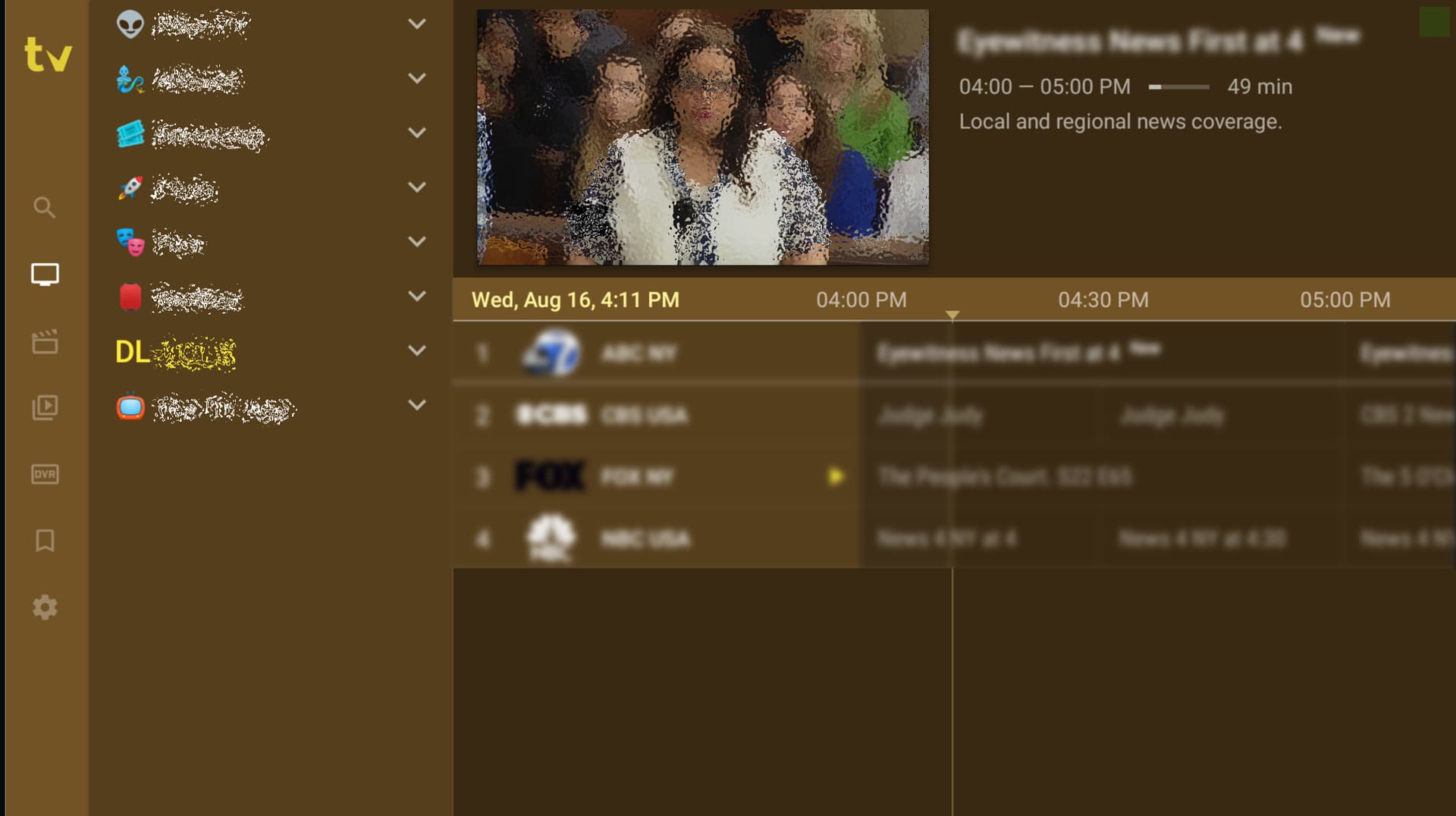
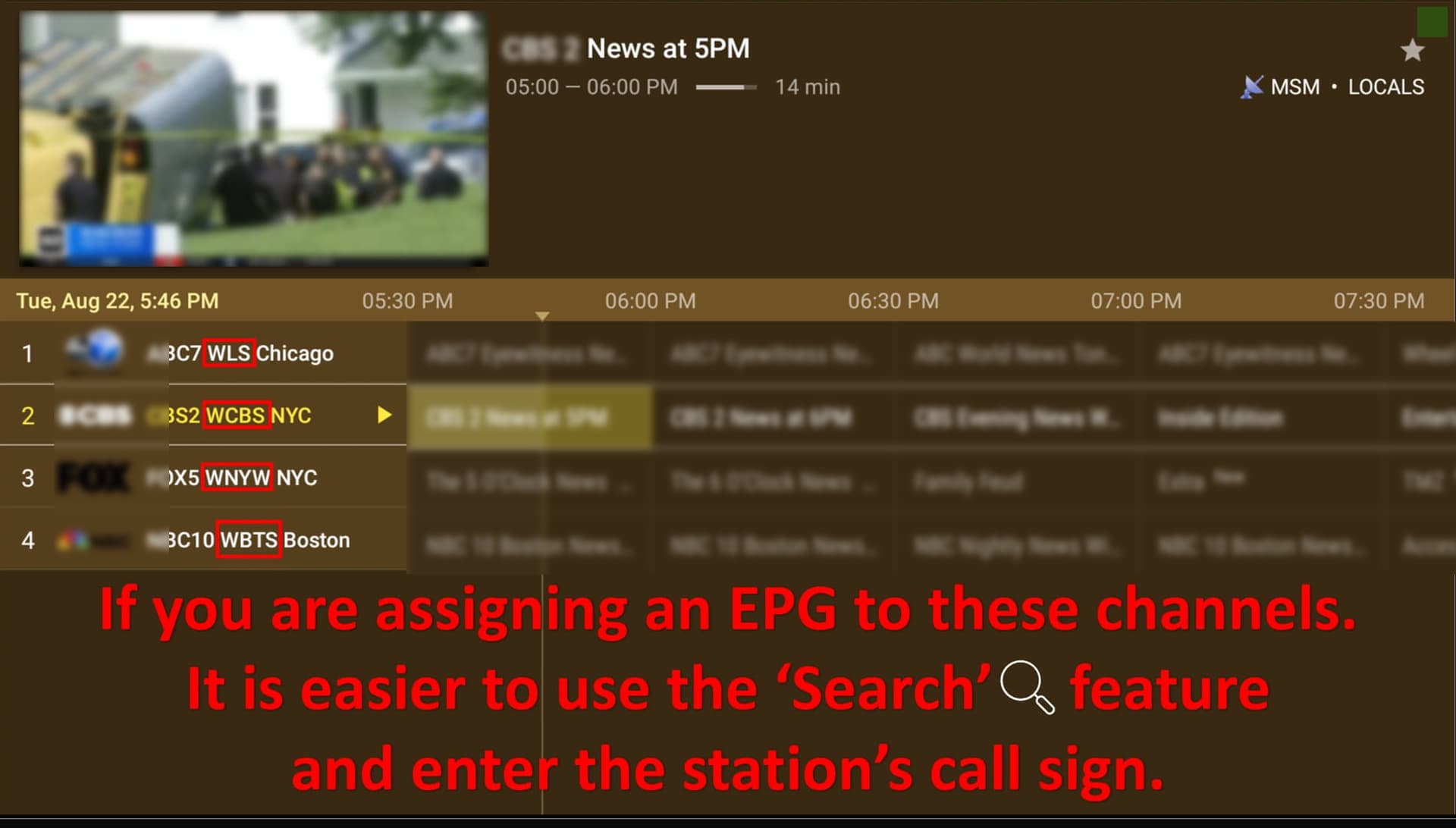
These are the 4 channels. I had to assign an epg. They all play very well, are quick to load, and the pic and sound are excellent.
You got it. It is a local playlist m3u file which needs to be downloaded and saved. For unknown reasons, it doesn’t play in other players I’ve tried. It does work fine in both Tivimate and VLC. I think it has to do with the referrer tag coded in the file. Other players must not recognize that code. Just a guess.
have you tried seeing if it works in Plex?
I don’t use Plex so that would be a no, haven’t tried it. I just now tried another player that you had named called Sparkle. It did work with that one as well.
Going to have to add an update on Sparkle. It seems to have a time limit. It will quit playing after x amount of minutes. Then you have to restart the channel.
Tivimate and VLC do not have this issue.
I have a Roku TV and although I do not subscribe to any of their offerings, they occasionally add free channels, many of which are redundant and are promptly removed. Several years ago there was one called “NewsON” which provided the most recent newscasts, on-demand, from local, as well as regional stations with minimal ads, their own ads as opposed to the TV stations`. Abruptly, Roku swapped this service with the aforementioned “VeryLocal” but their advertisements were very intrusive and annoying so it was uninstalled and I sought out and re-installed “NewsON”. The minimal ads are still there but it now offers newscasts from all over the country as well as local and a limited amount of live news content. Just my $0.02.
I tried to DL the file the other day. It says something missing. Did you move it.