there are so many stores within aliexpress seems to always be a few cheaper than the others. Steer clear of the vontar store as they do have pretty good prices and assortment but shipping is veeeery slow. I think they route through the antartic and back up
edit…vontar is good tho, just expect 4 weeks
also If you get one get one with this remote only. The stock remote sent with many are junk.
Ugoos X4 Pro 4GB 32GB X4 Cube DDR4 Amlogic S905 X4 Pro S905 Smart TV Box Android 11 9.0 1000M 4K X3 Cube X3 Plus Set Top Box| | - AliExpress
Everything started fine. Downloaded what I needed. RAI worked great then I went to put an m3u in and it froze my screen and box turned red. Had to unplug, factory reset and start all over. Now the RAI won’t download again.
Leave wolf launcher off unless you really really really need it. If you do you will need wolf then the ultimate launcher manager will be needed and that is not recomended because you could brick it. Ive done it once but have since removed wolf from the buzz box and trying to get along without the wolf…
Still won’t download from RAI. Wouldn’t yesterday, I reset to send back and when hooked up again it would. Now I had to reset when it froze and won’t download again. What is going on? Edit
After 2 uninstalls and checking for any file fragments, the second reinstall worked and I was able to download from the RAI!
@TXRon I don’t know how or why because everything I do is a trial but I put wolf launcher on with the regular launcher manager and it works flawlessly for about 10 days now. I’m clueless as to why. I think I had to open developer options and allow for usb debugging and once I did that it worked perfectly. But I don’t know why.
For some reason when I used to launcher manager from the rai my box would revert back at every boot or button push it seemed. No biggie all is well. Now if you can figure out how to change the default recording location to an smb server that will be progress
I may try downloading again but not sure. I don’t know if that was the reason it froze on me or not. I’ll get brave again one day and try putting it back on
I’m glad you said something because it got the wheels spinning as to it being the possible culprit for freezing my X5. I don’t mind doing a system wipe as I don’t have much on it, just that remote gets my hand cramping from having to re login the few apps I do have
Well I have my ugoos ut8 on the big screen while I tinker with the buzztv on the little screen so I cant test pairing remote with tv right now…actually little tv is just a monitor. Ive decided to stay with buzz modern and im slowely building it back. Set tivimate up last night with all my subs on it but on buzz iptv I just put my most reliable sub. So far so good.
I put TiviMate on last night but haven’t set it up. I wanted to play with the stock player a bit. I couldn’t find a way to make categories. It appears you can favorite channels like in Smarters and have them under your favorites tab. You just have to go through all the locals to find yours as there is no search feature yet
I still find tivimate more useable and better customizations. In my opinion it would seem buzz has put more effort into the remote/iptv setup without instrustions on its use. There are a few youtube videos that offer help but as far as just installing and giddy up go…well the giddy up aint there
I’ve been searching to see if there is a way to either dim or turn off the bright a** front red/blue light. May have to find a sticker from the Grandkids to cover it. Lol

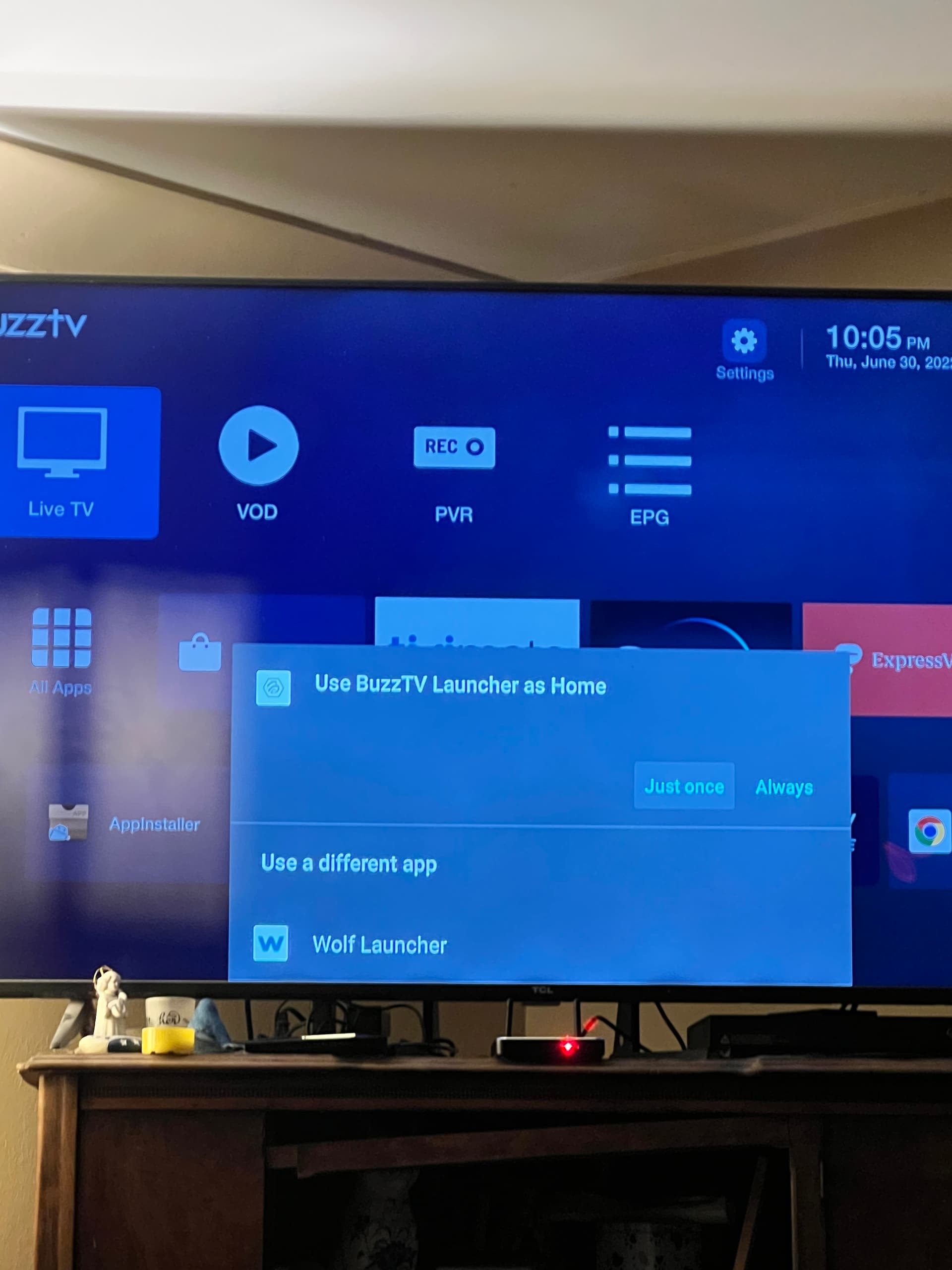
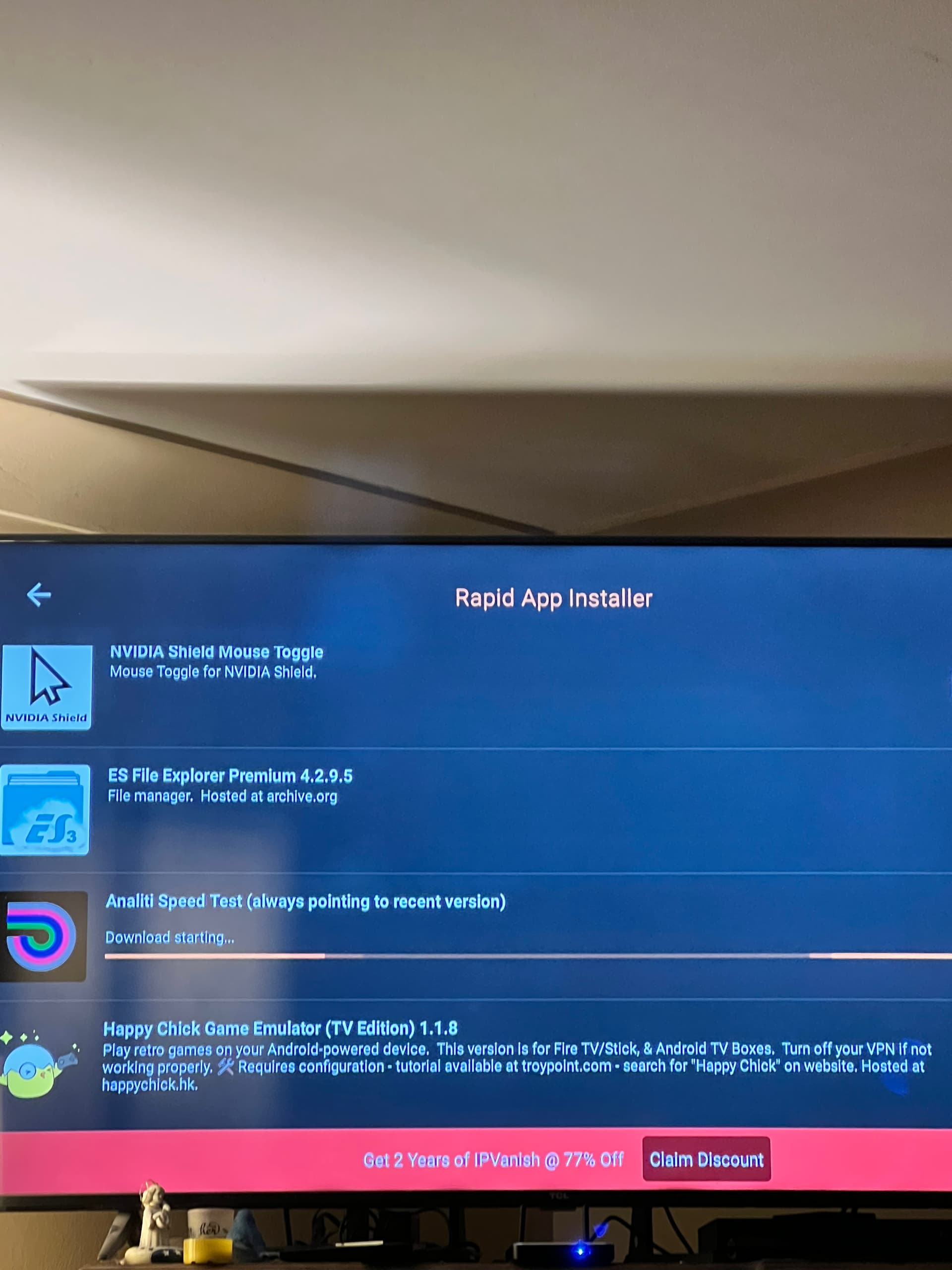
 … All I know is leave wolf off or get ready to rumble
 because everything I do is a trial but I put wolf launcher on with the regular launcher manager and it works flawlessly for about 10 days now. I’m clueless as to why. I think I had to open developer options and allow for usb debugging and once I did that it worked perfectly. But I don’t know why.

 ,sorry, just thinking out loud
