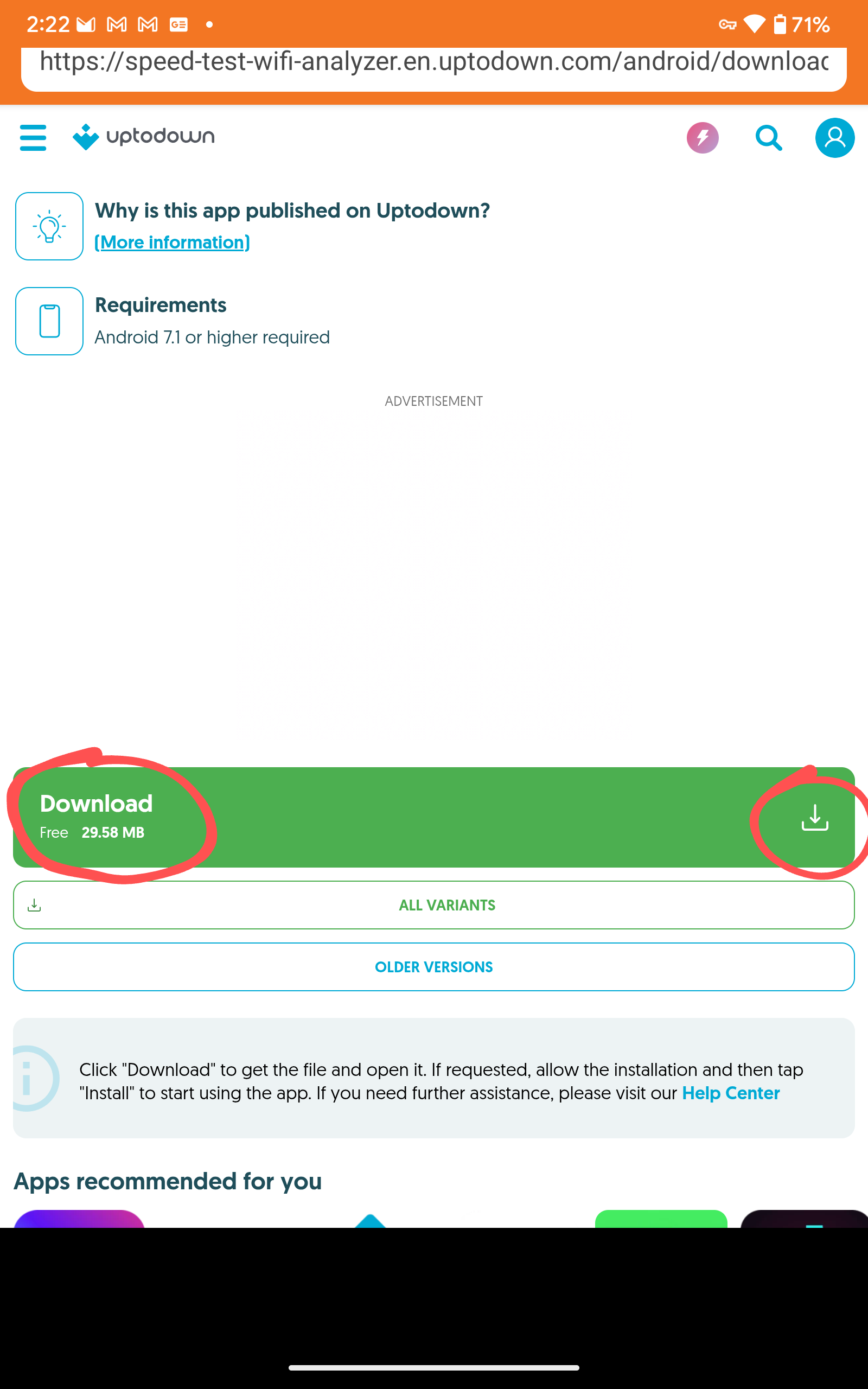
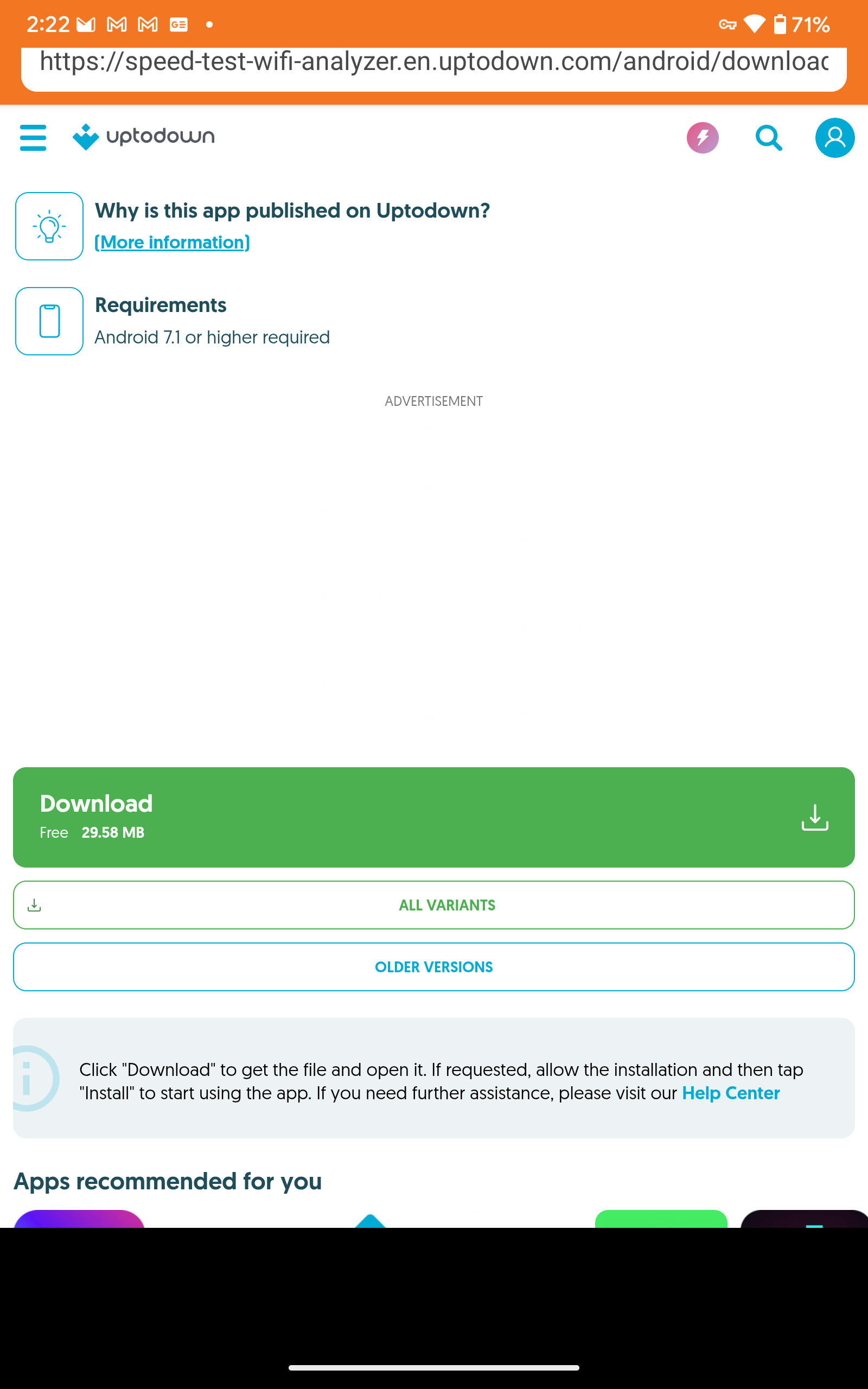
Ok that’s my bad. Instead of clicking where I told you, just scroll down a bit farther and click on the “all variants” to open a new page then you will see Analiti again click that. Sorry.
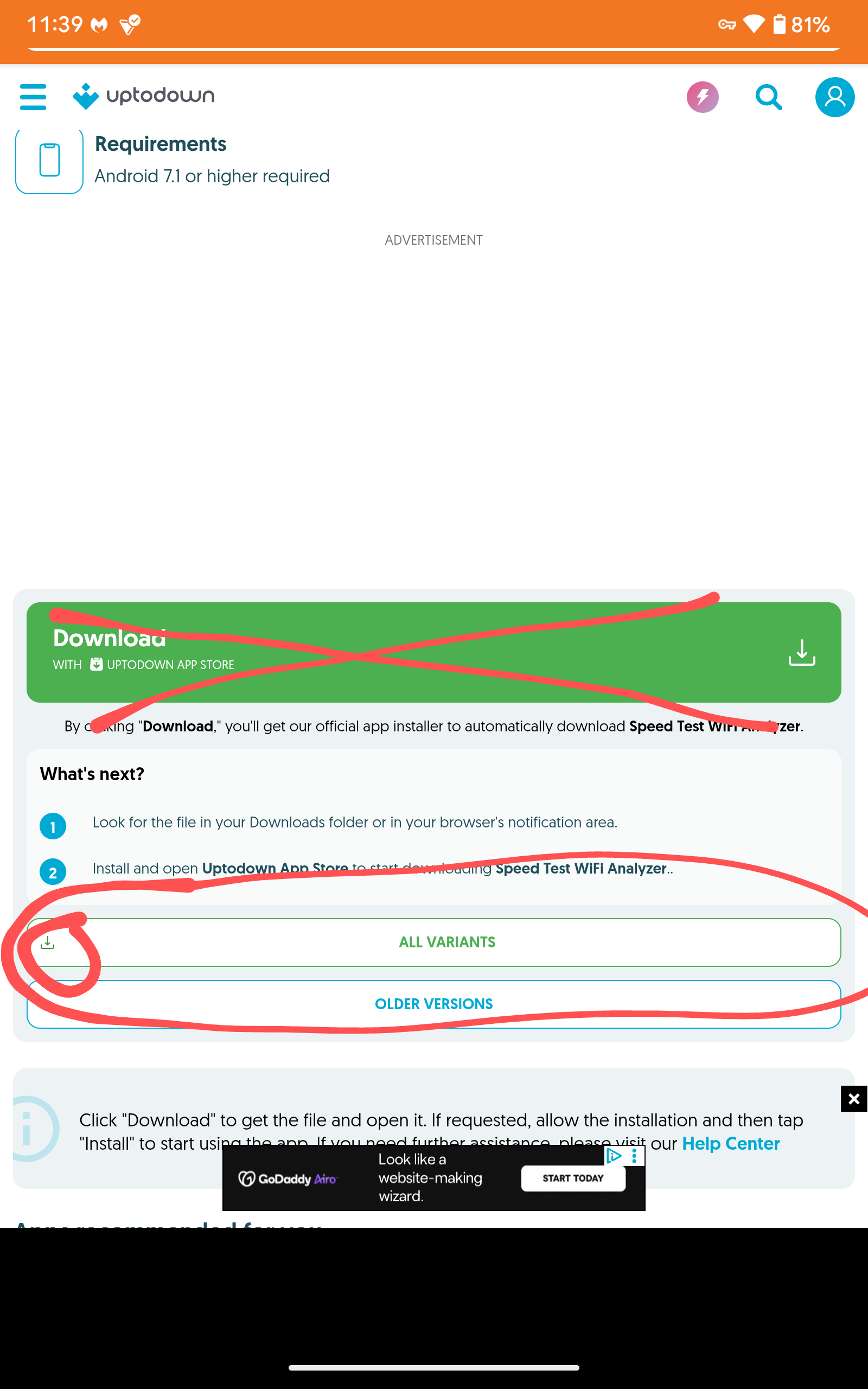
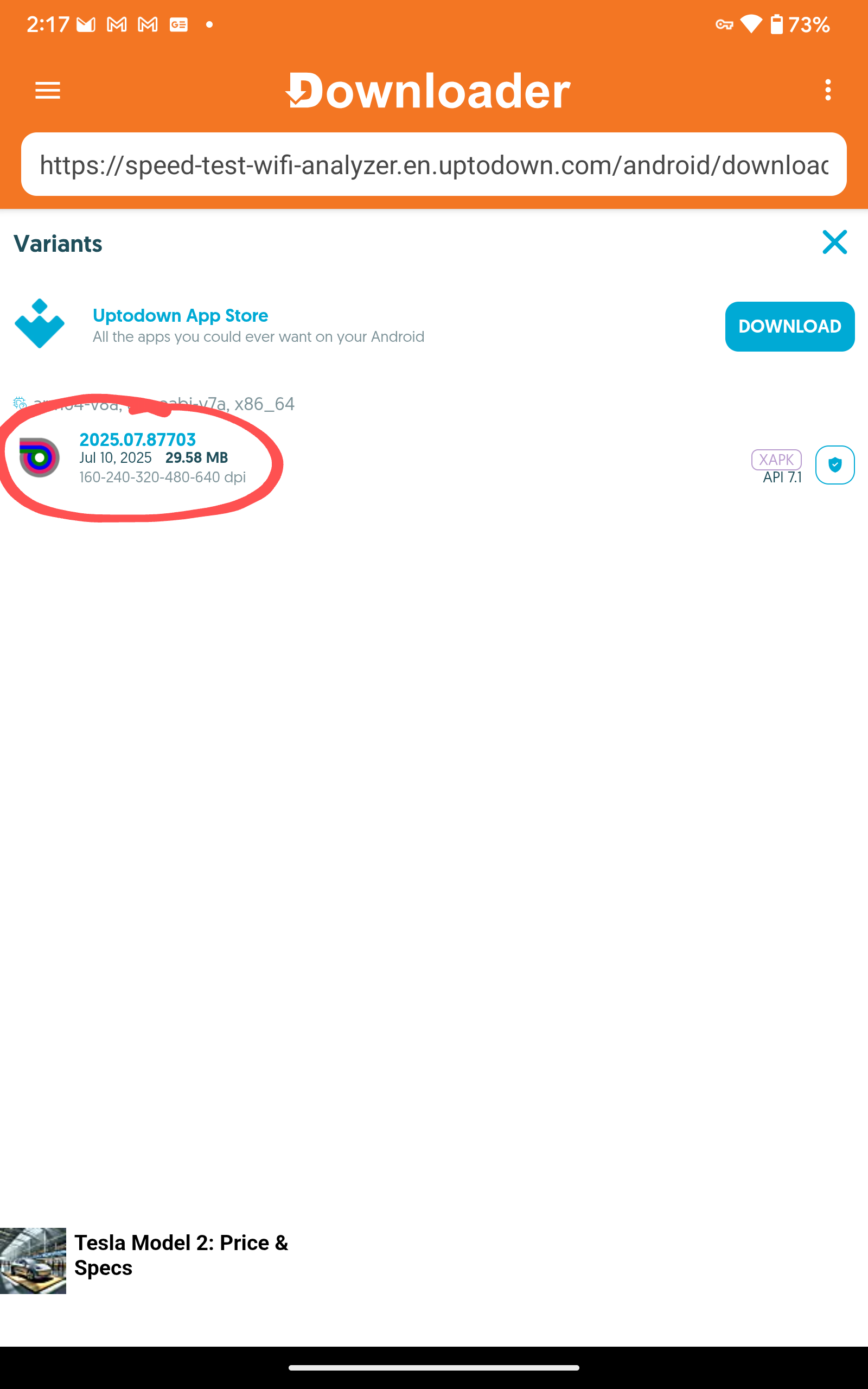
That will do it for sure.
@Miki Sorry. No bueno. I click on all variants. It takes me to the page with the little Analiti logo you circled in red. When I click that, It takes me to the big Analiti page, with the offer of variants below. In other words an endless loop and no reward. Older versions did not work either.
Oh hell. I swear I did that–clicked on the “free” button. But, I guess not because this time I saw it downloading something, then offered the installation files, which I deleted. However, I was not offered the chance to open Analiti, which is unusual.
I looked at the home page and it’s there under apps. Is it the original that won’t open or an updated version? I didn’t write down the original version. But I do see one Analiti saying it was open 2 min ago, and one under “all apps” which may or may not be the old one. The first one says v2025.07.87703. If I assume this is actually newer than what I had before—it didn’t solve the problem. I open it and get the spinning circle. I open the other and get the spinning circle. I have no idea why, or why BuzzTV Mike said he was aware of the problem on these boxes nor why it doesn’t happen for you, Mikki and in fact has never not worked?
I then took a leap of faith, deleted Analiti (one deletion, deleted both) and downloaded Analiti again. Now I have no Analiti! it looks like it downloaded, but not on my home page, with all the other apps I’ve downloaded. C’est la vie.
@itzme have mercy! I looked for the darn code THANK YOU. BUT…there is always a but. I used it just now, it is from Google playstore which wants me to sign in. I don’t have a Google play account because my phone and computer is Apple so I have no sign in info. 
oh wait, maybe I can create an account via downloader. oh the nail bitting suspense. I’m on a zoom right now, but will let everyone know.
Eureka!!! It took a village, but I have Aniliti AND IT WORKS!
It took the code, which sent me to the Google play sign in. it turned out my gmail address worked??? Shocker. it was cumbersome to open the play store, but was then approved for the purchase (free), it’s on my P6L home page (Google knew I had a P6L, scary) and it works.
@denadavidson99 …glad you finally got it working…I must say, you have way more stick-to-it-ness than me, I would have surrendered long ago…
Some might call it masochistic, some may call it stubborn! I feel if @Miki is going to stick with helping me, as he has done many times, I’m going to take the opportunity to learn. Plus, darn it, why couldn’t I get the darn app? 
WOW! What impressive speed on the benchmarks. With what I have noticed on the lag of my Z11 Pro’s & not having much to run on of RAM memory once system eats up most of it, I feel having even just the 8G of ram would be a huge improvement by itself. The Z11 Pro Max’s I have run pretty well on 4G of ram, but if there is 1 thing I wish the Z12 Ultra had over all else is more ram, & prefer it to be DDR5. As much as any device needs ram to think I always feel it’s one of the best upgrades. My thoughts being I am a person that loves tech the 299.00 is about 100.00 more than I would like to pay for the PS6 version, but has more than enough to ensure zero lag. I don’t see the unlimited version worthy of another 100.00 & do feel that is overkill. Those who love to record many things may like the extra storage. As far as the launcher goes on this I would prefer the Formuler hands down. It’s original launcher suits me well & I can design it exactly how I like it.
They say you only need 4 megabytes of memory for good streaming. Besides the P6 UL, I have 8 MB on the 2 H96 Max V58’s, the H96 Max M9, and the Rupa, all 64 bit boxes. I can’t tell if it makes any difference, but they all work well.
Anyone else have problem connecting tvpass.org to BuzzTV 6? I don’t know what I’m doing wrong.
Working fine on my P6L. Just SD though as servers are overloaded.
Strange. I type the correct web address, but I get an error msg. Am I allowed to paste it in here and show you?
I just used the url in your previous post. Takes me directly to the available free channels then I click a channel and choose HD and then if server is full I try the SD, and it works.
This is the first time I create a m3u playlist in BuzzTV 6. But after I type https://tvpass.org/playlist/m3u and try to connect, I get a connection error msg.
Tvpass isn’t a playlist that I’m aware of it’s a site you go to and pick a channel. Unless you are talking about a paid subscription then you have to enter a user name and password
I could only get the xtreme codes format to work with Buzz TV 6, not m3u.
i put this in tvpass.org brave browser on pc just for the heck, went right to the site, pick a few diff channels and they poped right up….i know it’s not a streaming box but it is working
Do you have a paid sub? Are you using TiVimate? In TiVimate you go to > Settings>Playlists>Add playlist>M3U playlist>Enter URL>Next>Playlist name> select TV playlist> You should see Playlist is processed and Channels: 414 which is what I got entering the m3u url you provided>Next> Now you will see the EPG Url section and inder Enter URL it is automatically added now clock Done. Tvpass is now added to your master playlists on the right and on the left pop-out panel you will see TVpass which is what I named it with it’s categories underneath it. EPG hasn’t loaded yet but should when you update it. Worked for me.
This is in my Tivimate on my Buzz P6L. I don’t use anything but Tivimate for live TV.
I use tvpass.org in Tivimate without problem, but won’t work in BuzzTV 6.