Never tried on my android tv box but on my android tablet I use firefox focus and navigate to ustvgo(or any site) and click add shortcut to desktop and done. Thats how I have Troypoint Insider setup for quick access.
1 Like
114 channels: USTVGO channels list - USTVGO.TV
 APK for Android Download (apkpure.com)
1 Like
Yeah, that APK isn’t optimized for Android TV and can’t really be used without a mouse input. I’m curious how you’re using it on your Shield.
1 Like
@ Miki
i still have my Sapphire original sub at 5us a month
i stuck w them when they got hacked and i’m grandfathered in as long as they last…lol
ITT Basics is freakin great…watched the whole fight on ppv last weekend w no buffering
3 Likes
I have it on my nVidia Pros, my converted Android Fire HD 10 tablet, and even my Samsung s8 phone, and will be installing it on my Samsung s*8 Ultra when it arrives.
I you my Mouse Toggle to navigate the app. The apk will not show on my favorites so I made a shortcut that does. Although, that shortcut is not needed on the Wolf launcher or the Projectivy launcher.
Fyi, I have had that apk on my devices for years without a single issue ever!
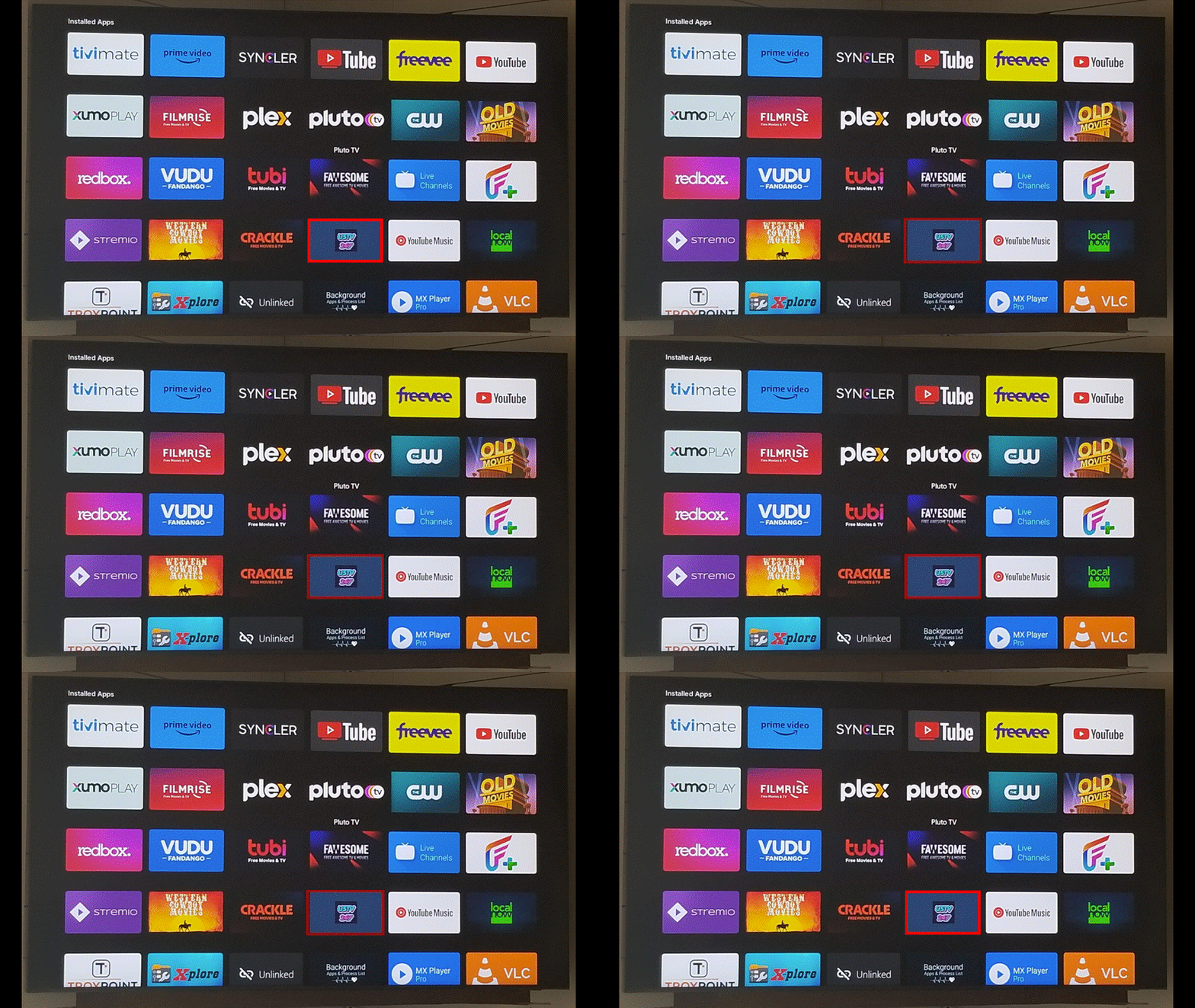
Ok, that makes sense. I still see no advantages of using this APK over just accessing the ustvgo website via a browser as the apk is nothing more than a browser shell that directs you to the website. But if it works for you, it works for you.
IMO the Kodi USTVGo addon is still the best currently available way to access this site on an Android TV device as it cleanly and clearly lists all the channels in a nice directory and you don’t have to mess with Mouse toggle emulators. I’d recommend giving a shot and see how your experience compares.
That 247 app used to have more channels than the ustvgo app. Is it still like that?
It’s literally just pointing to the USTVGo website as I’ve mentioned a few times before. There is no difference between this app and going directly to the website.
1 Like
Nope, I just checked. Both of them have 114 channels.
1 Like
I really don’t care what it points to. I like having the apk where I can just click on it and open the app to watch. Sure, I can do the same with the website, but I have to open my browser and then click on my favorites and then click on USTVGO to watch. The app is a one click process.
On my my laptops I created a shortcut that I placed on y taskbar for convenience.
But, like I said, this is an app I rarely use and ONLY use if for some reason my dozen or so m3us all fail at once! lol
2 Likes
The same can be done without this APK. You can either make USTVGo your homepage or you can use the Bookmarker app I mentioned above which just acts as a URL shortcut that calls on your browser to open the URL. The benefits of this are one less app installed (or at least something more lightweight) and most browsers have mouse emulation built in, so you don’t have to rely on the Mouse Toggle app, which I’ve found can sometimes be a tad buggy especially if adb isn’t playing nice. But like I said, if it works for you, it works for you. I’m just personally not a fan of “pretend” apps that are just browser shells with extra limitations, no added features, and the potential of nefarious code snuck in. But then again, I do install anything and everything under the sun for testing purposes, so I can’t really pretend to care about that last point.
Does this work on other streamers besides Amazon Firesticks… such as Nvidia Shield or a stock android box? If so where can you download the bookmarker app?
1 Like
That’s a good question. I haven’t played around with it a ton, but there should be a few options here. The objective is relatively simple. I haven’t tested any of these fyi, but it should be enough of a launching point to get the ball rolling.
- You could get the Fire Bookmaker apk and try to sideload it.
- This site lets you make custom “apps” for launchers out of pretty much anything. URLs should work: Generator for ATV-Launcher Apps (trekgonewild.de)
- TV App Repo is another recommendation Create a Home Screen Shortcut on Android TV & NVIDIA Shield - AndroidTVNews
- There seem to be some url shortcut apps in the Play Store that may work natively or will need to be sideloaded to ATV to work
That’s an interesting idea and something I wasn’t aware of  . Unfortunately above my pay grade or abilities.
1 Like
Ok, I looked into it. If you know how to sideload an app, this should be easy.
-
Download Website Shortcut 3.4.1.apk and install it on your device.
-
Open the app. It’ll ask for two things: the website URL (ustvgo.tv) and an image. I used this one. Under the image, you have the option to name it if you want.
-
Click create shortcut.
You now have a shortcut on your launcher.
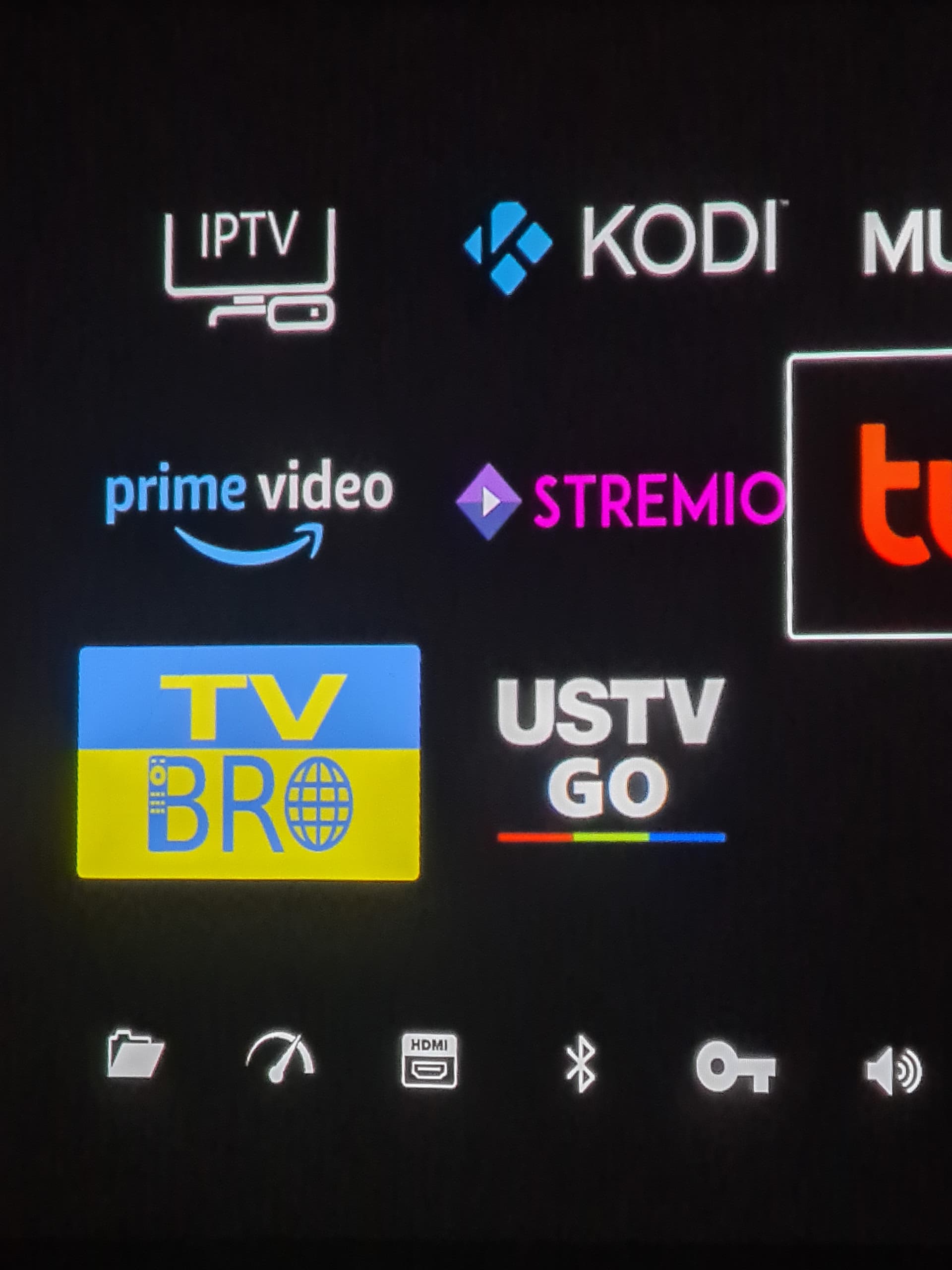
When you click it, it’ll ask you to choose your browser. You can set this to always remember your choice. I use TV Bro.
When it loads, you’re taken directly to the site.
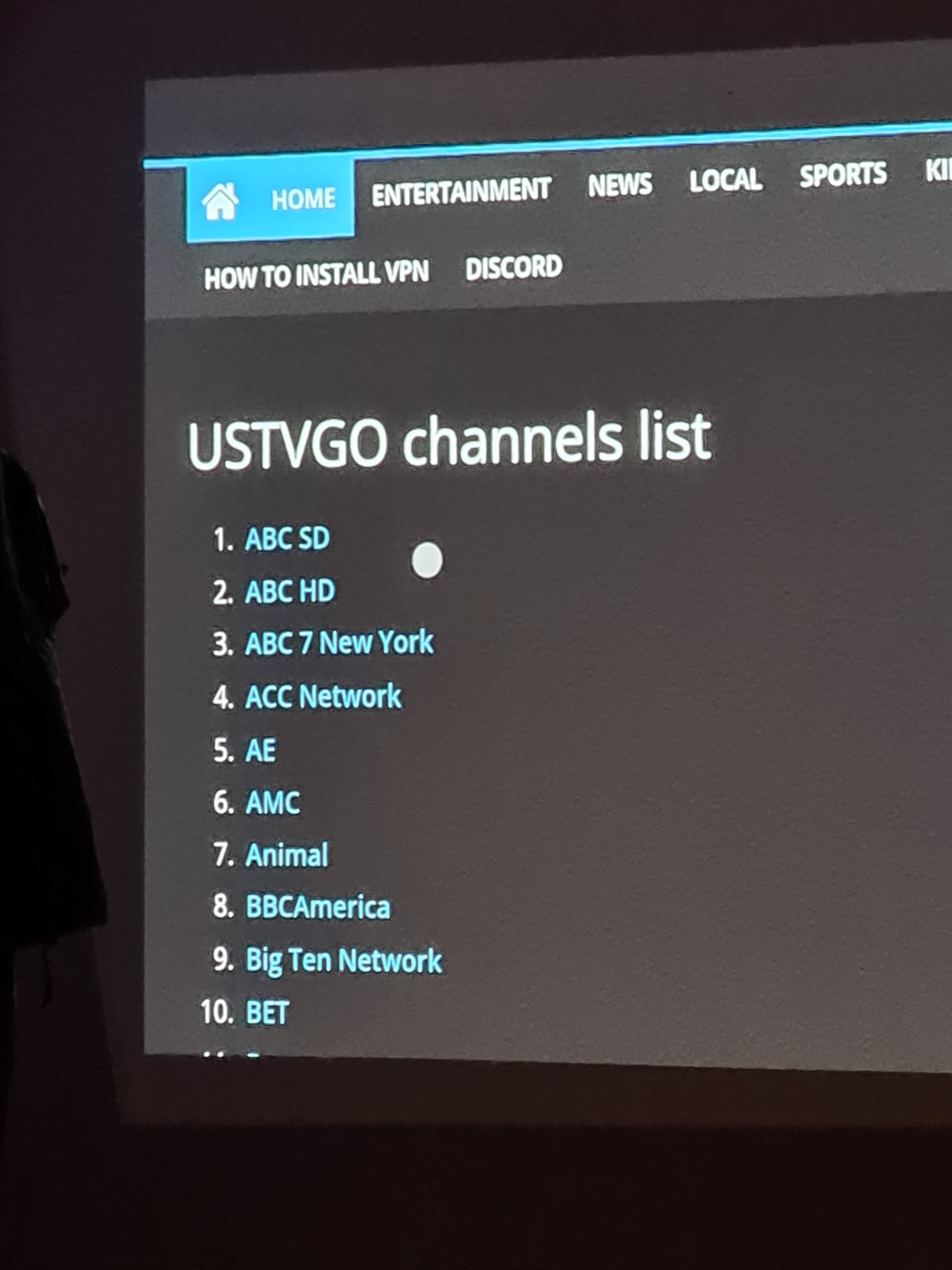
You can replicate this and do it for just about anything. fmovies.to for movies and tv, fullmatchtv.com for sport replays, or just about anything on this list.
Endless possiblities.
5 Likes
So what you are saying is, we can make an App(icon) out of TP Toolbox?!?!?!! 

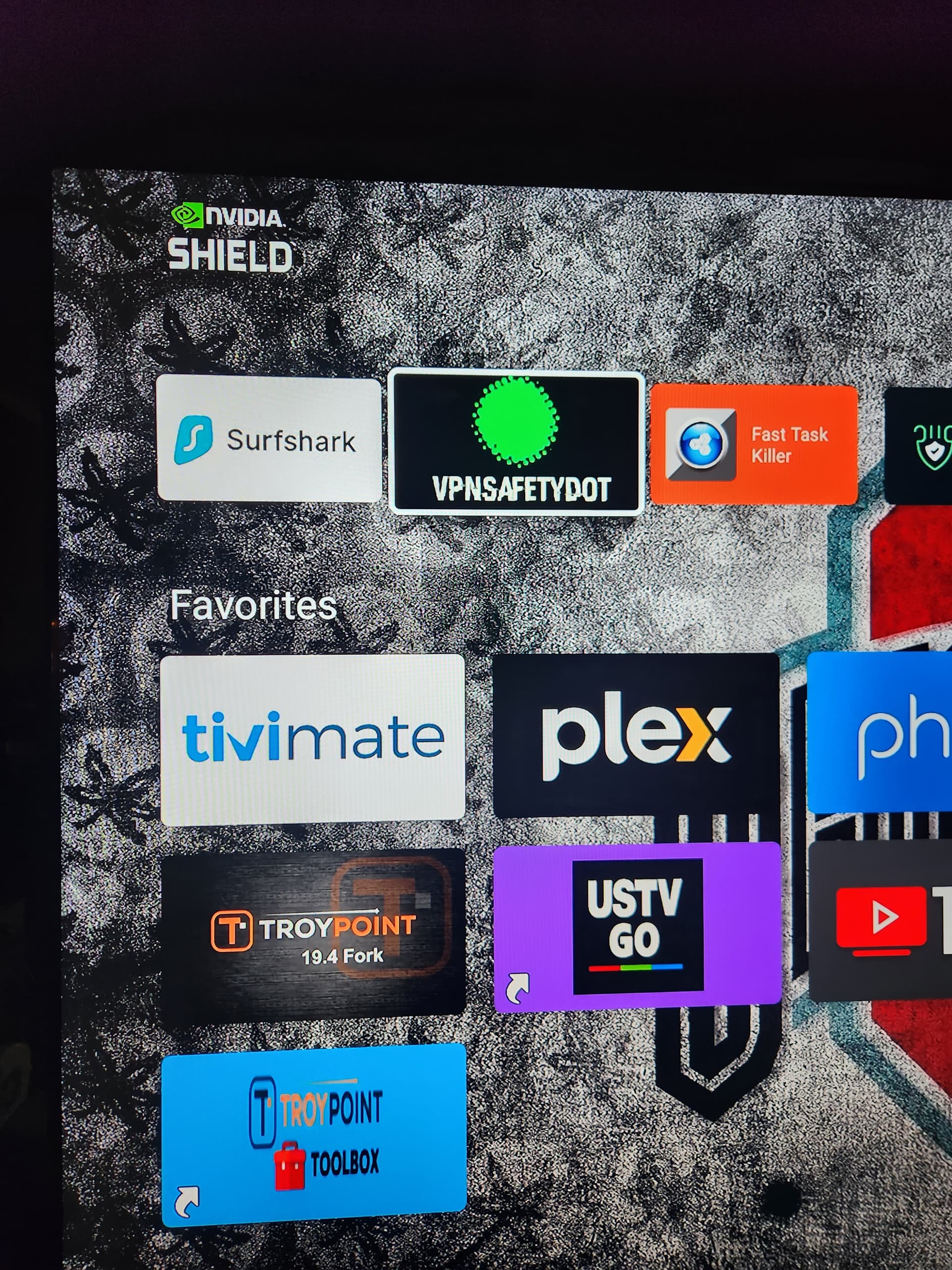
Note: It takes some fiddling with Wolf Launcher’s settings to make them look a little better. Long click on the icon, click “Configure”. “Vertical” Display Mode looks better to me, and then click Update Title and unclick “Show Title”. Thanks @nessbless for the cool tip!
1 Like
Point is, by using my app I forego a not needing to boot up a browser and click on favorites to locate the USTVGO url. Who in their right mind would make USTVGO their homepage! lmao! Besides, I don’t even think that is possible using a nVidia? Yes, I can, and have, placed a shortcut on my taskbar on my laptop, but that is a totally different type UI.
Btw, the apk shortcut takes up only 131 KB storage and 28.67 KB data. I have over 512 GB of storage…not worried a bit! The actual apk takes up 15.52 MB storage and 4.79 MB data. Also, it is not necessary to create a shortcut. I only did so for my convenience.
All said and done, I don’t really care about the USTVGO url. I rarely ever use it and only have it basically out of curiosity. I have about 27 media apps and about 10-12 m3us on my tivimate. USTVGO is just mediocre as compared to most of my other streaming apps. Their UI is clunky and messin around with a vpn server is time consuming. Besides, I can get every single channel they offer from any one of my m3us.
Fyi, I don’t have a problem using the Mouse Toggle and it works smoothly for me. I also have the Shield TV remote app and it works flawlessly with anything on my nVidia Pro, including USTVGO.
The TV App Repo is an excellent app to make shortcuts and is super easy to do.
1 Like
When using a launcher a shortcut is not needed because the launcher allows for the 3rd party apk. I checked on both the Projectivy and Wolf launcher and both displayed my USTVGO apk and booted properly.
Only on my nVidia home page is where the USTVGO apk will not appear. Therefore, I made a shortcut for it to appear in my Apps page and my Favorites bar.
1 Like
Mad Titan Live TV also has UKTVNow. I don’t use it, but some people might find it interesting.
1 Like