I ran into this autocorrect issue and defeated it by typing a few letters then hit the tab to next field, the letters stay as typed, then reverse with up key and type sever more letters, tab and repeat this until the entire field is completed as needed, somehow this action defeats the autocorrect issue allowing the correct URL and other fields to stay unchanged. A real pain but it works.
its an older code.. but it still checks out.. get an old school Nintendo controller and hit up up left right left right then b a start. you will get 30 free lives in Contra. sorry. couldn’t resist
BTW there are plenty of old school gaming apps and emulators, and you can plug in a USB controller and play them.. I have had success with a few bluetooth controllers also
@Reece This did not work. I found this and it did not work either. When I go into System - Keyboard - Gboard - Gboard Settings, there is no AUTOCORRECT toggle I could see anywhere. You can click on LANGUAGES but it just scrolls and scrolls as there are a zillion in there. Help please if anyone has interest.
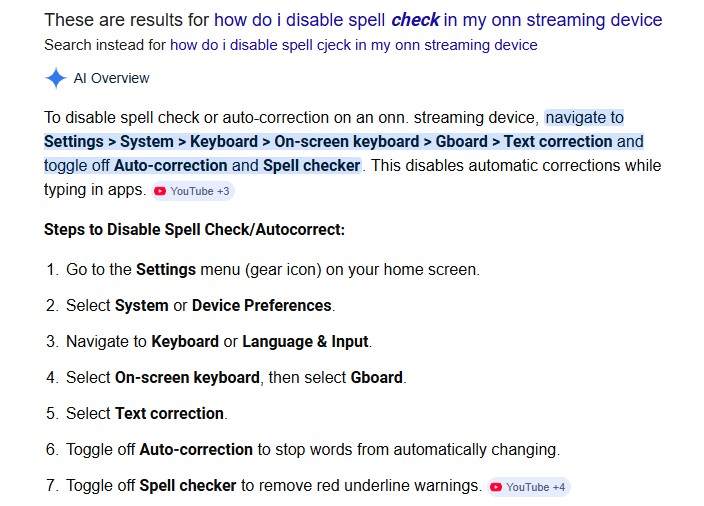
There is No Autocorrect setting on the ONN boxes. I spent about 15 minutes I’ll never get back looking for it last week 
I should have vetted the answer obtained via google. Mea Culpa. But since I conceded it was way smarter than me, I took it for granted it was bulletproof rock solid info. Google dropped the ball, I only asked it a question in hopes it would help the OP. I apologize profusely and hope the lack of results did not affect anyone too much. I have taken down my effort to answer the question. (now we wait for some stinging meme from @itzme!)
Yep nothing in the settings except Google voice typing and you can turn it off?
@itzeme @Reece Itzme will indeed set you on fire when Itzme sees what has occurred. Be strong and courageous, it will only sting for a moment!

6 Likes
Ouch! 
Although I’ve never experienced this auto-correction issue, I decided to check and see if there was an option to turn this off on my AM9. I couldn’t find it following the AI instructions. I’ve been wondering how that AI guy came up this procedure  ?
?
Deleted because my response wasn’t funny 
@JerryJ It’s infuriating because when you are typing, it UNDERLINES the letters as you type them and you know it’s gonna crap up…
Try stopping typing and back up one letter and resume typing? see if it will behave?
@Throttlejockey I’ll try that. I temporarily SHELVED the Onn and got the Fire TV Cube off the closet shelf to update IPTV, KODI and Stremio. I’ll give your idea a go. Thank you.
USB keyboard is the answer. Keep your ONN..
I’m thinking that if a bunch of us started sending feedback to google, they might do an update.
If you do a search on google for the method to turn off autocorrect on Android 14, all you will find is the method that Reece posted above, which apparently works great on an 'droid phone/tablet. So it appears to be an over site for Android TV.
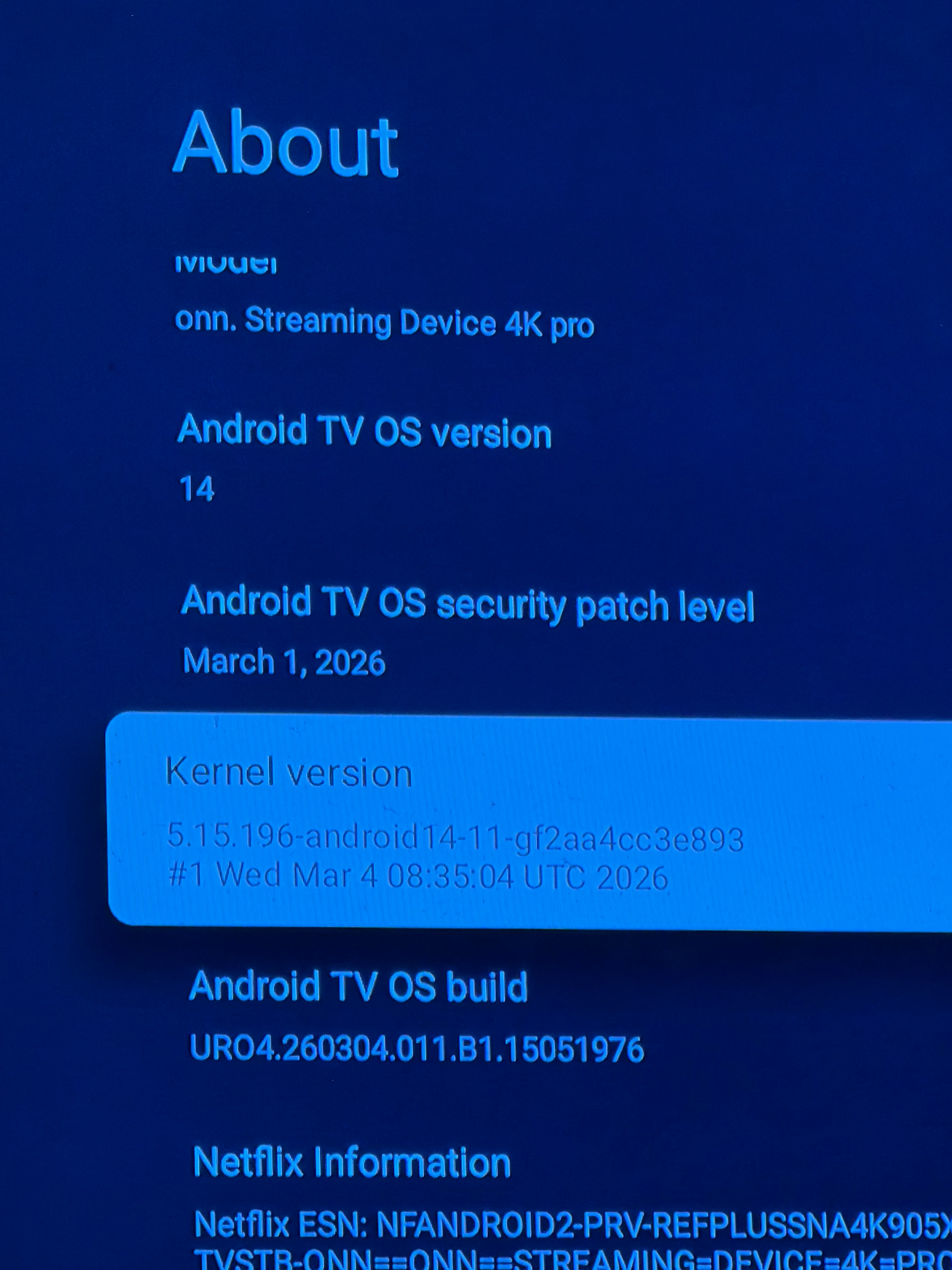
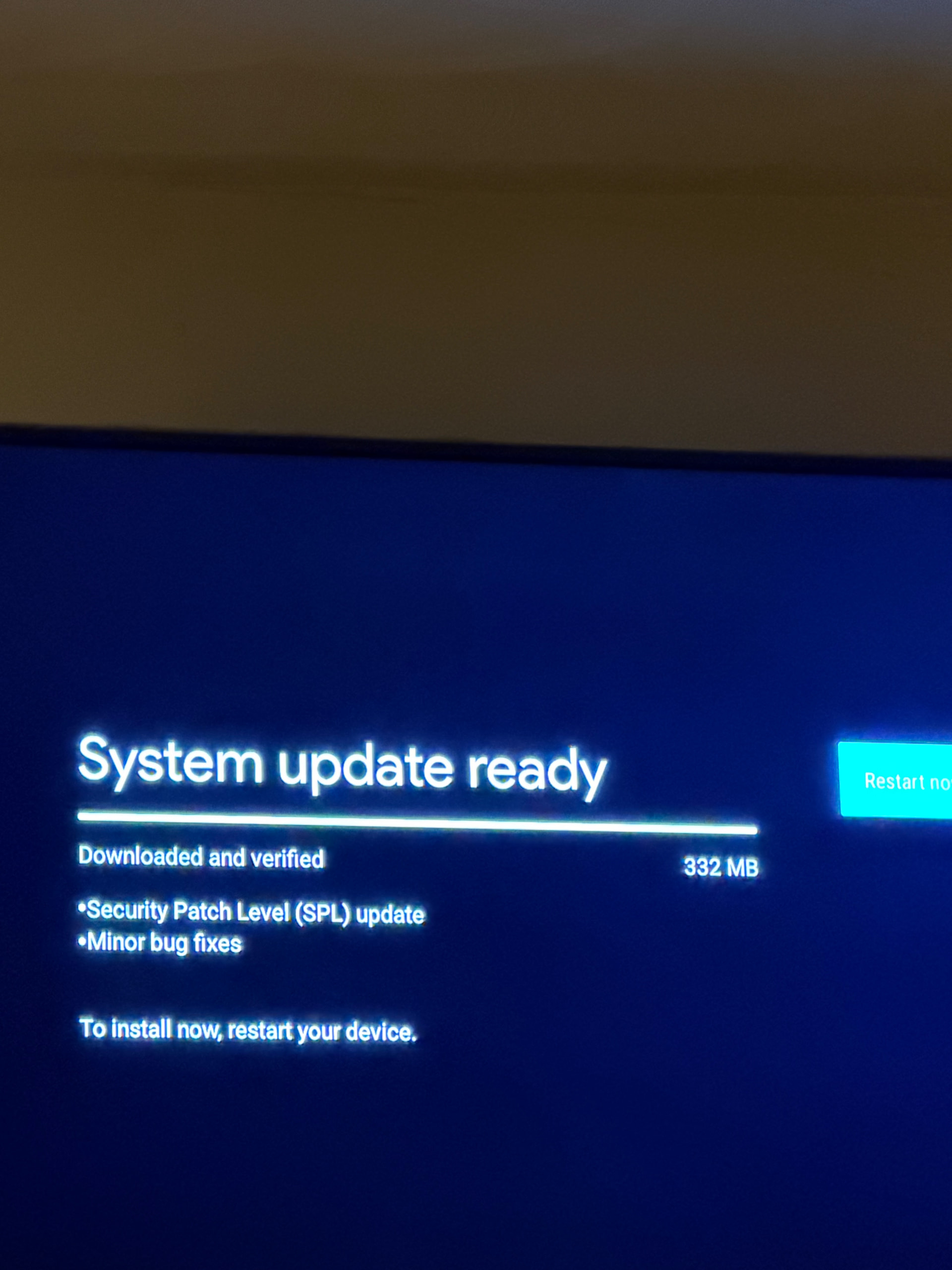
Thanks for the heads up on the update.
Has anyone bought the V2 version?
I see the local store has them in stock, I have more boxes now than I need but wondering if it was worth trying?
Main usage now is AM8, SK2, X88 Pro and the last version of the Onn Pro and now and then the Vsee 3Plus.
The x88 Pro with Slimbox ATV is the best bang for the buck in the collection.