Problem could be overscan on your TV, and what you’re seeing is the bottom corner of a larger dot?
There is no setting to adjust the dot size. This is the first time I heard this type of problem. The only thing I would suggest is to try uninstalling monitor for, reboot the box (important), then reinstall it and see if that fixes the issue.
1 Like
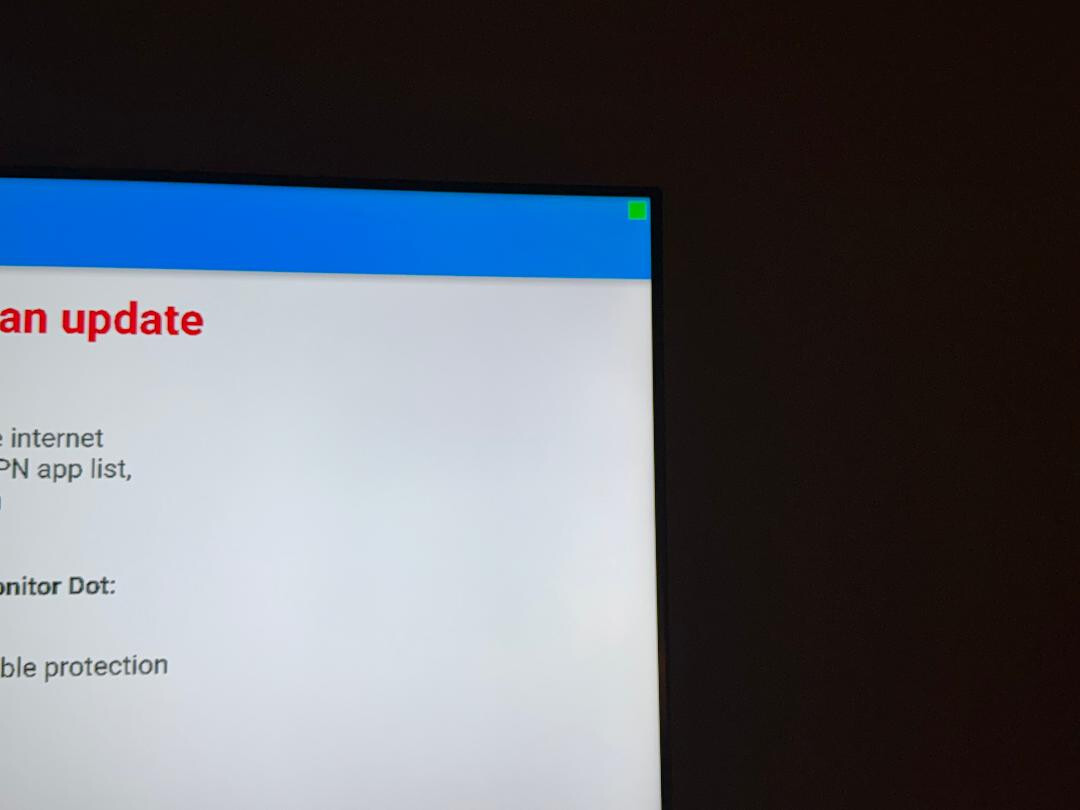
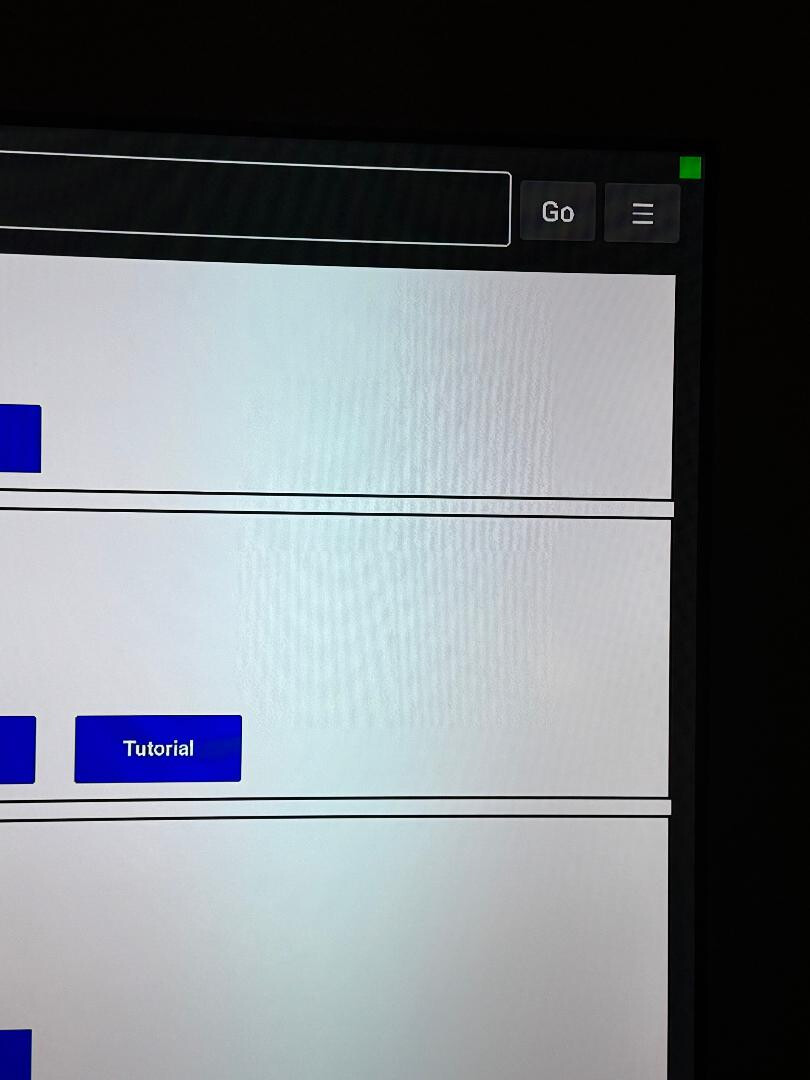
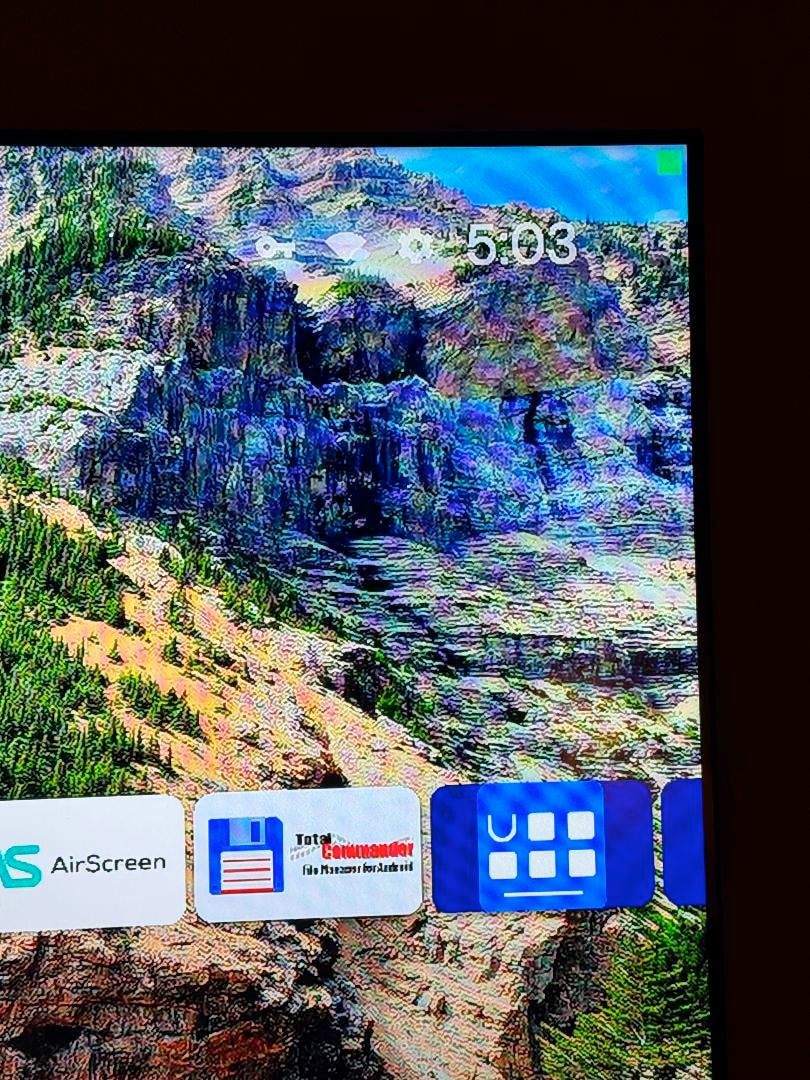
The first photo is prior to deleting the app. The next photo was after rebooting and re-installing the app on the my AM9. The third photo is to show how the green is almost obscured the launcher (Projectivy).
1 Like
Is this an 8K TV?
Hisense OLED. Not certain that it’s 8K. I have the app on my Shield Pro and an ONN Pro and the dot is what I would say is the normal size.
I was thinking that maybe the Projectivy app was causing this but I have Projectivy on the ONN.
The app is designed to make the dot size be 40 display points by 40 display points based on the devices DPI (dots or inch). So it appears that something is increasing the screens DPI to seem higher than it needs to be. Resulting in a smaller dot.
2 Likes
Thank you, @EngineerMind for your reply.
The odd thing is that the dot on my Shield Pro and ONN Pro are one the same TV. The ONN has Projectivy Home screen and the Shield has it’s native home screen. It’s really not that big of a deal. I was wondering if there was a setting to change the size.
2 Likes
Being able to adjust the size of the dot is on my to-do list for a future version.
2 Likes
Now you’ve got thinking that there may be a setting on the AM9 that is causing this. I have initially fooled around with the settings. Maybe it might be a setting that I changed. If I do find that the box is causing this I will let you know right away.
1 Like