Thanks so much, been waiting to get this on my phone forever. Have a great day
OK, I just posted a new “Test” version on my website specifically for Android 14 devices (it will NOT run on Firestick devices). Please do NOT distribute/link to this test version so that it won’t get installed on too many devices in the event one or more bugs are discovered in it.
To install this new test version, use one of the two methods mentioned at the bottom of this page: www.MonitorDot.com.
Please let me know if this new version works for you.
There are now two different versions of Monitor Dot:
- For Amazon Firestick/FireTV devices
- For Android TV/Google TV devices
Please see the website for the downloader codes for each.
Hi,
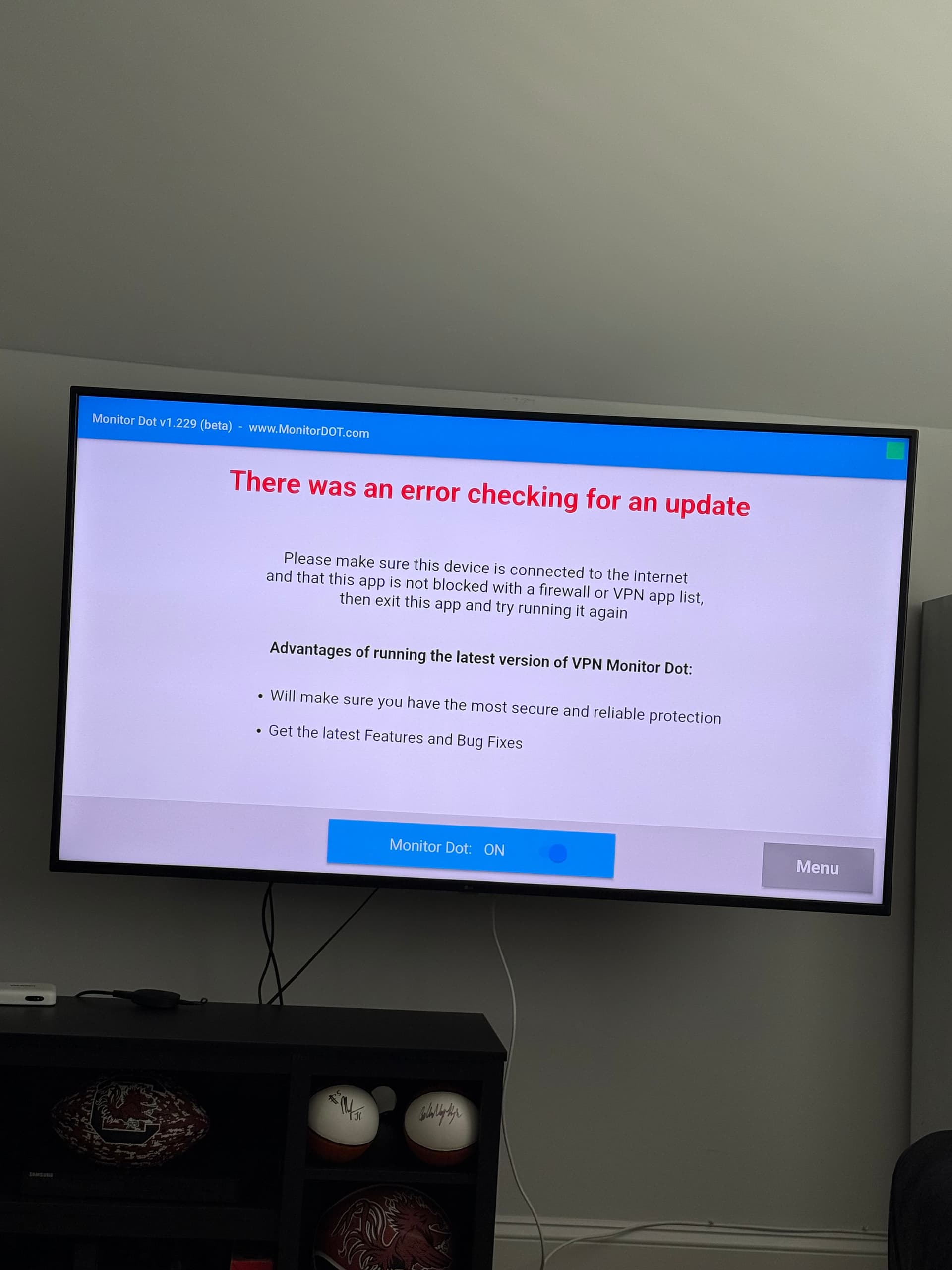
There is a new issue effecting Monitor Dot. Please see this other post for the details:
Not bricking per say, but related. I have 4 ONNs. Three 4ks and a Pro. For some reason just in the last three weeks, my Pro (by far the most used) has been restarting on it’s own and sometimes going to Safety Monitor Dot update page on it’s own. Far preferable to bricking obviously since all you do is wait for it to restart or press the back button to get out of the Safety Dot page. Each happens usually once during a baseball game. Still strange. Hasn’t happened on any of the 4ks. I run a usb powered fan under this Pro too – not that I needed it, but just had it laying around anyway.
Also do not use Wolf launcher, which possibly has a connection to the bricking. Don’t feel any launcher is needed, though I can see how some would see this as part of the hobby.
interesting, the monitor dot pops up randomly on my N Shield , back button and it’s fine
The phantom restart is a little more annoying since I have to go back and check that my SurfShark has restarted and then (usually) to TiviMate.
Maybe the monitor dot is “asserting” itself because it wants you to update?
I have the same problem. I have 2 TVs and each now have Monitor Dot popping up randomly. How can we stop that? It never use to do that. As you stated, click the back button and it goes back to what I was watching.
If you have split tunneling option in your VPN, set the Monitor Dot to not use VPN.
Okay, I will…Thanks so much!
Please use Search function before opening new threads. This issue has been discussed diligently on here. Thanks 

Thank you so much. My bad for not thoroughly searching before posting!
This has worked on both TVs just fine.
EXCEPT, one TV it popped up again after I made the changes.
I’ve not had it pop up since. Just to let you know.
I’m not having that issue since I took Monitor Dot out of the VPN. However, on the latest Amazon 4k Max (2nd Gen) firmware I keep getting a popup when I run Monitor Dot saying “this software was designed for an older version of Android”. It eventually works but the popup is annoying.
You should only see the message “this software was designed for an older version of Android” when you first install the app.
Are you saying that you see that message well after you install the app?
Not sure - I was installing 4 firesticks yesterday and this popped up when I ran them to set up the settings.
There is a chance that with some versions of android you won’t see that warning when you install it, but instead you’ll see it when you run the app for the first time. But then you should not see that warning again after that.
I just wanted to tell you that I absolutely love using your Monitor Dot app.
I do have a question, if I may? I recently bought an Ugoos AM9 box and typically on a new unit I put the Monitor Dot app on first. On my Shield Pro and ONN Pro the dot is, what I would call normal size. But on the AM9 the dot very tiny for some crazy reason. I checked in the setting to see if could adjust the size. Is there a way to change the size of the block?