So on my ONN 4K Plus, that is the version number of MONITOR DOT I should see in the upper left corner of the screen?
Thank you for all your hard work on the DOT. I was laughing to myself (yes, scary) that we need T shirts with the Monitor Dot colors and under it “Stay safe”.
This might be a dumb question but here goes…if I have my Monitor Dot running (flashing GREEN), internet on, Surfshark connected and then I go into Surf Shark and “disconnect”, shouldn’t Monitor Dot start flashing RED immediately? It doesn’t.
I went into a few apps and tried to open them and nothing worked so the Surfshark kill switch did stop the internet connection to the apps.
If you have the “Kill Switch” featured enabled, it will stay green because the VPN is reporting that you are safe (Green Dot) because the Kill switch is working to protect you even when the VPN is disconnected (by blocking the internet).
If you instead turn off the kill switch feature, then disconnect surfshark, the Dot will immediately turn red because you are now NOT safe.
It’s also fair to say that whatever you were streaming or tying to do using the internet will have stopped, thus proving it all works but can be easily at first misunderstood.
Monitor Dot determines which color to display by asking Android (the operating system) if a VPN is running or not. Green = Android is saying a VPN is running, and Red = Android saying that NO VPN is running. So Monitor Dot can not detect if a kill switch is being used or not - it simply goes by what Android tells it.
Also keep in mind, if the kill switch fails, without a monitor dot telling you if you are safe or not, the user could falsely think they are safe because their streaming never stop.
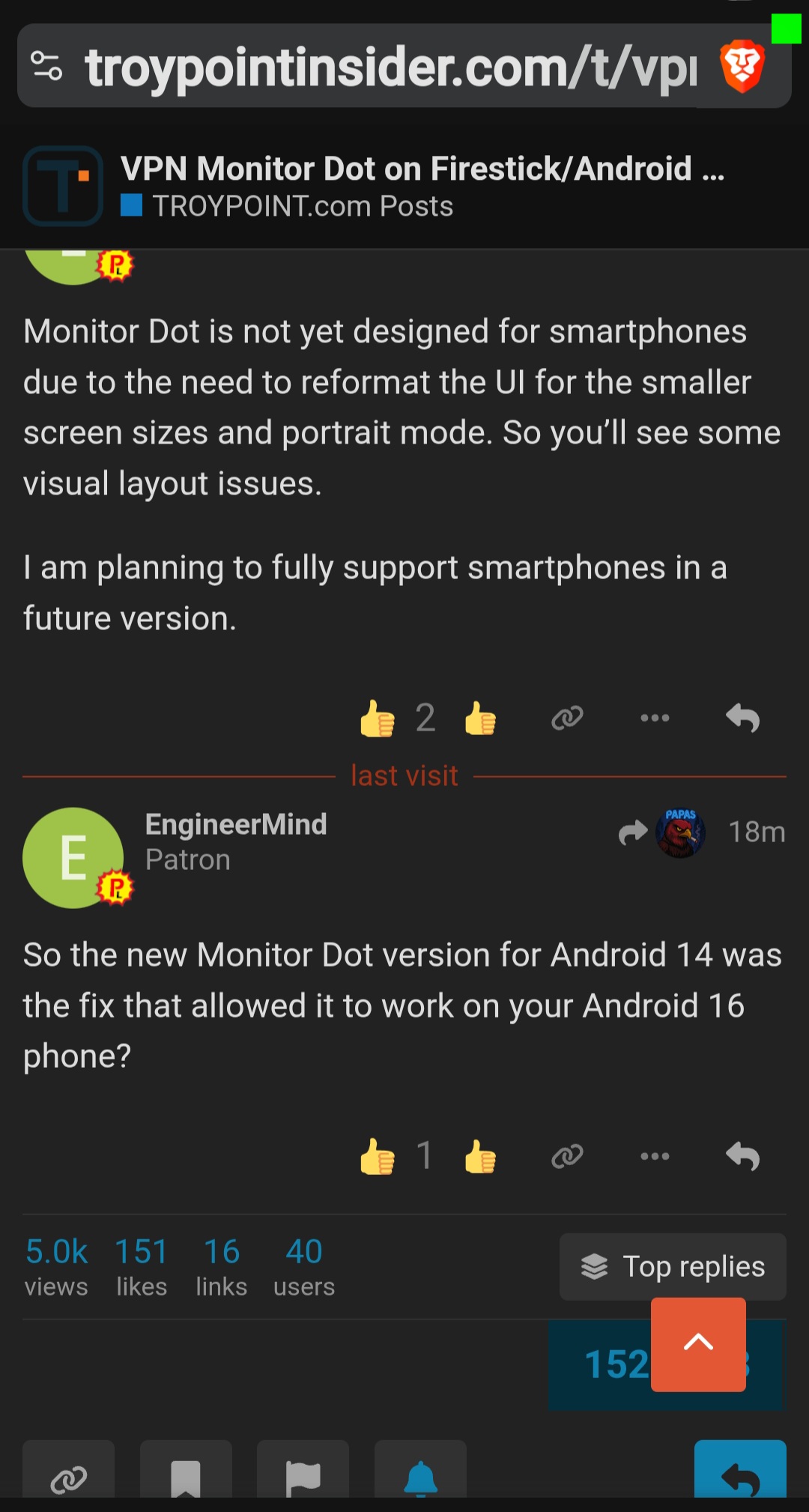
Monitor Dot is not yet designed for smartphones due to the need to reformat the UI for the smaller screen sizes and portrait mode. So you’ll see some visual layout issues.
I am planning to fully support smartphones in a future version.
The only thing that might bother some is when you turn your phone for portrait, the dot is in the middle top of screen but it’s so small I don’t find it annoying and would rather that than no dot.
A recent MonitorDot “update” will not install on onn 4K pro. Get the “this app is not compatible with your device” error. Are there any alternatives available? I tired VPNMonitorDot, but apparently it is no longer compatible with Android TV. This is an important VPN monitoring app. Any ideas?
Have there even been any updates? Mine SUDDENLY the other day decided to move into the center of the top of the screen from the right hand corner for no reason.
I deleted the app, installed it again from TP Toolbox and it’s perfect. Assuming TP has the latest and greatest version at all times, it’s simple to uninstall it and then reinstall for the newest version.
In order to fix an issue, I usually need to be able to reproduce the issue on a device that is in my possession. Since I do not own an onn 4k pro I am unable to troubleshoot the problem. So until I can get a hold of an onn 4k pro, I am unable to fix this issue.