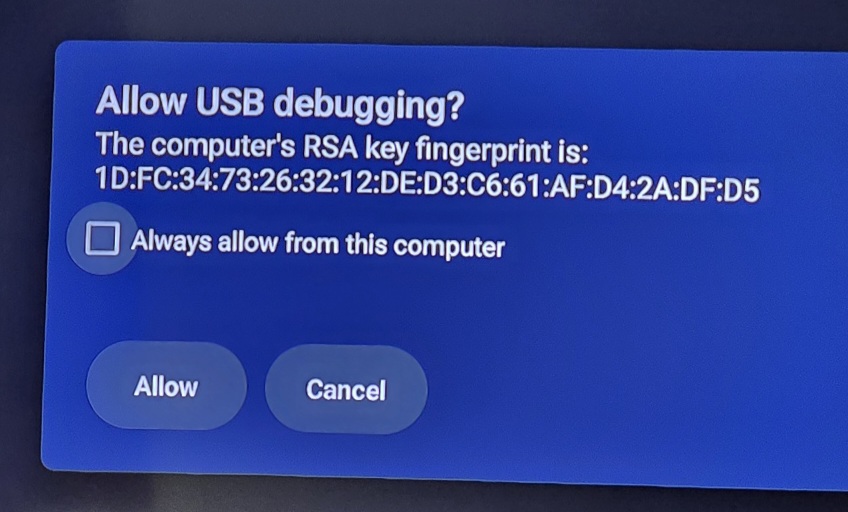
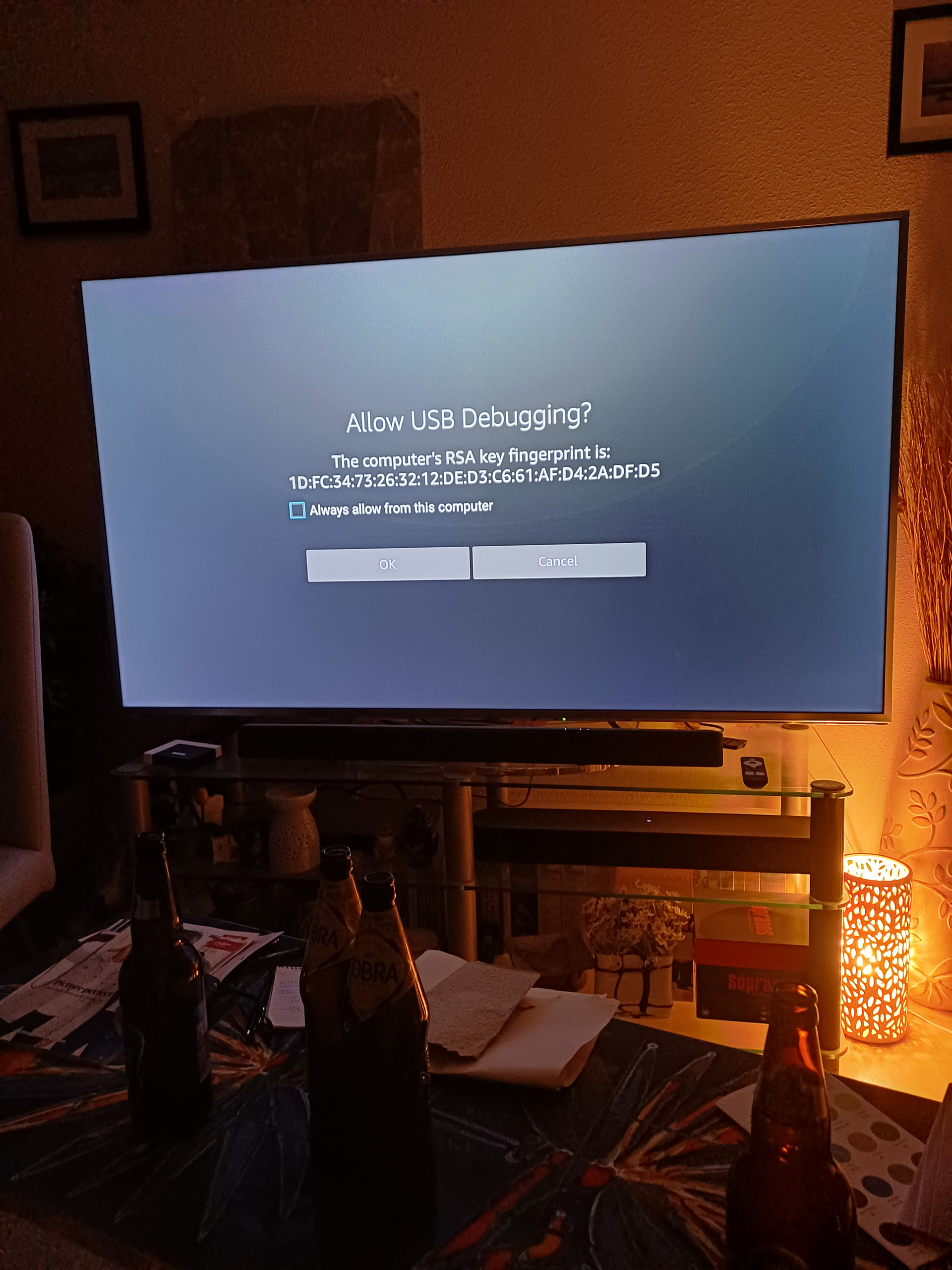
This USB debugging error I am getting has nothing to do with an external USB, as there are none attached to any of the boxes getting this error. All of boxes are ONN. Some Pro model, some Plus model. I am not personally getting this error on any of my boxes so I cannot recreate it to troubleshoot. I got text messages from about 5 different people from 5 different locations last night. They all said they were getting the same error pop up asking them to allow USB Debugging, and no matter which options they chose, the error would pop back up after 10 to 20 minutes. Each time in different apps, and sometimes just on reboot of device.
On each of these devices, I have USB debugging enabled for TDUK DNS switcher and for button mapper. I had them go to developer options and make sure USB debugging was enabled. Had one guy disable, and re enable.. Same error message. Anybody else having this issue? I am stumped
Yes, I was having this same problem on all of my onn & mecool boxes.
To resolve it I went into developer options and removed USB debugging permissions and then deactivated USB debugging . Finally I rebooted my devices. Strangely the wolf launcher is still enabled and active but I’m no longer getting those annoying pop up messages .
Yes. I revoked USB debugging permissions , disabled USB debugging and then rebooted devices. I left USB debugging disabled but it hasn’t made any changes as far as using a custom launcher. I am no longer getting the pop up messages.
Custom launchers do not need USB debugging to run once installed, but USB debugging is typically required during the setup and installation process.
For installation: Most custom launchers (like Wolf Launcher or Projectivy) require USB debugging to be enabled to allow the installation and configuration via tools like the Downloader App or ADB commands.
After installation: Once the launcher is set as default, USB debugging can often be disabled on many devices (e.g., Android TV boxes, ONN boxes) without affecting the launcher’s functionality.
Exceptions: On certain devices like older Fire TV models (pre-6.2.8.7), USB debugging must remain enabled to prevent the system from reverting to the default launcher. On newer Fire TV devices (6.2.8.7+), Amazon patched custom launcher functionality, making USB debugging necessary to maintain the custom launcher via workarounds like the “Forever Loop” ADB method.
Security note: Leaving USB debugging enabled poses a security risk, as it allows a connected computer full access to your device.
Yes, I’ve been getting it since I loaded Fen light and Coco on a 4 year old firestick 6 days ago. After a restart it didn’t happen for about 2 hours then began poping up again
I’ve had it the last few days. Only new thing I’ve installed on my Google TV was CricfyTV for sports and i looked it up with people saying it’s a dodgy app. Uninstalled it earlier and I’ve had no pop-ups since. Crossing my fingers that’s what it was.
Yeah, I just started receiving the same message tonight. I am using a newly installed MeCool Mk2 Plus box. I, like some others here have had no luck trying to install/configure Stremio. I believe I followed instructions to a T. All went well til I clicked on the link in Troy’s video to the Stremio addons. I was redirected to a site that automatically installed a few addons that indicate they are installed and can be either configured or uninstalled. Other than that they do nothing that I can discern. I am now wondering if this behaviour could be related. Any thoughts?
Hello friends I am new here. I had a similar problem where this popped up for me as well. I had nothing hooked up to my USB ports (ONN 4K Pro). I turned off USB Debugging. Afterward, I did some investigating and found that this was a security issue. I had just installed an Unverified 3rd party app (FV). Although I can’t say for sure that this was the issue, I can say that when it was removed I no longer had the problem and when I reinstalled it it came back. Just something to think about.
I think this is part of an Android system security update. Never used to happen but happening all the time for the last week on my Onn and nVidia devices (but not on Amazon devices). I’m surprised checking the box and saying “Accept” doesn’t fix it though.
I’m probably the worlds worst researcher but I went throu the motions and cant seem to find any of the tutorials on disabling the RSA Key USB debugging error in the ONN boxes.. can some one help with a link? thanks