was watching bbc just fine . but next time it was geoblocked is there a way
to get around this?
quest
If you’re using BBC iPlayer or else. Yes you can. First clear the browser cache or better to use another browser like Opera browser, change your VPN server location to UK server if you’re outside the UK, and connect.
Open BBC website from the top create new account other than yours, and complete the setup, when requested to enter address and post code use your imagination but don’t use yours existing one.
i can get all the bbc channels except one. of course that’s the one i want.
it’s ‘bbc one’ which is their main live station. i get a page with articles, but nothing live. i’ve found it in several places . it is geoblocked, or it seems like it will let me in and then gives me a ‘failed’ notice on the very last screen. i’ve moved the vpn server,nord, but no help. i created a fake account. i just can’t seem to get through.
i moved the vpn several times, once even in scotland. i’m using proton vpn.
thank you for the link. i just glanced at the link. it appears to be hundreds of links.
is there one you recommend? it’ll be much later in the day before i get a chance to try it. thank you
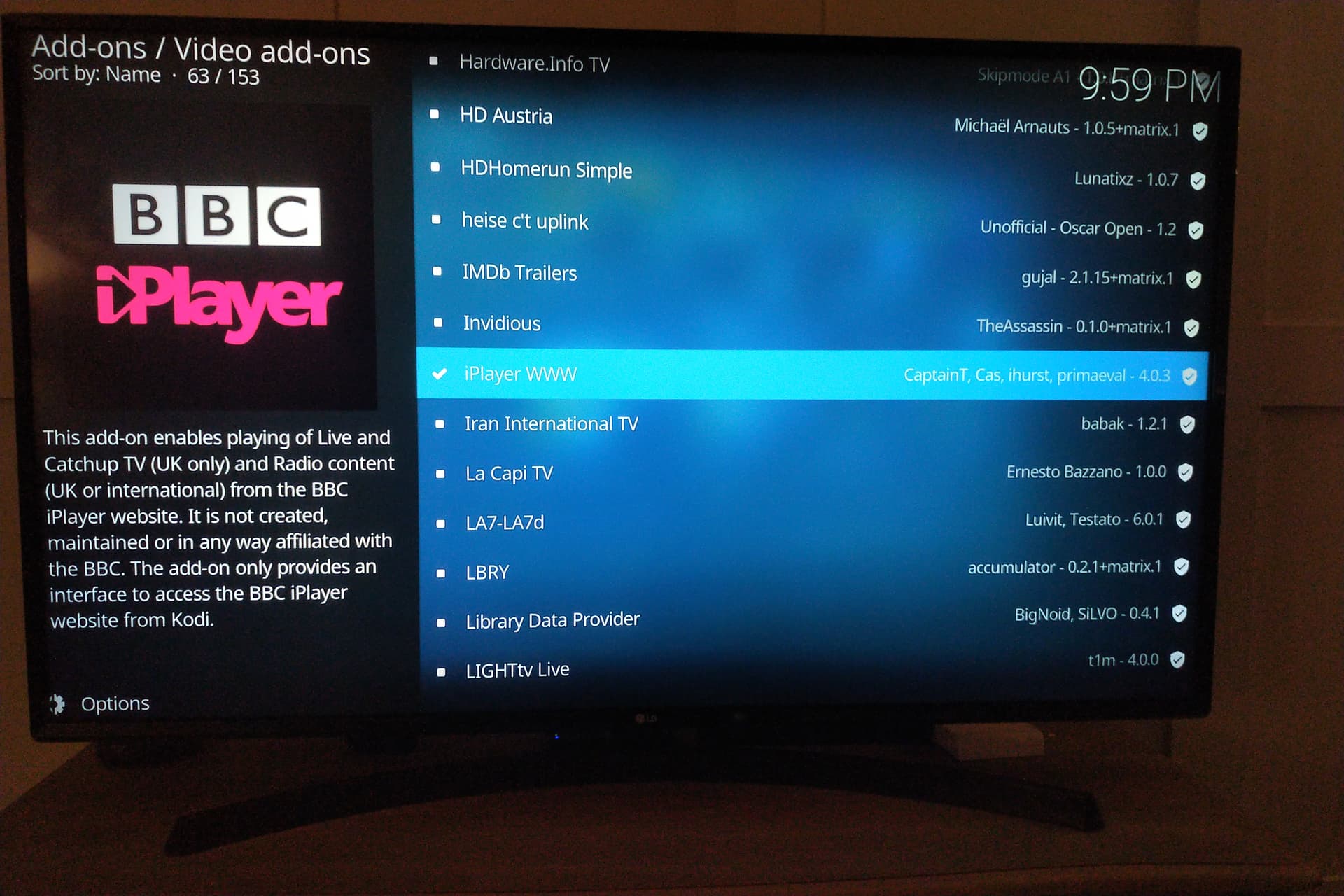
Indeed! The main BBC Channels are available on a good few great free playlists for your IPTV
I think most people will be looking for BBC1 and BBC2. There are also regional versions of the main channels that show most of the main content, but give regional news and weather rather than national news etc. The great think about the Kodi add on is that it acts like iplayer in that it has VOD and a lot of historic catch-up content and Radio. So anyone who doesn’t use IPTV, its definitely a good option.
@questions . Here is a workaround.
This is a shortcut and not an app.
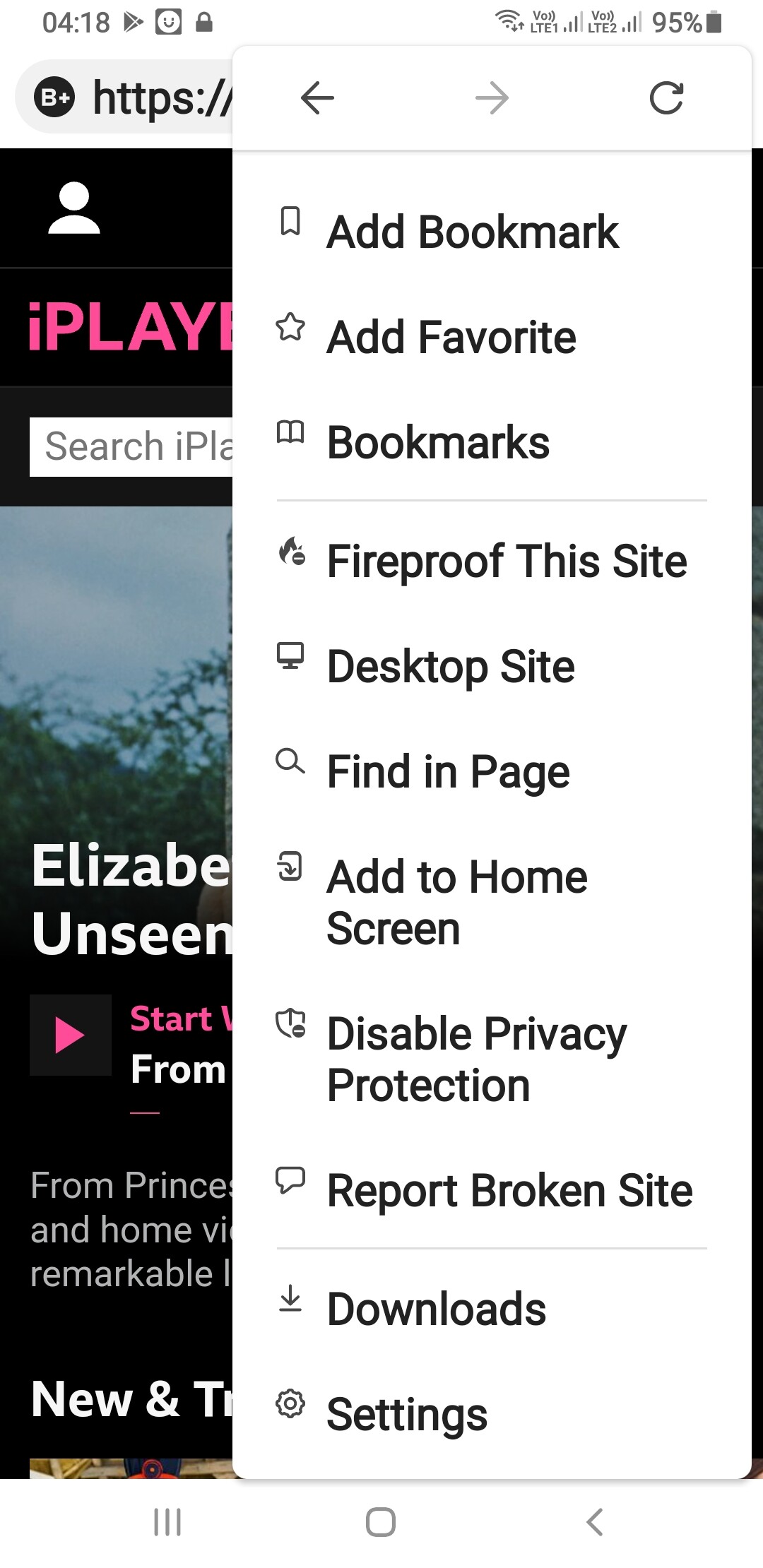
Open this link and then go to the three vertical dots in the top right hand corner.
Then scroll down and click, " add to home page".
On your home page, open the bbc shortcut and sign in. When it opens, navigate to " iplayer". Select what you wish to watch and play.
Then click in the enlarge screen at the bottom of the programme you are watching.
Next solution for bbc 1 live: open the link and click on bbc 1 at the top of the menus shown for the various bbc channels.
Hope that works for you.
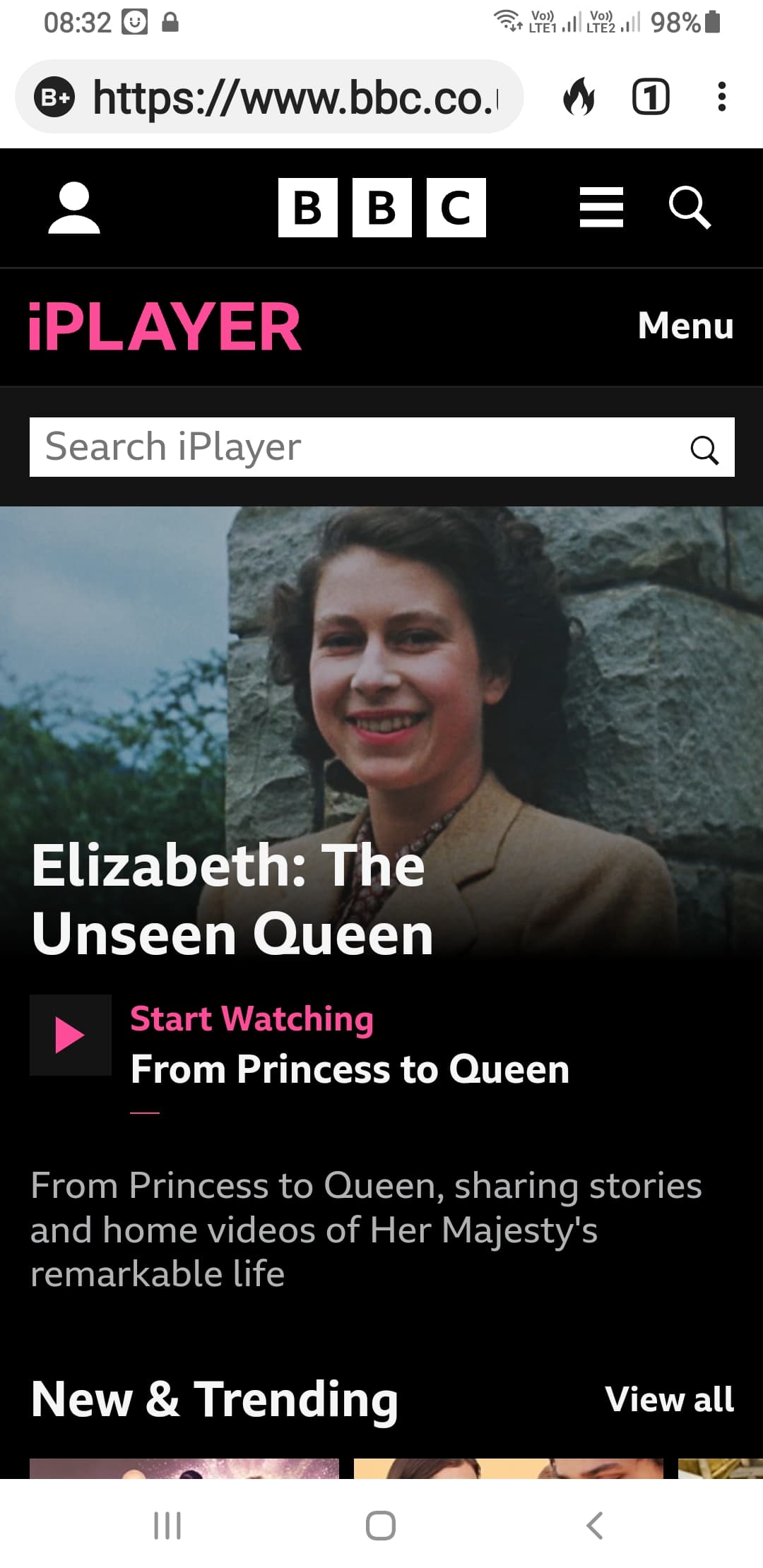
dak: pretty good workaround. i see the live channel, but i don’t see where to add to my homepage.
miki: you sent a playlist with hundreds of playlists. another post mentions you have 8 with bbc. can you give me a list of the 8?
king pro: you mention a ‘few great free playlists for iptv.’ can you provide which ones? kodi worked pretty well. lots of buffering. changed servers many times and adjusted protocols (open vpn tcp) finally got it working!
i’m still interested in good playlists.
finally,
i want to thank all of you for the information. i know of no other forum with the expertise shown by you guys. this applies to the rest of the forum contributors,
as well. thank you,
quest
The playlist I know has a lot of stable BBC channels is: https://iptv-org.github.io/iptv/countries/uk.m3u
Worth deleting the channels you don’t want/need and creating a group/playlist with just the BBC Channels.
@questions. I was using duck duck go. Top right hand corner of your screen 3 vertical dots, click on them …scroll down…you willl find " add to homescreen"
See attached image.
I use NordVPN. I’ve never been blocked on BBC iPlayer. I downloaded the app from Aptoide, and watch on Firestick. I am geo-blocked when I use either IPVanish or ExpressVPN.
Use the Kodi Addon for Live BBC Channels and iPlayer, its all there for you to enjoy