@JerryJ try an experiment for me:
Delete your exisating surfshark - restart your box - download surfshark from the toolbox and install again. See if you have to jump thru all the new hoops of 2FA, email codes and other various garbage just to get the priveledge of using something you paid for. Im ticked off about it and am still searching for a viable replacement thereof - Thanks!
Hello @Reece due to all of the boxes I review, I’m constantly installing Surfshark on new devices and haven’t had any problems like you are indicating.
Try this.
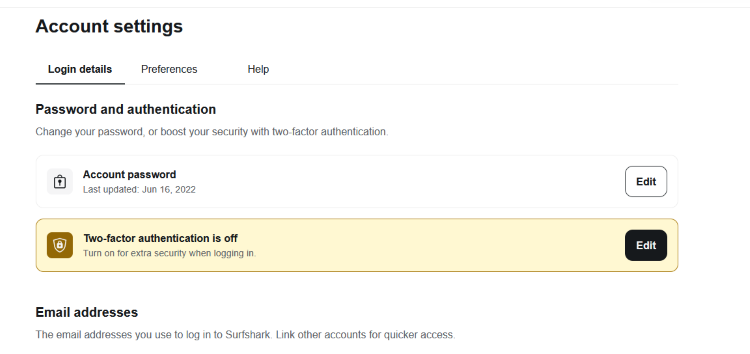
Go into your Surfshark account and then go into settings and turn off Two-factor auth.
Mine has never been activated so assuming that’s why I don’t have these problems. I don’t think 2FA is needed for something like this anyway.
Thanks @TROYPOINT I’ll give it a go.
Reece, did Troy’s suggestion work?
I briefly thought about redoing my SS to test for you. But after I saw Troy’s post I figured that I would wait. I did look at my current SS settings and there is no option for setting a 2FA on any of my boxes. So that must be a new option. I agree with you, that would be the last thing I would want to deal with.
Hello Jerry, that setting is actually in your Surfshark account at surfshark.com.
@JerryJ @TROYPOINT - unfortunately no it still did not work. When I got in my account, 2Fa was already disabled. Now my daughters went down and wont let us log in with the proper credentials. I was online with the (so-called) help for over two hours and they had me even change the dns but that did not work either. I do not know what to do now and I have a bunch of time left on my account. Please note to ANYONE who reads this: I am NOT Bashing Surfshark as it has been so great for so long, Hopefully my case is isolated and no one else has any detrimental issues from them, as Im still sure the porduct is a good one. Im at a standstill now with it. Take care &



Reece, that REALLY SUX! I’m so sorry that you are having issues like this. Please keep us posted on the outcome.
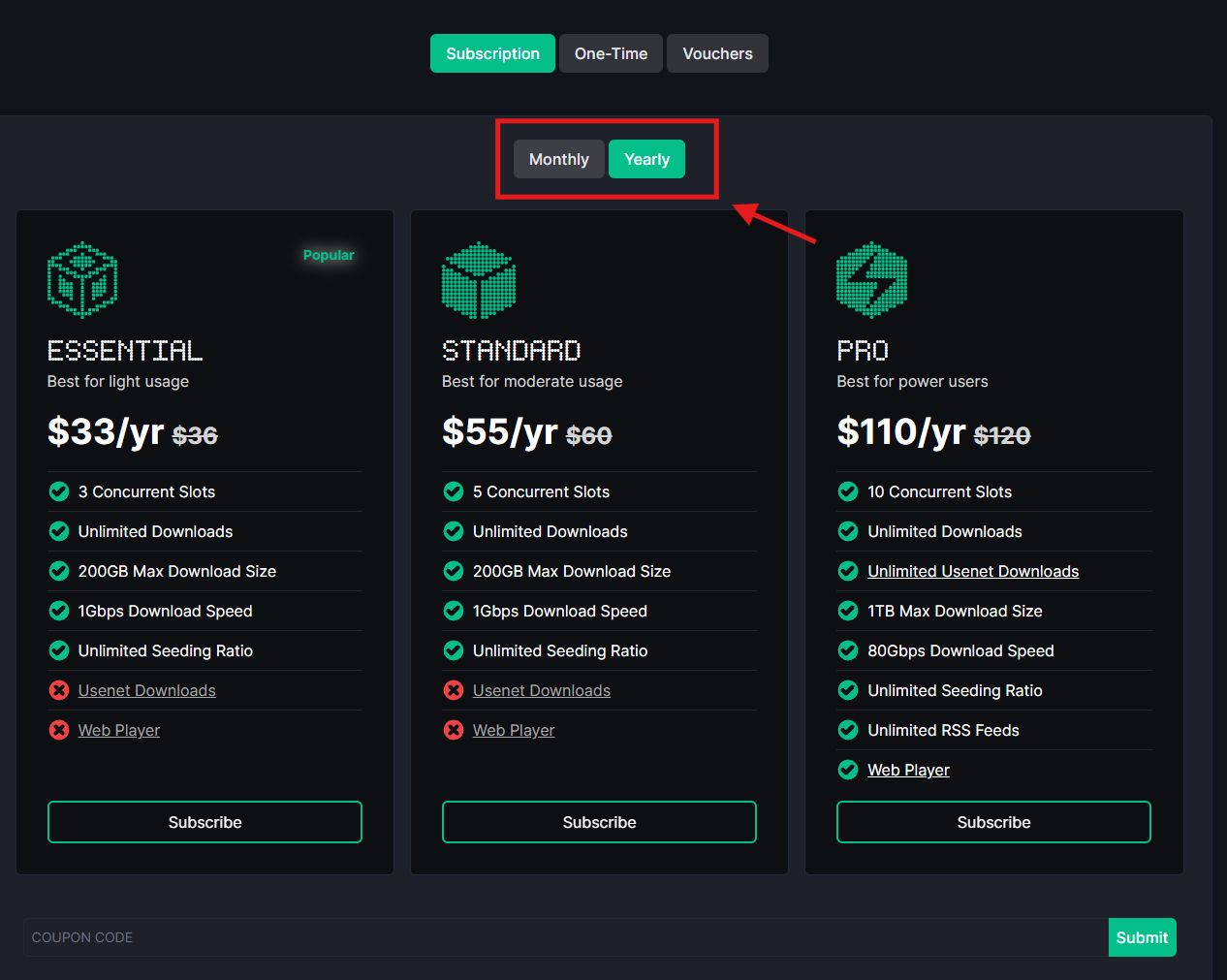
Gosh it seems that the streaming world is really getting a shake up. What with the goings on with RD, certain Kodi addons issues and now hearing about your ordeal with SS. And to top it all off, I just signed up for the Torbox Essential plan but couldn’t figure out how to pay for a year rather than monthly. I paid the $3 to get started but just hate having to deal with monthly billing. 
Hi Jerry, from memory there are tabs at top of payment page. I think you want to click the One-Time payment option which will allow you to purchase 1 year.
Reece, I would suggest asking them to delete your current account and give you a completely different one. This is very strange and sounds like something is messed up with your account as I’m not hearing this from other users and believe me, we would hear it. 
Great Idea @TROYPOINT I will do that and report back with the results.
Well that was an epic fail. The chat support sez if i delete the account (s) I lose my current time left which is 760 something days and I woiuld need to pay again to start over. The thing is I have TWO seperate paid accounts with them since I manage my daughters stuff also. She Cant log in with one account now, and I cant get either one to load on a new box. Weirdness prevails so far. Im going to leave it alone for now since it is working on my other existing boxes I use most of the time: BuzzTV Powerstation 6 Unlimited and the mighty Ugoos AM9. Please take caution if you have to reinstall or log in again I hope nothing bad happens if you do. Surfshark has been expanding their services to include other stuff bundled you can get. Im just speculating it may be one of the root issues im experiencing DONT KNOW just wondering…
I finally got a new Onn Pro so Ill see if I can load it on it I guess. Ill wipe that X88Pro box and probably put it in the trading post for a good deal for someone. Its NEW, Thanks @TROYPOINT and all others…
@JerryJ it defaults to monthly. Just click on Yearly
SoloWarrior, thank you so much for that. I didn’t even notice that when I was signing up. Too much on my mind today.
And don’t forget to click on the One-Time button, too, unless you want that yearly subscription.
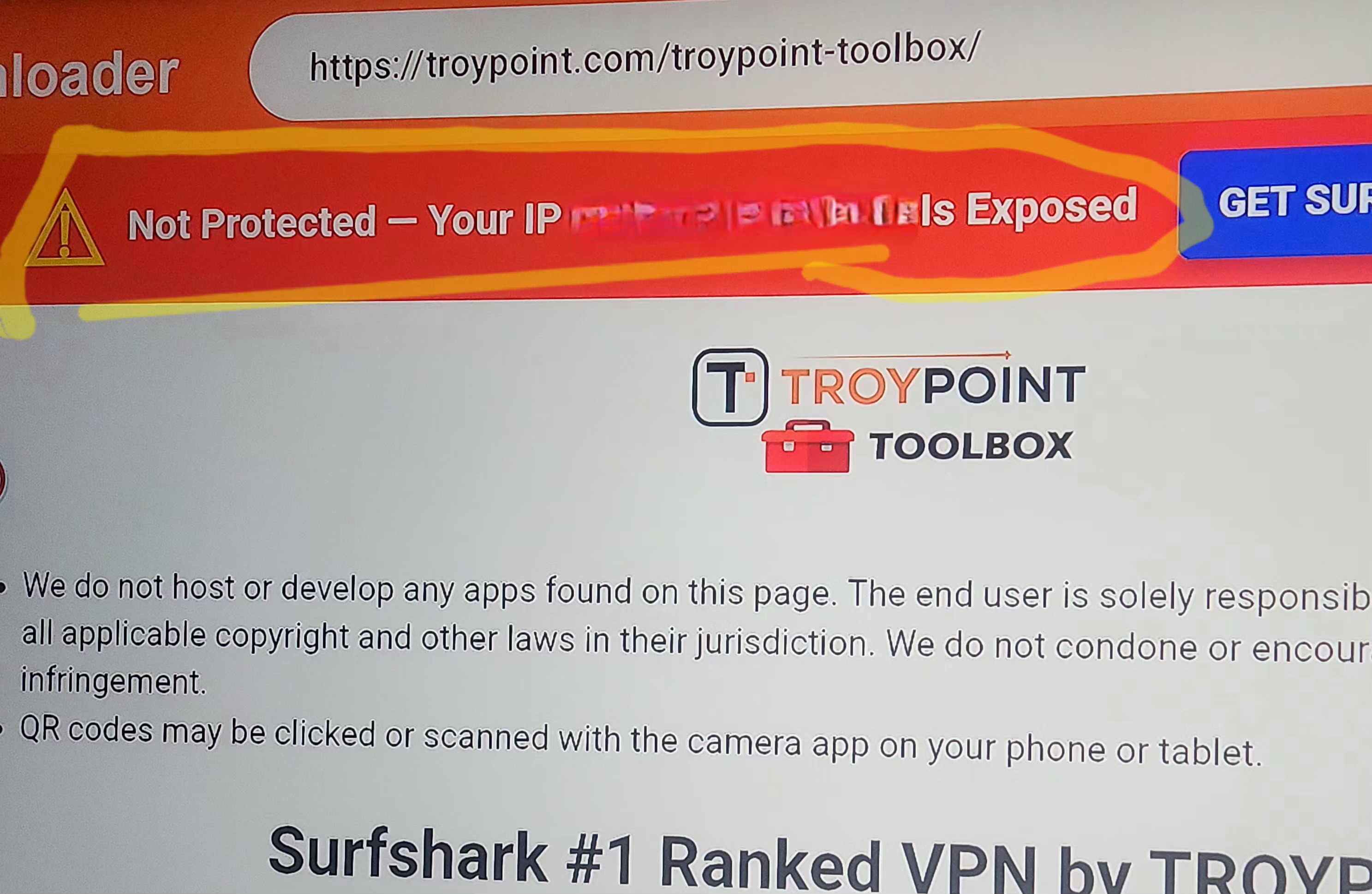
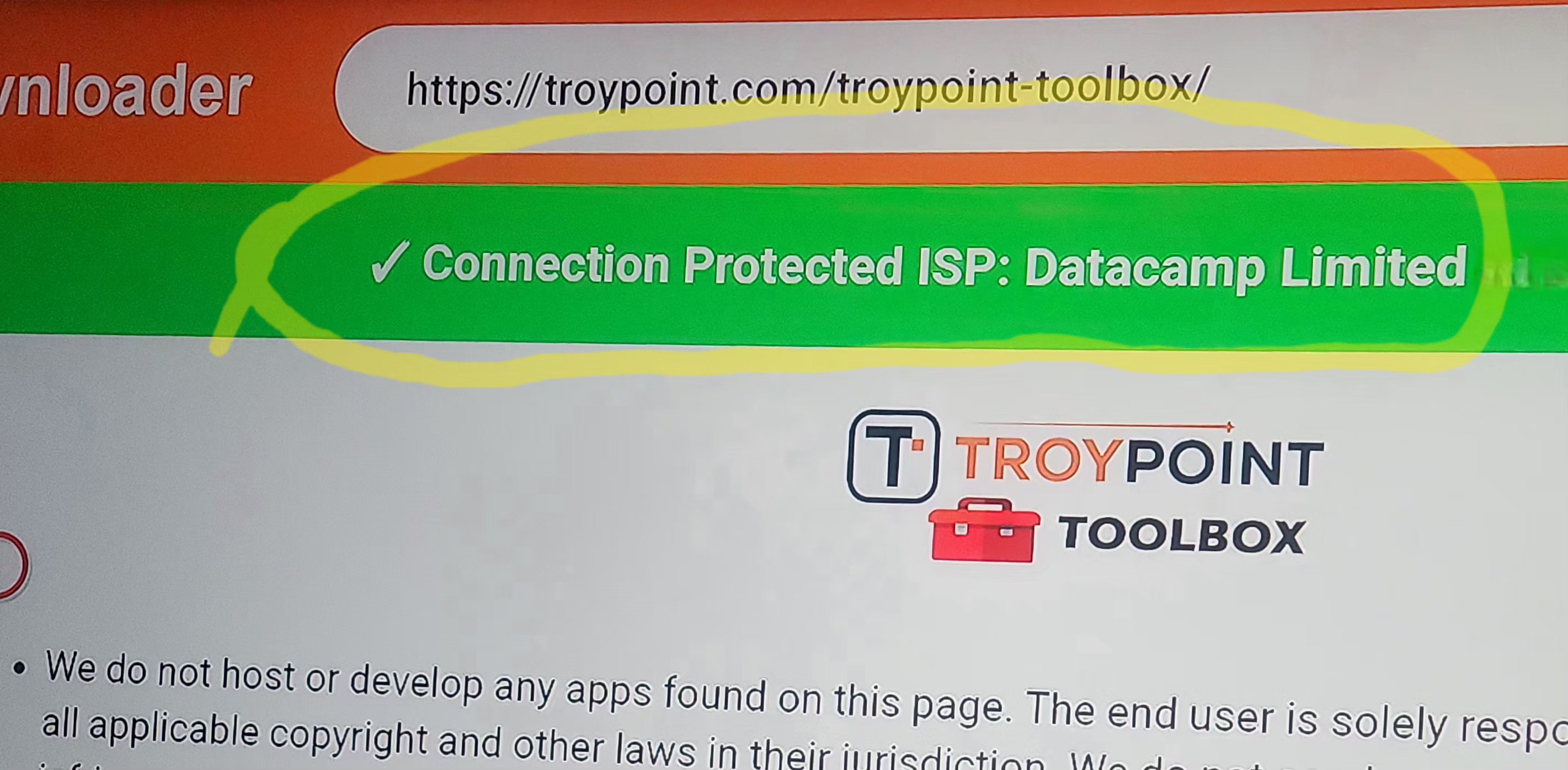
Hi folks I am getting a very strange message when opening Troy’s toolbox on my onn 4k box… I had ipvanish selected for my VPN but when I opened the toolbox it said I was unprotected and it showed my real ip addresd instead of what ipvanish was showing. I came back out to main menu and disconnected ipvanish and opened surfshark just to see if I got the same message but it showed I was connected to surfshark and showed the VPN address I was connected to. What the heck!!! Anyone else see this happen? I was so upset that ipvanish didn’t register but surfshark did in the toolbox.
Sometimes there can be false positives regarding that VPN detector in the Toolbox. As long as it’s showing a different IP Address, that’s all that matters. Don’t get too concerned about the top bar that says whether you are protected or not. You can also try clearing cache in Downloader as this could be a problem as well.
That makes two of us Sir!