That’s great, Comtech! I’ve sent the dev $$ also. I’ve always used the Beta version and am always tickled to see the update version pop up.
yep! i’ve let it not update to see what would happen? about 4versions it’ll get a hiccup but still work’s..that dev is the hardest working man in free streaming…lol
watching crime 360 right now and the pix and stream are perfect…luv that guy!
i bet google want’s his head! don’t know how he does it but i send a couple of buck’s regularly
I installed Tizen on Windows 11 Pro with the latest updates. Tizen will not run. It keeps saying it is unable to connect to servers, and no internet connection. It is not blocked by the Windows Firewall. How Can I fix this? It works well on My Nvidia Shield.
@carib909….I did a quick brave search and found this….
application is intended for Tizen TVs, its functionality can be accessed from a Windows PC through a server component. To use TizenTube on a Windows PC, you need to install Tizen Studio (CLI or GUI version) on your PC to deploy the TizenTube and Launcher apps onto your TV via SDB (Samsung Device Bridge).2 After installing the apps on the TV, you can run the TizenTube server on your Windows PC using Node.js by cloning the repository, installing the required modules, and starting the server with the node . command.2 This server connects to the TV’s debugger to inject JavaScript code that removes ads.3 The server can be run on a Windows PC, a Single Board Computer, or an Android device.2 For users without a PC, an Android app is available that can host the server on a phone.2 The installation process involves enabling developer mode on the TV, setting the PC’s IP address in the TV’s developer settings, and running the installer script.2 The server must be kept running for the ad-free experience to work, and the TV’s developer IP must be set to the server’s IP
Hope this helps at least to get you in the right direction.. .
Samsung TVs are the Tizen OS.
smart tube work’s better without the headaches’
This is an addition to the original post. I tried TIzentube app again, and I have completely changed my mind.
TizenTube is much faster than Smartube.
With Smartube, I got the circular wait on the screen at least once a day.
With Tizentube, I have never received any kind of buffering wait.
And lastly, I have a bunch of subscription channels on Youtube. With Smartube, I could never find a way to display the subscription list. With Tizentube, the subscription list is there, just as it is on the regular Youtube app.
Anyone watching Tizen without a VPN and logged into their YouTube account? Any issues with provider?
Using Tizen on ONN box logged into Youtube account. No VPN, No issues
Been using this for a few months and it works great.
Downloaded and went thru settings. I liked this app a lot.
Unlike Smart Tube, Tizen has the free movies - but no ads
Love the larger tiles for my old eyes, no squinting 
Does anyone know if Tizentube 5.30.301 needs updating? It’s not blocking ads today…
I just can’t log into mine??I even tried a fresh install.
I’m getting “YouTube is not supported on this device”. Onn 4k Pro
Regular YouTube app works though.
Hey Pinhead, interesting, I’m on the ONN 4K Pro device as well. Do you know what version of Tizen you’re running? Sounds like something weird is going on today.
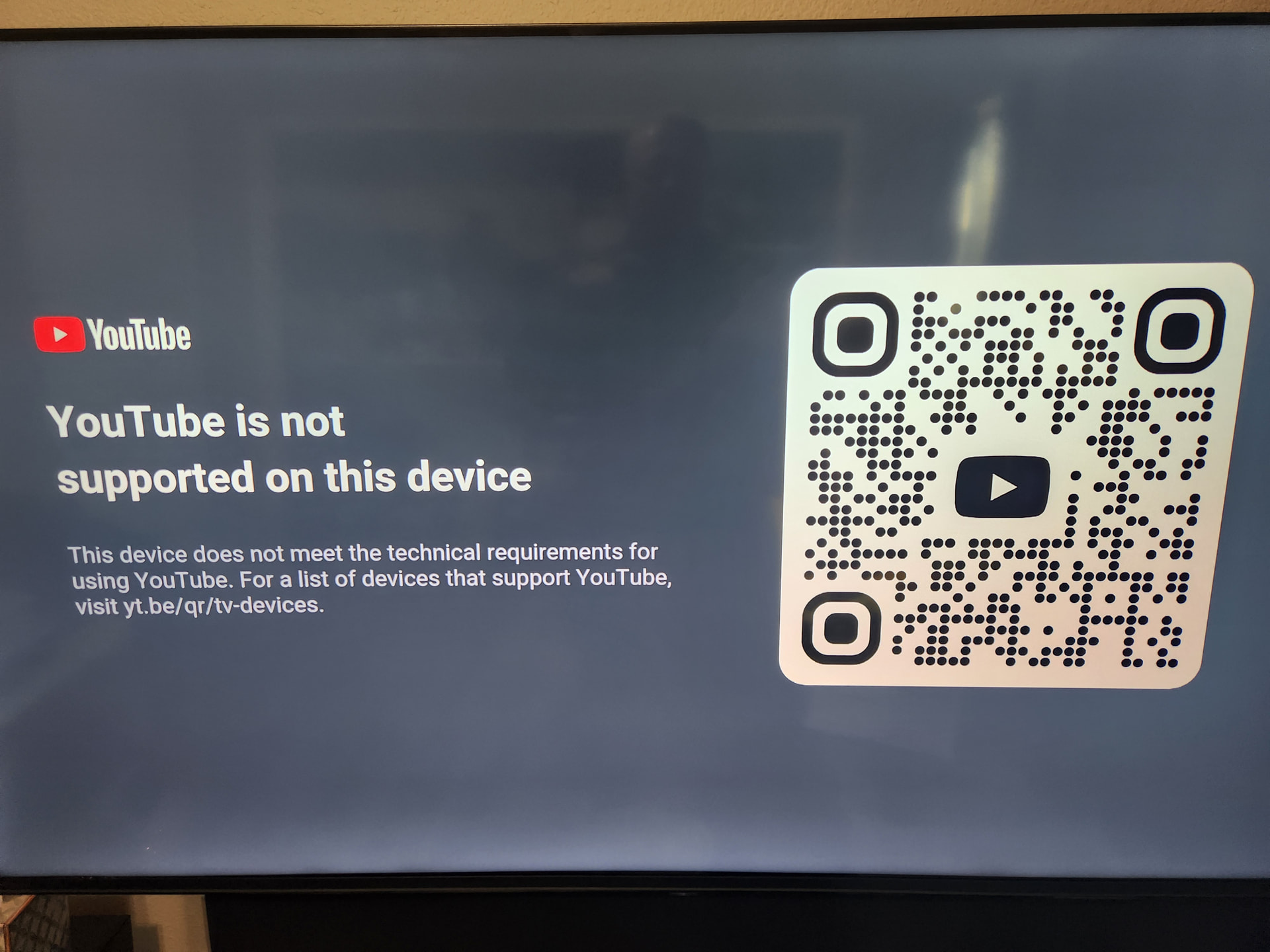
Uninstalled and reinstalled and is working again
I just installed the latest Smartube.I must admit I likes Tizentube though.
Try latest version - TizenTube Cobalt v1.0.5
I still use firestick as it works for what I need. Especially after adding Troypoints Launch Manager with Tizentube. My problem is I have started getting update notices on Tizentube a few weeks or so and when I click update it kicks me out to Launch Manager homepage every time. It’s updated smoothly in the past, It shows the new update 2.0.2. (I have 2.0.0 currently) Maybe I should not even update since it’s working with just the annoying popup when I start it. LOL I paused my VPN just in case that was the cause but still got kicked out. It works ok even without the update which is good. Any suggestions? Thanks!