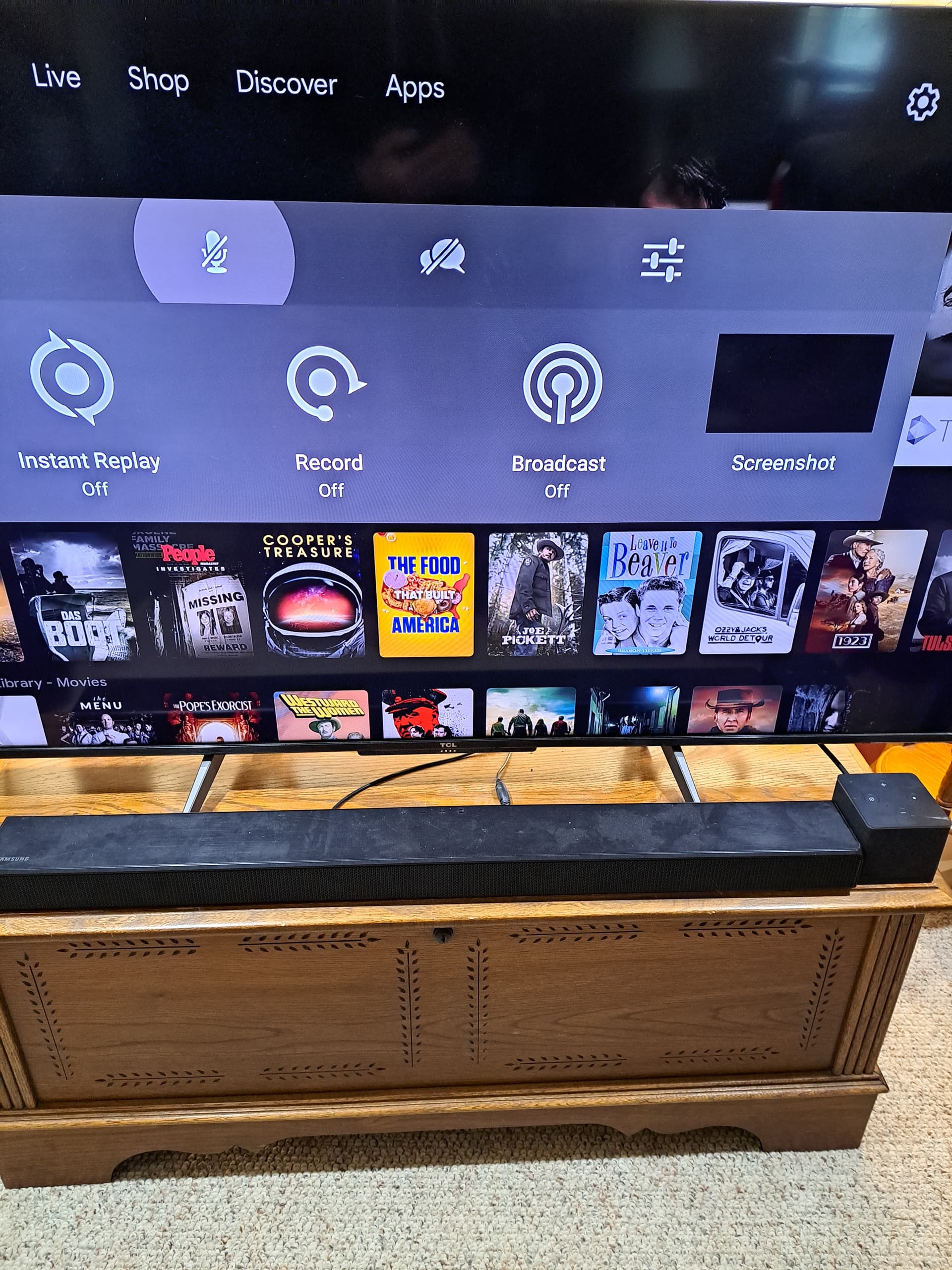
Mecool KM2
How’s that possible that shield will record anything on its own?
Double press your Home button
That doesn’t do anything to record, except the screen blacks out and get all these smaller pics.
Finally am settled on the lowest cost solution for TIVIMATE recording.
Use a dedicated Walmart ONN android 12 box ($20). And set it to record to a network location, with wifi 5ghz. — Fire stick/cube can not do it well as it uses too many other background activity. —And NVIDEA SHIELD is just too costly at over $100 for a device.
You can use a dedicated windows used workstation for network storage, or a router with SMB. Might set you back $50.
Do not know why more are not using multiple devices an the same four HDMI input tv.
Use nvidea shield and fire tv for playback of the recorded TS files.
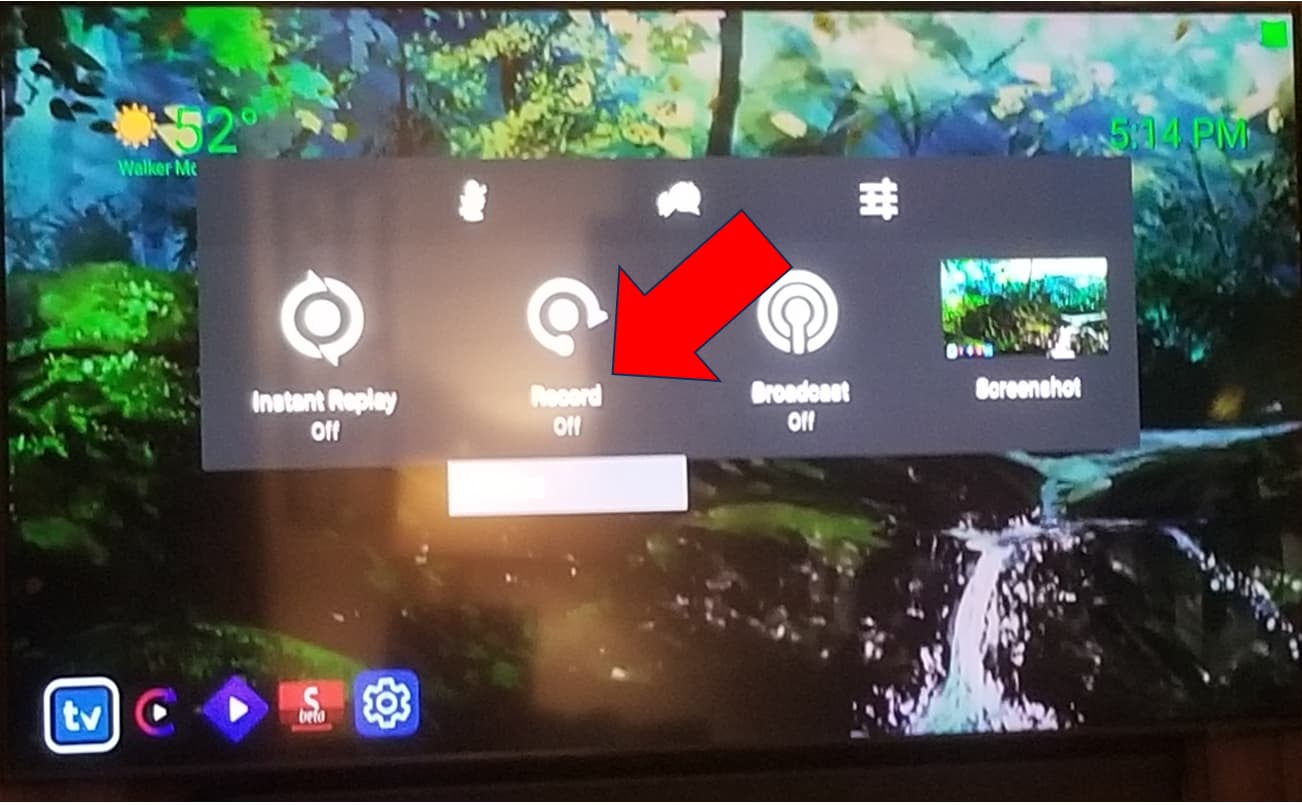
You probably have your desktop set up that way but my stock shield pro doesn’t do that.
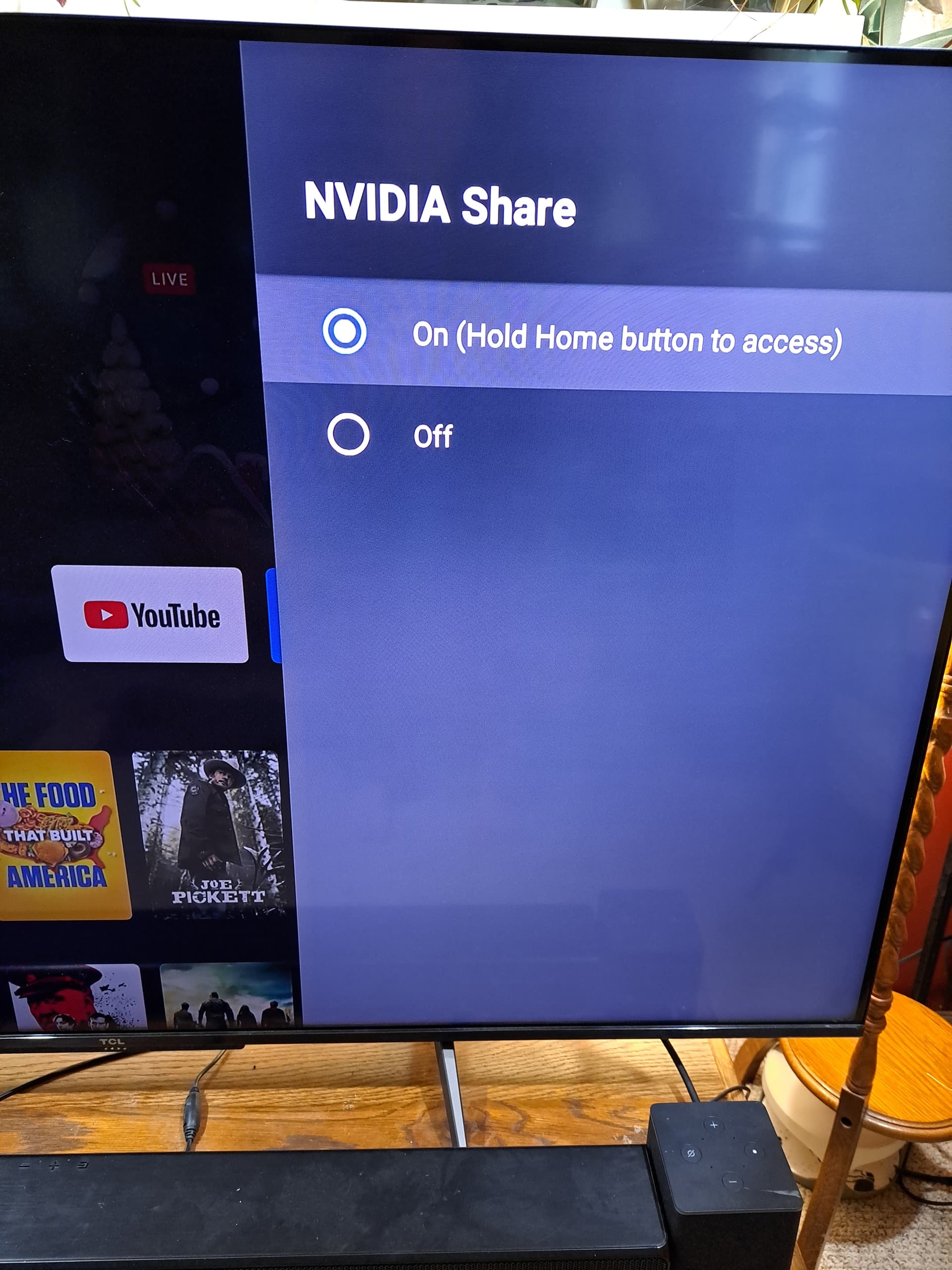
Whatever.  …this is how my all 3 of my Shield came loaded.
NVIDIA Share (for game capture and broadcast) is available on SHIELD TV Pro. Go to Settings > Device Preferences > System > NVIDIA Share to enable .
Does the same thing it did the first time. I get about three or four apps off the main screen to regular screen it’s blackened on the background

2 Likes
Nvidia Shield is android 9 I think ? With no limits or protection per OS settings. Firestick is OS 7 (which is android 9) or OS 9 ( Which is android 11). Firestick is a cluster of problems if you use apps that access local storage, seemingly.
The Shield Pro will record whatever is being shown on your TV screen. It’s only live record and I don’t believe you can schedule a recording. That feature was meant for recording gaming stuff, but it does wok for anything that is on your screen when you click start. It will even record your mouse cursor moving around.
My shield pro will only bring up a couple apps on a dark screen a little x at the bottom that’s it. Hit the x and it closes out the app but nothing else will work. No big deal I was just curious.
That is your ‘Recently Used Apps’ page. You can dismiss those apps by clicking the down directional button and then click on the ‘X’.
To get to the Nvidia Share page. You need to long press the ‘Home’ button.
Yeah I did press and hold the home button nothing happened.
Check out nextpvr since you have a work station. Works much better than anything else I have tried.
Well, then I don’t know what to tell you.
Okay, try this: Settings>Device Preferences>System>Nvidia Share>Enable ‘ON’
Been there done that! LOL
This is a very good tutorial about recording using Tivimate.
How to Record IPTV - Perfect For Android Boxes & Fire TVs (troypoint.com)