I’m not sure why that is, but posted that picture to show you the link below it that let’s you set up the browser extension. It claims “advanced ad, tracker and malware blocking”.
@Miki as I don’t use a VPN not familiar with it’s capabilities to block ads/popups. I do use Chrome and have both the Adgaurd and Adblock Chrome extensions installed and get zero ads or popups. Even on Youtbe
I’ll have to try that thanks @SoloWarrior . Getting annoying when trying to surf for info.
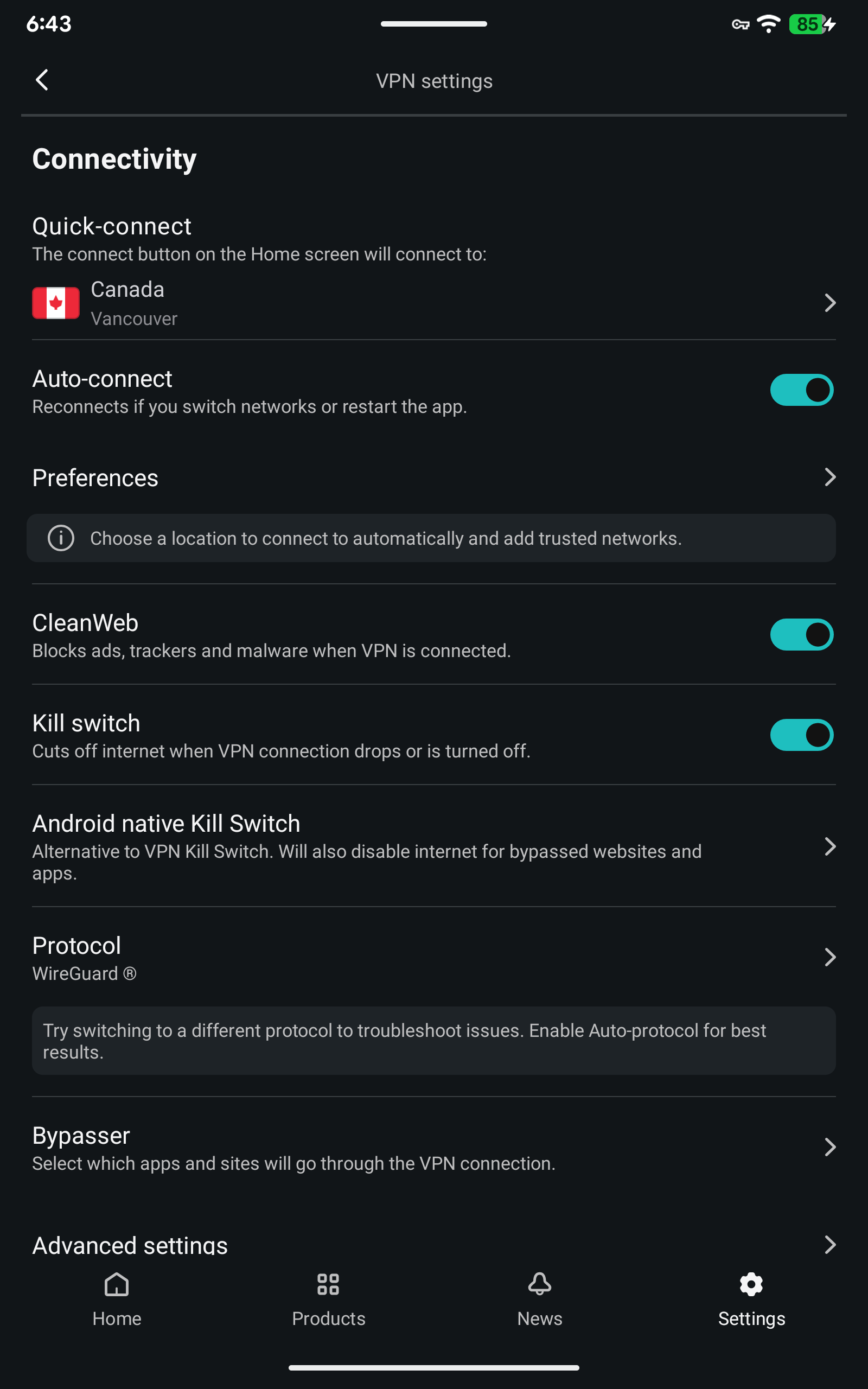
@Miki not sure if it matters but have you tried a different browser? I use DuckDuckGo and have had good luck with it. I have Chrome, Edge, & Firefox on my pc only use them if have an issue connecting to a site otherwise DuckDuckGo is my default again this is on my PC not sure if it matters but thought I’d chime in 
My apologies, I didn’t realize it was on a tablet. That screenshot was on a Windows PC. If you go into your Chrome Extensions, does it let you search for the SS extension? If it does, you would download it and just put your account information in it. But anyway, back to the original issue, not sure why CleanWeb isn’t blocking ads unless they are a bunch of embedded ads. You could try a more private browser like Dale said…I like Brave Browser, DuckDuckGo is great too.
Tx bunches. Going to check into it deeper a bit later. Off to the track for our morning 5 Mile walk. Be well all you insider animals and be nice, help where you can. You’re all awesome and tx.
Not sure if I’m allowed to post a youtube vid but thought of this when Miki mentioned “help where you can” if it isn’t allowed please let me know https://www.youtube.com/watch?v=gHaJegv6Sjs
It used to work pretty well. They changed the name to “Ad Blocker” in the latest interface. Don’t know if it’s the same algorithm.
I think my problem with SS staying on ALL the time is my TCL TV I use instead of a stand alone android box. When I turn on my TV i need to go to the SS app and turn it on. Not sure how this would affect recordings or not
Not sure how to say what my issue is with SS right now without getting banned I have been on with tech support all day. Since the new SS update has disabled one of my apps somehow. Rick
@smaerd666
There should be a way to bypass apps that don’t get along with SS. I knew how to do that in the original version. I bypassed the Monitor Dot app. I’ve not had any trouble with the Monitor Dot app and the updated SS. So I’m thinking that the bypass is set to allow that app to work.
I have monitor dot and SS. Works perfectly without bypassing. Also checked it out with the KillSwitch. G2G.
Miki, from what I gather from Rick’s post, is that only one app is not working with the latest SS. Is that right Rick? So with that in mind, I would ask if the app works when the VPN is turned off?
I only mentioned the issue with the Monitor Dot was from a post about troubles with updating the Monitor Dot. Engineering Mind, the developer of that app mentioned the VPN bypass to eliminate updating problems. it was merely a trouble-shooting suggestion to try using the affected app with the VPN off.
I do know how to bypass apps & let them go straight through. I do that with YouTube. The App I need to go through is something used everyday that needs to be secure & uses a EPG. It worked fine for years but now with the new update. No joy. Thanks
I can’t mention the App without getting banned so it is hard for me to research it. I have skimmed through this forum & didn’t see my question & answer. I tried all the different settings I could think of with Surfshark & there Technical Support stated they are not responsible for my App not connecting. Actually they can’t guarantee it. Once upon a time it was a Troy recommend & it played nice with Surfshark 
All I can tell you is it’s not a Surfshark issue.
I get it. Its just ironic it happened right after the newest update & total remake. Thanks
Is your ISP listed in the site I linked to? That’s why I provided that. Just another possibility to explore.
Miki, unfortunately No. I live in a small US town that has its own Fiber. I did look over all the ones you listed to see if I could gleen some information. I don’t think I will be the only one with this issue because a lot of us recently have switched to this App per Troys recommendation some time ago that we can no longer speak of. Fight Club… LOL Appreciate the feedback though. Rick