SportsFire was disabled on my P6L. its was working fine when the other day I saw two of them on my P6L and neither would open. I didn’t download 2?
I deleted both and went to downloader and using code 5709452 I got a warning from google saying it was dangerous and would steal all my data? Is there a different code that I might try. Has anyone else had this problem?
Scare tactics by Google. Same as Amazon is currently doing. Sportsfire is no more questionable than any other of the (“unverified”) apps we use from day-to-day.
I wondered if that was the case. but I can’t download it from downloader? Google play store says it’s dangerous. it’s not in Troy’s tool box. Does anyone know how I can side load it?
I figured it out. When I got the warning I clicked on “more information” which said, install anyway. Thanks for the reassurance it was just google and amazon trying to block side loading.
SportsFire was once again disabled on my P6L. I took your suggestion and downloaded SportzX, thank you for the code. I’ll see if it is still on my P6L tomorrow.
That’s so weird that it’s being disabled. I’m in the process of setting up an ONN pro. I bought one for fear that soon firesticks would block side loading. Meanwhile my expensive P6L disables an App!
Here in Florida it’s impossible now to get an Amazon firestick that will allow sideloading. All the new ones are blocking everything. So everyone, hang on to your existing firesticks - they’re golden. Meanwhile the ONN is great - loads everything but SportzX.
Miki!!! i was hoping you would chime in with the remedy–if there was one. If this app scanning was discussed in Troy’s video I forgot about it. When SportsFire disappeared again I thought surely there must be a way to prevent Google (?) from reaching into my P6L and snatching it.
Given your question I went on the hunt and found under >Network & Internet, >scanning always available. Is “scanning always” what I need to shut off in my P6L or were you referring to something else?
Meanwhile, I have once again downloaded SportsFire with scanning always off and SportzX was not removed and still works, thank you @ilpadrino !!
Later today when I return to setting up my ONN I will try to download SportzX @gaylle8 and will report back. I will say what I absolutely love about the ONN pro, is the ability to move the cursor over characters in TiviMate when inputting a playlist or epg. I always manage to type something wrong at the very darn beginning which means having to delete the entire string (some are over 40 characters) if I noticed too late. ONN allows me to scroll past the first several letters (rather than deleting as I go) to where the error was and delete and re-enter the offending character.
LIFE CHANGER
for me anyway. I know there is a way set up a remote keyboard, but that was well beyond my abilities.
thanks again Miki. Thanks to everyone on this topic.
Ok I’ll give you the instructions. Just firing up the old P6L so I can be sure to get it exact.
Ok on your homescreen you should have a Google Play Store icon. Click on that to open the playstore. Now once it has opened Google Play on the top right you will see 4 icons Search/Apps/Games/Your icon. Highlight your icon and a popout will appear with 3 options. Highlight on Play Protect and on the right will be 2 “radio” buttons. I forget why they’re called radio buttons, doesn’t matter. Highlight “Scan apps with Play Protect” and click to turn it off. That will also turn off “Improve harmful app detection” . That’s all there is folks. Now you should stop seeing your apps disappear.
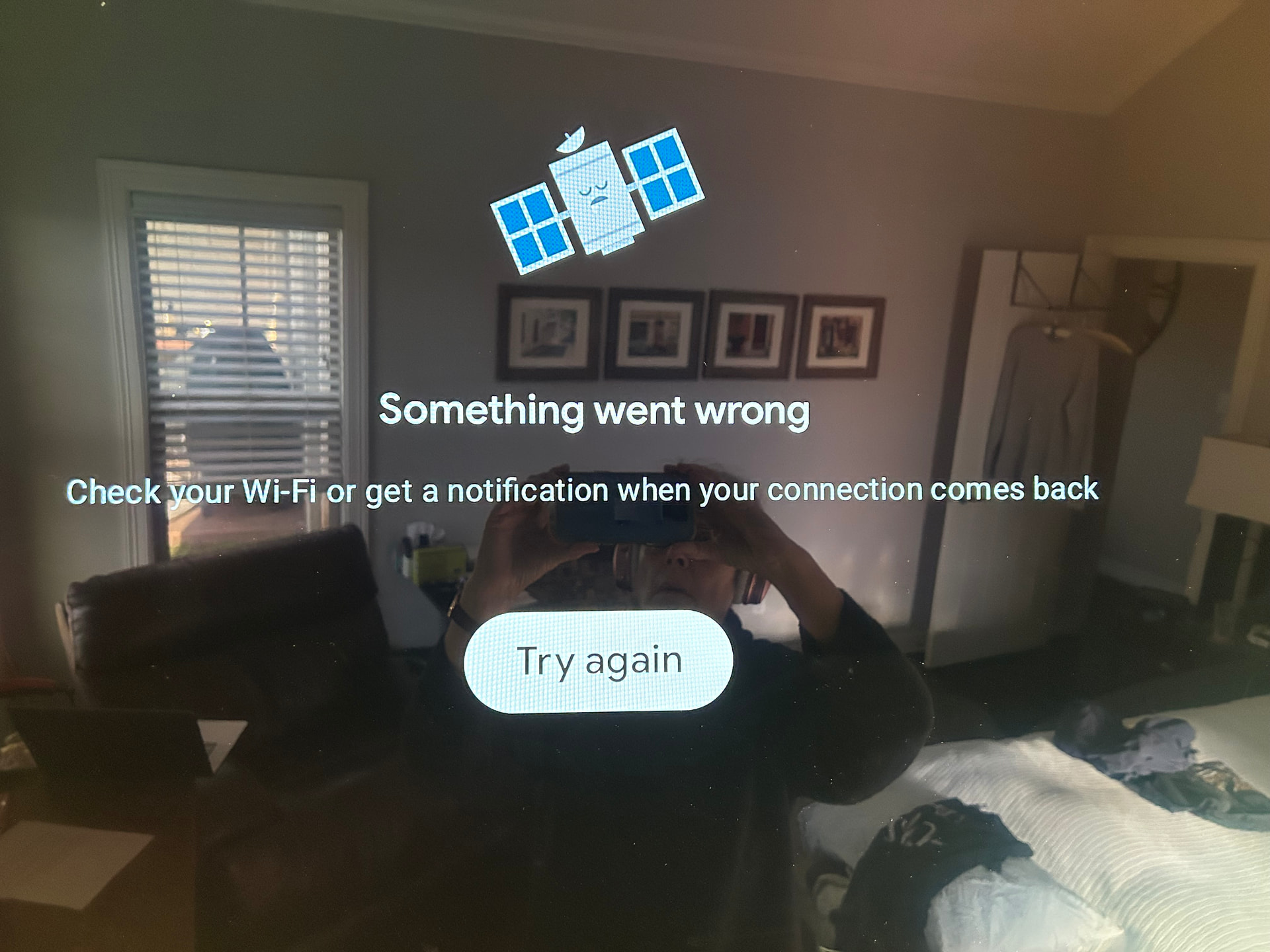
I don’t have the Google Play Store icon on my home screen (I assume that won’t be a problem) but I have it in Apps under “Settings” and can open it from there. When I click open I get the following (see pic below). Surf Shark is off and my WiFi is on and I can’t follow any of your instructions until I get past this (something went wrong). Please advise when you have the time.
That is odd. This is on your p6? I just tried it. Went to settings>apps>See all apps>scrolled down and clicked GooglePlayStore>open and it took me right to the site landing page.