I got it this morning and gave it a 4 hr test drive. Pass. So much I can’t do with it, that is so easy with TiVimate, and I don’t have any problems recording with Tivimate so I’ll stick to Tivimate.
did you try app mode Miki? I’m not placing it above tvmate but definitely good competition. I’m keeping both.
I didn’t try app mode. Once I couldn’t find any way to make my own categories and easily add channels I backed out and deleted it. 4 hours playing around and so much I couldn’t do. But it’s all good, I know TiViMate inside and out and know how to get stuff done. Lots of happy ppl with Sparkle.
I’m a TiviMate die hard but had a Sparkle license from years ago and this thread made me go back and try it. I know what you mean about just instinctively knowing how everything works.
After spending about a day playing with Sparkle I will probably be using frequently now. It is much improved over the older versions. My wife hates change, so she’ll keep to strictly using TiviMate.
To make new categories in Sparkle you got to the EPG, go to a current category and long press OK for the option menu to pop up. The second choice will be “edit category”. When you move to “edit category” you press left or right and it will become “new category”. Not easily intuitive for new users and they should really have a manual. Hopefully Sparkle, and other programs, will continue to improve since competition benefits the consumer.
supposedly works excellent in app mode?
here’s a cracked copy that says everything’s unlocked on a thread in reddit..even dvr works with no goolge account…haven’t tried it as i have a paid license…but interesting tho
How did you move the preview window to the left?
actually…it was on my other left lol not sure what I was thinking there
Does anyone know how to assign or edit the epg program description in the Sparkle TV Player?
You can long press ok on a channel, and it will bring up the channel options menu then select “edit channel” and then “EPG ID” to pull up a search screen. I don’t think there is a way to do multiple channels or to assign extra EPG sources to a playlist like in TiviMate.
Thanks for your reply.
I have spend several hours here trying to find out how to work with the favorite channel list on Sparkle tv but have gotten nowhere. I found out that “Powerfader” seems to have found the answer but I can’t get it to work for me. I’m using a Buzztv6 which I have had for about 6 months. I have been a member here for at least a year or 2 but I cannot figure out how to use this forum properly, so I’m posting this question at the risk of getting kicked off here. Can anyone tell me whether or not it is possible to have a favorite list and if you can have it show somewhere?
First open the program guide then while highlighting on the channel you want to add to favorites press and hold the ok button on your remote, this should cause a pop-up menu to appear with different options one of them being add to favorites.
My biggest gripe with Smarters is the continual “playback errors”. Sometimes as many as 3 or 4 times a minute.Really becomes a major pain. XCIPT has continuous repeat burps. Also a pain.
Hi all. I have paid for Sparkle tv Plus. it has been charged to my credit card. The issue is it is not recognized and keeps asking me to pay for a subscription. There is no contact info or chat. Does anyone know what I should do? Thanks ! Gene
Read Troy’s guide and see if you missed something in the process.
Contact info at Google Play Store
Easiest thing to do if you can not find it or having an issue is Sparkle on Reddit, the DEV is very helpful and active. They helped me work through some things I was having problems with.
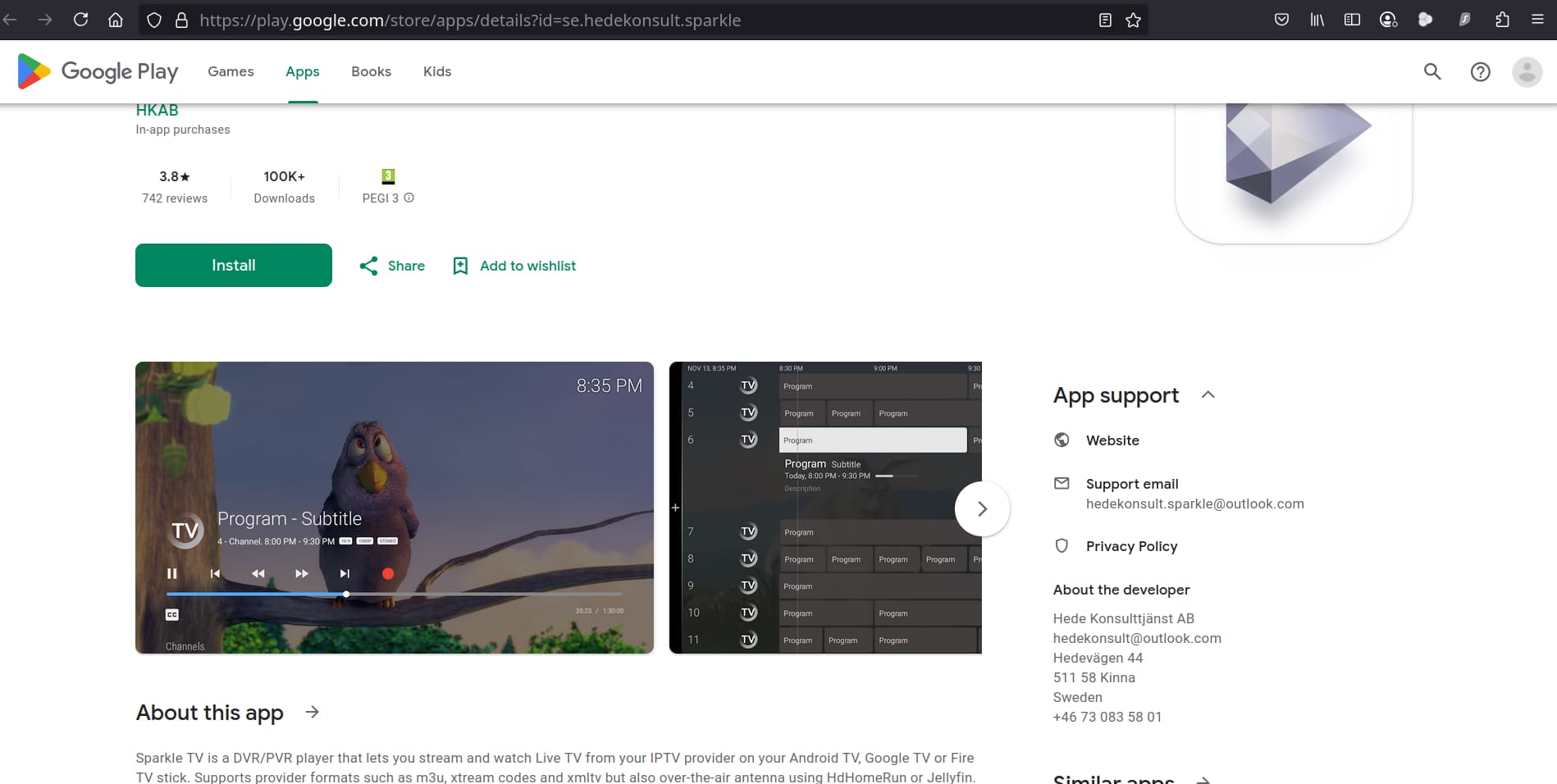
Good points about Sparkle compared to others.
- the developer will actually respond and talk to you about issues. On reddit mostly.
2). You can edit the EPG and merge with other EPG sources. Cool beans.
-
you can record to local USB stick, as long as you remember the FAT32 limits of around one hour
-
you can start up SPARKLE with a specific generic free streaming channel. That way you do not interfere with ongoing recordings happening in the background. There are a dozen or more sources that are free streams with ten channels.
-
you can get to the EPG with two button presses. And use that to schedule a recording.
-
SPARKLE will recover a single stream glitch in recording. At least somewhat.
how does this work?
Can you make your own favorite list from multiple playlists, like in Tivimate?