Hi Troy, when will the new video be released? I bought the items during Prime Day and want to begin the setup. Thanks.
1 Like
Hello, working on it right now and will hopefully have available today or tomorrow at the latest.
5 Likes
Great video
4 Likes
Saw the video. I’m not that technical but based on your instructions I really do feel I can do this. 
1 Like
Can you get a new email with Google, Yahoo, or Zoho?
I received and installed same hardware today. All went well until Plex install. I receive this ERROR. " ERROR response from daemon : Could not select device driver “” with capabilities : {{gpu}} "
I tried uninstall, restart, re install, I get the same results. I will go look for help.
@BobC I’m not sure i’m tech enough to say accurately but use the bypass option on SurfShark. Troy’s Zimaboard tutorial is great! I followed it diligently and all is functioning well. Good luck, it will work!
I use this method and it works great!
1 Like
I finally got the zima board working to record using Tivimate. I found that my problem was a bad ethernet wire. Swithed to a new one and its now working.
However, I cannot use a VPN to record. When I do, it records one minute. When disabling VPN, I can record for hours. I’m pretty the reason for this is that a VPN changes my ip address which conflicts with the one registered to Zima board.
2 Likes
Im having the same problem trying to install plex. Did you finally get it to install. Everything was installing fine with the zimmaboard until trying to install plex. Then daemon error message
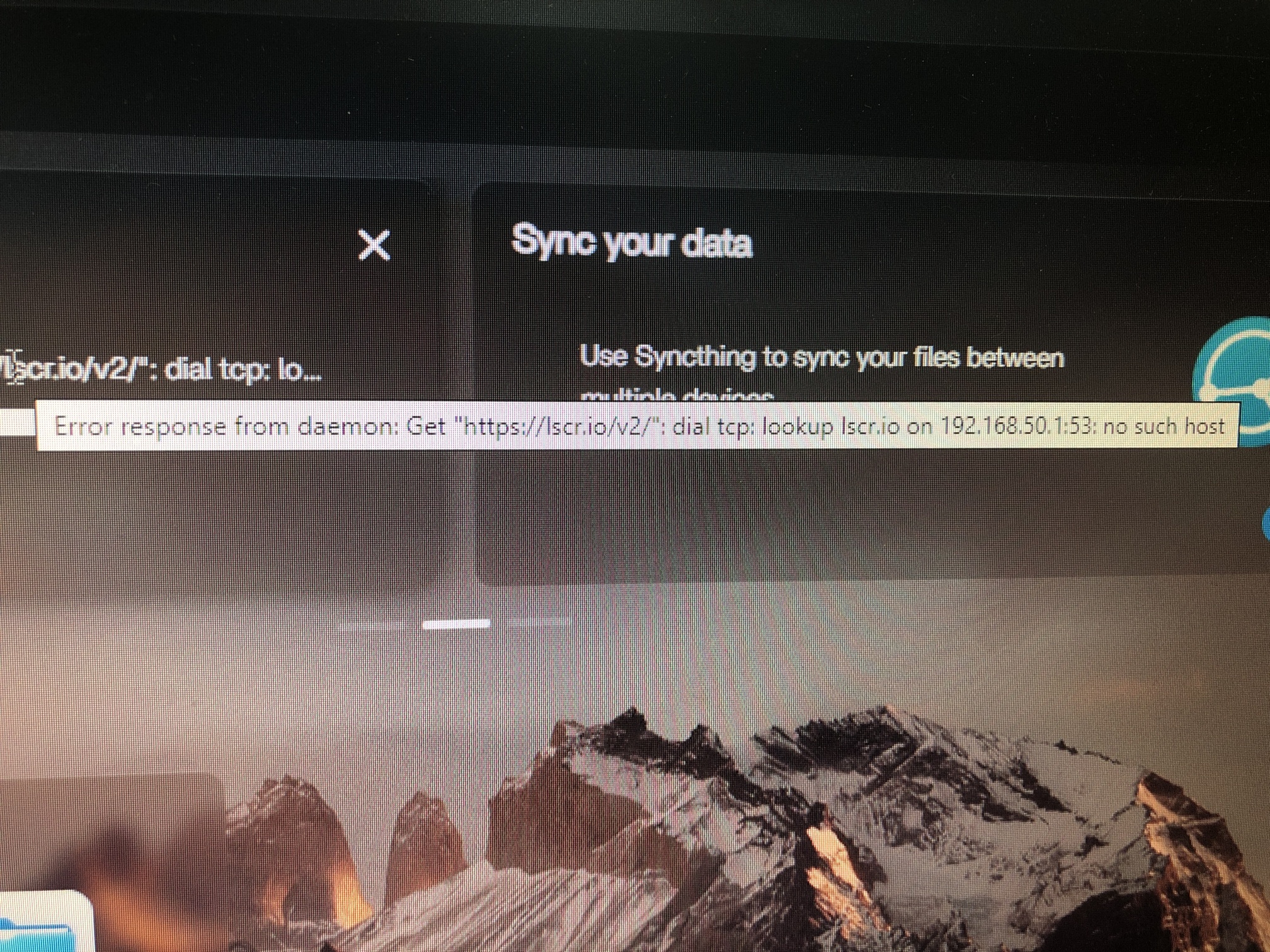
Help if anyone can
Thank you
Unable to add external hard drive to zima board.
Casa is won’t let me create storage in storage manager.
Says that I have to plug it in but it’s already plugged in.
I tried refreshing, unplugged zima board and plugged it back in, nothing seems to work.
Please help, thank you !
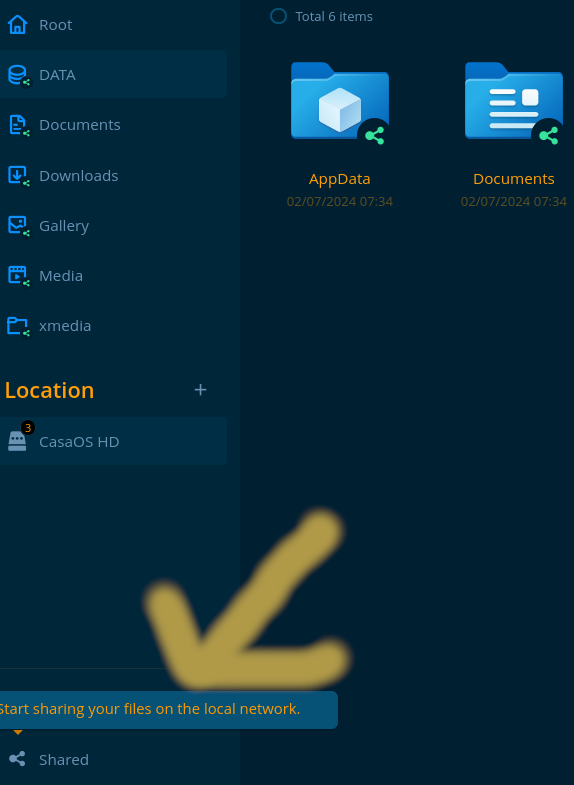
Make sure in the files section that you have shared folders. I use casaos so im thinking zima might be similar(maybe not) but check file permissions. Usually its noted on bottom left that you need to do it.
Try reformating the external hd to ext4 and try again
1 Like
Thank you for your reply, I did reformate the hard drive but do not know how to do it to ext4.Could you be more specific on how to do this ?
Thank you !
generally you would need to plug the drive into a pc to format it, however I am not a windows user and cant help with that. If by chance you use linux it can be done with the “disk” app or gparted. Maybe a windows user can pop in and explain how to? Its really easy.
You can’t format a drive to ext4 natively from Windows without using a 3rd party tool to do it. And I am pretty sure Windows doesn’t support ext4 in any way.
1 Like
From what I’ve read https://www.partitionwizard.com/ seems to be about the best option for Windows, but I can’t verify that as I am also not a windows user.
Ok. Thank you. All files are now shared but I get the same error message when I try to install Plex.
Thank you for your help. Files are now all shared but i still get the same error message installing plex