I’m new to tivimate and wondering how recording works? I tried it and got about 5 seconds of the show!
Welcome back, it works good if you have a great uninterrupted internet connection and a box with a decent amount of ram (2-8) and bigger storage. Like 16gb minimum. Lot’s of info on troypoint.com Hope this helps.
Recording is easy, for sure, but somewhat unreliable.
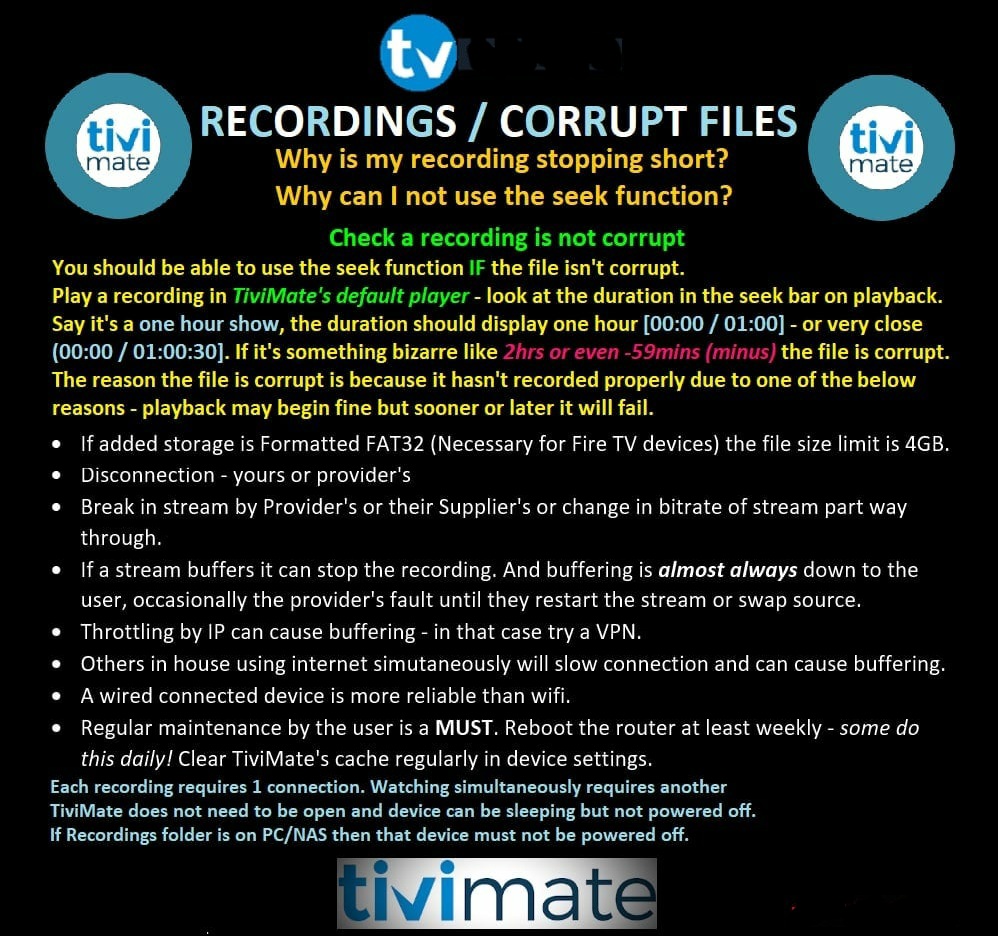
If there’s any glitch at all in the stream that you’re attempting to record, the recording stops at that point.
When you say “any glitch”, would that include buffering?
Reason I ask is because I recorded the Superbowl on 2 different channels and stopped the recording a bit before my custom time was up. Neither of them are playable and am wondering what would be the root cause of both failing?
Thanks to you both for your quick comment. I’m comfortable that my Internet is decent (most of the time) but I’m only using a smart/fire tv so maybe I need more storage. How would I add storage? A jump drive in one of the ports? But then I’d need to direct Tivimate to save there presumably.
Other factors…
You need to have at least 2 connctns thru your providr, in othr words if you only have 1 connctn, you cant do anything but watch 1 chnnl at a time (no multi-screen or recrding)
Also make sure your directing it to the right folder >
/storage/emulated/0/Download/ TiViMate/ Recordings
3 Likes
Thanks…v helpful. Probably only recording something when I’m out so won’t need to double up the connection. You guys are all so helpful….much appreciated.
Not gonna work sp…
duznt matter if yor watching or not, u need at least 2 cnnctns (which may be yor problm now)
1 cnnctn = 1 min recordngs
Once u open tivimate yor using 1 cnnctn, if you try to record it will buffer & mess up recrding & youll be using more than 1 cnntn which cld result in getting banned from that servc
hth…
Ah. Well that it explains it then. Tvm.
What device are you using?
Pardon my ignorance, but what is “connctns”?
I think he means connections.
3 Likes
Yes connections aka: feeds from yor provider
Most offer 1 to 6 connctns per accnt
For the most part, if you want to use more than 1 TV, or record or use multi-screen you need more than 1 connctn/feed
But providers may differ, but most 1 cnnctions wont record consistently
1 Like
Sony bravia smart tv
1 Like
So you re installing all your apps on the TV itself and you are not using a streaming device, correct?
Correct. I gave up in my firestick since all my apps work on the tv directly.
@Sketch
i have 2 providers each with one connection and i record one on my buzztv 5 and watch my other provider on same device at the same time and have no problems recording the provider i’m not currently watching,work’s great…i’ll send you a screen shot if you’d like
Tadam, yes it does include buffering.
That’d be helpful…thx. Second provider makes it pricey tho.
1 Like
That may be true, but Smart TVs may not have the storage, power, and features that a device can bring to the table.
If I were going to depend on my TV as my streaming device. Then I probably would limit the number of apps I would load and concentrate on only verified apps at that.
Tivimate alone is pushing your boundaries. let alone any m3us you have installed.
1 Like