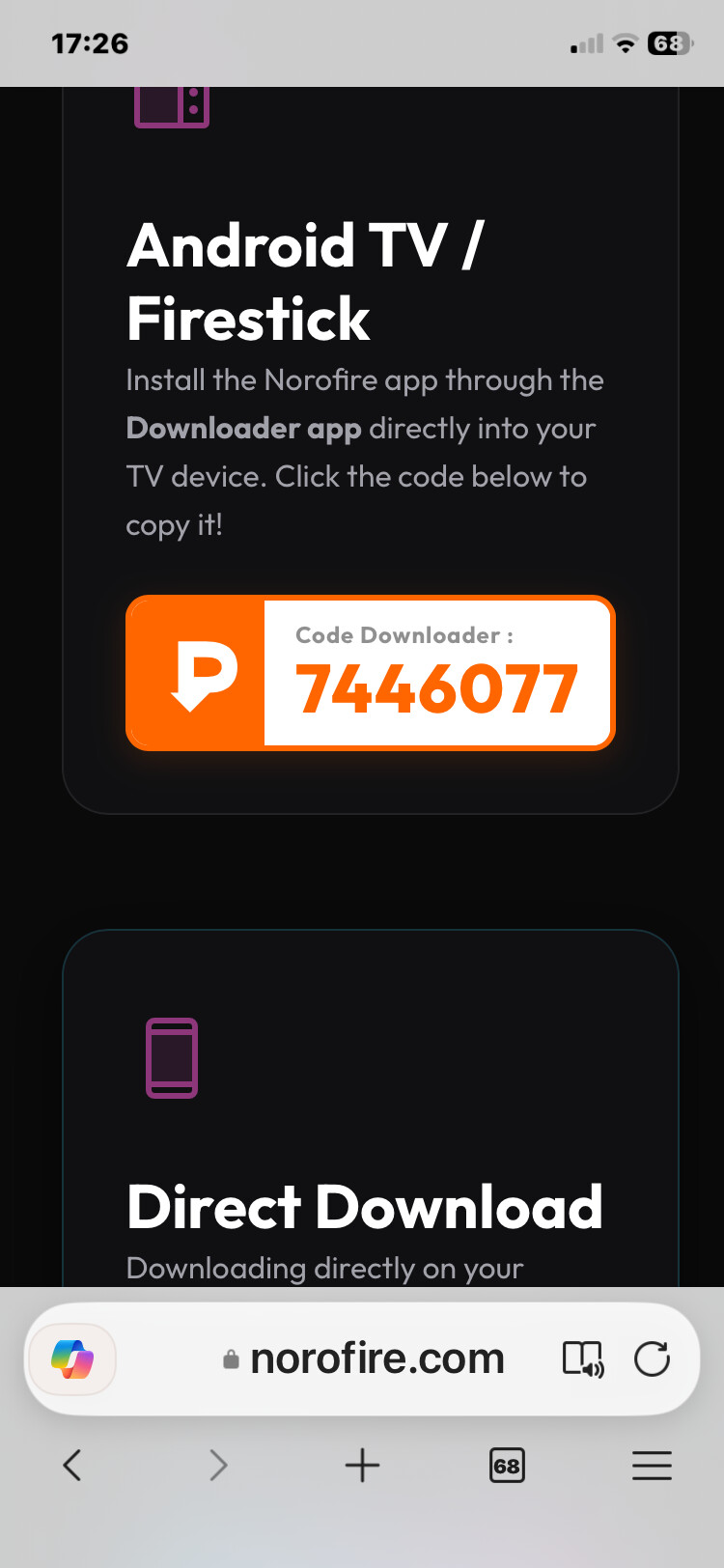
Use. Code 6185176 works on firesticks I have it installed on one all working
It does load I have it working maybe server is down at the moment
Tried it this morning on a newer firestick and got both working
Yes I think it’s 3rd gen and up on sticks
no luck setting it up on PC Bluestacks app it installed but when i go to launch it says device not supported
Same here.but i uninstalled media fire and reinstalled a second time through the same noro, allowed the permissions and VOILA! .
THANKS, the code 6195176 works on firesticks
So my issue isn’t that Norofire doesn’t work rather about the way it works, it hides the apps from Virus Total, Virus Total does find them but can’t scan them.
As I mentioned in other posts the two apps (Sportsfire and Streamfire) both reported malicious code, in double digits and were red in Virus Total which indicates infected. The android package name is the same as the the infected apps.
You guys are of course welcome to do as you wish but to be honest I’m pretty suspicious, it appears to be from the Sportsfire developers and that doesn’t say much.
Too bad I liked Sportsfire.
I installed on Onn 4k Plus for testing.
Managed to install on Android phone and tablet but not on Firestick. Hope they find a fix Thanks
Did you try the code I just posted plus delete downloader cache first and delete the app and reload using new code
Bless you for posting this! I was going nuts without Sportsfire and Streamfire. I can’t thank you enough for saving my sanity.
Your welcome that’s what this site is all about hope all works for you
Topics and replies must be in English language. When linking to a 3rd party Website, that site must be English language as well.
Post in English only please. I posted the rule above and you chose to ignore it. Next time you leave me no choice but to flag any foreign language posts. Thank you for your co-operation and understanding.

My Downloader won’t take any codes. Any suggestions?
Delete and reinstall downloader
Many times this is due to downloading the wrong Downloader app. You want the one by AFTVNews.com, not the other imposters which are scams.
Dont update downloader or it will block the Norofire install
There must be something else going on with your device blocking…probably Play Protect. It wouldn’t be Downloader blocking this. If using an Android TV Box try disabling Play Protect.