Going to try that now tx.
No luck. That opens a lower row of “try saying” stuff. Ok got it. I have to say “my apps TV Mate” and you’re right, it opens to the last channel. Whoooo hoooo cool. Tx @Powerfader you da man. Some times I have to say " My Apps" then wait for that to show on the home page and then say “TV Mate”. Now to figure out how to open a specific channel.
I was able to get the voice to open up TV mate but I had to spell it out t i v i m a t e and it opened the last channel.
It works…kina, but it’s more of a PITA than it’s worth. By the time I done shouting commands at Google. I good have already punched up the app and been watchi8ng. lol
About the only thing I use that voice stuff on is when I am looking for an epg guide in the epg search or in the Play Store.
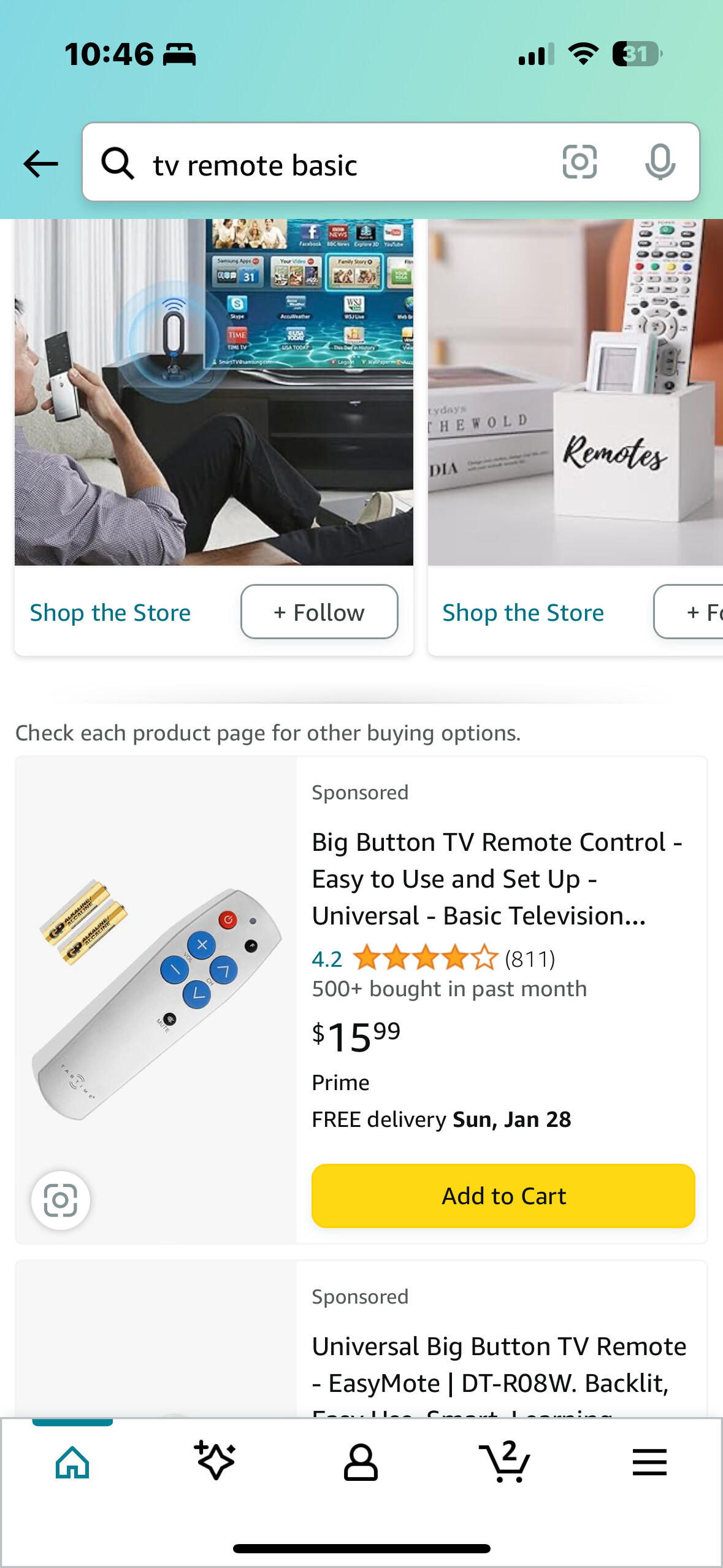
Admit it @Papa-12 Thats your remote 
Thanks Papa-12, but isn’t that remote just IR? I’ll need a Bluetooth remote to change IPTV channels on a Shield.
Yes it is. But it is very inexpensive and in reading the thread it doesn’t seem that what you’re looking for is available. Good luck with your search. Blessings.
This seemingly got overcomplicated. I liked your earlier suggestion. If they can click the up or down buttons then create a favorites folder with just a few channels in it. If you have to, buy a cheap remote and physically remove all the other buttons you don’t need.
Yes personally that’s what I do just set up favorites for bare minimum and def only have what I know I want to watch like everyday or channels with my most favorite shows!
A quick note…Tivimate will NOT record programs unless Tivimate is running. One cannot set record reminders and then turn off Tivimate or switch to another streamer like Disney+ or Hulu. I learned the hard way. Nothing recorded. Just a note in case anyone was wondering.
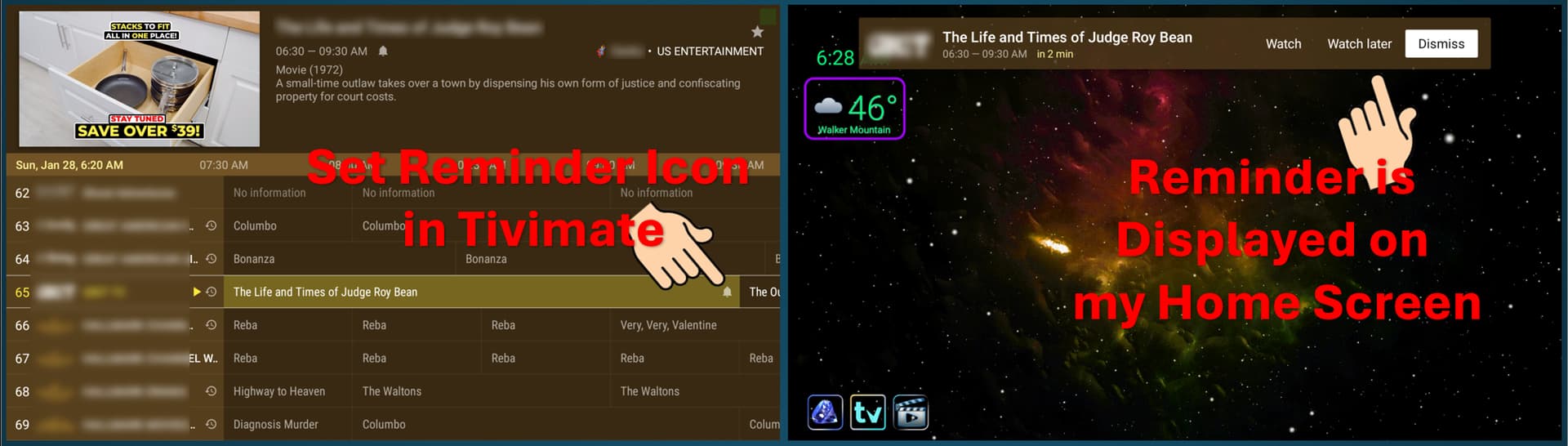
You can set reminders in Tivimate to auto switch channels.
settings>other>reminders>default action>watch
Now your program will automatically switch and play whichever program you set the reminder for. However, I didn’t see a way to make a reminder repeatable other than physically adding multiple reminders for a program. In other words, you can manually set a repeating reminder to auto switch and play for as long as your guide will allow.
You can manage the reminders in the far-left panel under “My List”. There you can see all the program reminders you have set. So, you could set as many channels/programs as you like in the “My List” category, and you can click and play from there if you are concerned about someone not being able to locate a channel.
Personally, if I want to make flipping channels as easy as possible. Then I would make a Favorites folder of only those few channels you wish to target and hide all the others.
You can also set the pop-up timeout and how soon you want the reminder to appear.
You may need to enable “Wake up from sleep mode” but isn’t necessary if you don’t want the device to remind you when the system is asleep. Because if you do enable that. Then your device will wake up and play the channel you selected even if you are not at home.
My TiviMate records with Custom recording automatically any time I set it to, whether or not my device or TiViMate are on.
Yeah, me thinks he is wrong with his advice.
WOW! I guess my Tivimate is not working right. I wish there was a manual for Tivimate. Thanks everone that responded. Me also thinks I’m doing something wrong!
What good is the favorites list,
I haven’t seen a purpose for it yet!
I set up 3 groups that I create. News, Sports and Faves. I load my regular channels into each and it cuts way down on searching, and once I organize each groups playlist and channel EPG it’s quick accessing the content I want.
I misspoke, I wasn’t talking about favorites list I was talking about the my list. I use the favorites list also.
My bad!
Lol. Ya the My List isn’t anything I use.
This is really all I see as something being useful. You can readily check multiple reminders.