Well I concur about their telephone support. I know SS are excellent and there has never been a question they could not address. I used to have IPV and that was not the case with them. The easiest way to know for sure if I feel like going through the trouble is to just order it and try it since I can cancel.
The absolute BEST thing about both of these companies now is the accept Paypal. Never ever a worry again about a charge to your CC that many members have experienced when renewal came up and they were not on top of it.
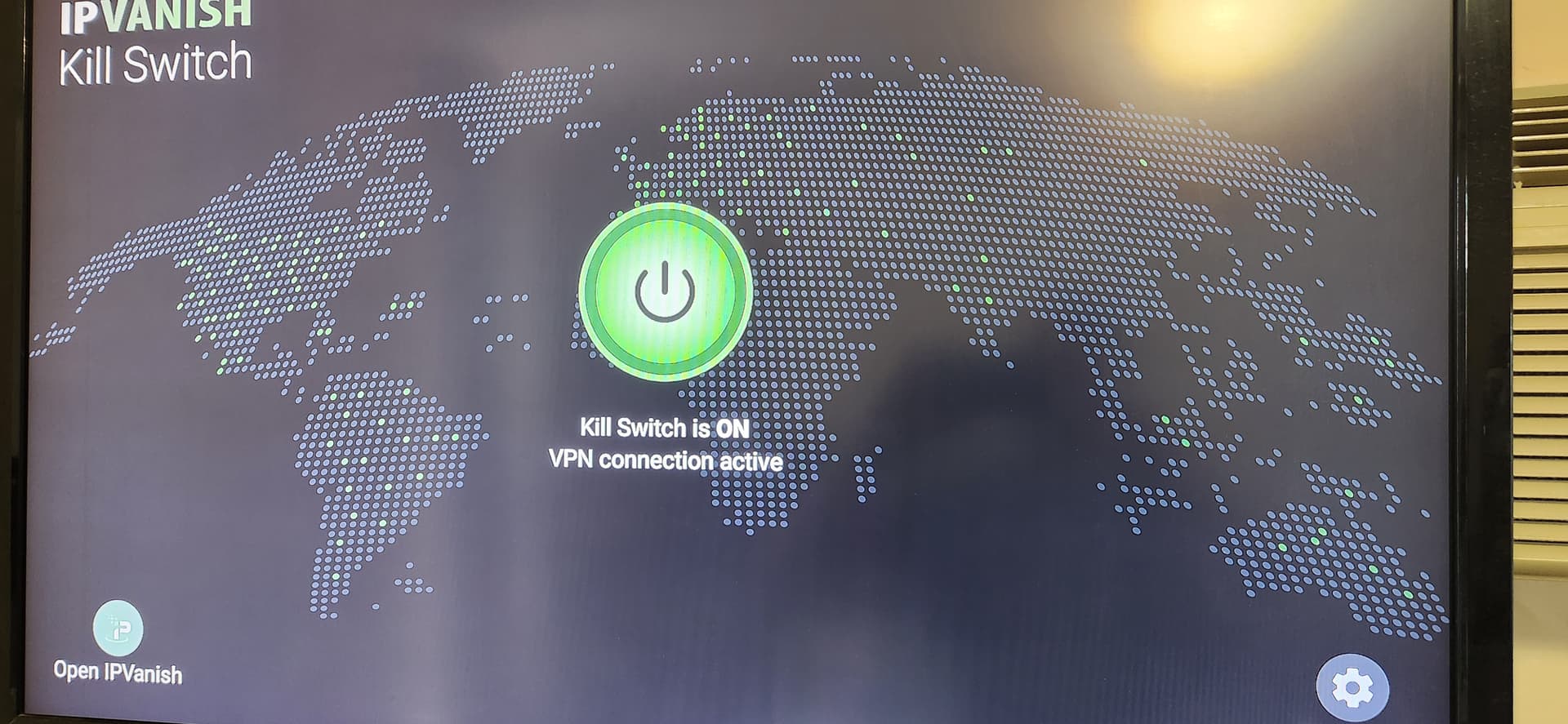
Hi Everyone, Just to clarify our kill switch will work fine with any Android TV compatible device. And we already have the kill switch covered for Android mobile on 8 and above. @Wizzard our support team was just notified about the new app when we made it public so if you contacted them before last week they would not have known about the new release so they did not give out incorrect information. And the kill switch does kill ALL internet traffic if your VPN connection is interrupted and the Kill switch is on.
That sounds good then. Yes I had contacted them before last week. You said “New App” as opposed to updated version? Does this mean we would need a stand alone app like you put out for the Fire Stick or will your normal IPV app incorporate the kill switch now to work on devices like the Onn.? I am also guessing that your site is not converting the payment into CDN funds when I go there from Canada. Could you be so kind as to answer both questions? Thank you. I will be renewing my VPN in less than two weeks. I was a customer of your before.
They provided a link to explain the Kill Switch installation process. Scroll up to about 3 days ago from today. Yes, it is a seperate app apart from the regular vpn. You will log into it and control the KS from there. I havent seen any issues with it yet.
My understanding from the tech and everything I’ve read was that only the FIre Stick needed the separate app for the Kill Switch function and it was built into all the other ones as it should be. It sounds like a bandaid solution. I spent way too many years in software development. Incorporate it into your app. It sounds like they could have purchased this from someone else. That’s just specualation of course but, if you really programmed a kill switch app, you can 100% add it to your VPN app. ** I did try twice to read their link but it seems virus protection is not happy with it.
Yes I am able to go there directly. I am pretty sure installing it would be no problem but their page shows it as in integrated function, the way it should be. Confusing about separate app as it’s not shown or I can’t see the forest for the trees or is it the trees for the forest, either way Life is like a box of chocolates
Yes they are integrated with each other. There is a button on the KS app that will open the VPN app. They both need to be signed in to your account separately.
@Wizzard yes you can pay in Canadian - if your browser does not auto-select your currency, then you can click the global icon in the top right of the page and select Canada.
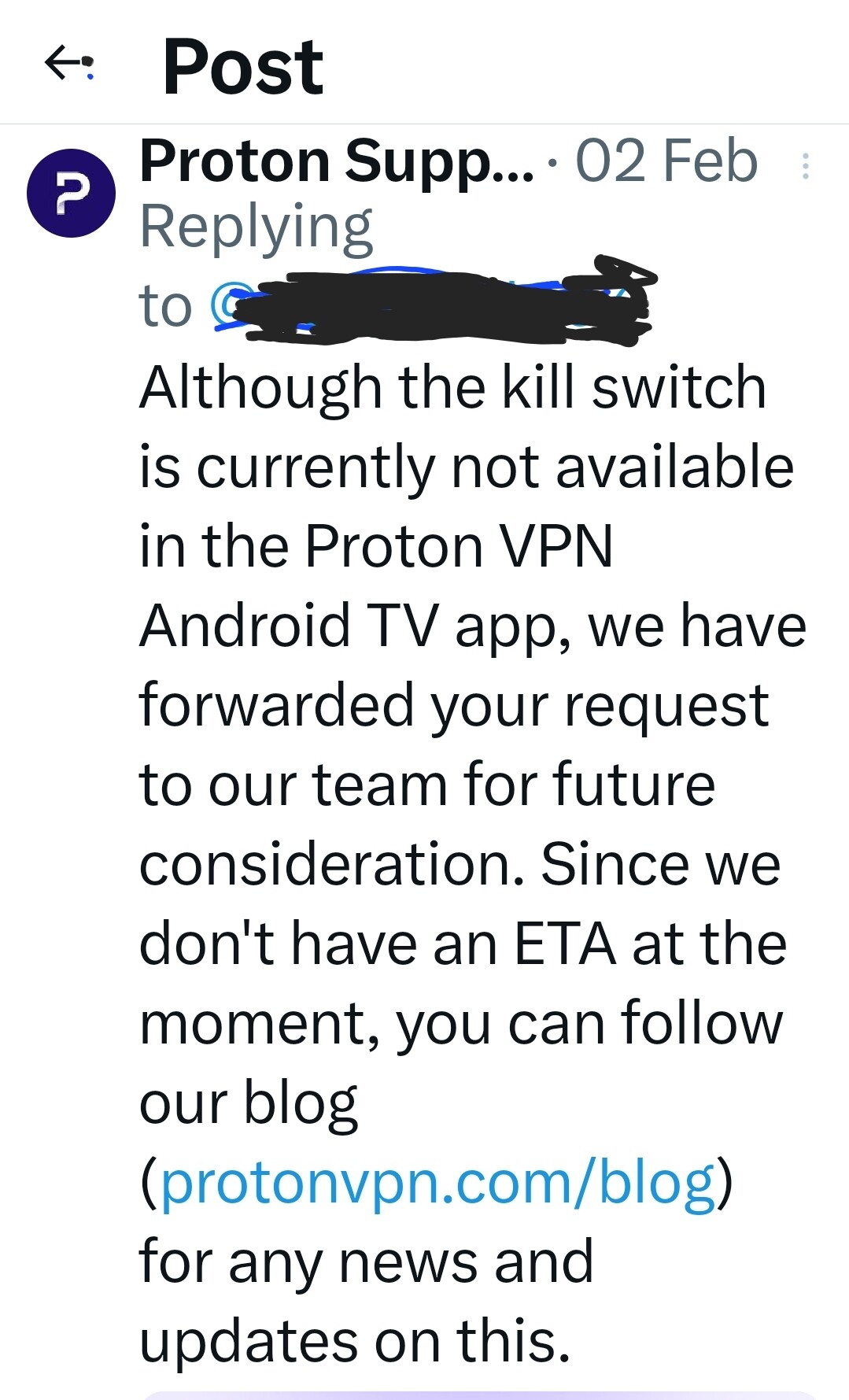
I cannot find a KS or ‘always on’ option using Proton VPN on either my Shield Pro or Onn 4k Pro. I can’t even get to any settings really other than selecting different countries. Has anyone figured it out? I have to constantly monitor the connection and close out TiviMate, Stremio, other apps each time I use them just in case something drops the VPN connection.
Thanks PapaS. Are you using a different VPN on your streaming device(s)? I just checked and can’t even find the KS option on my Proton MacOS desktop version anymore.