Originally published at: How To Stream IPTV on Roku with Step-by-Step Guide
The following tutorial will provide you with step-by-step instructions to install IPTV on Roku for your live streaming needs. Because Roku uses a closed source system, we must “sideload” IPTV onto this device for use. This will require the use of a computer in order to download the IPTV app file and add it to…
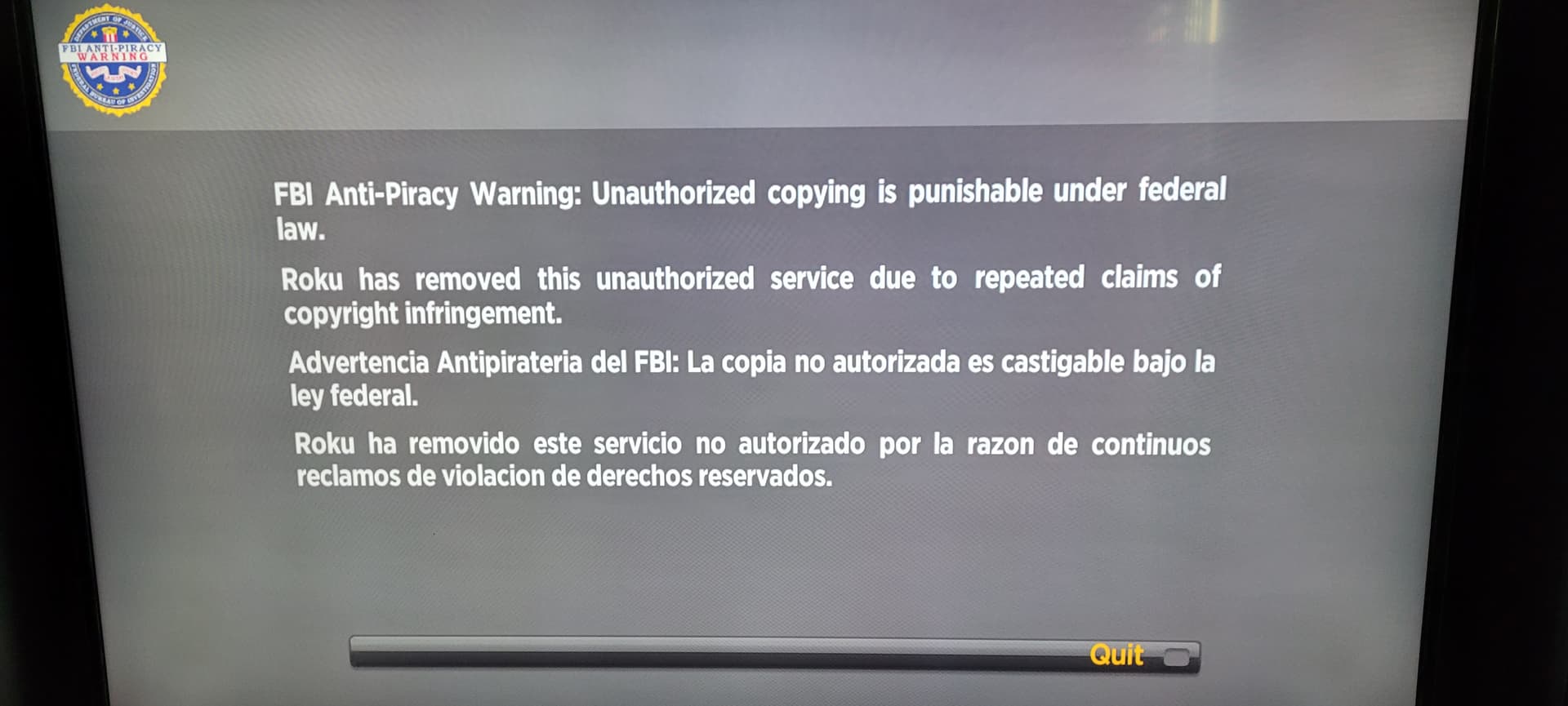
I had noticed some people here looking for a way to play their sub or play an m3u of live channels on a Roku. Just happened to come across this information while reading about a Uniden scanner, it was the next subject after mine. There is an app in the Roku store which is a capable IPTV/M3U player. It’s called Ibo Player Pro. (it’s free) I can’t vouch for it’s usefulness as I haven’t tried it, but I thought it was worth mentioning for the Roku owners who’ve been searching for an app of this kind.
3 Likes
Ibo pro player allows Roku devices to play your third party provider service. After they blocked smarters pro thought this would never happen. For like $9 per Roku device you can activate app and login and watch your channels and VOD directly on the Roku and it seems to play it perfectly somehow haven’t seen any buffering at all in 3 days of testing. Channels are somehow playing better than my shield. App has 7 day free trial to play around with it before having to pay anything. Thought y’all might want to know
3 Likes
Is there an update to this? I’m using IPTV Smarters Pro but the epg only updates in the morning good for 4 hours
What IPTV player are you using. Most will have settings for when EPGs update, and how often.
I haven’t found any on the roku devices. I’ve been testing IPTV Smarters Pro, TvMate Pro, ibPro player, and IPTV Extreme Pro players all have the same issue with epg updating in the am and it’s good for for 4 hours then nothing, no more updates. None of them have an epg update or refresh of any kind.
I can try an help ya fix it, but there are NO GUARANTEES

3 Likes
LOL-funny! Sounds good, what’s the process?
I would like your input
When you open Smarters, open the settings, then Automation, then check Auto-Update EPG after every..and set that to 1 day,….you can set the Live, Movies & Series also, but I like to do that on my own …
I appreciate your input. Yes, that option is in number of days (it needs to be in hours} it updates once a day, that’s all you get. That’s why the Roku device version only shows a valid epg for 4 hours of programming when it updates in the morning?
have you tried manually updating the EPG, to see how long of a span that update is ?
I wish there was an option to manually update the EPG but, there is nothing. It’s hard to believe this wasn’t thought out better for the Roku device. I’ve email their support but who knows it anything will happen. I appreciate your help.
Thanks
Settings….EPG….this doesn’t show when you open Settings ??
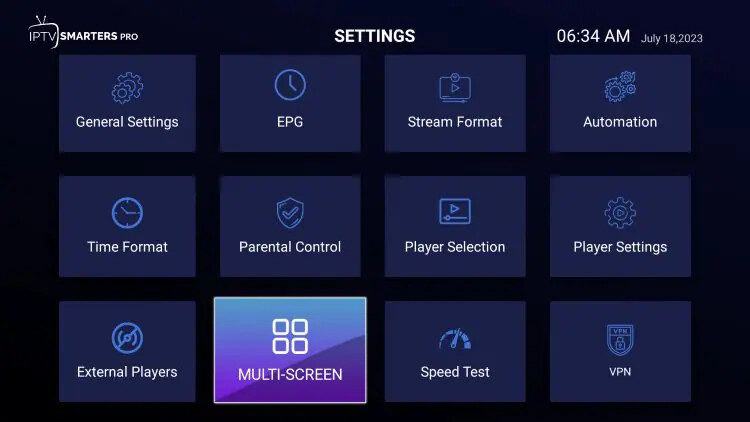
and if your not using a streaming device, you are using Smarters directly on Roku TV….that could be the problem….Roku wants you to use and watch what they want you to, like the others that are locking down their devices….
And your statement–“It’s hard to believe this wasn’t thought out better for the Roku device. I’ve email their support but who knows it anything will happen.”–i don’t find that hard to believe, it’s not that uncommon for software or apps or applications or such things to not support all operating systems or devices….especially if there is a limited number if users on any given platform….just saying…sorry i couldn’t help….
That screen is from the firestick version. The Roku version doesn’t have all those options. I concur, Roku is the problem. Time to change platforms. I appreciate you taking your time with this.
1 Like
yes, sometimes change is good….And depends on your budget, but there are many Android streaming boxes that for the price and features are very good & popular deals, especially with amazon locking down their systems….so what ever you decide, good luck…. and you are welcome….