Long time Tivimate user. The reason I even tried it was for the cloud storage and sync. It worked on 2 devices great, but I have 4 and cant get it to work on the other 2. It says it has updated from the master sync, but none of my settings are there for the other 2 devices. I have triple checked all the settings I can find and nothing has work.
What are your 4 devices.
Awww, thank you so much!
They are all Nvidia Shields, Android TV, Version 11, Shield Android TV Software Version 9.2.4(33.2.0.400)
Join the discord site and post your issue. The dev is coding daily and someone might have an answer or at least the Dev can look into it. Also make sure all shields have TG allowed to install from unknown sources apps>special permissions>install unknown apps.
I forgot to mention, new update out again. V2.0.6 now. This Dev is coding his buns off.
Where would I join discord site?
Yes. I have updated all. They all work but wont sync Favorites when using Master copy from the TV I set them on.
Im on the 7 day free trial. Is it not fully functional like the paid Premium version? Just wondering if that might be it.
Also I have 4 TVs signed in but the portal only shows 1 device.
Confusing!!
try to exit the app and go back in and see if they show up .
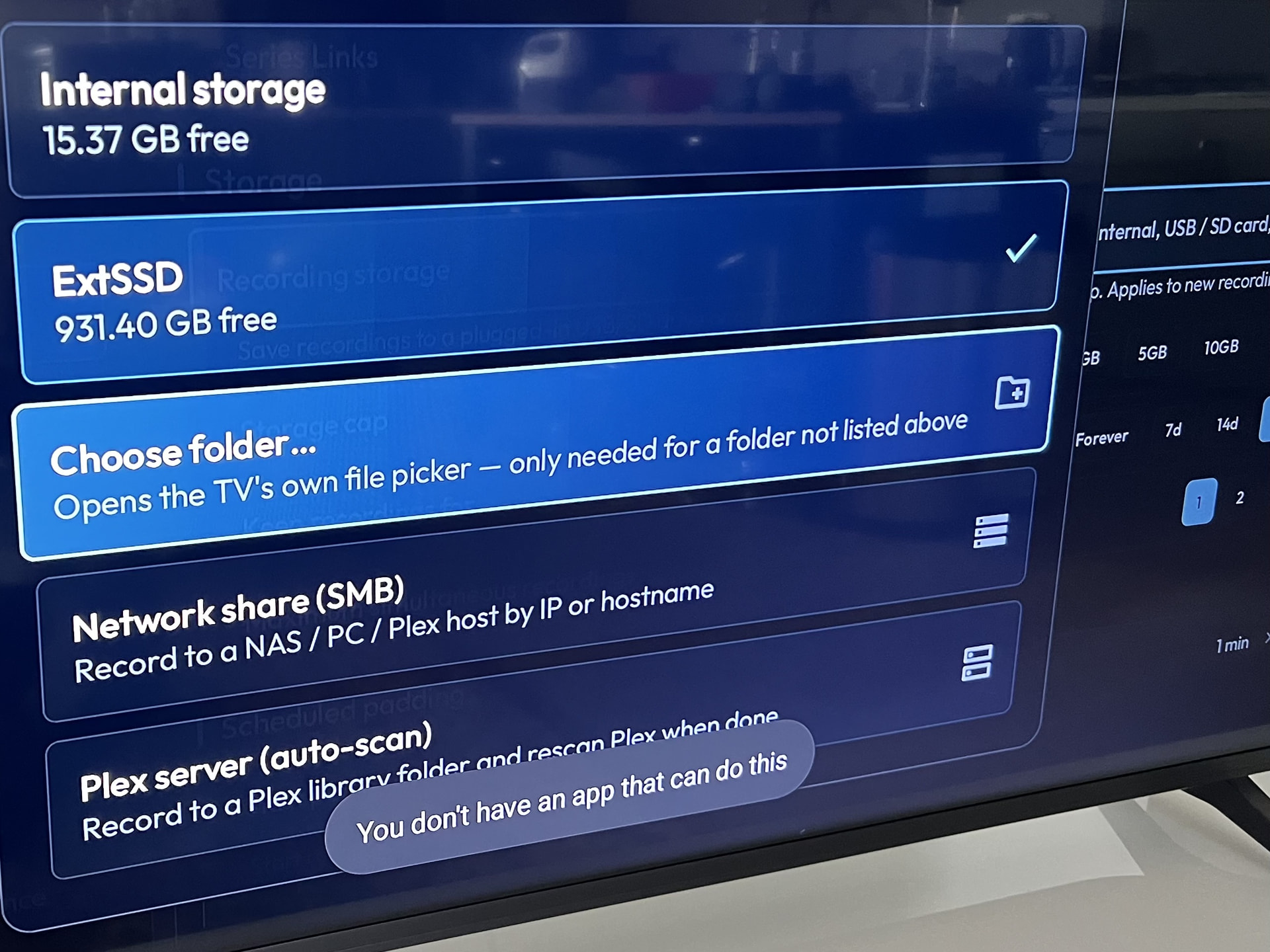
I read people referring to this being (potentially) better than the GOAT, TiVimate, but no one mentions Sparkle, which, IMO, is the cleanest and easiest to use. It has a clean interface and really easy to set up recording to an external drive, whereas this and TiVimate are a PITA to do this as it requires System Picker, which isn’t available for ONN. devices.
Never tried Sparkle as I had to pay before even trying it. That may have changed. Does sparkle have the Cloud storage for your config and creds? Making it much easier to sync across multiple devices without constant setup? I never record, mostly because I never saw the need as I could access anything I watch multiple times if needed without needing storage. I also like the live TV pause and play in Tiviglass as well as many features the Dev is coding daily to improve. Does Sparkle have actual in app Diagnostics to help you solve issues like buffering or glitching? Does Sparkle have built in ability to find or modify streams on the go to mitigate any codec issues? Tiviglass is really great and even better for the advanced users or those willing to learn all it’s secrets. Still new out and is getting easier with every subsequent update.
@Miki It doesn’t have cloud storage, but you can have a copy on an ext USB/SDD and load that to all other devices. There’s a plethora of settings to fiddle with to improve the viewing experience, maybe not as comprehensive as this, but I prefer simple when it comes to IPTV players and more so if it’s easy to record live events.
Oh this records like a dream to internal or external. You can record live TV as well. I think the big issue with most is trying to change to something new when they’ve gotten use to what they have now. As long as it works for you that’s all that matters in this hobby.
A new update has dropped 2.0.8 and one thing of note that some will like, is that TG will pick up a recording from the file that was dropped when your connection gets interrupted and not from the beginning, once the connection is reestablished. Wow. This Dev is doing some great things to address users issues that were present in other IPTV players. The list of improvements is huge and you’ll have to sign into your Dashboard online in order to read the entire thing. Also signing in on line provides the opportunity to not only stay informed about your devices, updates and what was added/fixed, as well as settings and providing feedback and suggestions and tickets which help the Dev to improve and fix stuff for everyone, and much much more.
Scroll down and under account click sign in.
I don’t think this Dev ever sleeps. Just turned on my TV TG and update 2.0.9 is there. Okey dokey, time to have at er and see how this thing hums. TTFN.
Agreed, the biggest issue for me has been getting used to getting around because I have so much muscle memory from being on Tivimate for so long. Overall, this program has been working great. The picture seems to be better that Tivimate, and I don’t get near the buffering because I have it set to go to data saver and reduce picture quality (isn’t very noticeable) if it detects streaming issues.
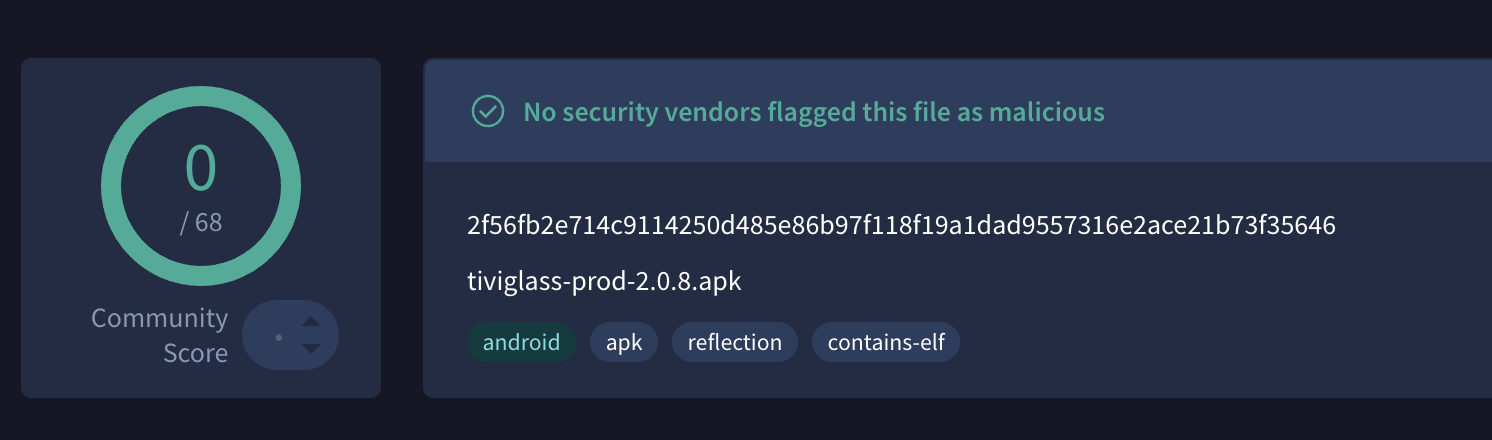
TG never had a malicious file to my knowledge.
Yet another update has dropped. 2.1.0 Much faster loading, quicker transitions, quicker playlist and guide loading and syncing and on and on. Man this Dev is on his game. I honestly don’t think he sleeps. I do know he hates it when customers find issues and is dedicated to getting them resolved ASAP. Definately a guy worth supporting IMHO.
Be sure and log into your online panel to get exact details of the new features or improvements to existing features.
If they could make recording easier I’d be all in. I sent a private message last week that was read, but no reply
What’s wrong with recording? On live channels you can start recording immediately. You can schedule recordings as well. I sent the Dev a msg that some were still having an issue with the system picker so as Sparkle seems to have found a way around that I hope he can as well. It’s not an issue for my P6L but I do understand the frustration over the added security built into the Android files module.
@Miki System picker isn’t an option for Onn devices, although I’ve just read about other options that I’ll try.
Like you say, Sparkle seems to have cracked it so I hope the dev can too 
UPDATE: System Picker alternatives don’t work