Hi, Thank you for your reply. I apologize for the delay in responding. I have used Syncler for over 3-4 years and, until the problems with Real Debrid arose, did not have any problems. I am using Premiumize at the moment, however, I have another box on which I use on which both Premiumize and Real Debrid are set up and yield results however not all of them play. I have not changed any configurations on Syncler since it was working fine prior to a few weeks ago, so I presume it is the default player which comes with Syncler since I have never set up any other specifically. The SourceError message can be sporadic in that one time a certain link will work, the next time, if trying to resume playing a link it gives a Source Error message. Once again, the Insider has decided to merge the responses so going on Insider was of no help to me whatsoever to find who had responded and I only got the chance now to check my e-mails to see your reply. Once answers are merged I find it very difficult to find any replies depending upon how deep the my question and the replies are buried in the merge. Thanks for any suggestions you can offer.

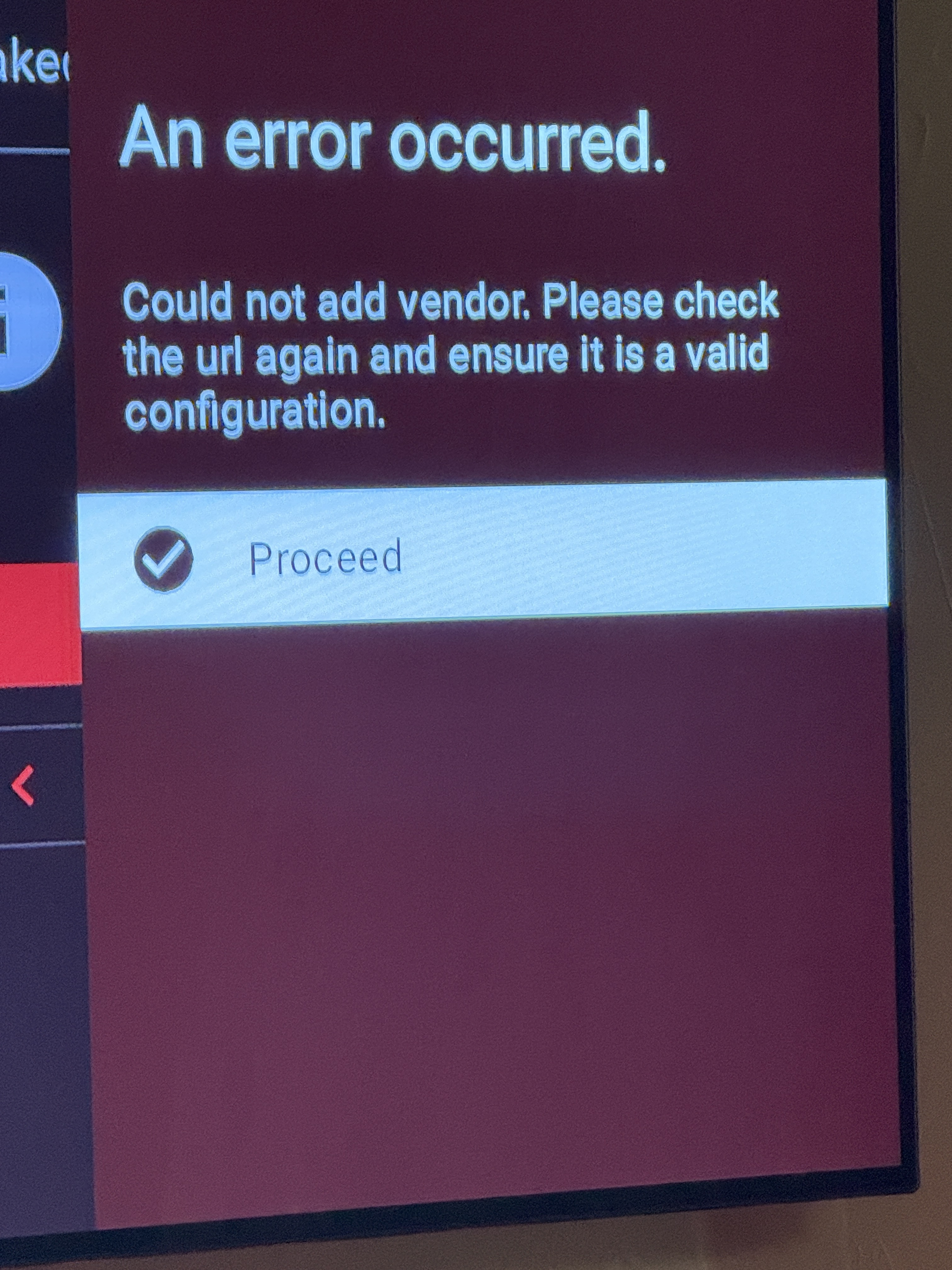
Try entering the whole url directly into the red box as it is. Then execute and it will install the package directly into " installed packages"
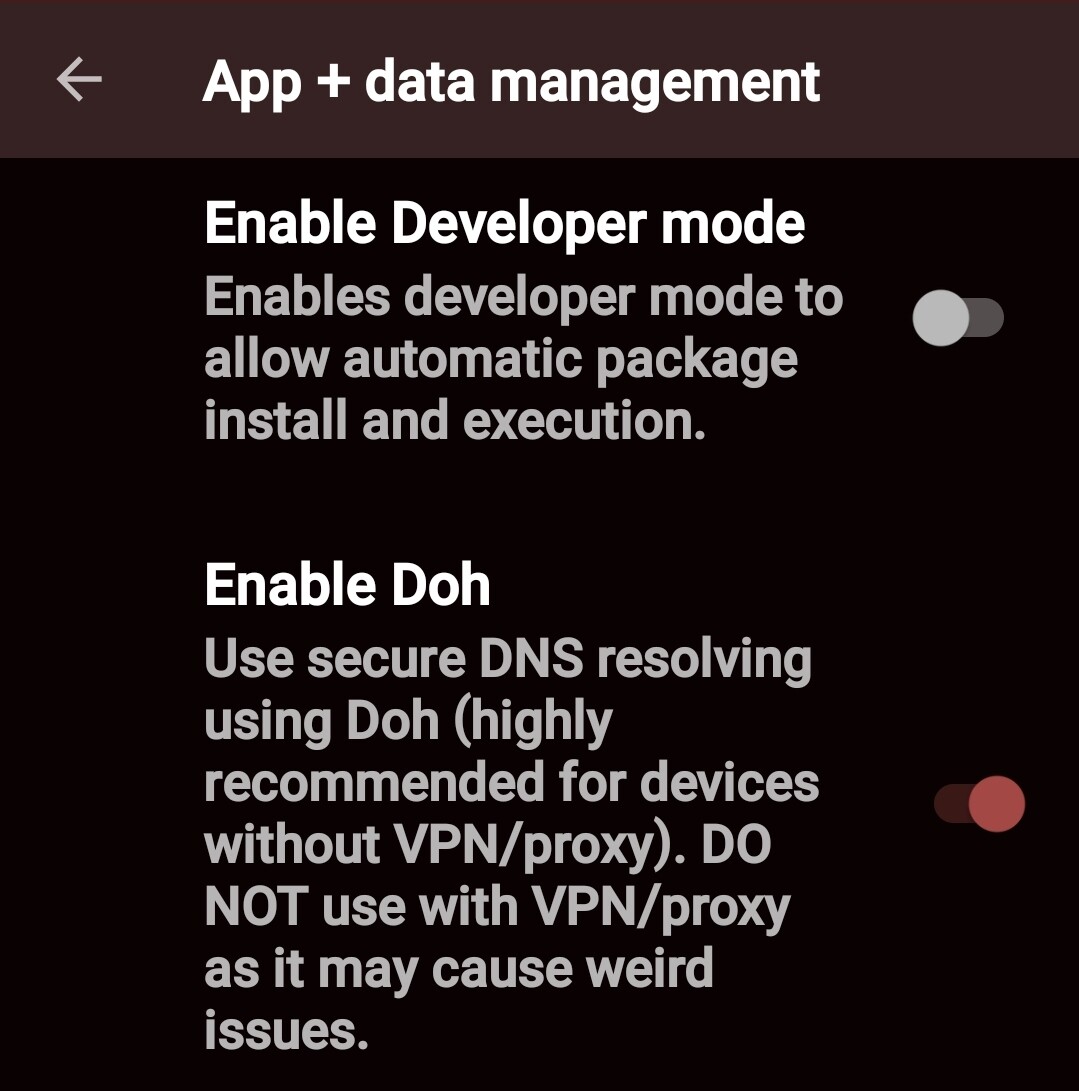
See my reply. Sorry forgot to tag you in reply
I do use a VPN and I will check to see if the DOH is enabled. As I mentioned, I had no problems previously and I have not changed anything on the configuration other than adding Premiumize as a debrid source. I will let you know if it is the problem. Thanks very much.
No probs
Did you try my suggestion?
Yes. Just tried. Doh was not enabled. I only have the one spot to add packages into. I don’t have a direct input for the whole https:// extension. It is built in at the add packages spot.
Discord and Reddit don’t allow package installation problems on the direct Syncler pages.
I will have to try another package tomorrow. I seen some that say Magnify but will try later.
All went well on install and purchase. Maybe I will just install everything tomorrow and try again. Thanks for the help.

Is anyone else having issues saving categories in the new version of Syncler on their personal home screen. It only let me add one column that doesn’t even let me select any custom features like descending or ascending. Followed Troy’s steps down to a tee. I would love to customize my home screen but it’s not allowing me. Thank You everyone and Troy Thank You showing us how to install the vendor packages.
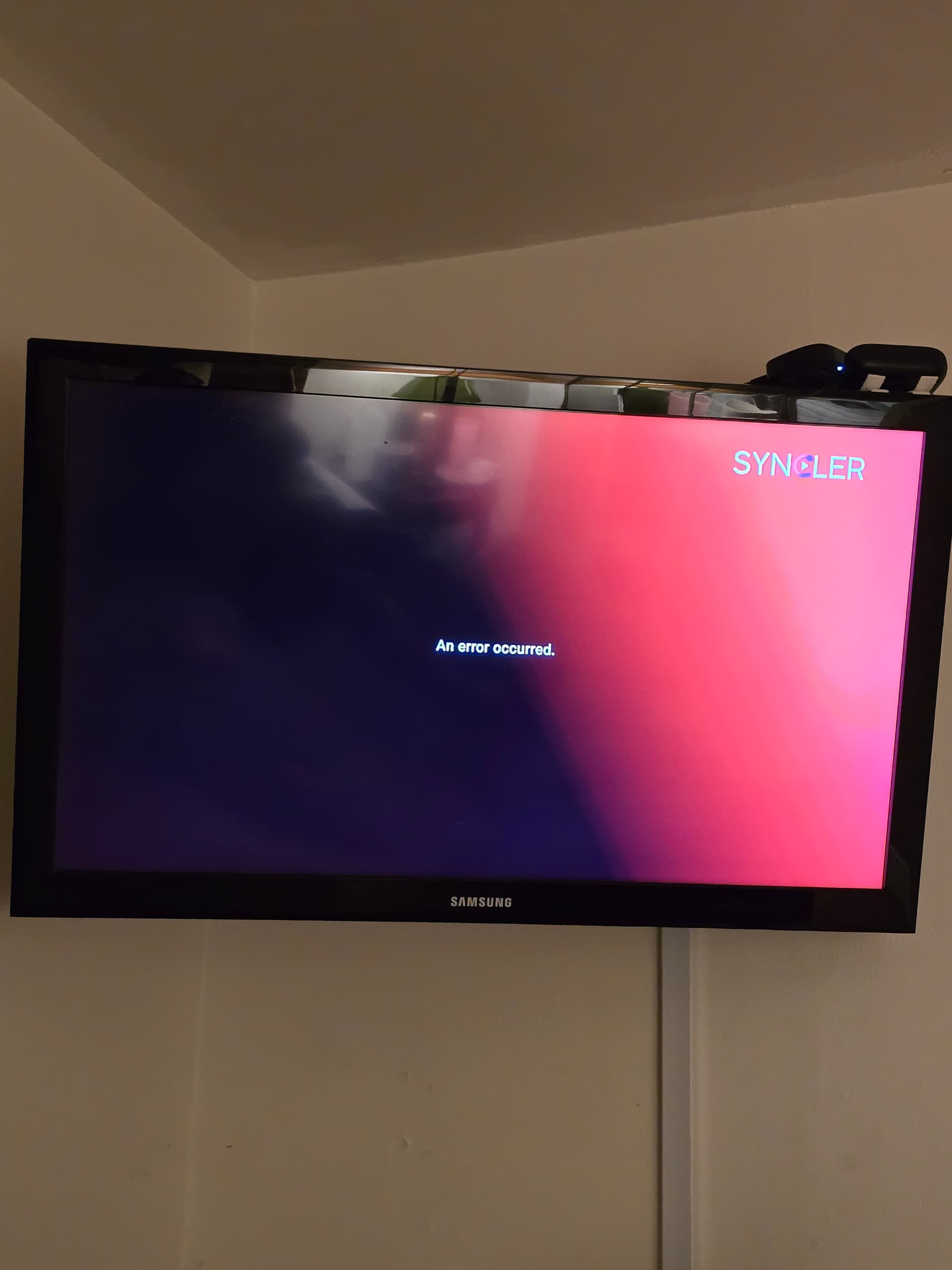
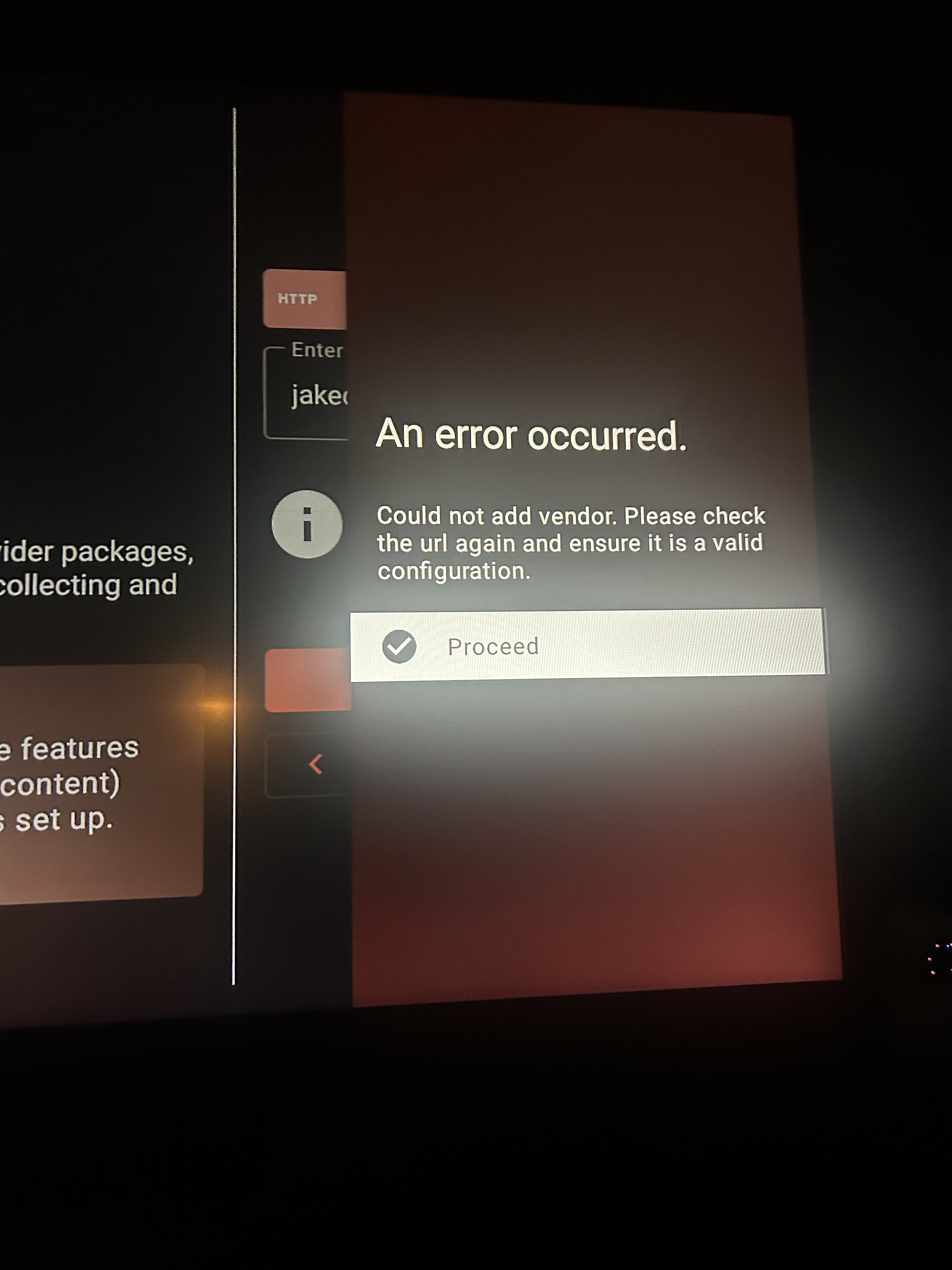
Mmm. Someone just reported an issue with that jakedup vendor.
I would wait out and in the meantime try this one:
https://magnify.pages.dev/vendor
If it will not load> exit app> force stop> clear cache and try again.
Edit: try settings> vendors packages> added vendors and make sure its not already in there by chance.
Did you try my suggestion?
if it’s locked in place and keeps looping back to the error message you may have to reset your ONN box you can google how to reset it i think there is a reddit post about it but it wil factory reset if that’s the case you may lose some data or you may not. ONNs are problematic about locking up like that when uninstalling certain apps especially launchers like Wolf launcher
Yup I am new to Syncler and figured I’d take a look since it’s Free till 6/22. Played around a bit yesterday and couldn’t add anything to my Home Screen and I was following Troy’s video as well. Really don’t like the interface it is really clunky and using Trakt I have to drill way down to get the season and episode of a show vs KODI or VOD on my IPTV service. Most likely will not be paying for this
Wonder the proper method for using Syncler with Orion. I’m finding a couple different methods but either way I do it, I don’t get near the amount of links as I do with Kodi or Weyd. The two different methods I’ve found are below.
Which one?
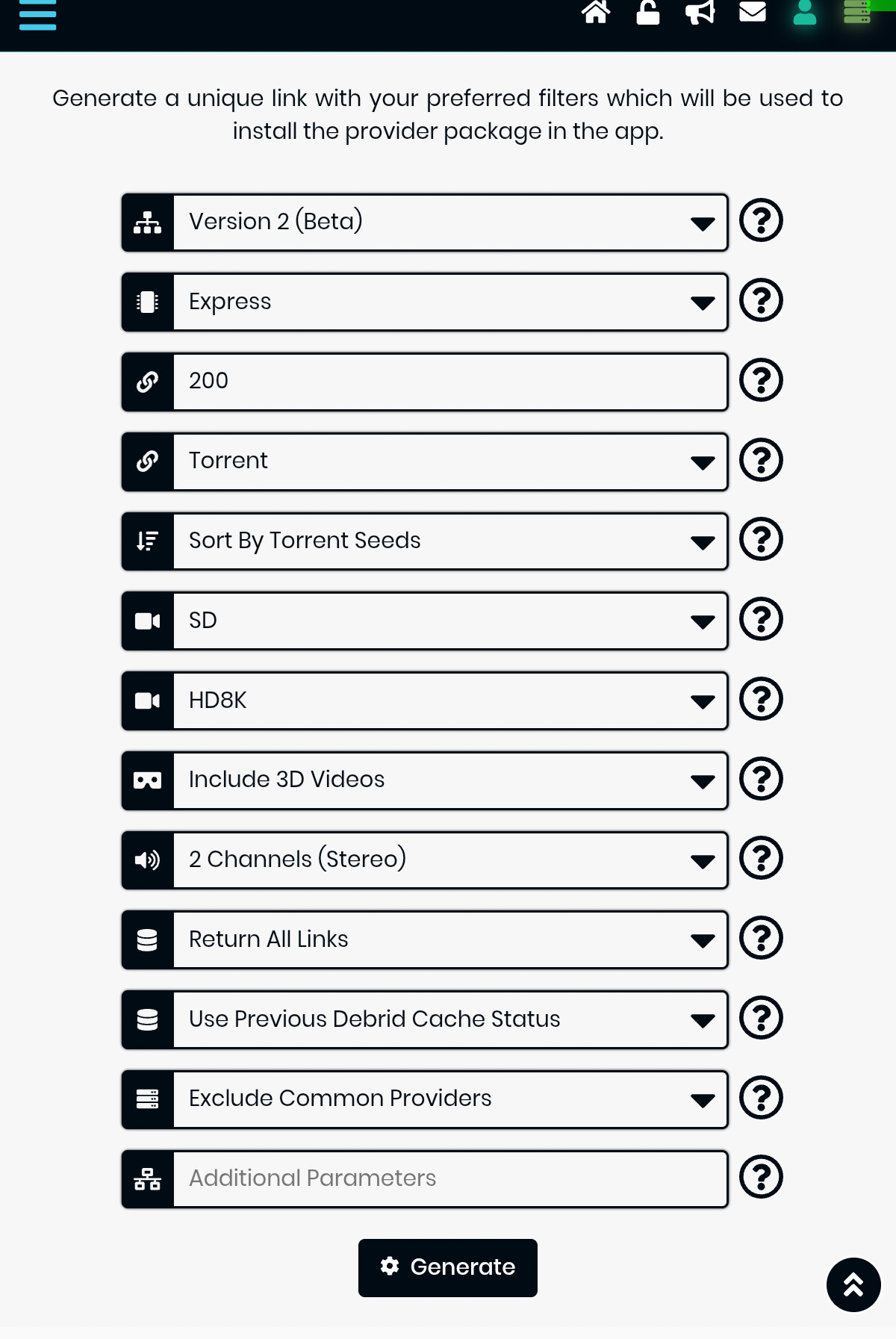
The link that takes you to Orion panel , you need to click on addons, then Syncler and then get started now which brings up the configuration page below.
TY  I already restarted 3×, but if u mean resetting to factory, not sometin I’m really wanting to do unless really necesary. But thanx for that tip bout wolf launcher. Gonna disable it n try the google home launcher, to see if that does trick. I did uninstall n re- installed syncler to no avail. If ya got any other ideas please send em. I do really like the way syncler works w/RD On the fs 4k i set up.
I watchedTroy’s install video on Synclear 2.0. i am having problems with the vendor url that he said to input. I get an error occured message after I press the proceed tab. I have quadruple checked the spelling, spacing, and everything else . can anyone help me with this?