Yes absolutely. I installed yesterday as per the tutorial. Everything went smoothly.
I use Sharkpoint.
I subscribe to premiumize but so far I can’t open a single file. I get ‘Source error’….. as above.
I also get ‘ can’t open multiple files’ when no file is open because of source error. I’ve waited to see if one will open if I’m patient but nope. Not one.
Glad this is being raised as I’d like to give it a red hot go, but so far …….
Love to see a solution.
I reinstalled it and the volume is ok’ish now. Nevertheless the cons far outweigh the pros. When reinstalling, it kept my RD account which initially I had to input the API, that took forever. Its kept the my playlist… but all the other settings reverted back i.e autoplay, bitrates etc. then once I’d set it back up, i started playing a film but it was dubbed, and there is no option to change the language, and you can’t see what languages there are in the list of links. Oh well I gave it a go, and overall I’m giving it a 3/10. I’ll stick to the ye old faithful Kodi…
Posted deleted by user.
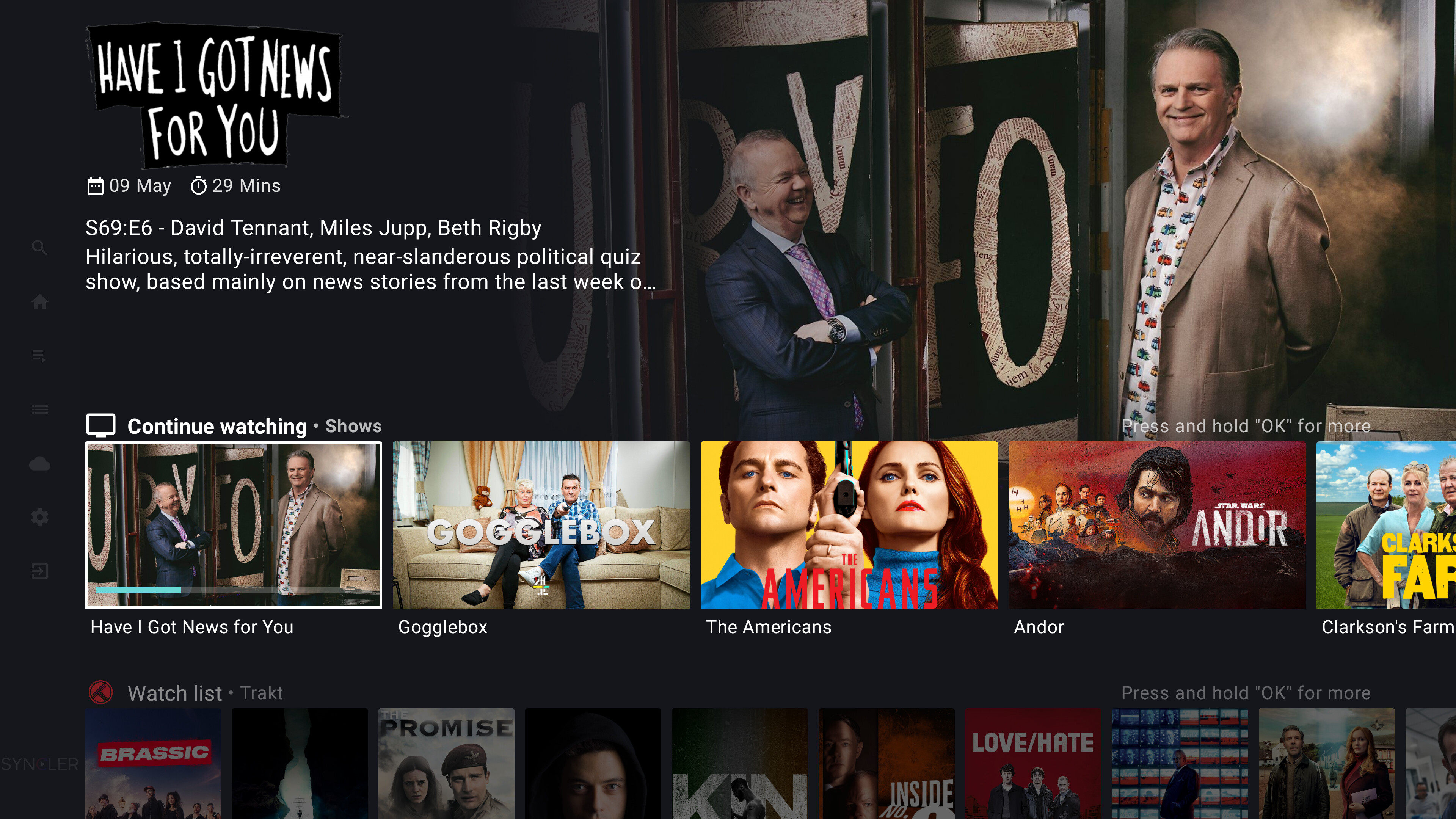
Yes, I was actually responding to a now deleted reply by Miki. It seems easier to just use the integrated side menu watchlist that lets you know the episode number but a badge with the number of new episodes like Miki referred to would be a nice additional option for those who want it.
I struggled to get a code from Premiumize after clicking on Sign In to Premiumize in the 3rd party section of the setup (I’m using the 1st gen Onn box). I had to change settings on Surfshark to add Syncler to the list of apps protected by VPN and also had to adjust privacy settings for Syncler to allow microphone access and access to media and files. Then it worked. One other comment: Syncler is pretty slick but forget about subtitles. For that reason, I probably won’t get a paid subscription.
That url keeps failing with an error every single time. And now, I have already deleted V1.0, so I got nothing… Thanks
Just follow Troy’s video at the beginning of this thread. I have never used Syncler and following Troys vid it also took me about 10 minutes. Very easy including the instructions to install a package, tx Troy.
I just downloaded Syncler 2.0 and loaded up jacked up and the regular but I can’t find a setting to show all resolved sources. Since premiumize sucks then shows dead links I usually have to search two or three different sources of the same bit size however it only shows the master file what do I do to fix this?
I followed Troy’s video and the whole thing went as smooth as silk. I have Premiumize and it works like a dream.
No need to be passive aggressive with the “Thanks”. I took/am taking time out of my day to attempt to help you.
You go can to your Orion account>Addons>Packages>Syncler and generate a link to put in Syncler to have Orion as a standalone provider if you really want Orion and are unable to integrate it in jackedup. It may cause problems with others like jacked up or Magnify since some people claim having multiple Express packages can cause problems with some results not showing up. If so, you can delete vendors/packages until you get the results you want.
And I’m not sure what you mean by “got nothing” because all of the vendors/packages provide tons of links. Troy walked through it step by step.
Good luck.
Installed yesterday as per Troy’s instructions on my Shield, all went smooth as silk. Authorised (yes UK spelling) RD and Premiumize as well as Trakt. Pulling loads of sources. Installed on my Firestick and when logged in, pulled across all my settings so didn’t need to set up at all. Liking this very much
I’ve been using Weyd with Premiumize and when I would check the transfer history on Premiumize it only showed the links that I actually selected to watch. Now after trying out Syncler 2.0 last night when I checked my transfer history it shows every single link that popped up for that movie. Is there a setting in Syncler that will allow it to only show the one I’ve selected to watch like it did with Weyd?
PSA for anyone having problems with Jakedup. Make sure you were entering the correct link for Ver 2. Evidently so many were choosing incorrectly that the dev posted this on Reddit:
Syncler v1 package options removed from JakedUp Package Configurator
I see a lot of people having issues with v2 and noticed that they were trying to use the Express URL directly, instead of the Vendor URL required for v2. Since v1 is officially deprecated, and to avoid future confusions, I have removed the v1 package options from the JakedUp Package
Configurator: https://jakedup.github.io/Syncler-Packages/@config/
I’m not sure if you could stop that or why you would even want to since that is from Syncler pinging those links to check if they are cached and viable links in real time. It is literally the result of a great feature and not a bug. If you do succeed in turning it off, you would have more broken or noncached links.
Is there a function of the history I am missing? I always keep mine turned off for privacy since I didn’t see any benefit.
I’ve watched Troy’s Video from end to end. I’m attempting to install Syncler and having nothing but problems pairing my Syncler account to my ONN Box. After installing and opening Syncler when I am confirming the code on my phone the code (Troy’s screenshot attached for reference) it’s a spinning circle. I then sign up for an account and Syncler tells me my device is connected. But on my ONN Box their is still a spining circle. I Force Stop Syncler as Troy suggests then when I reopen it gives me another code. I’ve gone through this process 4 times and unable to log in on my ONN Box. What a mess
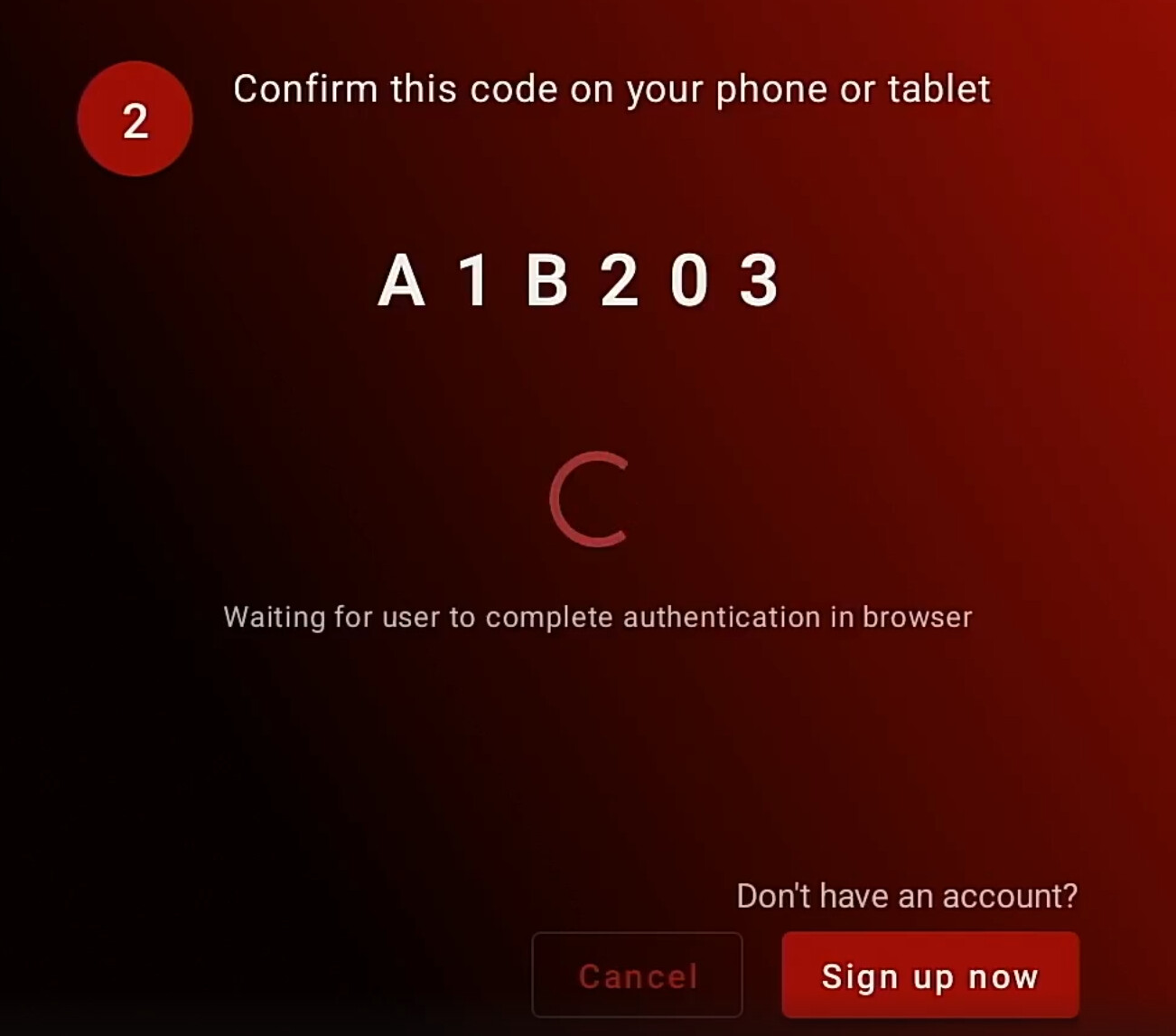
EDIT: - I deleted and reinstalled Syncler then tried connecting on my Web Browser vs phone and it worke the first time
Oh ok I wasn’t for sure. The one advantage is if I watched something and wanted to download it on my pc for future viewing only that link was showing up in the history.
installed yesterday with no issues using formuler box. bought + and impressed so far. stream quality is excellent and no need to change multi-language.
wswondering why my syncler has suddenly stopped playing movie trailers?
Looking around in settings other debrid provides such as Realdebrid or Alldebrid have a setting under the configure setting that is labeled “Enable cloud sanitation” that “Avoids adding new items to personal cloud during resolving to keep library sanitized”. That sounds like what you are looking for but since it isn’t available under Premiumize it seems things aren’t handled the same with them. In fact, it even states that with PM it doesn’t check for dead files like with other debrids. No idea why PM is different but their api may be different of perhaps it is a precaution to avoid using points since PM the only one with fair use points.