try putting the / at the end of the url
try putting the / at the end of the url
See my reply above. the / at the end of the url is needed and even some people who had previously set up jakedup have to go back and add it.

Hi Troypoint,
I always follow your tutorials to set up my apps. I have to say, though, that the updated version of Syncler we have waited so long for is a disappointment for me (yes, I followed your tutorial to a T). It seems awkward and I find it takes more clicks to do the same thing. I hate that the watchlist doesn’t provide the details of the movie/series on the screen. Also, what happened to the provisioning of packages we were promised? I don’t think I will be using this anymore. Stremio and Cinema seem better at this point. Just my opinion.
Syncler 2.0 will not install the jakedup vendor
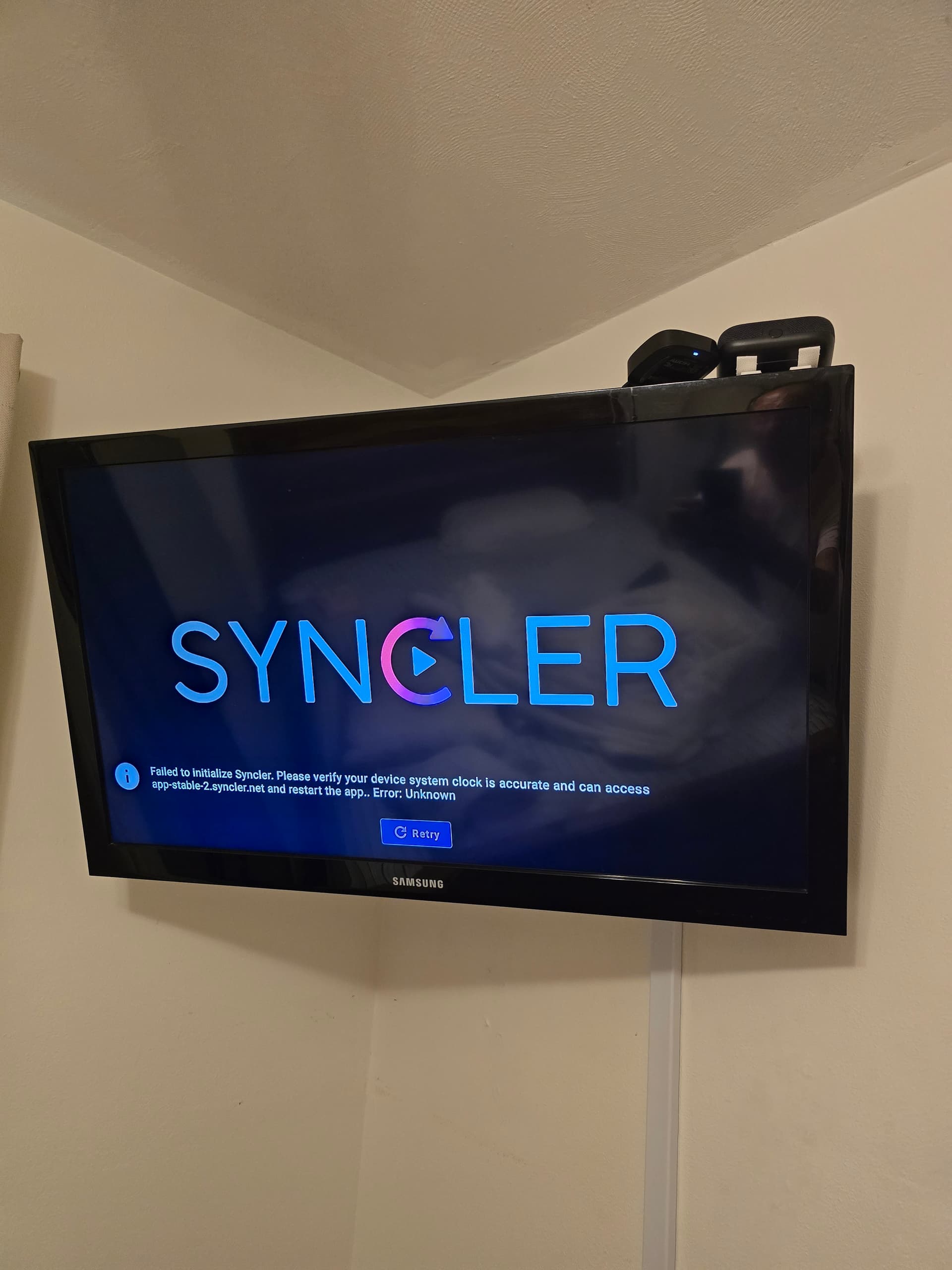
Keep getting error message URL Error
IMPORTANT: It seems that the JakedUp Vendor author changed his script and now you must add a / at end of address. So, it should be https://jakedup.com/syncler/vendor/ instead of https://jakedup.com/syncler/vendor
Thanks to @ScoobyDoosSpots for pointing this out!!
Hello, see my post on here about that. JakedUp Dev must have recently changed his script and it now requires / at end of address.
Thanx TP. Going to try that on the two devices that are giving me error messages. It’s just weird that onn 4k + & the fs 4k max are the 2 that are giving, give me that message. But my second generation cube and the older fire stick 4k set it up without a problem.
Really want to take it for a test run while it’s free. Although my kodi with umbrella and , real debrid are working flawlessly. I am of the opinion. You can never really have enough , reliable streaming choices. As backup
People (or maybe you?) on Reddit that have Spectrum or Xfinity have reported the same errors were caused by the security setting on their modems. Something about the app being flagged. You can look in Security Shield for Spectrum and Avanced Security settings for Xfinity.
Received an error message using https://jakedup.com/syncler/vendor/
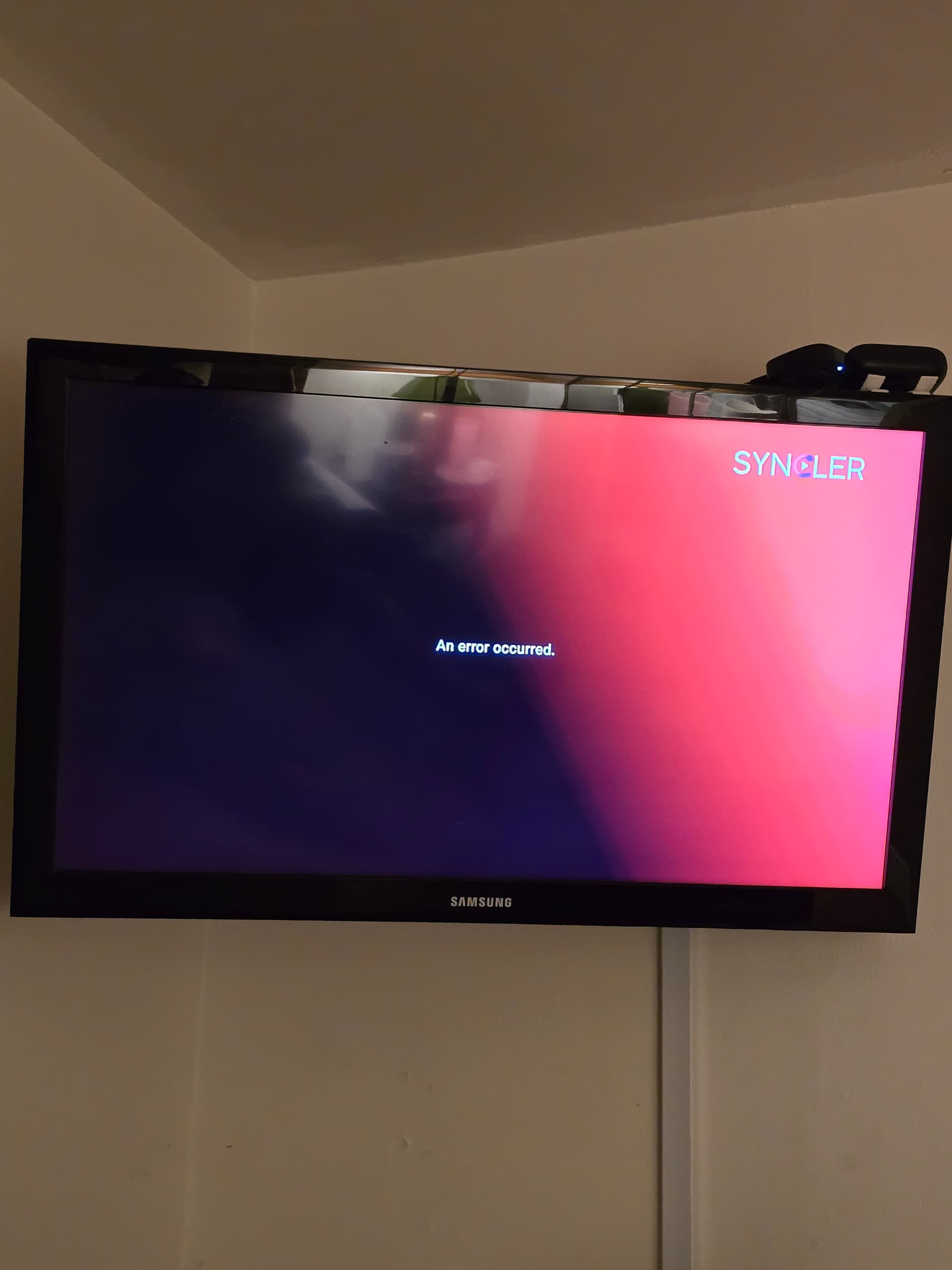
Did you check in your router settings/app to see if Spectrum Shield is blocking it? Seems to cure the problem for those posting on Reddit. Exactly where it is differs depending on your model, some said they had to contact Spectrum.
I think you have to drop the https://
It’s already there.
I didn’t include https:// when I tried to add. No biggie, I was just trying it out for the free month. Its not providing me links for the movies with no streaming links on the free apps.
Thanks
Did you forget to pair your Premiumize or Real-Debrid account? One of those is required. It won’t work without them.
Done dat !!!
How do I use the Troypoint kodi fork as a player in Syncler or Weyd? Please advise.
Syncler settings > Playback > Kodi > Setup > Setup guide