Just installed stremio today using the tutorial videos. When I get to bootstrapped, I sync the add ons and it replies successful. But when I log in on my Firestick, it shows I have no add ons displayed. Am I doing something wrong or is this a glitch in the system?
Turning off Web Clean seams to have worked Thank You
I just did and that seems to be the issue. Thanks
Once you have installed add-ons then you need to sync your devices or a simple way is to close stremio on your device, clear the cache and reboot your device. Then open Stremio and you should then see your add-ons. Your config is kept in the cloud and I have seen where it took up to 15 minutes for my newly added add-ons to show. May be server load. Just guessing.
Hey yall! I followed the troypoint guide on installing with vpn and using the bootstrapper link. When I hit sync addons, I open the app on my fire tv and there are no add ons present but instead the screen showing to sync. How do I fix this? I’m hoping to get the additional add ons, but no idea how it works with the bootstrapper site. I think I should note it’s basically the same question as above. I’ve tried clearing cache, unplugging the TV, but I still see this screen in my attachment. On the bootstrapper I hit sync many times and waited 15+ minutes. Anything helps! Thank you in advance

Did you try hitting the sync on that screen as well?.
I did! Nothing happened. I’m still waiting and it’s still showing this even when u go back to the website to sync again.
Just read Stremio V1.9 is available for download.
Hope it fixes some of these glithces.
I installed Stremio 1.9 on my Firestick 4K. I have 1.8.4 working fine on my Onn Pro 4K with addons. When I sync my addons on my Firestick it says synced but it doesn’t show any addons. What am I do wrong? Thanks
A lot of posts on reddit regarding bugs in the 1.9.0 software. Might want to hold off updating it.
Sorry. Miki. My bad. Rookie mistake. Just so frustrated w trying to get some things to work. No links in Stremio, after uninstalling and reinstalling, etc. Transitioning over to Onn4K pro from firestick. Large difference in volume. Switched hdmi ports and set max volume on Onn, no difference, much less volume, and continuous volume not working, when I hold up or down. Tried all fixes in posts ps here and online. Ok for now w what I got working. Sorry again. I’ll try and do better. Thanks, Tom. P.S. with my one response, it’s hard to fit all in. Also looking at other vpns, Been w ipvanish for years, looking at Nord.
Have you checked the initial volume on your TV? I had to set mine to max and use external speakers, then my max volume setting I use on my streamer is 12.
Looks like Stremio has been updated to 1.9.1 for ATV
I have the 1.9.2 from the Stremio download site.
Yep looked at all that. All maxed out. No luck on continues volume control up or down either. I am at a loss why I don’t have any links in Stremio. Miki, I have an iPhone, iMac and iPad. Only the google tv on my tv do I have android. Tried adding links, no luck. I’ve watched installation videos several times? I’m using Kodi, Real- Debrid, Cinema, etc, all are fine. Maybe I just keep w that? Also the syncing apps step? Because I have iOS?
Well if using iOS I will have to look and see if anyone has that issue. Also look this over.
https://onejailbreak.com/blog/stremio-ipa-ios/configuration/
Personally I am giving up on the whole Stremio thing. I managed to get ver 1.8.4 of something installed but it looks and performs nothing like what you senior members describe and certainly nothing like what the welcome email I received when I created a Stremio account. Check out the left side of my Stremio home screen. A few addons were somehow installed of which none work and since installing my whole system has become unstable with frequent requests to “allow/enable USB debugging from this computer” as an example. This type of behaviour worries me because I don’t understand it and can find no reasonable explanations as to why it is occuring.
I am going to try going back to kodi. For all the issues with it most addons worked reasonably well and the help/tutorials etc available for it simply worked as advertised. I will start with factory resetting all of my equipment and reinstalling everything but Stremio from scratch in the hope my little experiment with it has not done me any lasting harm.
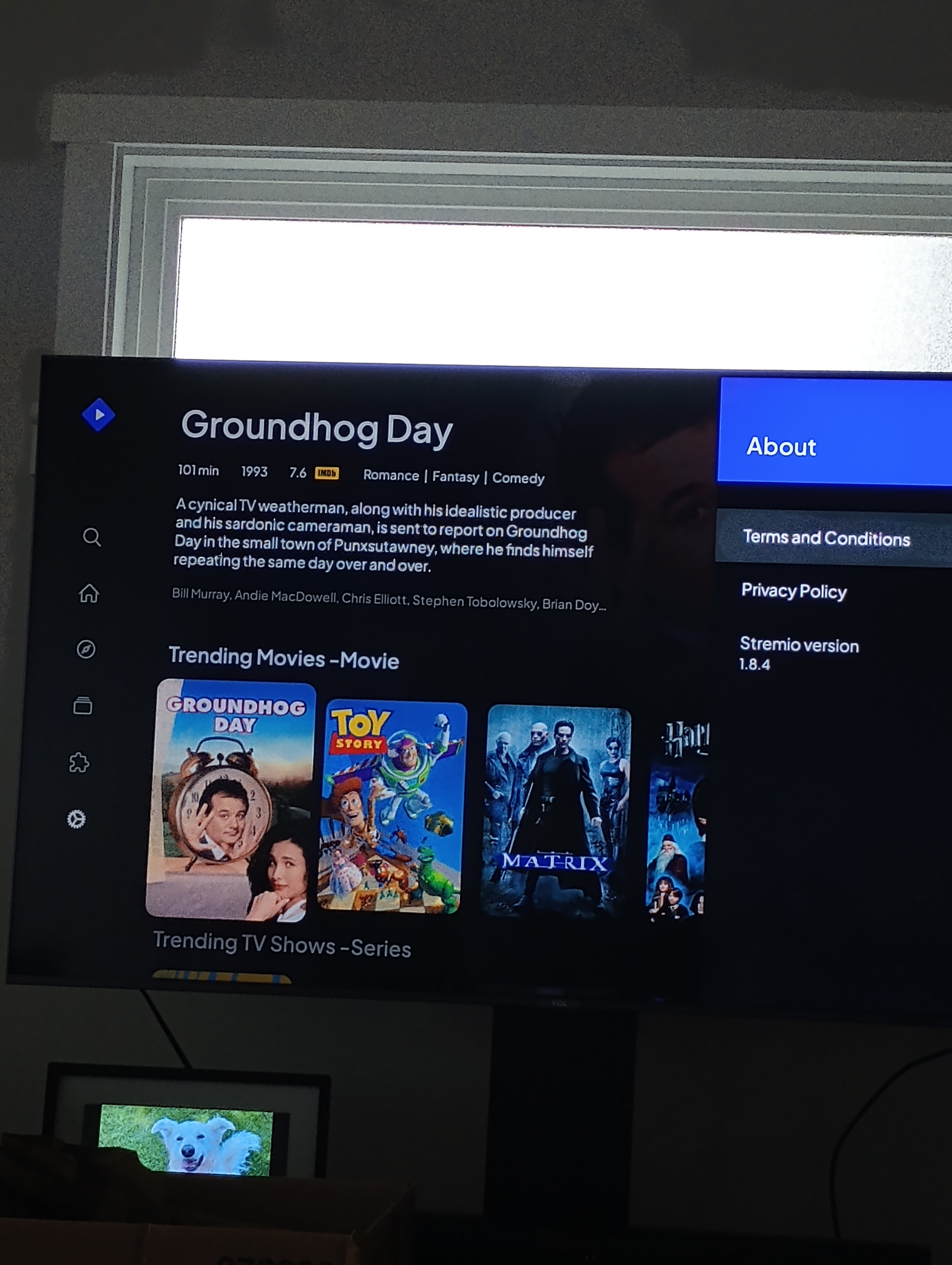
Well that is odd. What device are you using and what OS? If using say a windows computer then you have the wrong installation and that may explain some of your issues. Windows is 4.4 the 1.8.4 you have is Android. .Stremio has no need of USB debugging at all. I’ve installed this on devices from the Firestick to my P6L and other than issues trying to figure out advanced settings, which has to do with my lack of knowledge and nothing to do with the addons or Stremio. Far easier to configure and use then Kodi by a long shot IMHO. I have been using Stremio for years with a great deal of pleasure.
Look here for kodi umbrella help.