Thank you so much for your informative and easy to follow Ultimate Stremio Setup Video tutorial. I do have a few questions after completely watching these 3 videos (I skipped the second one since I already have the Stremio app installed, but I may have to delete my whole account and start anew based on what you said about the email account setup. I know I used my own email when I initially downloaded Stremio to my devices. That will be one of my questions to you below).
• As I mentioned, should I go ahead and delete my Stremio account and uninstall on all my devices? If so, will I be able to start fresh with a new account and new installs right away? (I will not use my own email this time.) Do you foresee my encountering any issues in doing so? (I will proceed to watch the 2nd video before re-downloading and installing.)
• I am currently using PureVPN. I’m an intermediate at best with all this stuff, so I hope it’s doing it’s job. I just winged it when I set it up. There are settings and terminology that I don’t understand. However, my paid subscription expires in June and I plan on using your link to switch over to Surfshark when that happens.
• Kill Switch on Surfshark – I like that it has this setting, however, if I’m using my tablet to watch something via Stremio and the VPN connection drops, you mentioned this would kill the internet connection so the IP address isn’t unprotected. Doesn’t that mean I won’t be able to use my tablet since there will be no internet connection?
• Can I leave tunnelled playback enabled all the time or only if I get that unsupported stream source popup?
• What media player do you recommend?
Thank you so much for any assistance you may give me. I’m anxious to get my Stremio working because before even finding your awesome video no streams were being found at all.
Yes leave tunneled playback on, I do. You can start over installing Stremio with a new email address or even a fake one. Not sure what you mean about the VPN. A kill switch will just block your internet if the VPN service drops. If that does happen just do a device restart and that should reconnect you.
Looks like 1.82 not available on Google Play Store yet. I guess when its available on Play store, you will be prompted to update? Or you can get latest version from the Troypoint Toolbox site.
It has been having issues for about 6 weeks. When my 3 debrids disappear from my scrapes I force close stremio, clear cache and then restart it. I found that using Just Player or MX Player Pro seems to play the stream better than the Exoplayer. Unfortunately I can’t find any commonality yet.
So you must use MX Player Pro rather than regular MX Player (regular MX player doesn’t appear as an esternal player option in my Stremio 1.8.2 install)?
I am trying to setup just a regular Onn 4k box for a friend. I’ve added Stremio, used the bootstrapper for the addons, TorBox for the debrid, USA TV works fine, I try to see if I can play a movie from the home screen and “Latest Movies -Movie”, select one that I know is available and as soon as TorrentIO-TB is done scanning, the app crashes and sends me back to the Onn homescreen. I’ve tried uninstalling/reinstalling, I’ve cleaned caches, deleted superfluous apps…. I just keep getting the same result.
I downloaded Stremio from the Downloader app. The 64 bit version wouldn’t even download. I feel like I’ve tried everything. And no VPN is running.
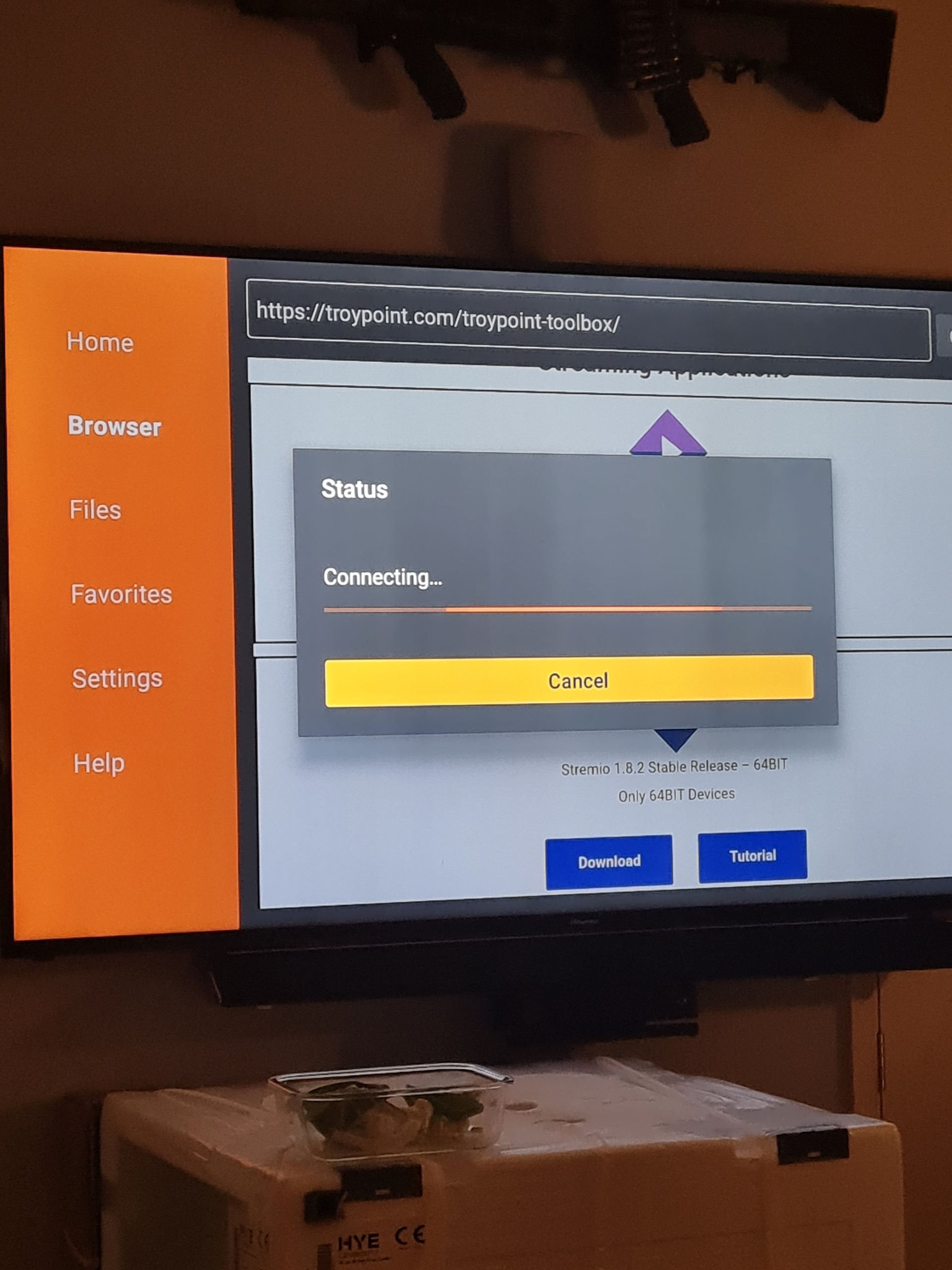
searching for help as to why my downloader will not load any apps it just says status loading forever! I’m trying to update my stremio app. Hope u can help thanks in advance! K8