What device are you using and do you have any external storage attached to your device.
Use Launcher manager. Also, check to make sure you’ve enable Projectivy in Accessibility.
I installed P.L. on my nVidia Shield, and have a problem of the keyboard not staying on the screen when I attempt to rename a category, for example. What’s strange is that the keyboard will flash for a microsecond on the screen and then disappear.
I’ve look through settings on both the P.L. and the Shield Android settings. Any ideas on how to fix that??
I’ve tried rebooting, and I did install P.L. from Google Play store, as Troy has said there are a few issues if you install it from the Troypoint Toolbox. Everything is up to date.
Thanks!
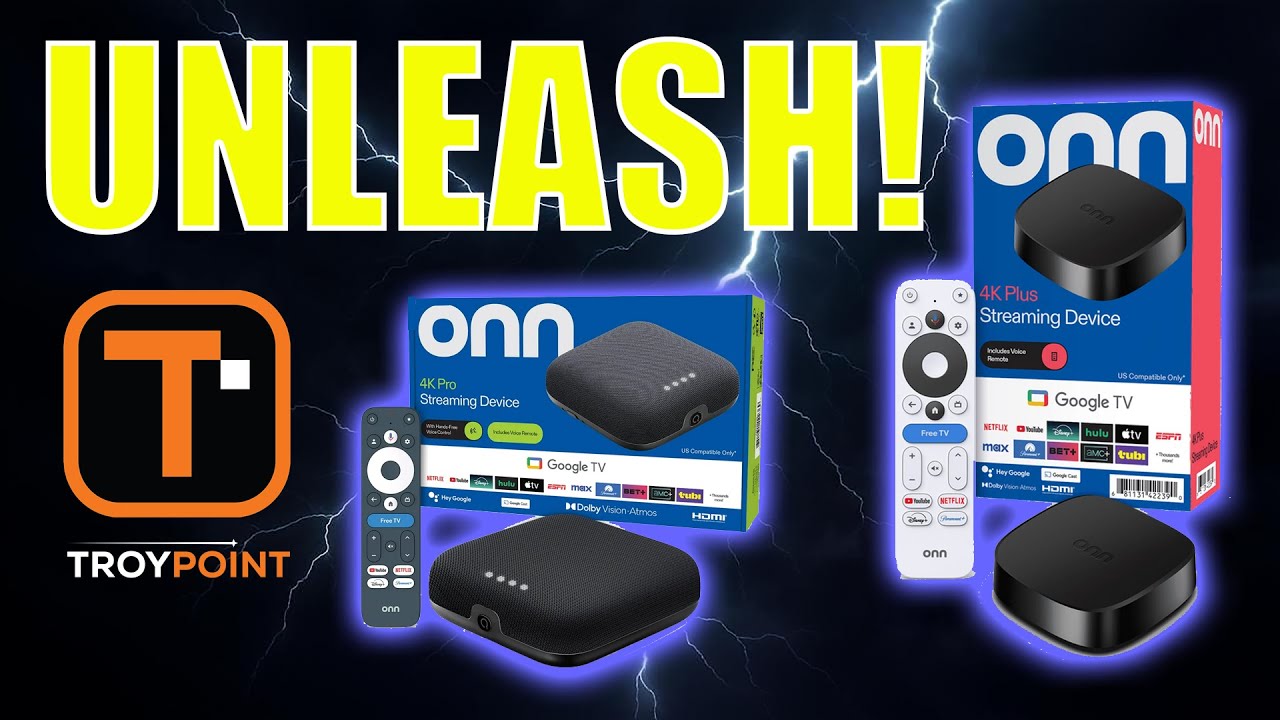
Last night I stumbled on a video on the Triple M YouTube channel describing how to apply ai up-scaling on an android tv box…I believe he was using one of the Onn devices. I did not realize that it was there and just thought I would share. Under Projectivy settings - AmLogic additional settings - Picture - AI-PQ/AI-SR. I went ahead and set mine to high. There is an option there similar to what you can do with the nvidia sheild to to a split screen for comparison. I tested this on my Onn Pro. Anyway just thought I would throw this out there for others who may have not known about the option.
Yea Troy did a video last year I think it was showing how to enable ai upscaling with projectivy. I have it enabled on the onn 4k pro.
Ah, ok. I must have missed that one
no worries mate, a fresh reminder is always good, as I’m sure others missed it as well.
Thanks @teehar
Here is video. From what I remember, you can do this now on the Onn 4K Pro but on the Onn 4K Plus, the settings won’t stick which you will see in the video. This may have recently changed with updates though.
Hey @TROYPOINT I have held off on installing any launchers as I have PTSD from Wolf bricking my ONN several months ago  However I just went through your video and installed Project Ivy. It’s pretty slick and you are probably aware that the AI upscaling is staying on High now when you switch to it. Using ONN 4K Pro. Thanks for the Vid
Does this conflict with TV AI up scaling? I have an LG C4 which I think has up scaling.
Troy… can you or anyone with an ONN 4K Plus confirm that the Ai upscaling feature in Projectivy stays enabled after applying it? Thanks for any info/updates…
no way…. you finally installed a 3rd party launcher lol Projectivy is simple to install, and it works great. Good to hear you finally took the plunge.
I installed projectivy on my firestick. I am happy with it over all… However, I must have misunderstood about it blocking Amazon updates. I assume that the recent loss of Streamfire being due to an update? Did I configure the Projectivy incorrectly?
thanks in advance!
Projectivy does not block anything. Amazon does. The issue if any you are having will be with them and/or your setup method.
Morning All?
I dowmloaded Projectivy Launcher from TP ToolBox. It appears I should have downloaded from the playstore. Can I just deleted it and reinstall from the playstore. Thinking I will have to go through the setup again correct?
Its working find. Should I just leave as is?
You might be fine. If I recall the reason to download the Playstore version was for the enhanced AI Upscaling. I installed from the Playstore but not sure the AI Upscaling is doing anything. Up to you as you can always delete and reinstall from the Playstore
Thank you, don’t really care about AI upscaling. So, will leave as is.
Hello, the reason you want to install through Google Play is so you can enable Accessibility Settings. If you install it through the Toolbox, you can’t do that. Yes, you can just uninstall/reinstall through Google Play Store.
The Nvidia Shield don’t have numbers on the remote . Which buttons would you use for Streamshark an Projectivy ?
@scooterboy952 your question is kinda confusing. Very few streaming boxes have actual number keys on them. To bring numbers up on your TV screen, you go down to the lower left side in the online keyboard. Tab on that and it will open the numbers.
And are you referring to SurfShark as you said “Streamshark”? If you meant Surfshark VPN then this should be available in the Troypoint Toolbox.
The Projectivy addon should be available in the Google Play store. As Troy stated above, load Projectivy through the Google Play Store and not the one in the Toolbox.