I am using Cinemeta, OpenSubtitles, Torrentio Torbox, Torrentio Real-Debrid, AIOStreams with both TB and RD in that order. I was fortunate enough to have Cinemeta be first in the list by default and not have to go through the headaches and hair pulling that Miki went through. 
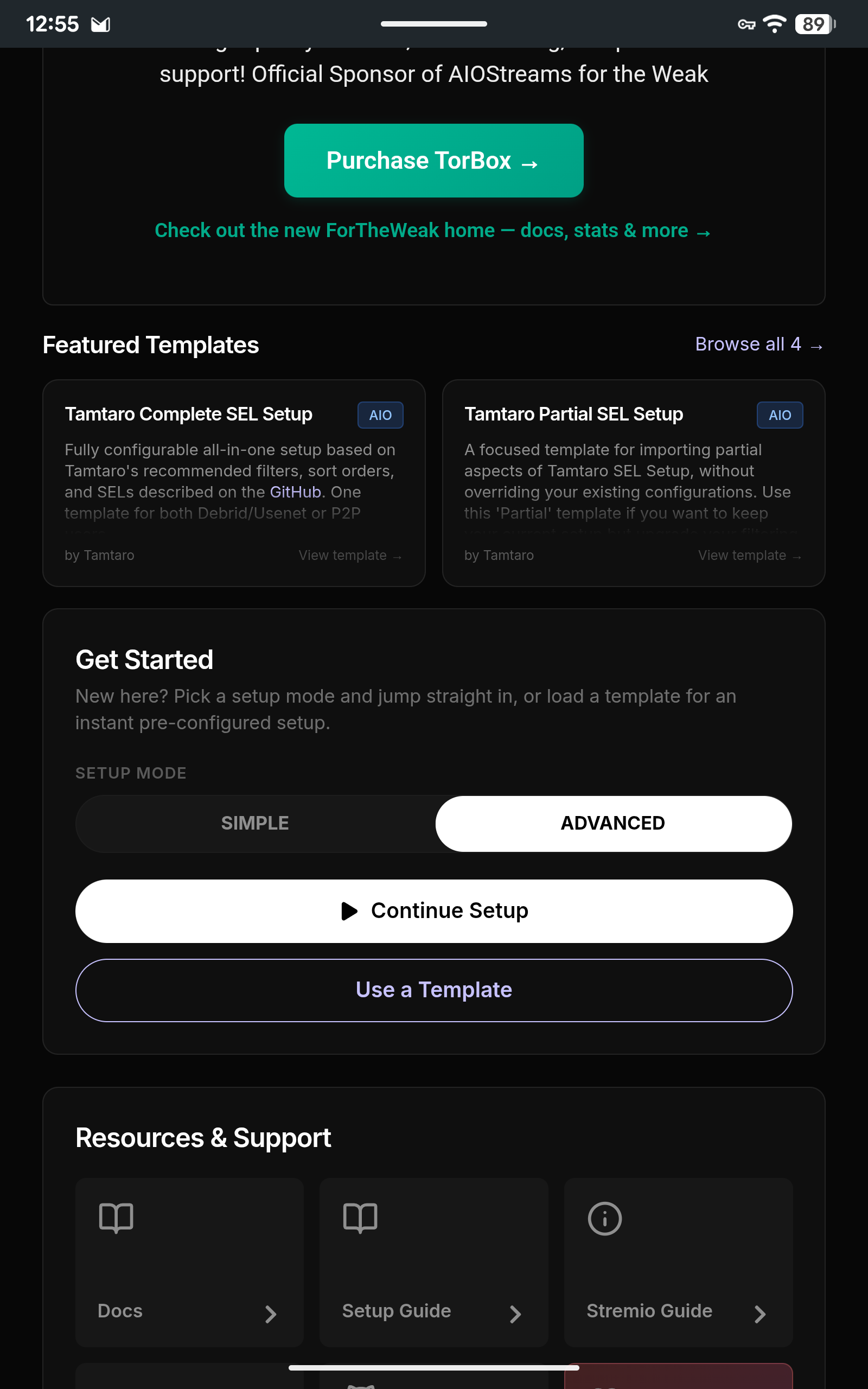
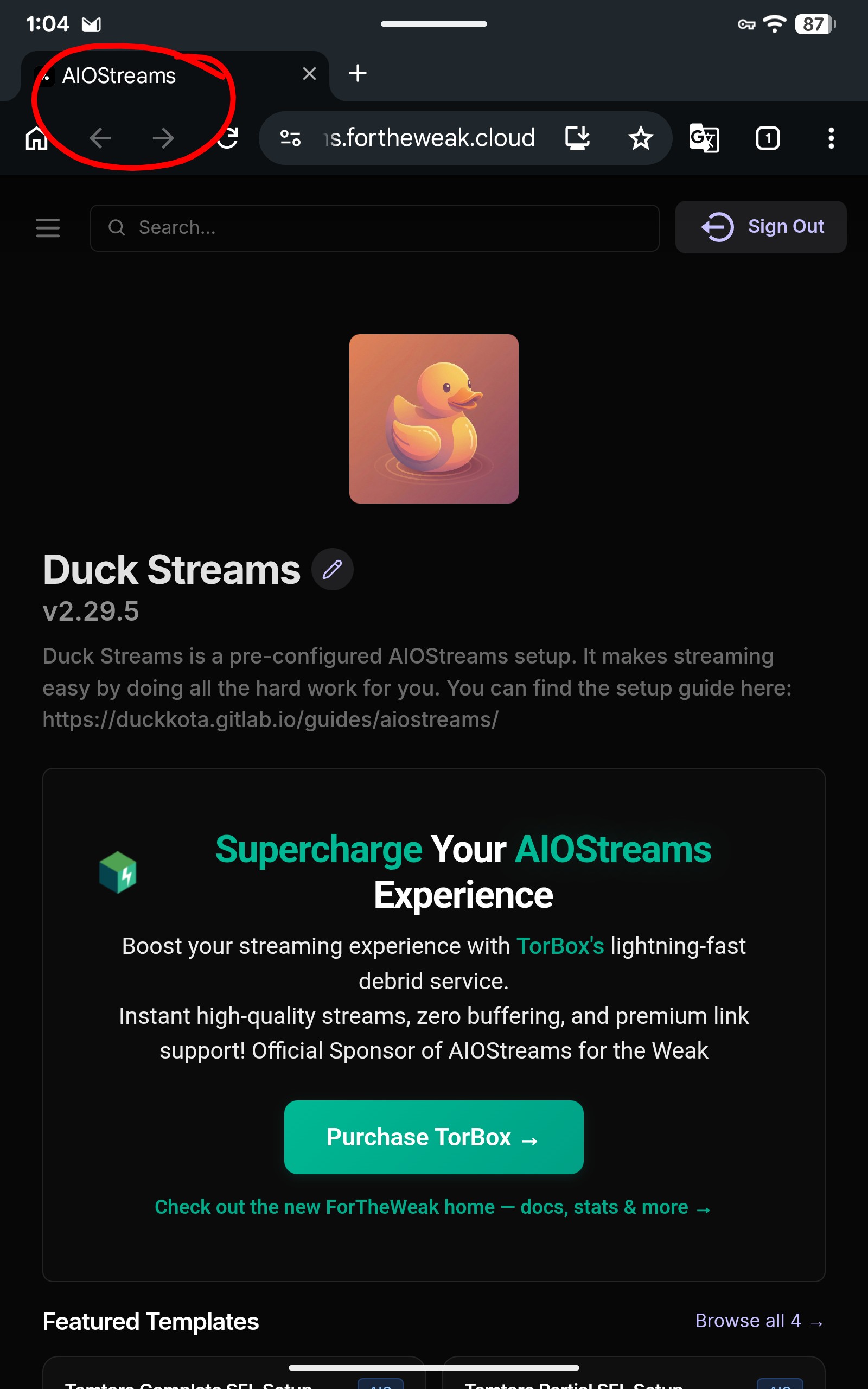
@Masterofmydomain is there a reason you went with AIOStreams over Duck Streams? They seem to be from the same developer. Do you happen to know the difference between the two?
In my view, DuckStreams gives you the basic settings to setup your scrapers. If you go into the more advanced settings, its just AIOStreams. I just went with AIOStreams directly.
Thanks! So it is basically the same thing? Just a matter of how in depth you want to be able to customize your addons?
Thats the way I view it. Hopefully, others can chime in on differences of the two.
@Miki just curious what 3 addons you went with?
I have TorBox, Torrentio, Comet and Sootio presently with others installed, just not active.
@Miki so in your opinion, you would choose to go with Duck Streams over AIOStreams?
Thanks for your honest feedback. I appreciate all your help and knowledge 
Happened several days ago: For some reason, Nuvio logged me out and when I try to re-login, I only get a QR code (no email/password login) and when QR is scanned on my iphone, it says it cannot connect. Tried different browsers, too. Happening on Onn 4kPlus and Firestick 4k Pro. Strange that it won’t let me login with email and password. Everything appears right as far as saves, but not sure if everything is there. It has been performing automatic updates with no apparent issues. Kind of reluctant to try online web login, don’t want to loose everything.
Try the online web login. Then delete Nuvio on your device and reinstall from Troy’s toolbox  . Then open it up and let it give you the QR code, scan it and watch on your TV. It should say something along the line of verifying and then connecting.
Well, was able to login online, no problem. Deleted and reinstalled on Firestick, and was able to login with QR code after disabling Surfshark on my phone. Came back up, but I seem to have lost all my settings, watched history, etc. Any further thoughts? Haven’t tried on my Onn yet as at present, I can still see my settings even though I am not logged in. Really strange. Any thoughts before I attempt further? Thanks for the help so far.
From what it says under “Account” for Account and sync status, “Sync is not real-time across active devices. Restart this device after signing in or to pick up changes made elsewhere.”.So try a complete restart of your device in the device settings.
Thanks ever so much. That helped. Had to re-input the TorBox API and reset Takt.
I had a long power outage. After power was restored, one of my Nuvio on one of my ONN devices won’t play links. One is just fine. I’ve rebooted, forced stopped the app several times, but still nothing. When i go to the Nuvio account (on the ONN device), it looks like it wants me to sign w/ a QR code, but it doesn’t produce one. I can log in online from my pc, so i figure it’s gotta be something w/ the app- any suggestions? I’m really trying not to uninstall/reinstall and have to set it up again
I would first try restarting your Onn box. Sometimes power outages can do funny things to electronics. If that doesn’t work, you might want to uninstall/reinstall the app. I believe as long as you’re signing in with the same username and password, it should reload the same way as you had it before your outage. Hope this works for you.
I spent about an hour off & on trying to set Nuvio up, following the steps outlined by TP.
I established & signed into a Nuvio account via my computer.
I CC’d Open Subtitles, Cinameta (sp?), MediaFusion & Comet from my Stremio set up and added them to the Nuvio addon section with no problem.
I installed the Nuvio app from the Playstore onto my ONN 4k, scanned the QR code and and the app indicated that I’m signed into the same account that I established on my computer. Home page shows up with all the movies & series, etc & I think I’m set. I select a show to test and a message shows ‘no source available’ or words to that effect.
I check the addons on the app. Neither Comet or MediaFusion are there, even though they were added to my dashboard on the computer.
I attempted several times starting over again with VPN engaged on both devices (same IP address) no VPN engaged on either and VPN engaged on one but not the other. It’s the same result. The app on the ONN definitely connects with the same account with the dashboard on my browser, but no addons, except those two convey to the app on the ONN 4k.
I don’t know what I’m missing.