Once you configure these scrapers, they can be installed as addons in any of the “top” streaming apps: Nuvio, STRM, Stremio, etc.. These newer apps like Nuvio & STRM are built to use Stremio addons, so it is very easy. You can follow the scraper configuration guides to get them set up, and then just paste the install (json) manifest url into the addons page. These scrapers are pretty much universal, so there’s no need to get hung up on which app you’re using them with.
Hi…i want to use comet…on nuvio…not stremio… is it same process in troypoint video
Yes, it’s pretty much the same process. When you are following the guide that I linked to above, proceed to step 6. At that point, instead of clicking the install button, you would click the copy button. That will allow you to copy the install URL for your Comet configuration. You will then paste that url into the add-on section of Nuvio (via the Nuvio web dashboard).
In the end, it’s the same addon, regardless of whether you’re using it in Nuvio or Stremio.
Ok. Thank you so much. We feel like an idiot, but then I’m old school thank you so much. If I had any other problems I’ll get back to you. Have a beautiful day.
You are NOT an idiot. The mere fact that you are willing to learn a new concept shows that. Sometimes this stuff gets complicated as Asian Arithmetic using a Broken Abacus. (now thats Old School!) Just keep readng and practicing. You’re good. Anyway…give yourself a break and know that a lot of people are reading your posts, and I for one am pulling for your success! C’mon people and get behind @BIDTOOBUY’s efforts and at least give him a “like”.

@BIDTOOBUY, Good Job, You’re Doin’ Great, We All Started At The Beginning, and ………………..

Would appear the update server is down. I get an update notice and even see one in github when I check for updates and it doesn’t download to install.
I’m at 0.4.18 beta and when i click Check for updates it says I’m at latest.
 I don’t have any “update” link in my betas, never have. I just open it on my Buzz and if there is an update for beta release I get a popup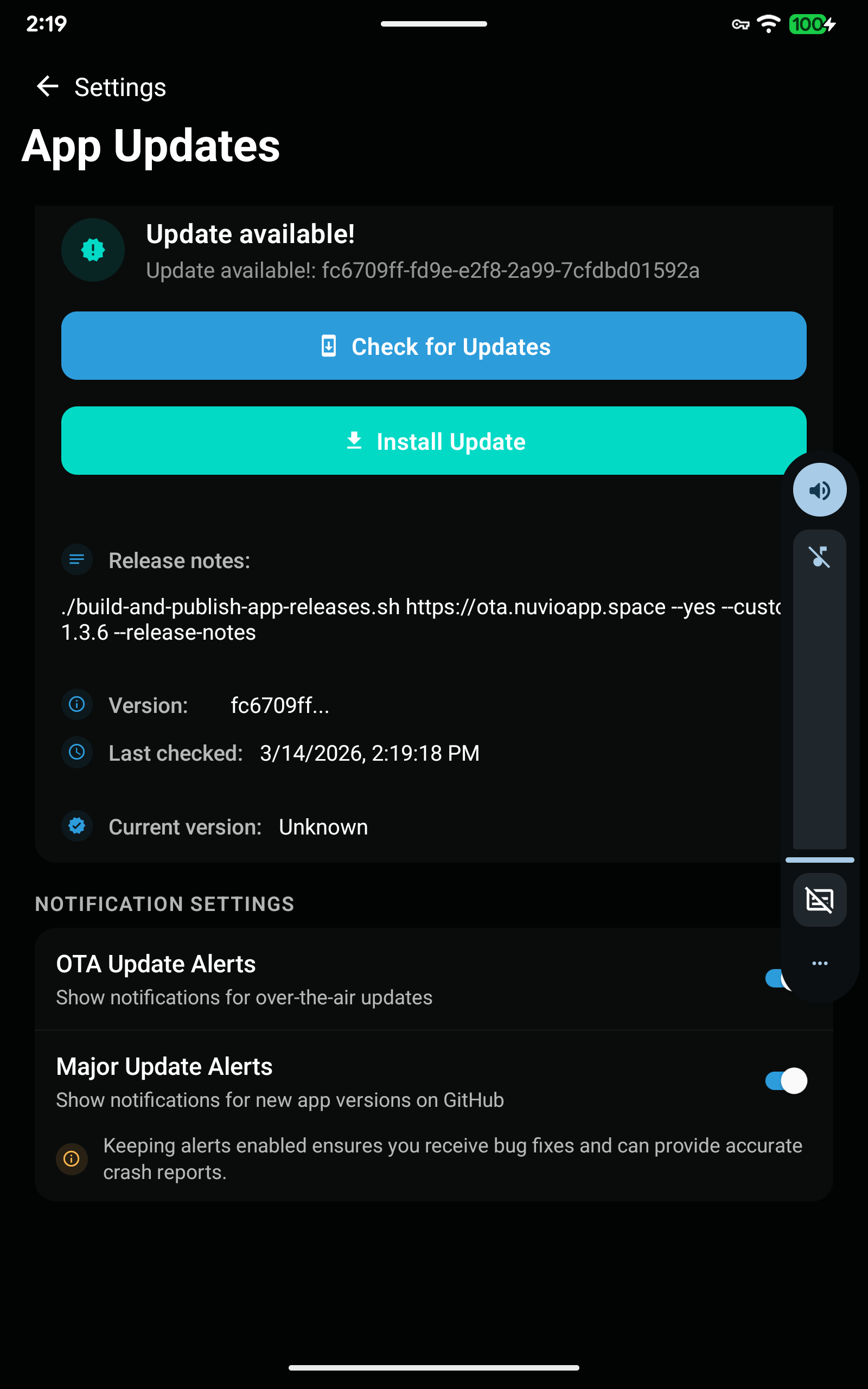
Got ya. The beta 0.4.19 for Tv boxes got released in past few hours.
I still have the 0.4.18 beta and checked for an update. Nothing yet. I hope they fixed the no seasons or episodes showing on a lot of Series.
Haven’t tested Nuvio enough to see those issues mentioned. Stremio working flawlessly so haven’t had a reason to use Nuvio.
Ya I had to go back to Stremio full time as the Nuvio isn’t useable on my Buzz at the moment. Although I do use the calendar on my tablet. I love that feature.
Nuvio 1.4.4 will no longer run on my Pixel. Opens then shuts down immediately.
Is that on the newest Android Release (1.4.4)? All seems to be working fine on my Samsung Galaxy S26 Ultra with thew newest update from today.
Does does it help if you clear Nuvio cache on your Pixel? If not, what about uninstalling / reinstalling the app?
I tried everything. No luck. Maybe uninstall is all that’s left.
Uninstall and reinstalled, logged back in and it just opens to a black screen. Force stopped, cleared cache and tried to restart. Flashes the diminishing rings then goes blank. No luck. Tried disconnecting VPN. Same thing. Seems to try and start then flashes the rings and shuts down to a black screen. The Beta is still working fine on my BuzzTV P6L.mexcept for the lack of seasons and episodes on some series in my library and tring to uninstall a seires it won’t uninstall, just adds another instance of it which will delete. And the wheels on the bus go round and round——-
Sorry to hear that!
As coincidence would have it, I just saw someone else post a bug report of the same issue within the Nuvio Discord Server. One person suggested to re-install, but with the addition of clearing data:
- uninstall Nuvio
- Download the latest release (1.4.4) from github
- Install version 1.4.4, and then clear Nuvio app data before opening it
Not sure if it’d make a difference, but maybe try that one more time along with the added step to clear data before opening it initially? Good luck!
I will try that. Well there isn’t any data to clear after an install. Works just fine without me logging in so far. As soon as I log into my my account I get the black screen and nothing works. It was full screen, I reduced the display and opened it, it then showed the display for a quick second or two, did that 4 times and caught the settings button which opened settings, I quickly went to the pull from cloud for setup and that worked. Everything is back working although I haven’t checked my library yet. Library is perfect with seasons and episodes being displayed unlike the beta.
I’ve had same issue torrentio links show up but you can’t click on any of them. Media fusion is all I can get to actually play