Some apps the old api has to be deleted before a new one will work .
Stremio is super temperamental with Torrentio, Torbox & Duck. I mess with VPN settings and various add ons come back and work. It’s always a VPN issue with my set up.
On KODI, Torbox and Torrentio work flawlessly at all times.
I don’t understand the technicalities of it but Stremio just takes more work to keep it working perfectly.
I have no idea why that would be but I disagree. I have Stremio and have had it for years, other than the odd time the torrentio addon has gone down, which is nothing to do with Stremio, it has worked flawlessly for me. I use DuckStreams every single day and it does take a lot of learning to configure properly, again nothing to do with Stremio, but since I’ve taken the time to learn how to set it up it has served me without issue every single day and there are lots of presets you can use to assist. Again, it isn’t Stremio that is the issue it’s the addons and their configuration. TorBox had issues and went down as did their API and they put out info explaining what happened and taking responsibility and even giving extra days to subs, again not Stremio’s fault. One issue, that a user I helped had, in DuckStreams was the fact that they had 11 different addons active and using them, not realizing that this contributed to issues with scraper conflicts because many addons were using the same sources to scrape resulting in constant attempts to establish connections with the same source thus slowing down the entire process, again not Stremio’s fault. The solution was to properly configure just 3 addons to scrape. So, for example, in DuckStreams I configure the Torrentio addon and enable all 3 of my Debrid services, and in the 2 other addons I use I do not add the debrid api keys as they aren’t needed and I limit the number of sources found and displayed to just 10 per resolution as you do not need any more than that. The list goes on and on for these solutions and my point is, none of this is Stremio’s fault it’s the configuration of addons like TorBox.
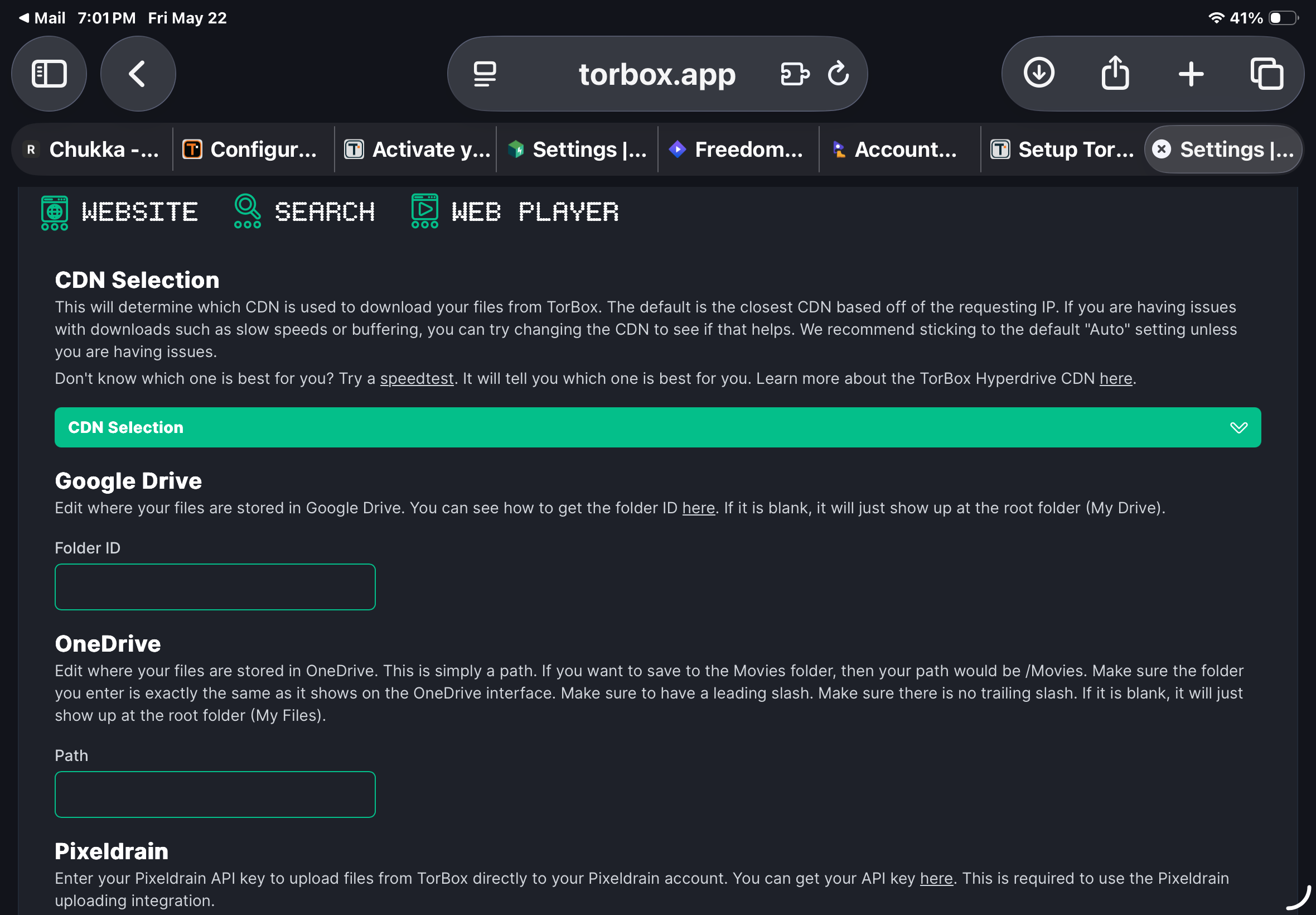
Within the TorBox Integration screen I do not see a Stremio Addon section from where I can get the manifest URL (i.e. at 11m 15s in the video). I see WebDAV and Discord Bot but Stremio Addon is missing for me.
Can you please advise on this ?
The addon has been discontinued. Add the API key into your addons to get sources.
Did you read my post above yours?
I could only post onetime first day. Saw that after posting, I am an old man trying to learn all of this.
This is probably a dumb question. Can I install TorBox if I still have a real-Debrid account ?
You can have as many different debrid subscriptions as there are suppliers. I have 3, but believe me when I tell you they all supply the same sources and you really don’t gain much having any more than 2 IMHO. I use TB and PM in any addons that accept api keys, and find anything I want to watch.
Thanks for answering.
I just lost my previously installed TorBox for Stremio while fooling with some settings. I understand the addon has been discontinued in TorBox for Stremio, so no" Manifest URL" to copy. So (excuse my ignorance please) what API key are you referring to be installed into the addons (in the Stremio Bootstrap I assume?). I entered the TorBox API Key into step 3 (Enter Debrid Key), but when I hit “Load Addons Preset” blue button, Tor doesn’t show up under the Customize Addons. So I can sync it to Stremio, but without Tor. What am I missing or doing wrong?
I had paid for a year of TorBox (yes I know its not that much), but I hate wasting it and loading something else.
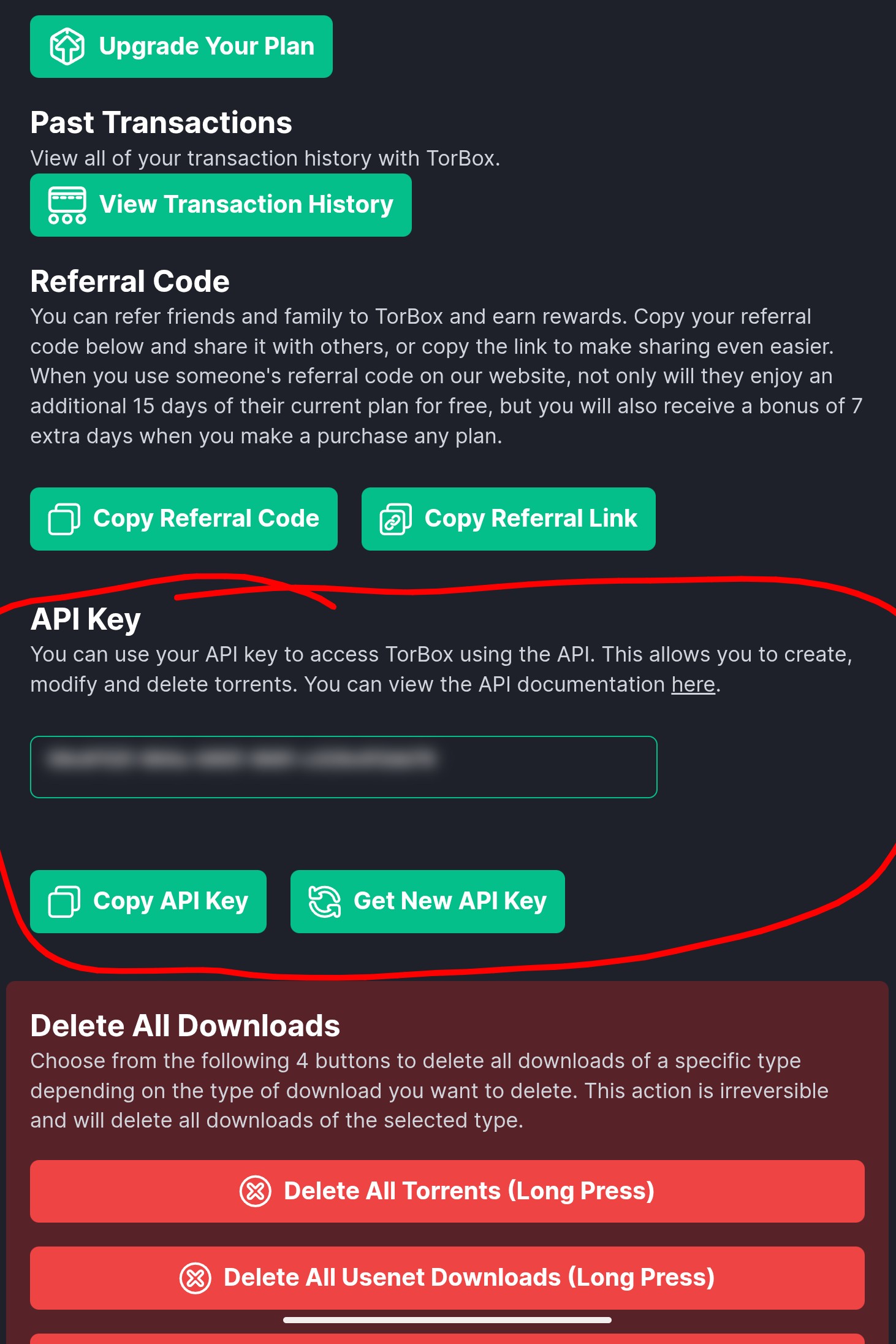
You won’t be copying the the Manifest URL into the ‘Custom addons field’ since the Torbox Addon has been discontinued. Hopefully @TROYPOINT can remove this from his tutorial as this can be confusing.
Yes, that the API Key I thought you’d be referring to, and that’s what I attempted to copy into the Stremio bootstrapper without success. Is there another place in Stremio that it can be entered into?
(By the way, thanks for the incredibly quick help!)
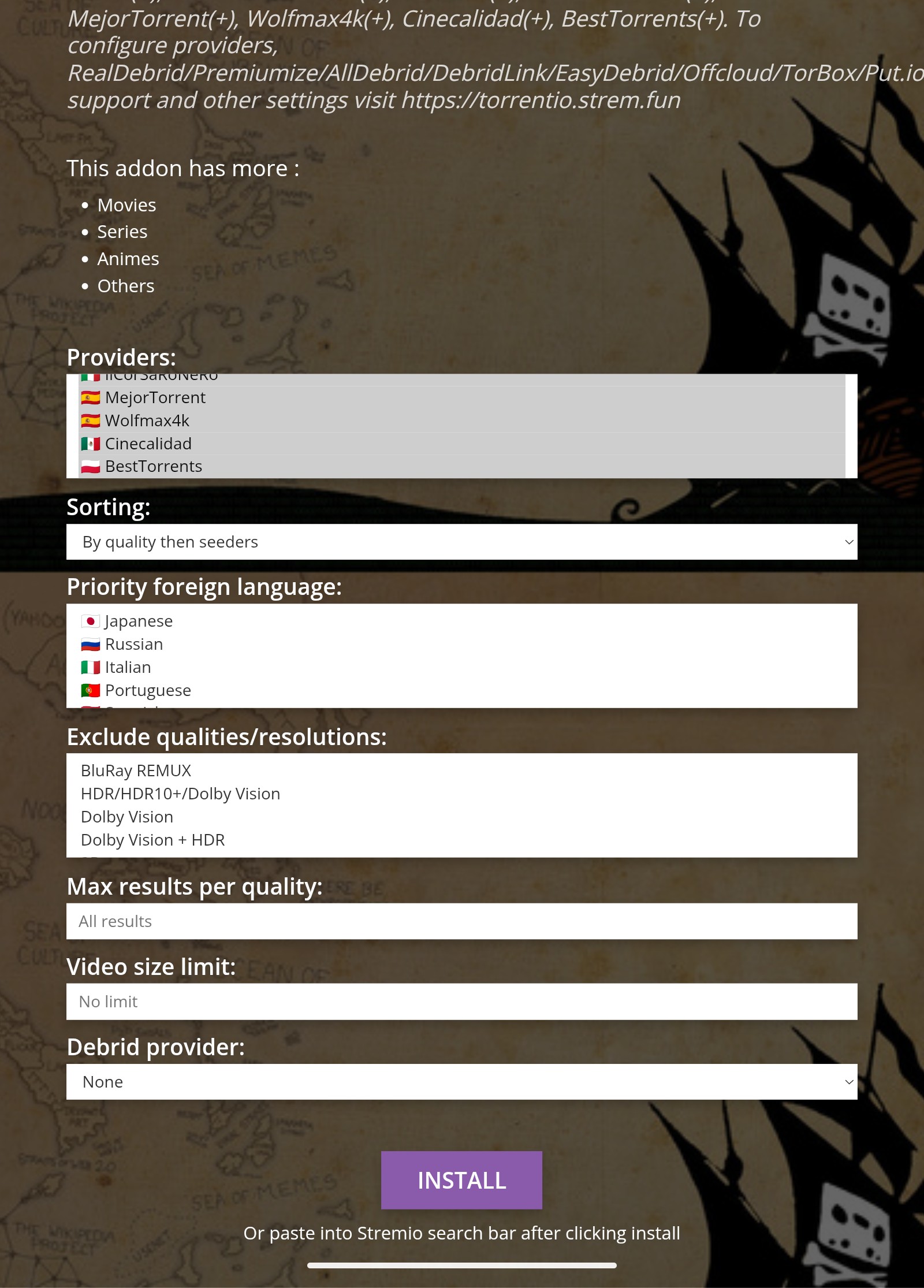
Every addon that takes debrid api keys has a place on its configuration panel to enter api keys. The following is the panel for Comet. Easy to see the debrid section. All addons have a config panel where you configure such things as languages, Resolutions, and on and on. The second one os for Torrentio. See the similarities. Very basic stuff, just need to do a few. They’re all pretty basic. Meteor is a little more advanced, but they’re re all pretty much the same.

I went into Comet in Stremio, and added TorBox as Debrid Service with its API Key, and also added Premiumized as a second Debrid Service. “Enabled Torrent Mode”, “Duplicate Streams” and “Scrape Debrid Account Torrents” left unchecked. I pressed “Install” (shows installed" and since there was no change in getting links that would play, went back and also pressed “Copy Link” (don’t know what it does, but I’m trying everything): no change in links working.
Then attempted to do same in Torrentio inside Stremio on my TV, but it will not let me scroll past the “Max Results Per Quality” box with my remote. The box with numbers to input comes up on the screen and blocks my scrolling, so I pulled it up on the web and input TorBox as Debrid provider, and the API key in the next line. Pressed “Install”, but nothing happens. What step am I missing? What information can I provide that might help guide me in the right direction?
Long press on the install then copy address, open Stremio, go into addons, in the search line paste the link you copied. Once you paste the .json in it should open an install page.
Hello Miki, I apologize that you answered my question yesterday, and I was not able to get to a computer until today. I did as you suggested: long press on the “Install” and got the JSON address. But the Stremio page itself doesn’t seem to show anywhere I can install “addons”. I can do it in the Stremio Bootstrap page under “Custom Addons”. I did that , but when I press “Load Preset addons” I get a message that says “Custom addon: Invalid Manifest URL”, and Tor fails to show in the add-ons list. I can go into Stremio on the tv, select the puzzle icon and then select the green “Add addon” button, that brings up a box for me to type in the JSON I obtained when I did the long press on the Torrentio page (the same shown in the picture you posted above), but typing it there and hitting “add” just comes back with an Error Link message. Can you tell what step I’m following wrong?