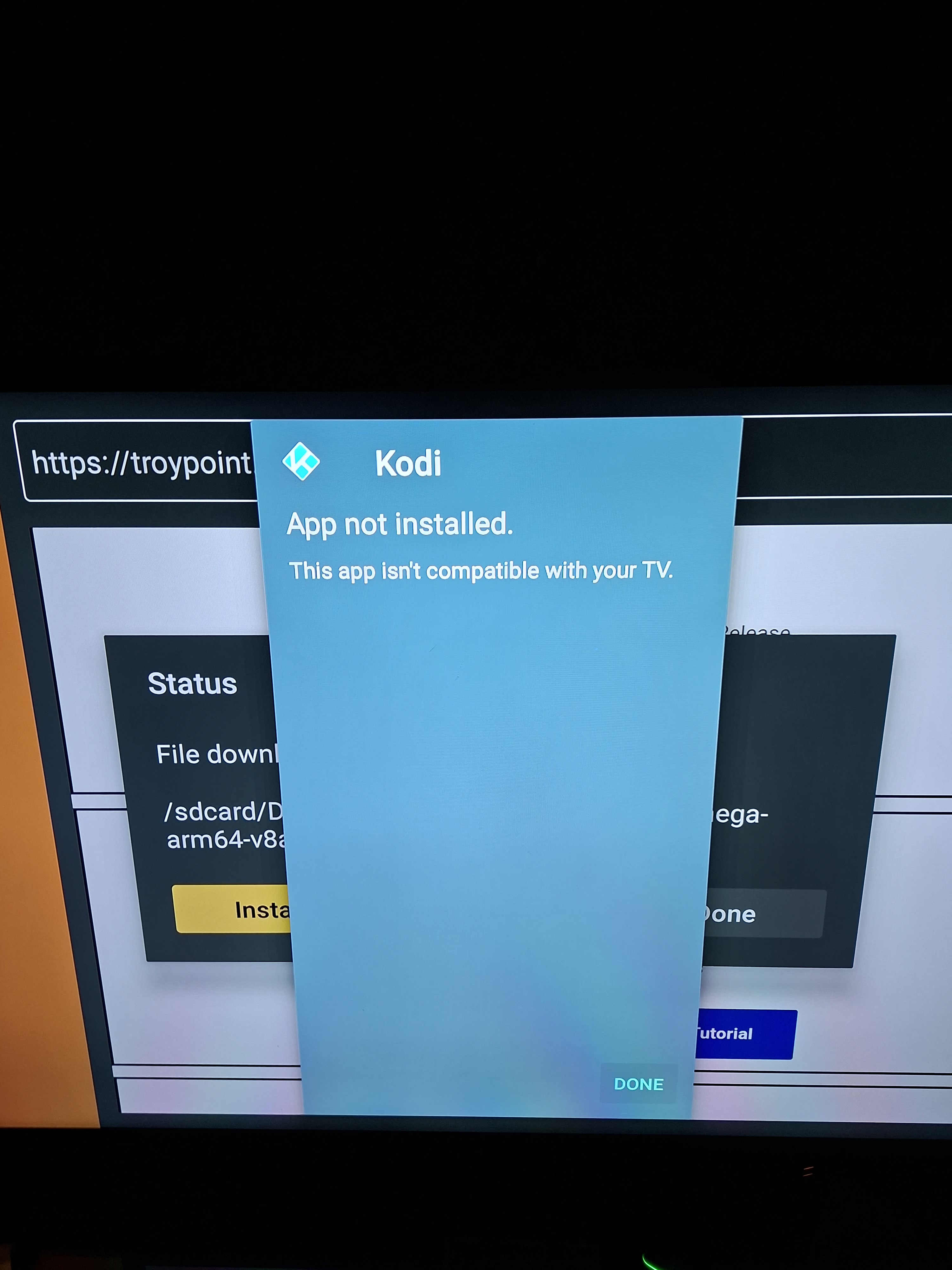
Is there a problem with kodi as I can’t seem to download kodi from the app anymore I uninstall the one I had last night cuz I was having problems nothing would load now I can’t install it again on firestick. I’ve installed one straight from the Google app on my Homatics Box R 4K . Also I can’t get any Premiumize links on FilmPlus even though I’m signed in
Sorry if I have posted this in the wrong place I’m not good with technology as you can tell
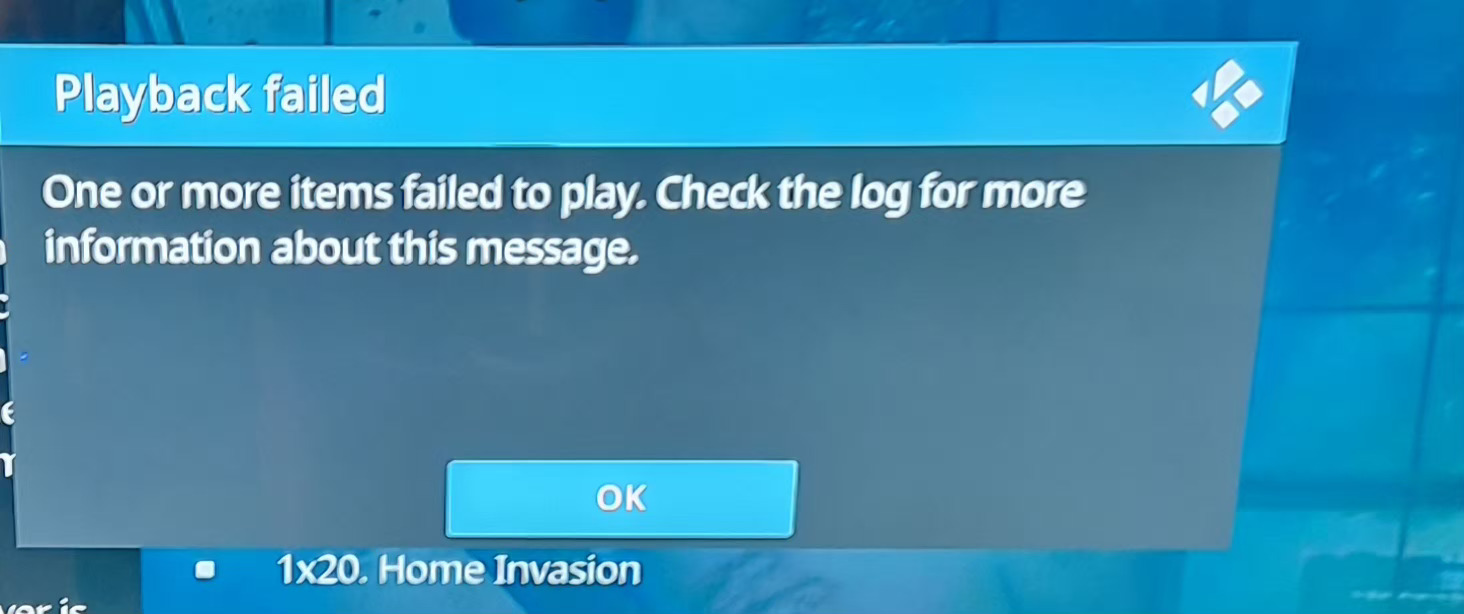
I’m not having any luck whatsoever when I try to open a link this is what I get it keeps happening all the time I have to keep tryinga couple of times for it to come on
Not sure why you are having an issue. I tested that episode and it played without issue on Umbrella with Premiumize. If I figured it out correctly it was episode 8 of season 1 from 2012. I wont say the name of the show but I think i hit the bullseye .
It may be a setting in Umbrella. I use a build and usually dont do too much altering fron the build setup.
How can I update it? Sorry for all the questions, mate—I’m still getting the hang of this, as you can probably tell! Any tips would be greatly appreciated.
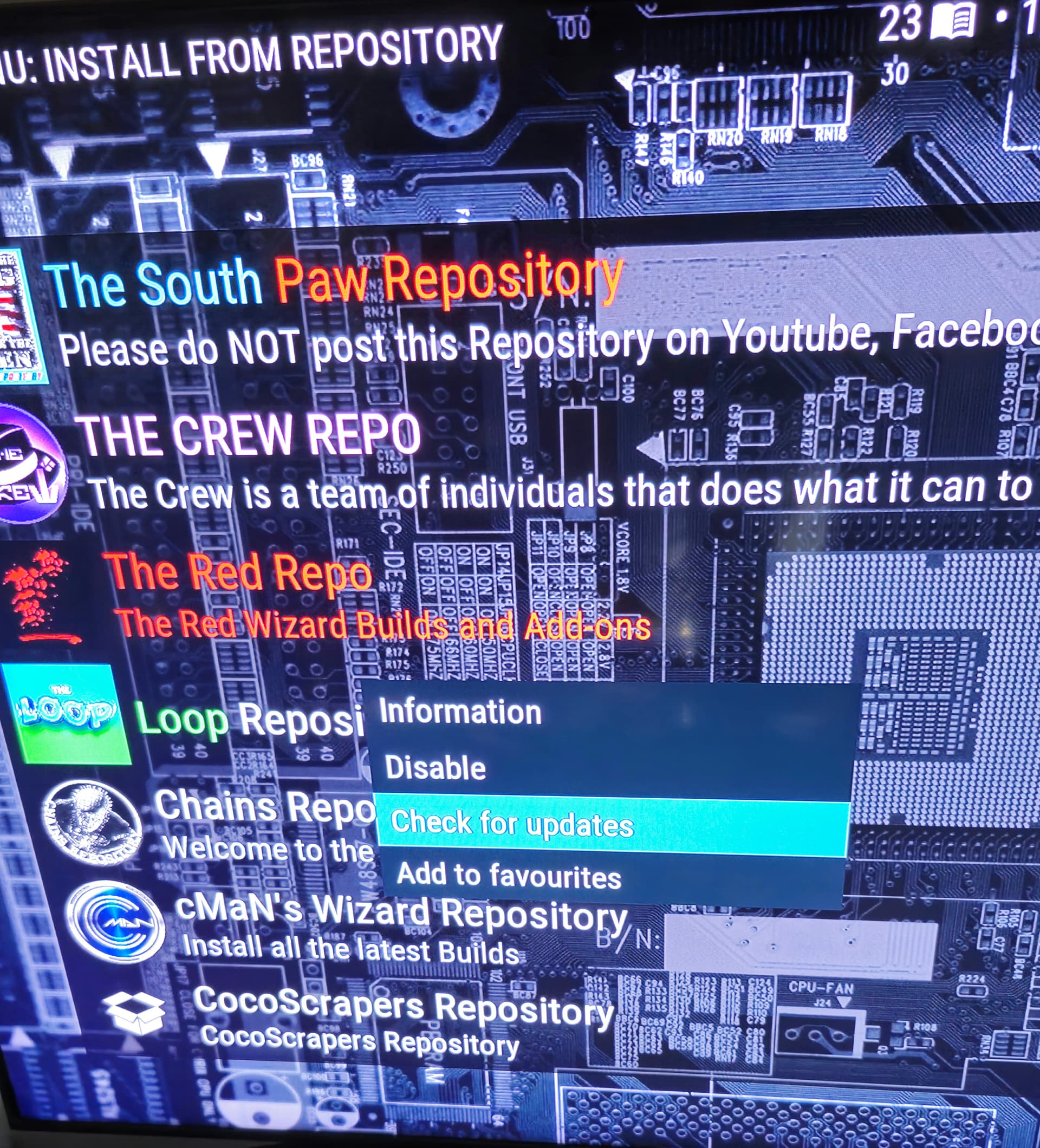
Click settings, then click add-ons, then click install from repository, find and highlight CocoScrapers Repository then click info or 3 little lines on your remote, this will open a dialog window, scroll to Check for updates and click it.
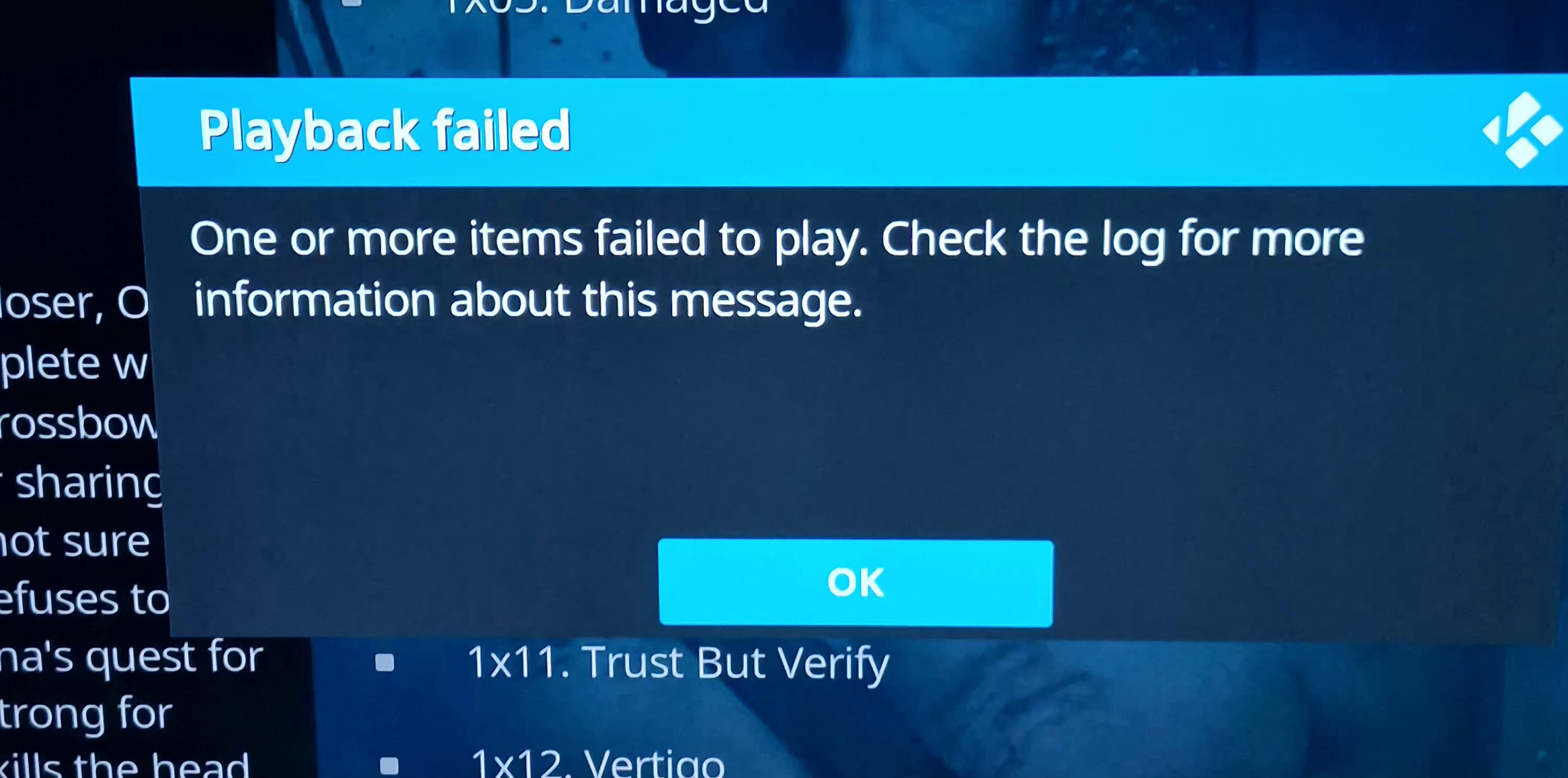
After updating, this is the new screen/error message that appears, but I’m still facing the same issues when clicking on links. I’ve already tried a full uninstall and reinstall, with no luck. What should I try next? Sorry about all this messing mate

 .
. Any tips would be greatly appreciated.