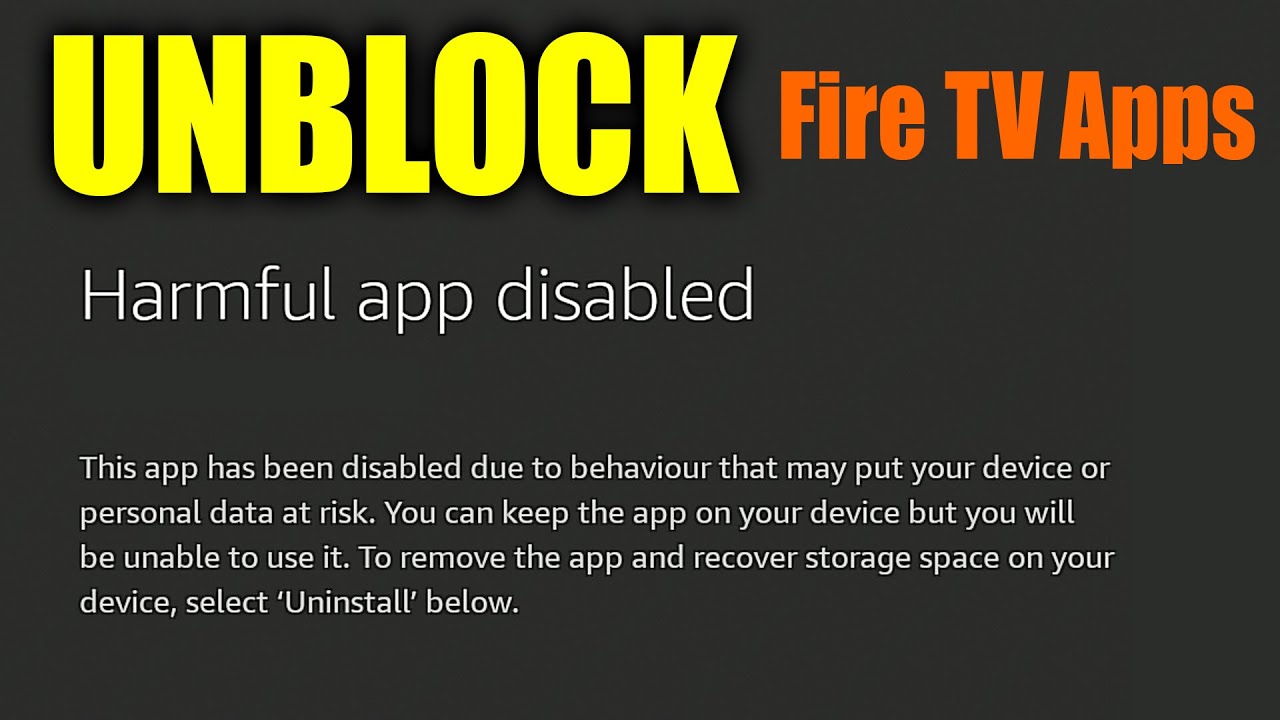
Hi I wanted to re-post this I did not see any interest in this but it has been working. I do not get this launch anyway screen on Cinema HD and other side loaded apps from Amazon. The only thing I have noticed is when I add shows to my watch list it will not add those shows to that watch list which sucks maybe something to do with syncing with those blocks. But as of me adding these URL blockers for updates I am still on the same version of update on my fire TV cube 3rd gen Fire OS 7707 (PS7707/5376 SO IF YOU HAVE NOT DONE THIS YET WOULD BE A GOOD TIME TO DO IT BEFORE THEY TAKE AWAY THAT LAUNCH ANYWAY. My original post was:
Hi guys I went into Google search for blocking Amazon fire TV updates and this is what I got.
I tried it and it worked on my router.
I know Troy has a video on YouTube with the hack that no longer works unless you buy a fire device without its updates on it.
I have a TP link AXE 5400 I believe AX21 model. I went into parental controls under home shield not paid and added these URLs listed below and then added the devices I wanted to add it to like firecube 3rd gen. Saved and checked for updates and it listed after checking now update error. After a while it cleared back to check for updates and did the same thing after checking. So this Hack will work on fire TV cube and probably all of their other devices so your apps will not be taken off and blocked by Amazon. I think they may find a new way who knows. But who the thought that Google would give me this information under AI Thanks Google. Cheers guys.
"AI Overview
To block Amazon Fire TV updates via your router’s settings, you should add the following URLs (domains) to your block list or use a service like Pi-Hole or AdGuard Home for network-wide DNS filtering: 
URLs to Block
Recently checking that search on Google they have a lot less URLs now I think they’ll have to be checked every so often in case some are added. By Amazon
softwareupdates.amazon.com
d1s31zyz7dcc2d.cloudfront.net
prod.ota-cloudfront.net
updates.amazon.com
amzdigital-a.akamaihd.net
amzdigitaldownloads.edgesuite.net
amazoneu-ota-prod.amazon.com (for EU region devices)
fota-secure-dn.amazon.com
firmware.amazon.com 
How to Implement the Block
Access your router settings: Log in to your router’s administration panel through a web browser. The exact process varies by manufacturer.
Find the filtering/blocking section: Look for settings related to “Access Restrictions,” “Website Filtering,” “Blocked Websites/URLs,” or “Parental Controls.”
Add the URLs: Enter the domains listed above into the blocking list. You may need to add them one by one. Ensure you block them using DNS filtering if your router supports it, as many consumer routers can’t block specific HTTPS addresses otherwise.
Apply and save: Save your changes and, if necessary, restart your router and the Fire TV device.
Verify the block: On your Fire TV, go to Settings > My Fire TV > About > Check for Updates. It should fail to find an update, display an error, or spin indefinitely. 
Note:
Blocking these URLs might also affect other Amazon services if you block broad domains like amazon.com. The list above is specific to update servers to minimize interference with other services like Prime Video.
If an update was already downloaded before you set up the blocks, it might still install. In this case, you may need to perform a factory reset without an internet connection initially and then apply the blocks.
An alternative method involves using a firewall app (like AdGuard or Rethink DNS) on the Fire TV device itself to block specific system apps related to updates (e.g., com.amazon.device.software.ota), which can be more reliable than router-level blocking in some cases. "
Google Search)%2C%20which%20can%20be%20more,-reliable%20than%20router
:Update Dec 16 2025
Yesterday Amazon forced a system update on my cube I don’t think they like it that I’ve blocked updates in my router.
Last few days system has been either locking up or losing internet connection while on my side loaded APK apps have to do a restart to restore everything. I kind of thought they would have another way to get into the system so I might end up just having to do an update take all those URLs off of my router and hope for the best I guess they still have the launch anyway but when that goes out I’ll be going over to my onn box that I haven’t used in a long time. Probably upgrade to the pro so I can control my TV and add any APKs I would like. For as long as that will last would probably be longer than Amazon streamers.
I’ve tried to resolve with cube but have no problem after restart and not using IPvanish or kill switch or cinema or Teatv
I think Amazon is just blocking me from using them after some period of time it is consistent these problems only with those apps and VPN. Hope I’ve helped