Yes, when I installed Stremio, all I got was paid links. I added a couple of community addons but it didn’t make any difference. What are the good addons for Stremio and how do we find them?
At least I got Seren working! Thanks for the link to the packages.
If you go into settings you will see adons. Click that, then it will take you to a long list for addons (community)from anime to sports,TV, even porn. Look through them and install any you want.
Thanks. Yes, I did that (Kickass torrents, pirate bay and a bunch of others) but still cant get anything but pay movie links. Which addons will get movies and TV series?
The addons that you installed will give you the movies and tv series. Now when you choose a movie and click on it you will see a list of sources on the right. The ones at the top are paid but the free ones are below that. You have to scroll down. Move your selection to the right to highlight a source like the pay one then click down to scroll to free ones
All good. You should have seen me getting frustrated with TiViMate until I was taught how to access the menu. Lol. Seems like just yesterday but more like a month ago.
So I see where the free stuff comes up and they do play very well. However, not that many compared to others especially Kodi. So it’s OK. How do you control the movies such as pause and such? There are no controls to do such on mine at least. Thanks
OK, Installed Stremio and searched for the Torrentio package but all that came up was Torrentio Brazil and Torrentio Lite. I’ve installed Torrentio Light and am getting a small number of streams but don’t see many settings to adjust (it comes “preconfigured”)? Is there a regular Torrentio?
EDIT: Also, how the heck do you install RealDebrid with Torrentio on a firestick?
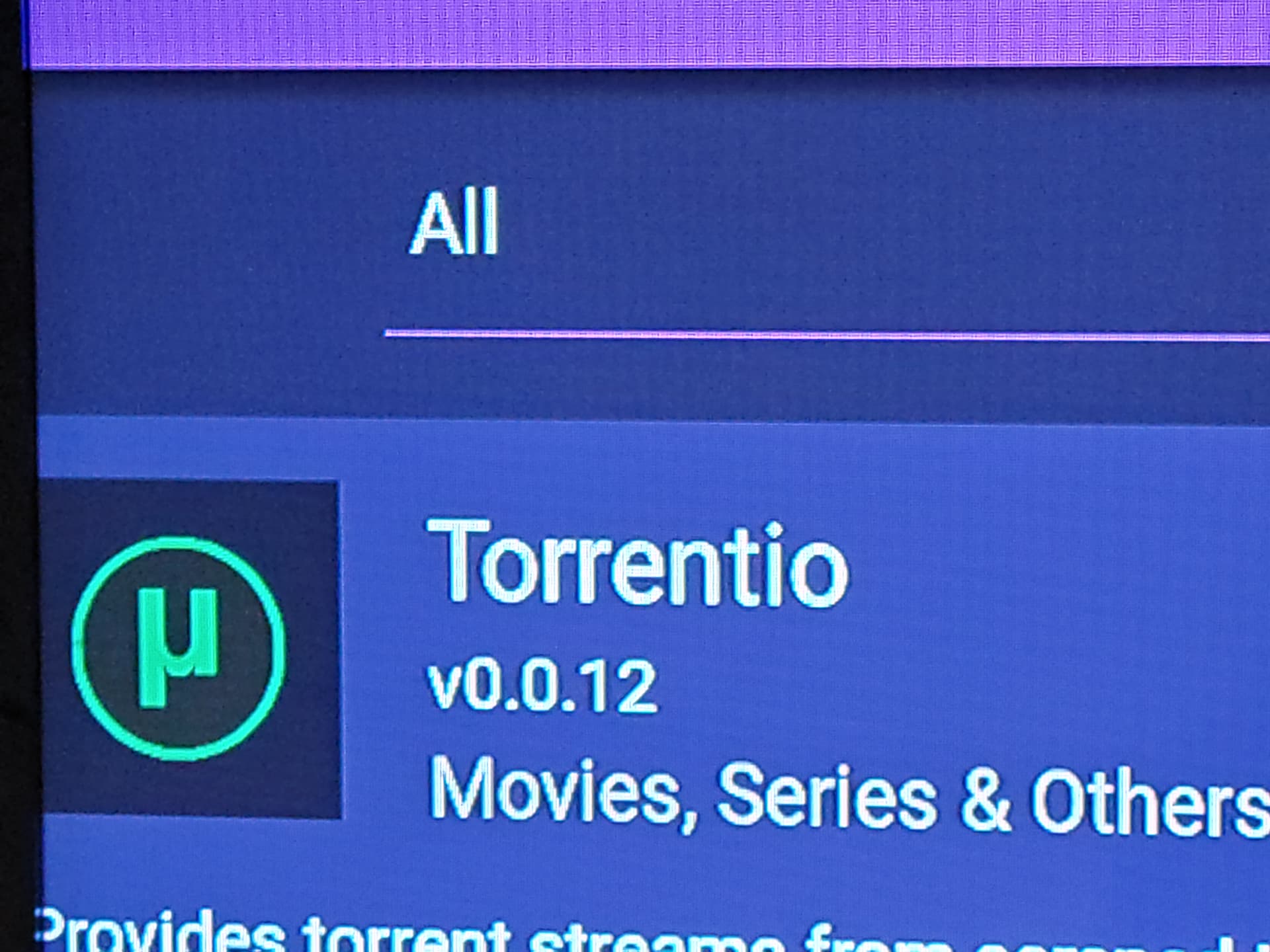
In Add-ons>All/Community, Torrentio v0.0.12 is literally the very first add-on in the list. Click the gear icon on the left and folliw the on screen prompts. Your Silk browser should open to torrentio.strem.fun/configure
Fill out the form, when you click on providers choose Real Debrid, you will then get another option for a link to obtain an API code. Copy and paste it or write it all down and enter it. Make sure you have your vpn off while getting the API key or you will get a warning. That’s pretty much it.
Nope, not there. (a couple of Anime packages are first and its nowhere on the list, even when I search).
Also, on the firestick interface, web access is awful. I can get to the RD key but half of it is obscured and there’s no way to see the entire key. Anyone able to describe how to do this with a firestick/silk browser?
I used to use TeaTV and it was good. But about 6 months ago, they started forcing you to install their video player which was riddled with adds. Same with BeeTV.