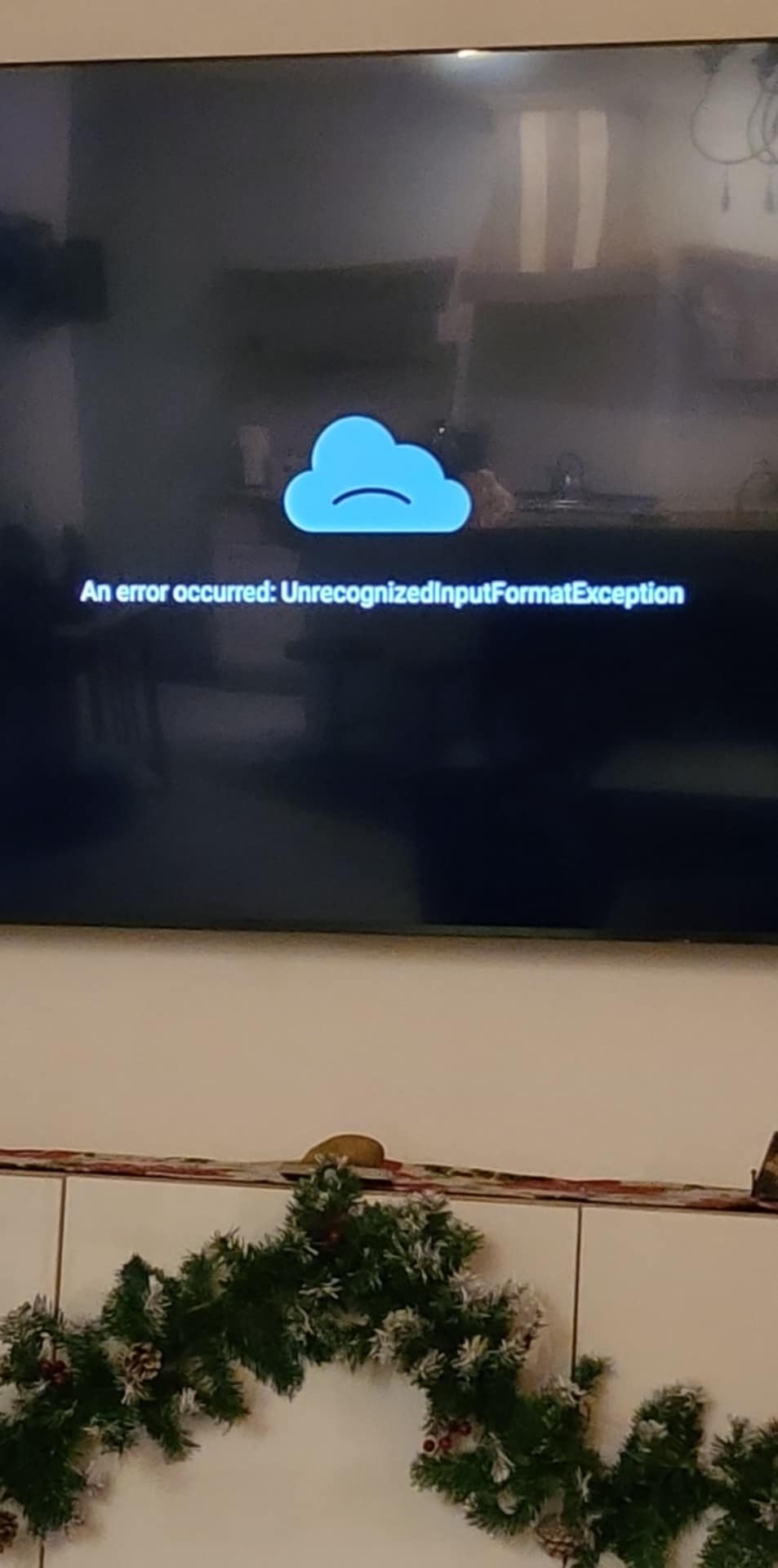
Any ideas?
The message says what the problem is. The input format is not recognized by your system. Could be a number of issues. Unfortunately you don’t provide anything to go on. When does this happen? What app? What device? And so on. Give us a detailed description of what you did to get this and did you try anything like using an external player like VLC? More details and we can perhaps give solutions.
Sorry Miki,
The application is Tivimate the device is google onn.
Selected channels.
This could be one of several things:
The stream format is unsupported by ExoPlayer (TiviMate’s default player). Use an external player.
Or
The issue is on the provider’s end. Have you tested with another application?
Or
The issue is on your end. You may need to perform maintenance: force close the application, clear the cache, and reboot your device and router/modem.
Or
Are you using the latest application version?
1 Like
Thanks
Have you tried simply changing the city/country that your VPN Is connected to? That usually works for me when I get this message.
Thanks for the help
Provider just gave me a different m3u playlist
3 Likes