Can’t install Kodi on PC. Can only get to point where I need to install a Build. Then when I try to install a Build, I get Message " Not connected to network ". What’s going on?
You install kodi frist then a build. You also may have done something incorrectly.
Try reviewing this:
Start over if needed.
I have recently purchased a cheap china android tv box running android 14 off of Amazon that has perplexing issue that has me baffled.
Any time I try to install the Kodi application, it tells me the installation has failed. “Installation failed as the package appears to be invalid”.
Now this box comes with the most up to date version of Kodi already pre-installed. But I want the option to either be able to install previous versions of Kodi, beta version or pre-releases, and also forks. This box makes me feel like I am stuck with Kodi version 21.3 forever.
I have already tried uninstalling the existing Kodi application and installing from various play stores or the Kodi website itself. I even tried installing the apk file using ADB debugging but even that was saying the installation was invalid.
I noticed in the file explorer that some of the applications that came pre-installed on this device were installed using ADB shell and of course the pre-existing Kodi app was one of them.
Anybody else have any experience with this issue and know how to bypass this “invalid package” error?
Have you turned off “Play Protect” or whatever equivalent setting your box has?
Before my ONN i had a few T95Z Plus boxes. Those cheap China boxes usually come with KODI preloaded but better off uninstalling that and getting 21.3 from the Troypoint Toolbox. If you go into apps you should be able to see KODI and then uninstall it
Play protect is certainly off
Yeah I can uninstall the pre-installed Kodi application but it doesn’t let me reinstall or update the application from anywhere.
I’ve tried the toolbox, unlinked stores, Aptoide tv, and even the kodi website itself.
Anytime I try to install the 32 bit version of kodi it says the installation fails due to the package being invalid.
I know that some AOSP boxes require a little extra effort installation wise but this one seems to not cooperate at all.
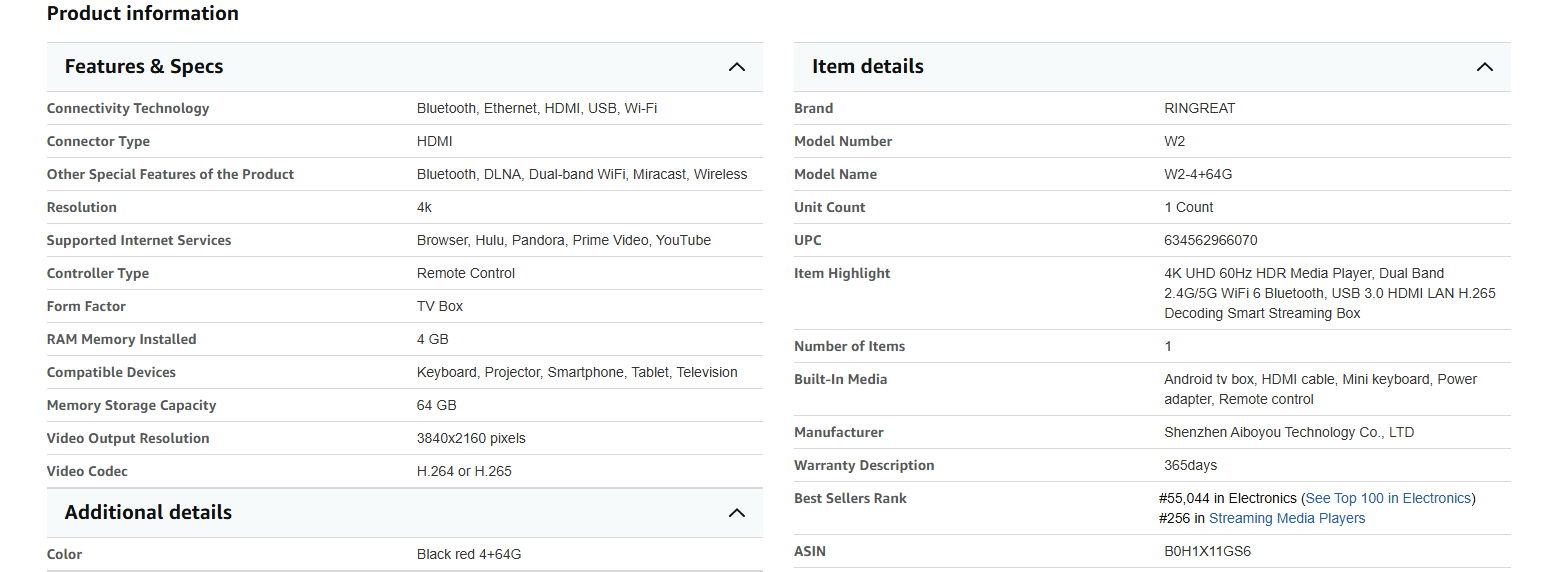
What is the exact model of the box you got? With a make and model it’s much easier to search back channels for solutions if there are any.
Here is a screenshot of the product information @Miki
It’s just a cheap china android tv box. Has android 14 tv OS. It leaves me scratching my head why a Kodi installation package appears invalid?
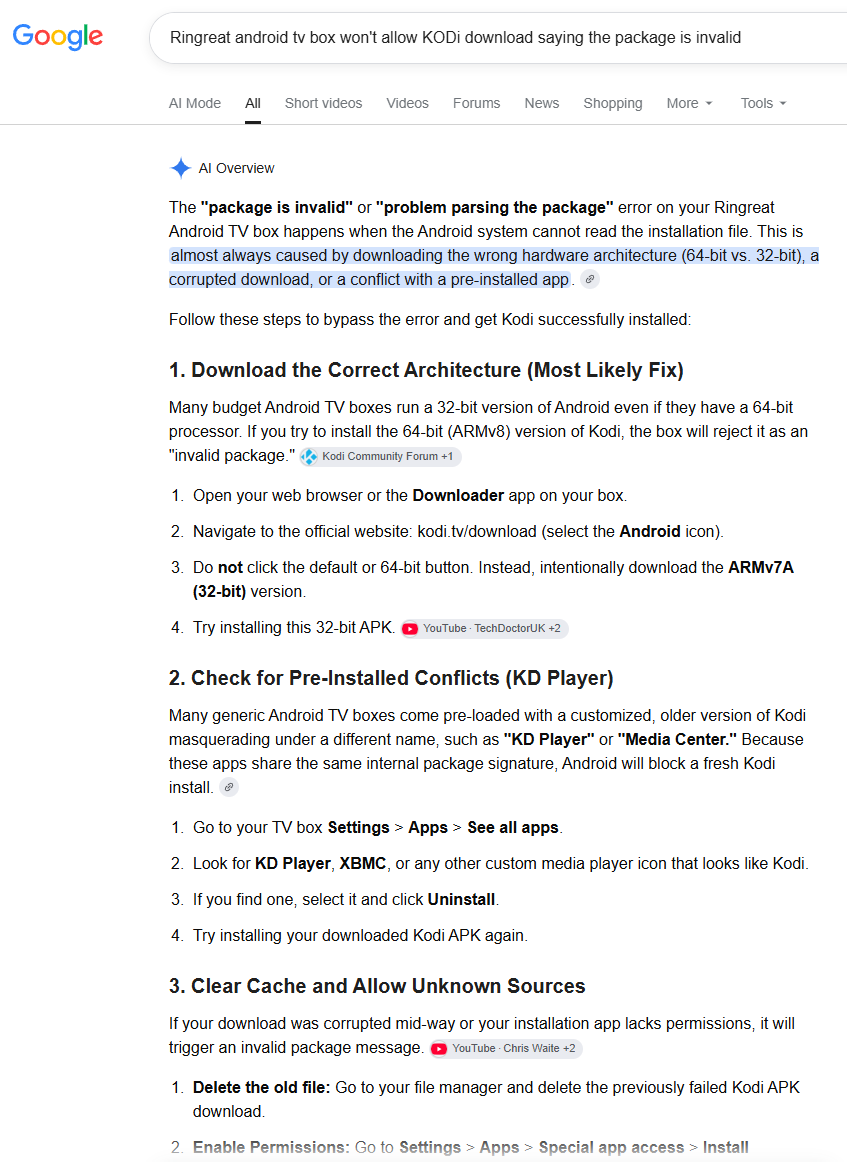
I really think it is a conflict with another app that comes pre-installed on the device. It has another media player application that cannot be uninstalled when I go into the settings.
@Matteos and others…Would those pre-installed apps, including the Kodi, reappear if you just did a factory reset?
@elginherd Yes all the applications come back when I do a factory reset on the device.