Has anybody tried using this program on their box? It sounds like it’s got a lot of useful tools and options added in, much more than the normal button remapper.
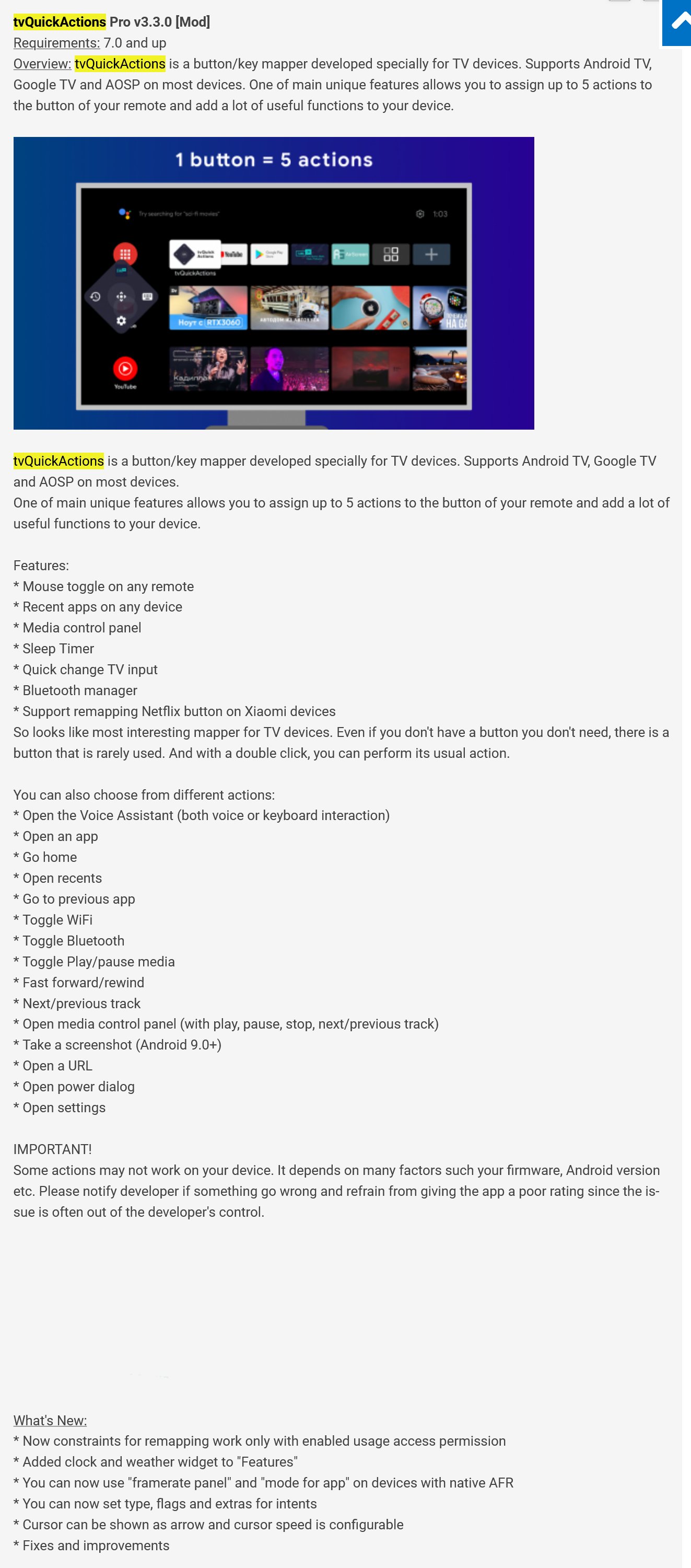
Troy goes into quite a bit of detail about this app in his “Supercharge the Star Button” video. It does map buttons (similar to Button Mapper), but I was shocked to see how much else that this app does for $3.99. These types of unique apps continue to make cord-cutting such a fun hobby. Troy may be able to do a whole video just on the features in the app, not just for button mapping. Thanks for the great find @Tech2 and @TROYPOINT for explaining how it works and how to set it up properly in his video.
I may be crazy…but I believe I used TVQuickAction to resize the screen on my Samsung TV. I have a new ONN Plus box and I need to resize the screen again.
Can the expert base here give me some help and direction?
Thanks!
MJ
I found the video thanks to Miki relocating my question to the proper topic group.
Thank you Miki!
Ok, bear with me here, noob looking at adding the Pro version of this app to my AM9, Onn Pro and Onn Plus. So the question is, do I need to buy the app for each of our three Google boxes? I’ve never bought any apps from the Play Store.
I bought it and I’ve installed it on 4 different onn boxes without being blocked or anything.
Hey @JerryJ ….this is straight from the dev….i found his email in the comments of the app on the Play Store….he actually answered me in less that an hour !!
tv Dev
| 8:26 AM (53 minutes ago) | ||
|---|---|---|
| undefined | ---- |
| to me |  |
|---|
Hi
I am not sure if there is any limitation on count of installs, if it is a question for Play Store, because it doesn’t have. You can use the app on any device with your Google account
Thank you so much for the info, my friend! I appreciate it.
Hey @JerryJ ….I was just watching @TROYPOINT’s vid about using this app for the Onn 4k Pro an he says you can use it on all your devices as well….
@itzme thank you for that info! I must have missed that, in the tutorial. Originally. I thought Troy was using the non-Pro version. So I loaded the non-Pro and found that the ADB setting is not available on the free version. I’m assuming that’s why it wouldn’t work for me. I just want to program the OK (double tap) for pause/play and Up arrow and Down arrow for FF and rewind.
I don’t mind paying for it, but I have the Onn Box setup with a burner account. Can I backup the APK to use on another Onn Box.
@SimonTemplar, I can’t answer as I’m not sure, but that has been discussed here, try searching for it.
From what I was told by the devoper, if you pay for the app you would be able to use it on multiple devices as long as they set up on the same account. So I went ahead and paid for it and the Play Store loaded it on my AM9. When I tried to load it on my ONN Pro the Play Store wanted me to pay for it again.
But to answer your question, I am fairly certain that the app is only good for the account you originally set it up for. Unfortunately, not so in my experience even with the same account.